











PROBLEM

Slipped tasks mean slipped deals

Most deals don’t die by bad pitches, they die by missed tasks.

SOLUTION

Capture, create, and complete tasks in one click.

Instead of making a to-do list, Sybill actually handles tasks for you… follow-up emails, scheduling, collateral, and reports, done in one click.

Here’s how it works:

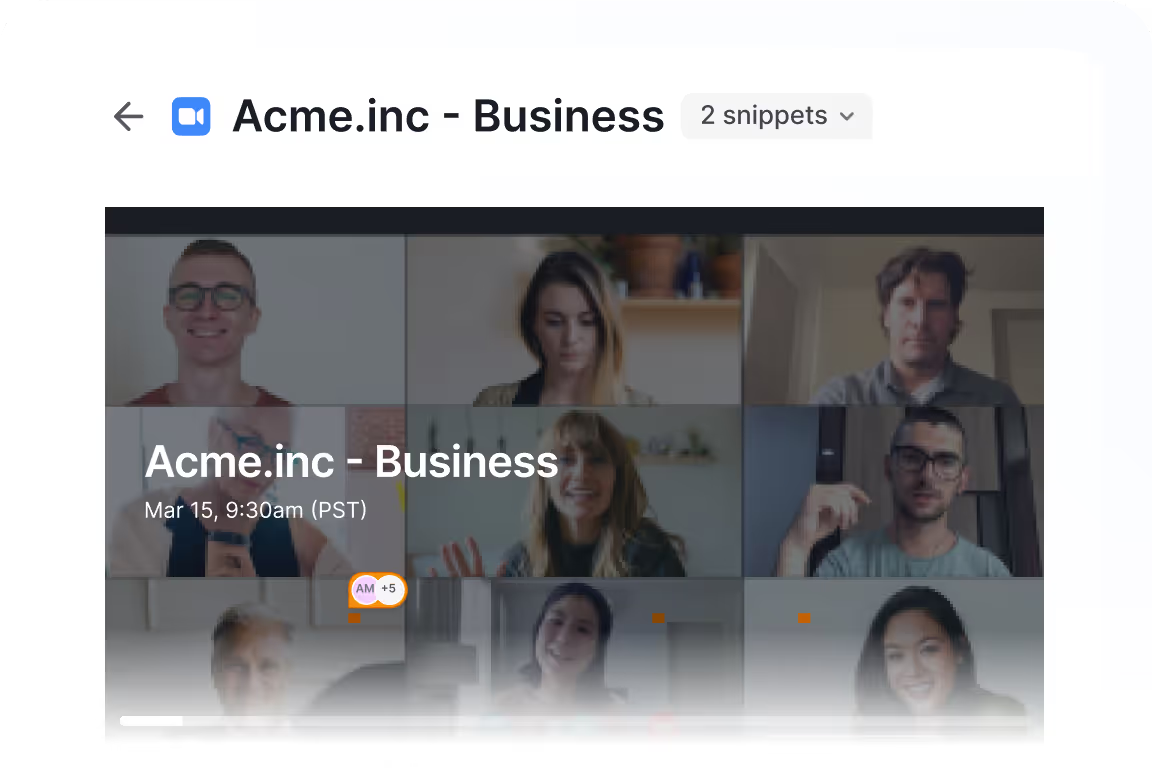
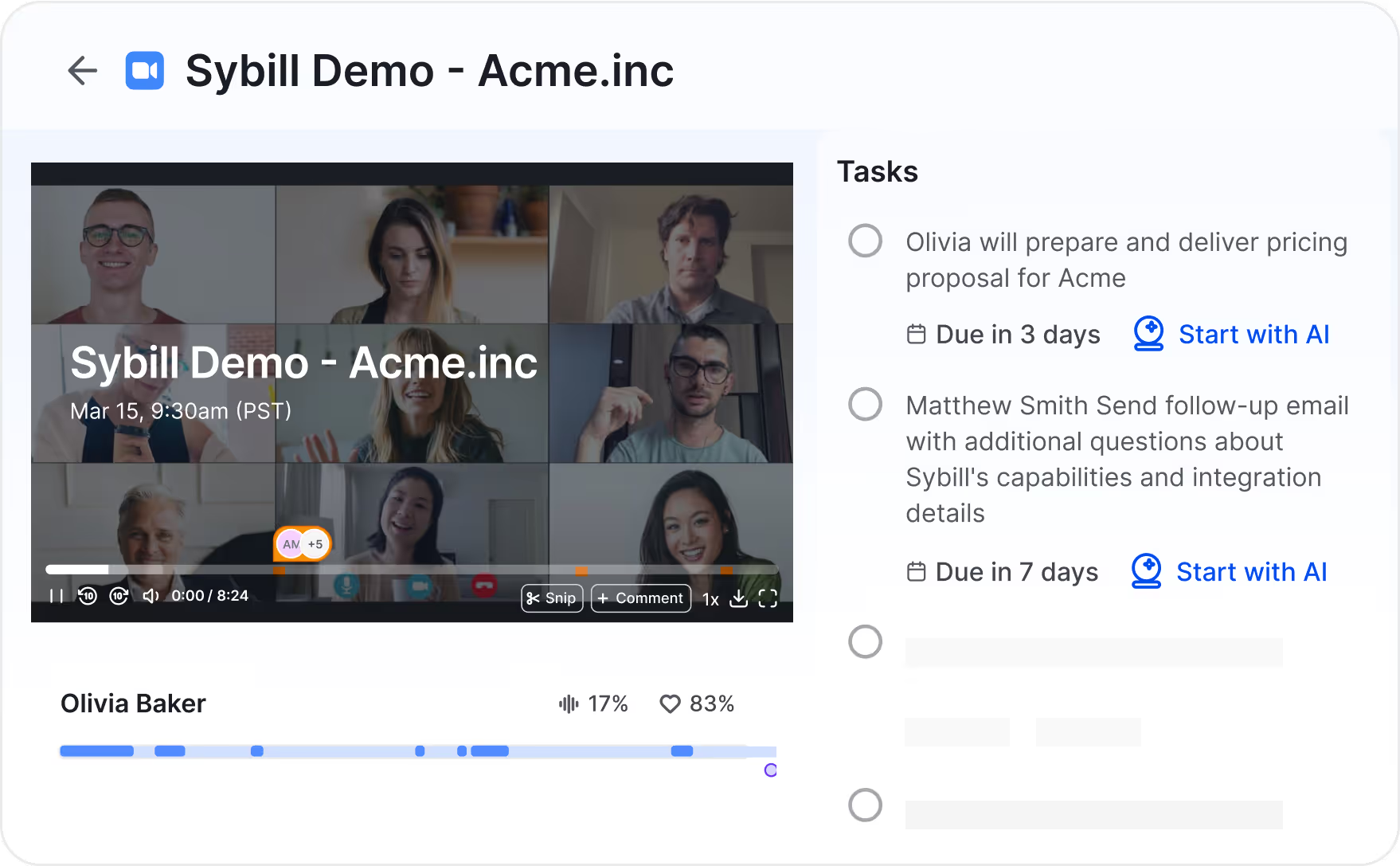
1

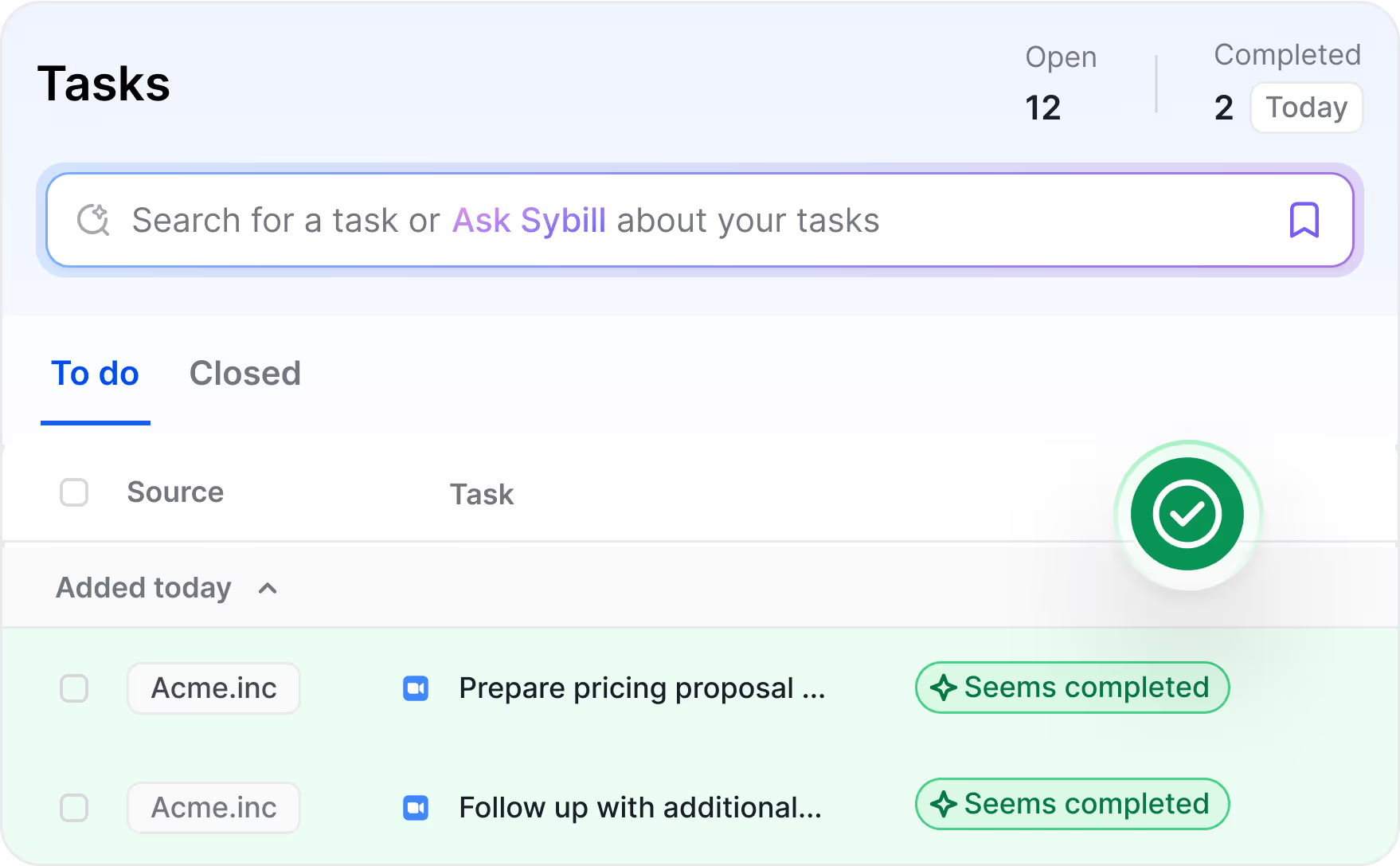
Sybill picks up on to-dos from your calls

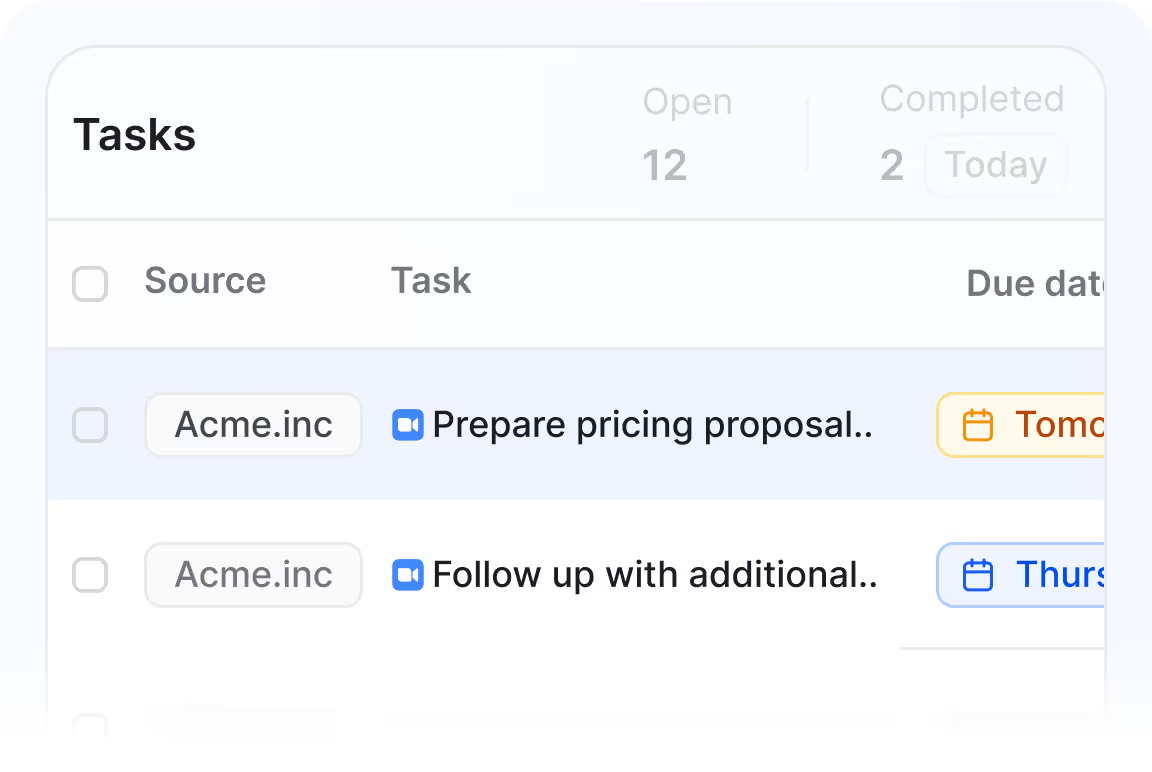
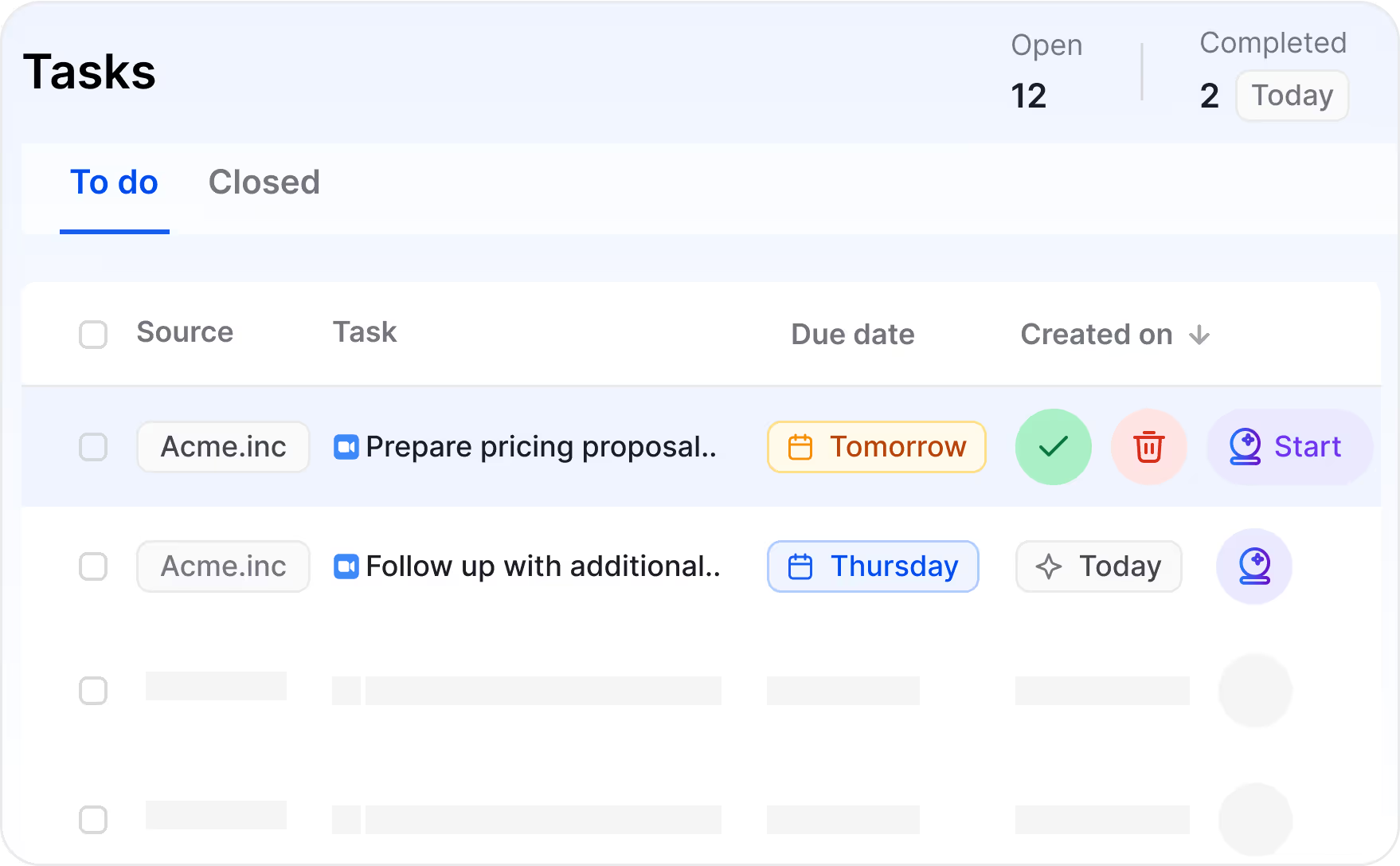
2

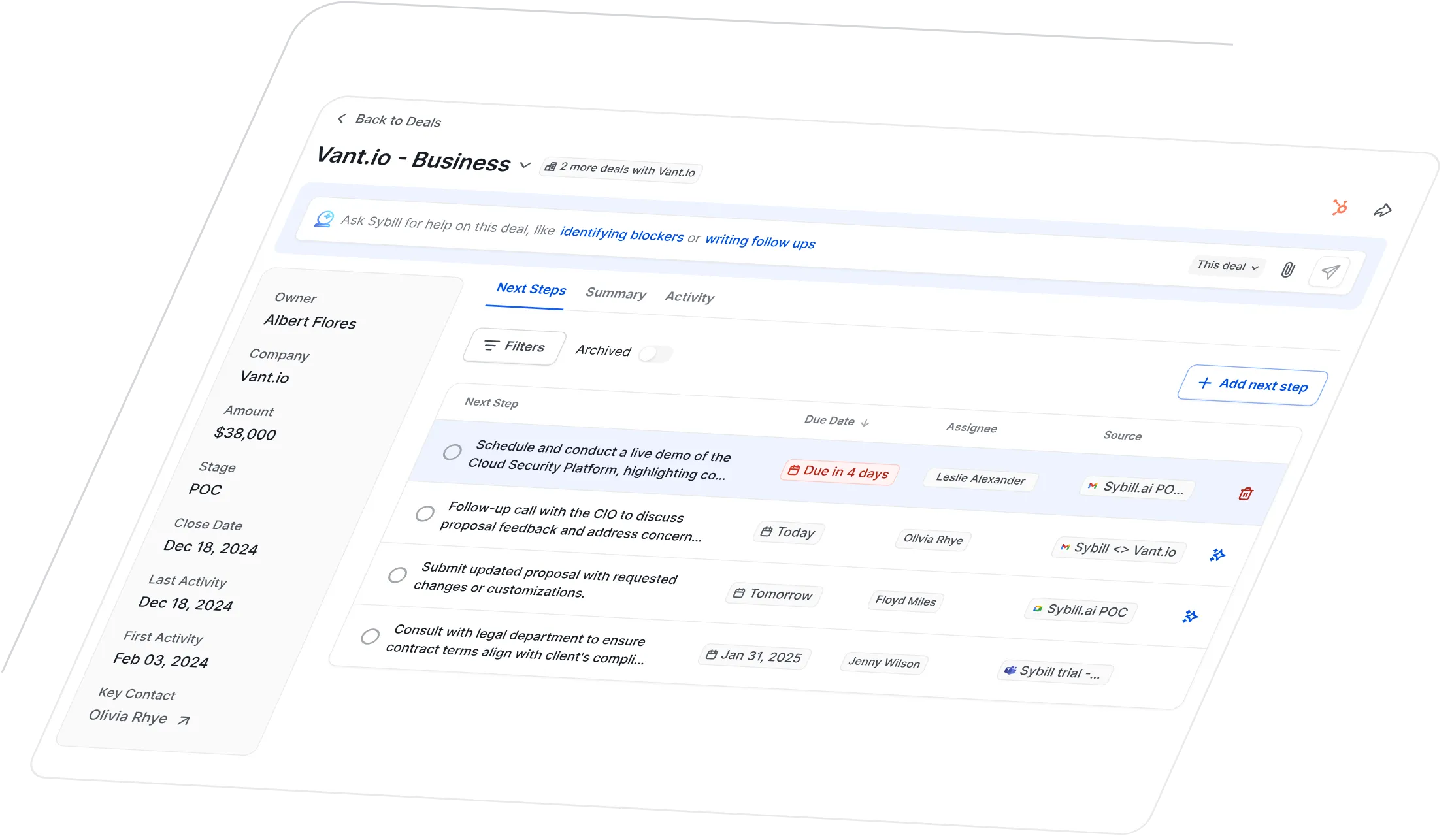
To-dos get pulled into one prioritized task list

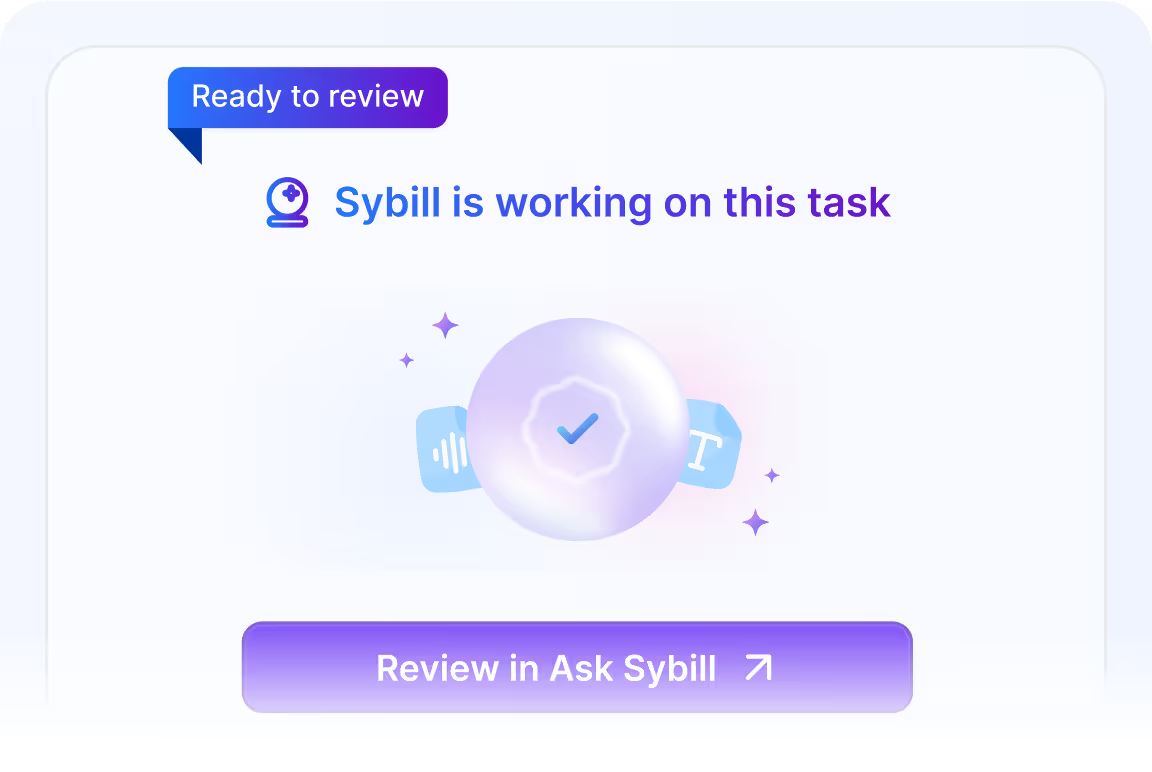
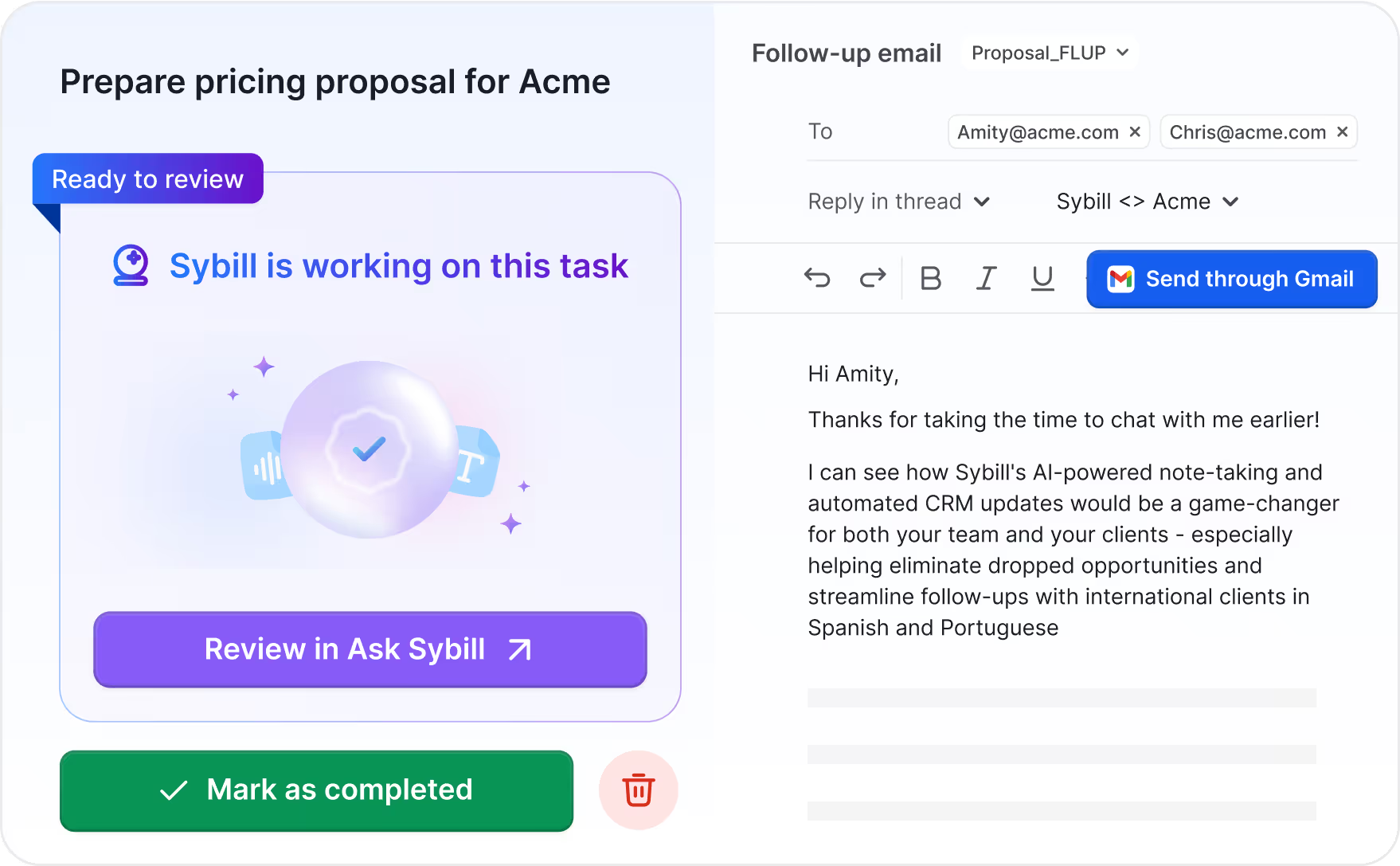
3

Sybill executes tasks in one click

"After back-to-back meetings, I literally let Sybill write my follow-up email – I just added the attachment, hit send, and moved on to the next one. Wow. It was exactly as easy as we’ve been saying it should be for the last 10 years."

"After back-to-back meetings, I literally let Sybill write my follow-up email – I just added the attachment, hit send, and moved on to the next one. Wow. It was exactly as easy as we’ve been saying it should be for the last 10 years."

Linday Rios

Fractional CRO at Luminetics

Go from to-do list to done list.

Sybill is like a personal assistant that never forgets, helps you focus, knocks out admin work, and clears your mental clutter.

Never forget a prospect promise.

No more mental juggling on calls. Sybill will recognize and remember tasks so you don’t have to.

Learn More

Get one place for your to-dos.

See all your tasks, sort them by deal or urgency, or hit “start” to put Sybill to work.

Learn More

Sybill does your busywork, you approve it.

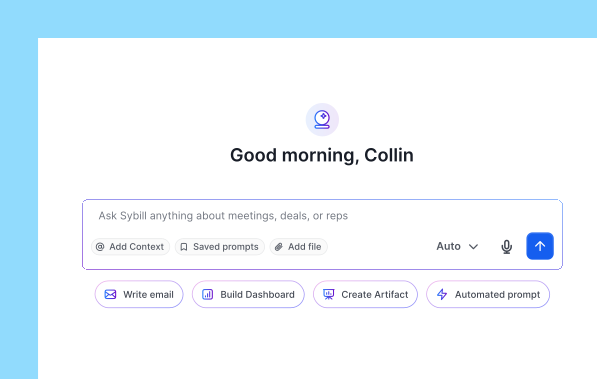
Sybill can handle follow-up emails, call scheduling, collateral, reports, and more. Just ask and approve.

Learn More

Stop asking “didn’t I do that already?”

Task lists tend to pile up. That’s why Sybill recognizes tasks you’ve already completed and takes them off your plate.

Learn More

What Sybill can handle for you

Sybill takes care of all your “I’ll do that after this meeting” tasks.

Frequently Asked Questions

Where does Sybill pull tasks from?

Today, Sybill recognizes and captures task from your calls. Soon, Sybill will populate tasks from your integrated CRM and email as well.

Where can I see my tasks?

You can see all of your assigned tasks in the Tasks page, found in the left navigation. From that page, you can filter, group, edit, and complete your assigned tasks. You’ll also see meeting-specific tasks in your meeting summaries and deal-specific tasks in your deal summaries.

Can Sybill send emails for me?

Almost. Sybill connects to your email provider so you can build emails in Sybill and open them in your email app.

Can Sybill create calendar events for me?

Yes. Sybill builds calendar invites for you that will open in your integrated calendar tool. Sybill populates details that were discussed on that call (such as attendees and time) .

How does Sybill know a task is complete?

Sybill scans your CRM, calendar, and email history to identify where a task may have already been completed. If it looks like the task was done, Sybill will mark a task with a “Seems Completed” tag.

Does Sybill archive old tasks?

Yes. If a task hasn’t been completed within 14 days, Sybill will assume it’s no longer relevant and moves it to your closed tasks.

What task tools does Sybill integrate with?

Sybill integrates with your CRM (Hubspot, Salesforce, Zoho, or Dynamics 365). While Sybill  but connect to project management tools like Asana or Jira, some customers have built connections to these tools using Zapier.

Can I see other people’s tasks or assign tasks to other team members?

Sybill lets you view tasks assigned to you, tasks shared between you and a team member, and tasks assigned to a team member based on whether or not that task is private. You can also add assignees or reassign tasks to other users. Shared tasks are marked complete for all users whenever a single user complete it.

wall of love

The best sell better with Sybill

Jeremy Sugden

Account Executive @ Quandri

The Ask Sybill feature is just crazy good. I ask, ‘Who did we lose a couple of months ago due to lack of a feature? Would it make sense to reach out again?’ And I’ve actually reopened a few deals this way. Product updates closed the gaps but Sybill helped me pick those threads back up and say, ‘Hey, want to revisit this conversation?'

Our favorite things in Sybill

Ask Sybill

Jeffrey Galbraith

VP Sales @ Smartcat

Sybill has enabled me to be a leader that makes my reps better humans and sellers. It’s become very essential to how I lead. I no longer spend 90% of 1:1s chasing CRM updates; now I coach. If it disappeared, my team and I’d be in big trouble.

Our favorite things in Sybill

Coaching

Darren Gooding

Account Executive @ Sopro

The AI in Sybill has made it so easy to get what I need. I won a deal by asking Sybill to give me quotes from 100+ calls about the cons of using a competitor tool. My CRM notes went from terrible to perfect. I’ve always had great ideas but with Sybill I'm a top performer by 30 deals. It’s 100% transformed my career.

Our favorite things in Sybill

Email follow-ups

Xan Mclaughlin

Enterprise AE @ Workspan

Workspan

Sybill takes a ton of admin work off my plate, and the level of detail is better than what I’d write myself. It just connects to Salesforce and handles every deal entry and update. I’ve saved so much time with follow-up emails, picking up where someone left off to responding to people I’ve never spoken to, all with Sybill's help.

Our favorite things in Sybill

CRM Autofill

Nishil Patel

Account Executive @ Drata

I pay for Sybill out of my own pocket. That’s how much time it saves me. I spend less than 30 minutes from 1.5 hours a day on admin. The takeaways are accurate, and speak the exact terminology I need, even for large enterprise campaigns. Oh, and the email templates are chef's kiss. I have so many different ones for my meeting stages.

Our favorite things in Sybill

Email follow-ups

Jeremy Sugden, Account Executive @ Quandri

The Ask Sybill feature is just crazy good. I ask, ‘Who did we lose a couple of months ago due to lack of a feature? Would it make sense to reach out again?’ And I’ve actually reopened a few deals this way. Product updates closed the gaps but Sybill helped me pick those threads back up and say, ‘Hey, want to revisit this conversation?'

Our favorite things in Sybill

Ask Sybill

Jeffrey Galbraith, VP Sales @ Smartcat

Sybill has enabled me to be a leader that makes my reps better humans and sellers. It’s become very essential to how I lead. I no longer spend 90% of 1:1s chasing CRM updates; now I coach. If it disappeared, my team and I’d be in big trouble.

Our favorite things in Sybill

Coaching

Darren Gooding, Account Executive @ Sopro

The AI in Sybill has made it so easy to get what I need. I won a deal by asking Sybill to give me quotes from 100+ calls about the cons of using a competitor tool. My CRM notes went from terrible to perfect. I’ve always had great ideas but with Sybill I'm a top performer by 30 deals. It’s 100% transformed my career.

Our favorite things in Sybill

Email follow-ups

Xan Mclaughlin, Enterprise AE @ Workspan

Sybill takes a ton of admin work off my plate, and the level of detail is better than what I’d write myself. It just connects to Salesforce and handles every deal entry and update. I’ve saved so much time with follow-up emails, picking up where someone left off to responding to people I’ve never spoken to, all with Sybill's help.

Our favorite things in Sybill

CRM Autofill

Workspan

Nishil Patel, Account Executive @ Drata

I pay for Sybill out of my own pocket. That’s how much time it saves me. I spend less than 30 minutes from 1.5 hours a day on admin. The takeaways are accurate, and speak the exact terminology I need, even for large enterprise campaigns. Oh, and the email templates are chef's kiss. I have so many different ones for my meeting stages.

Our favorite things in Sybill

Email follow-ups

Get started with Sybill

Get smarter with every deal.