Find us at booth #83, join us for a harbor side happy hour, or catch Gorish’s talk.

Sept, 16-18 > Learn more




Manual CRM updates
mean mistakes and hours digging through call recordings.
Sellers are buried in busywork
like follow-ups emails and calendar invites.
Leaders are stuck with bad data
burnt out reps, and decaying deals.
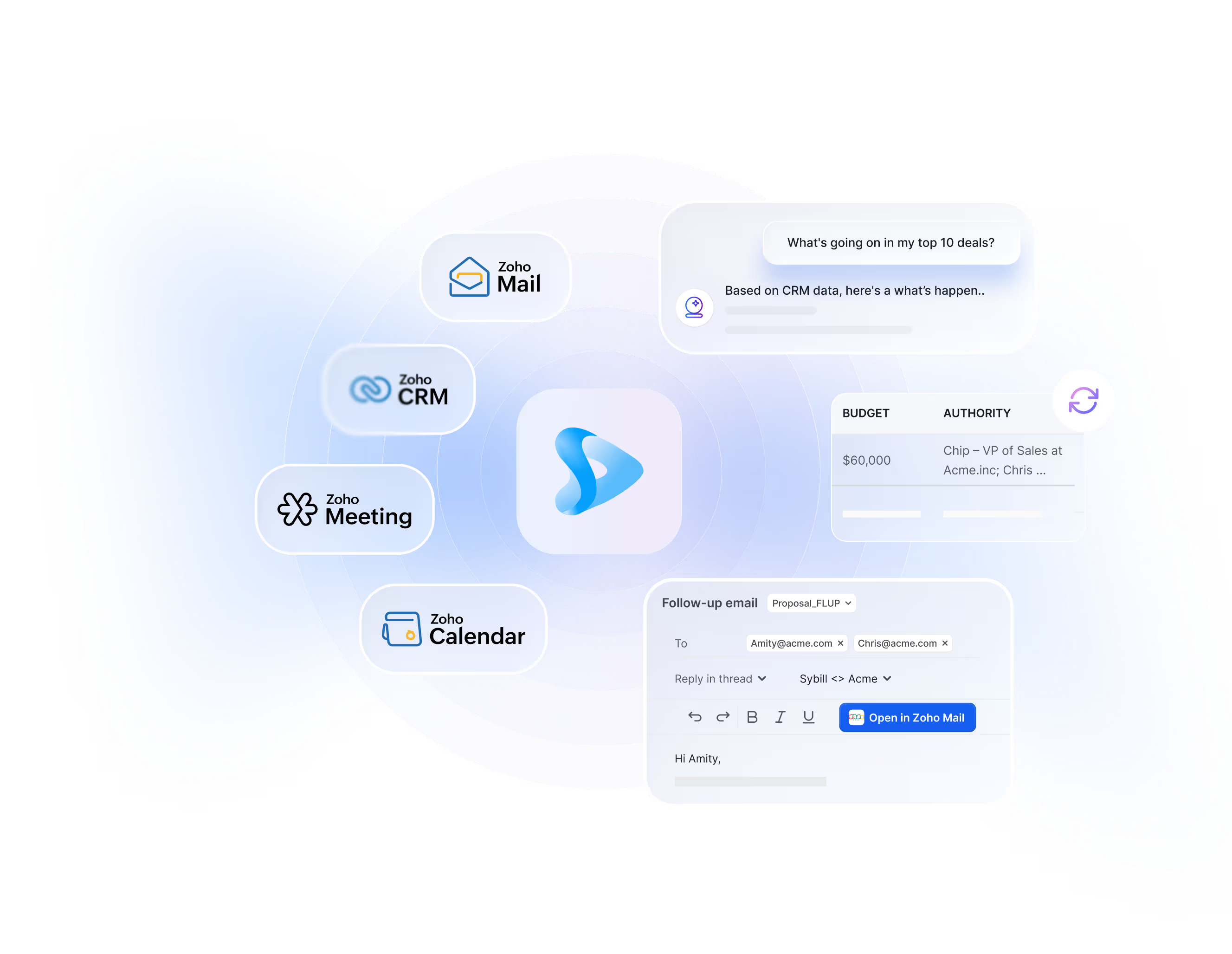
Sybill learns from your Zoho data to summarize meetings, update your CRM, and answer any deal question in seconds.
Sybill captures every important detail from your Zoho Meetings and Mail, and updates your CRM automatically... no busywork required.
.png)
.png)
Sybill learns from your Zoho calls, emails, and CRM, so you can ask it just about anything.
Like “What’s happening in my top 10 deals?” or “Can you build me a mutual action plan?”
Sybill turns every Zoho meeting and deal action into customizable summaries, not just robotic notes.
.avif)
.avif)
Sybill automatically drafts follow-up emails for every meeting in your tone of voice, so they’re ready to send in Zoho Mail.
Sybill integrates with Zoho CRM, Calendar, Mail, and Meetings
.avif)
Sybill integrates with your client’s Zoho CRM, learns their fields, and updates their CRM automatically after every call and email.
.png)
Sybill syncs with Zoho Calendar, so your client’s meetings show up in Sybill automatically.
.avif)
Sybill can pull from your client’s Zoho emails to update your CRM, update deal summaries, and draft follow-ups in your tone of voice.
.png)
Sybill records, summarizes, and analyzes every call with native support for Zoho Meetings – no third-party tools required.
Get up and running in just a few minutes.
.avif)
Enter your Zoho credentials, and let Sybill access your Zoho Calendar, Mail, and Meetings with one-click authorization.

.avif)
Set up CRM Autofill in a few minutes. Choose the fields you want Sybill to update, hit “connect,” and you’re done.
.avif)
With your Zoho CRM, Mail, Meetings, and Calendar connected, Sybill can start answering deal questions and handling sales admin for you.
There are a lot of AI sales assistants and call recorders out there. Here's what makes Sybill different.
Connect your Zoho CRM, sync your calendar, and start sending emails Sybill drafted for you in minutes. No clunky, manual setup or uploads required.
.avif)
Most AI sales tools tell you about one call or deal at a time. Sybill lets you ask questions across all your deals, emails, calls, and CRM fields at once.
.avif)
Sybill doesn’t just give you dashboards and visibility. It handles the work that moves deals forward, writing follow-ups, prepping calls, updating CRMs, drafting MAPs, and more.
We work closely with Zoho partners, so teams on Zoho can get an AI assistant without leaving the Zoho ecosystem.
.avif)
Sybill and Zoho’s connection is native, so your Zoho data stays secure. Not to mention our SOC 2 compliance and enterprise-level encryption across all Zoho integrations.
.avif)