Over 850 sales teams use Sybill every day

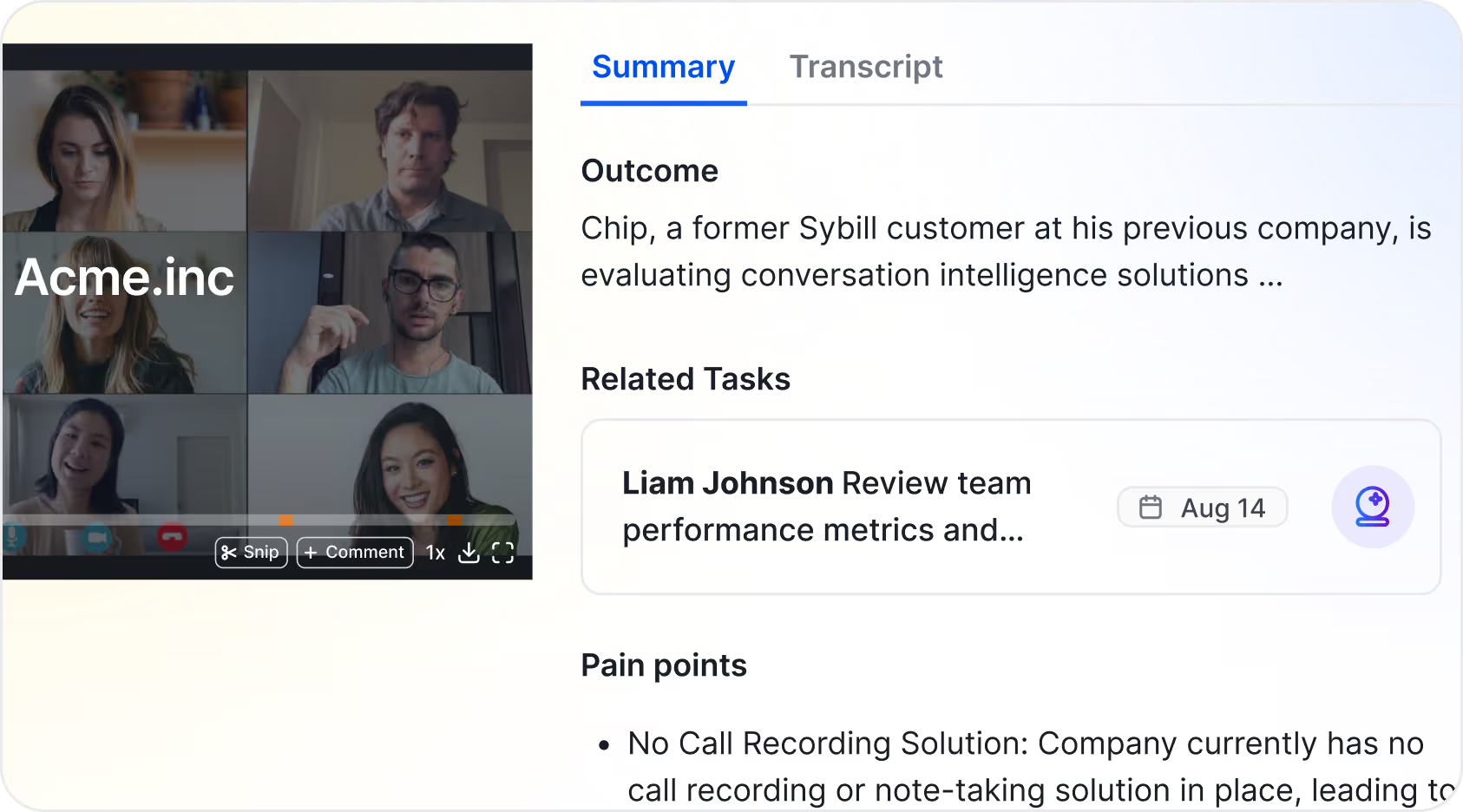
Instead of churning out robotic notes, Sybill's summaries flag the important stuff, jump-start your admin tasks, and are totally customizable.
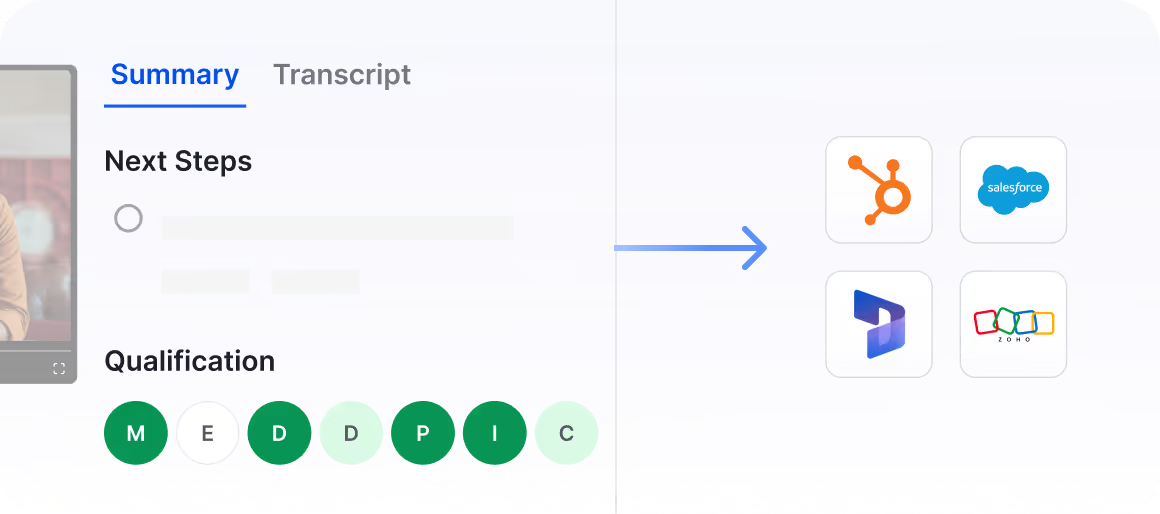
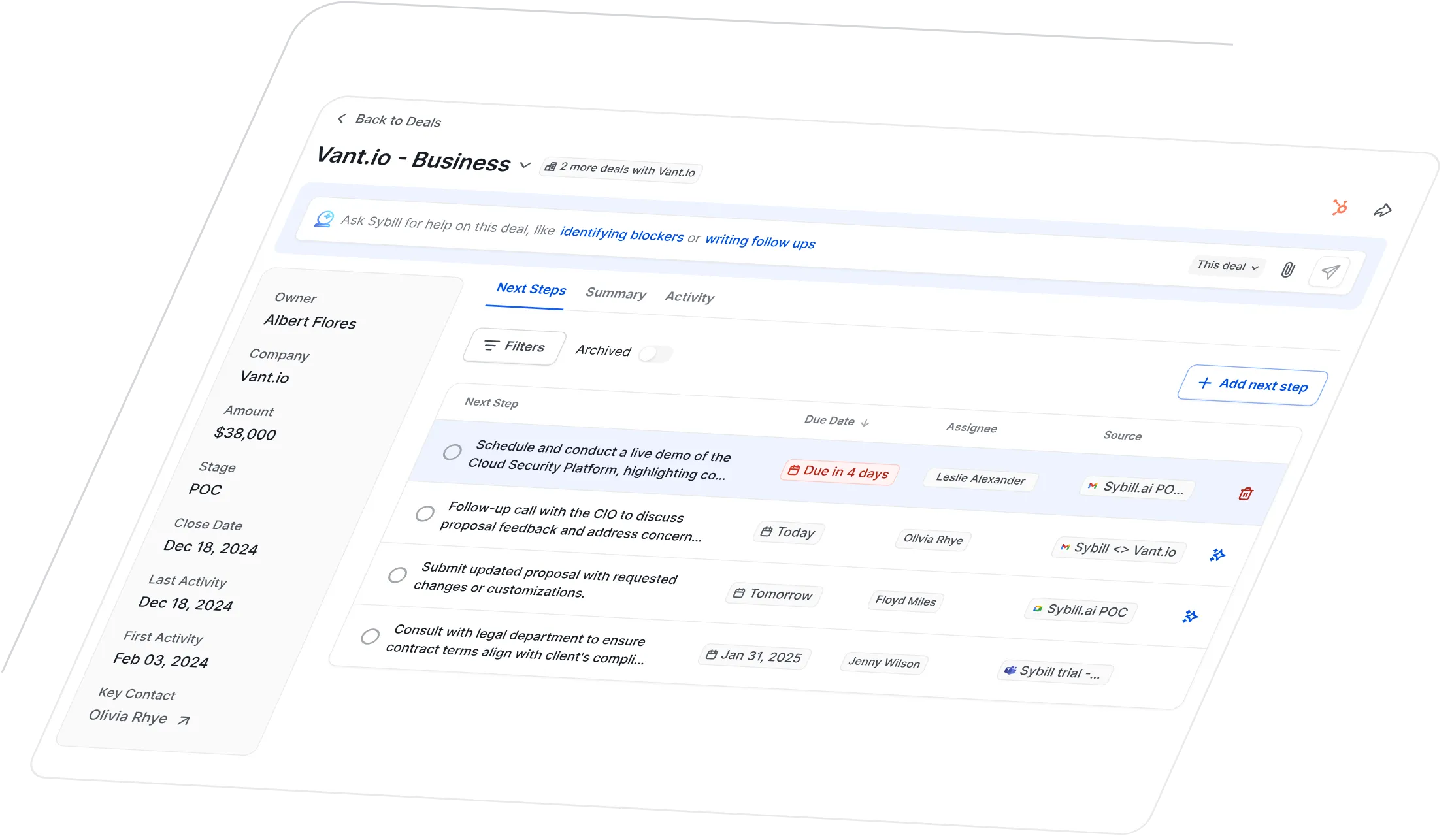
From MEDDPICC and next steps, to tasks and nonverbal cues, Sybill will capture all the need-to-knows for you, so you can get caught up fast.


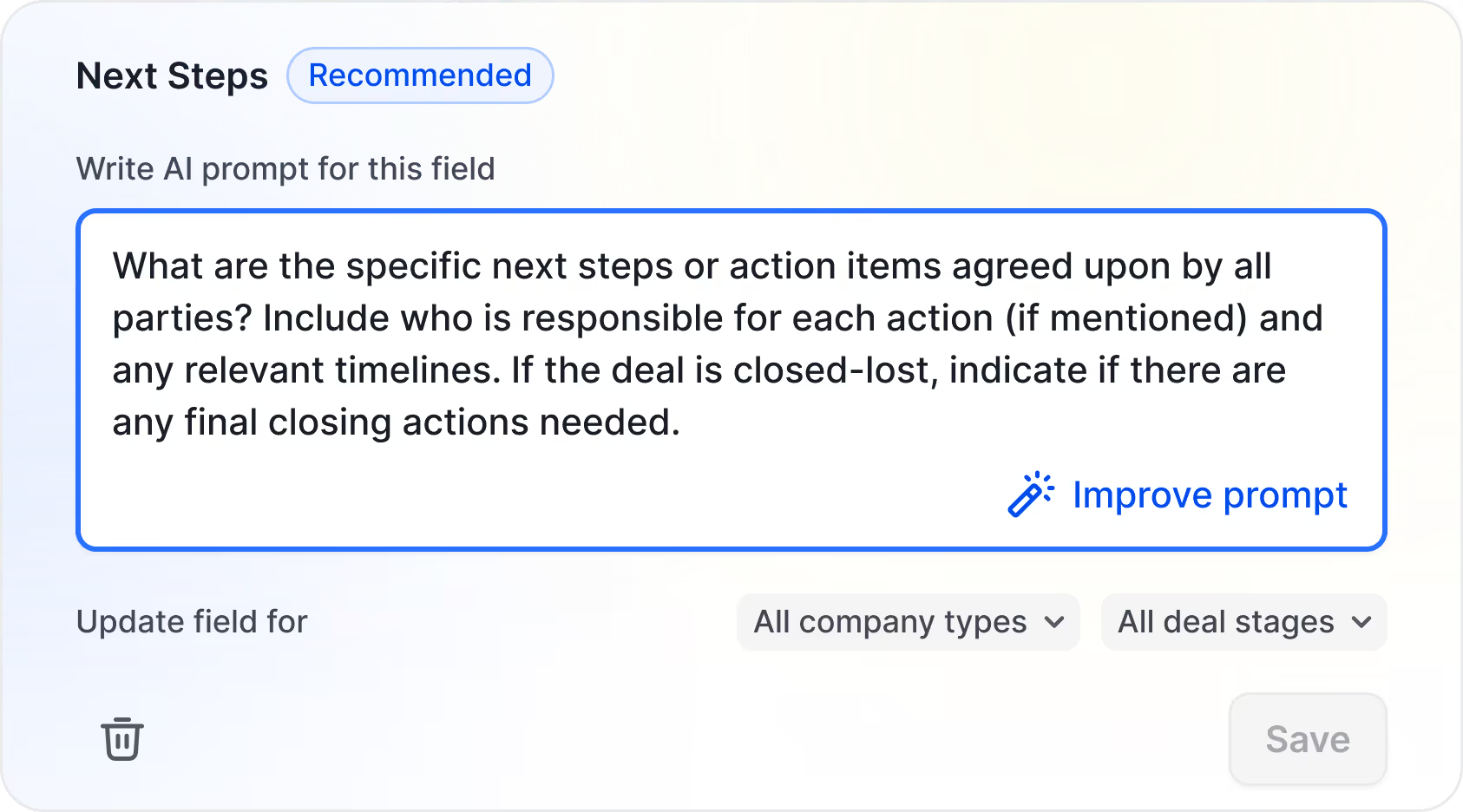
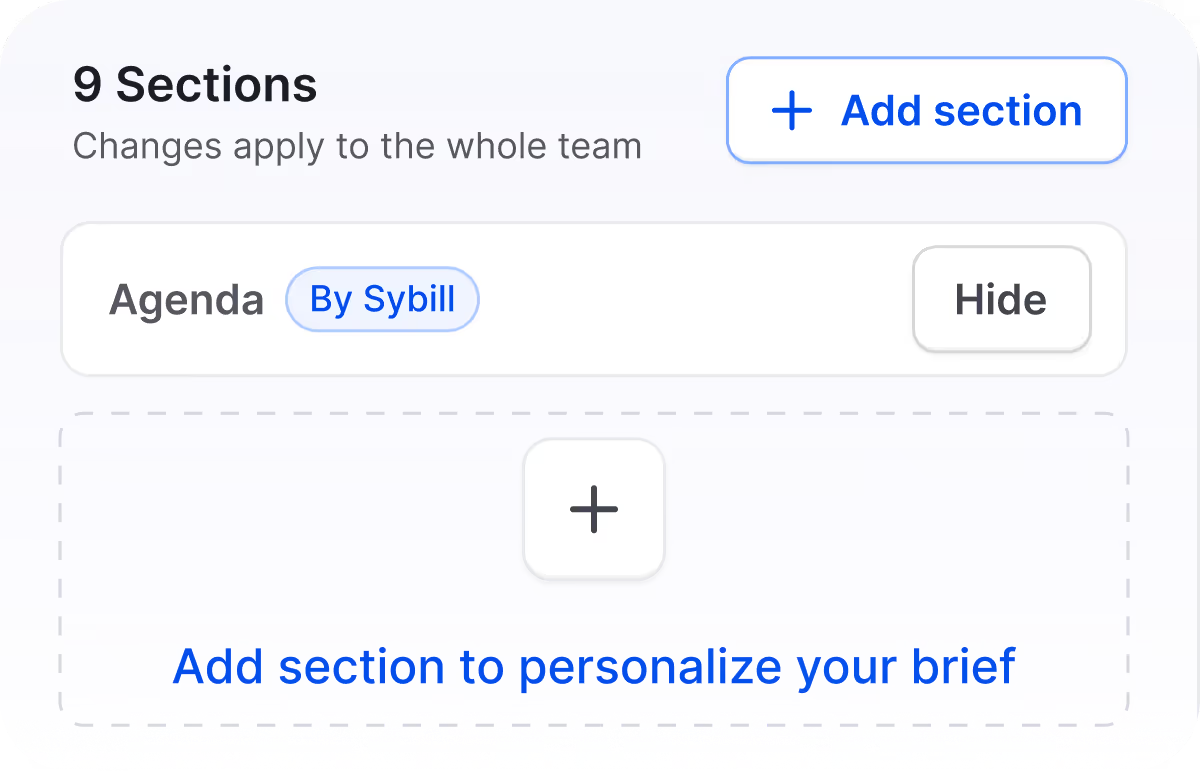
Personalize your summaries with custom fields and a drag-and-drop builder. Add, edit, or hide fields based on what you need (and what you don’t).
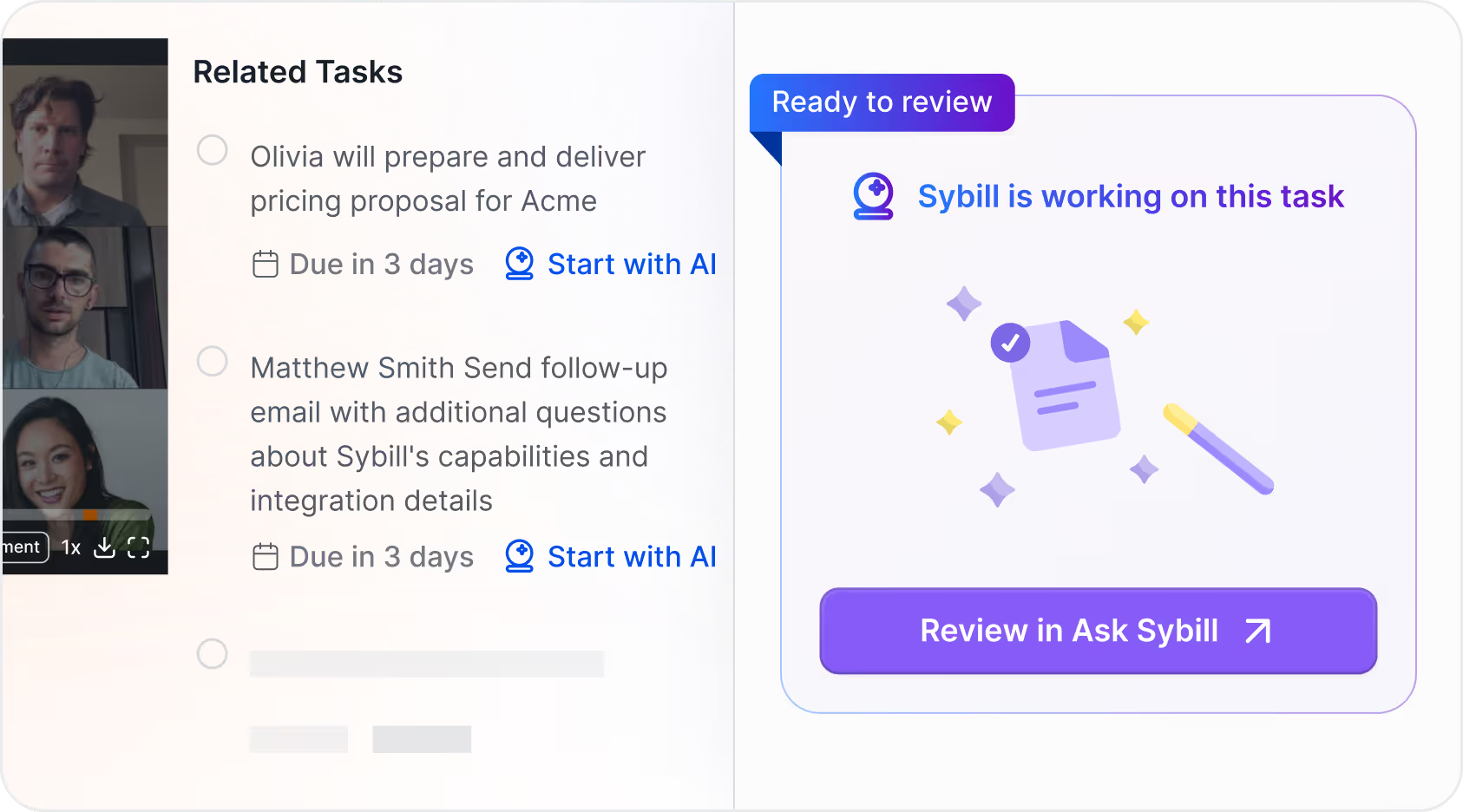
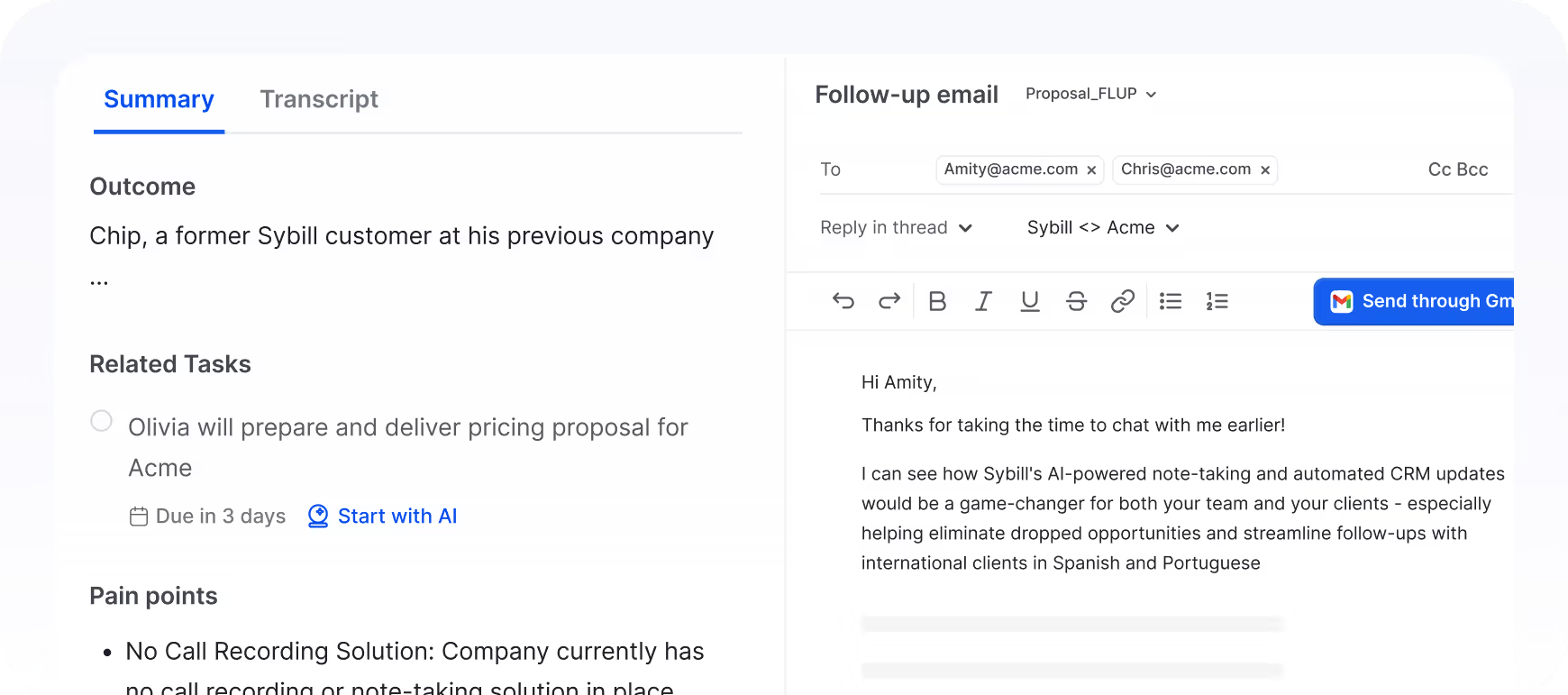
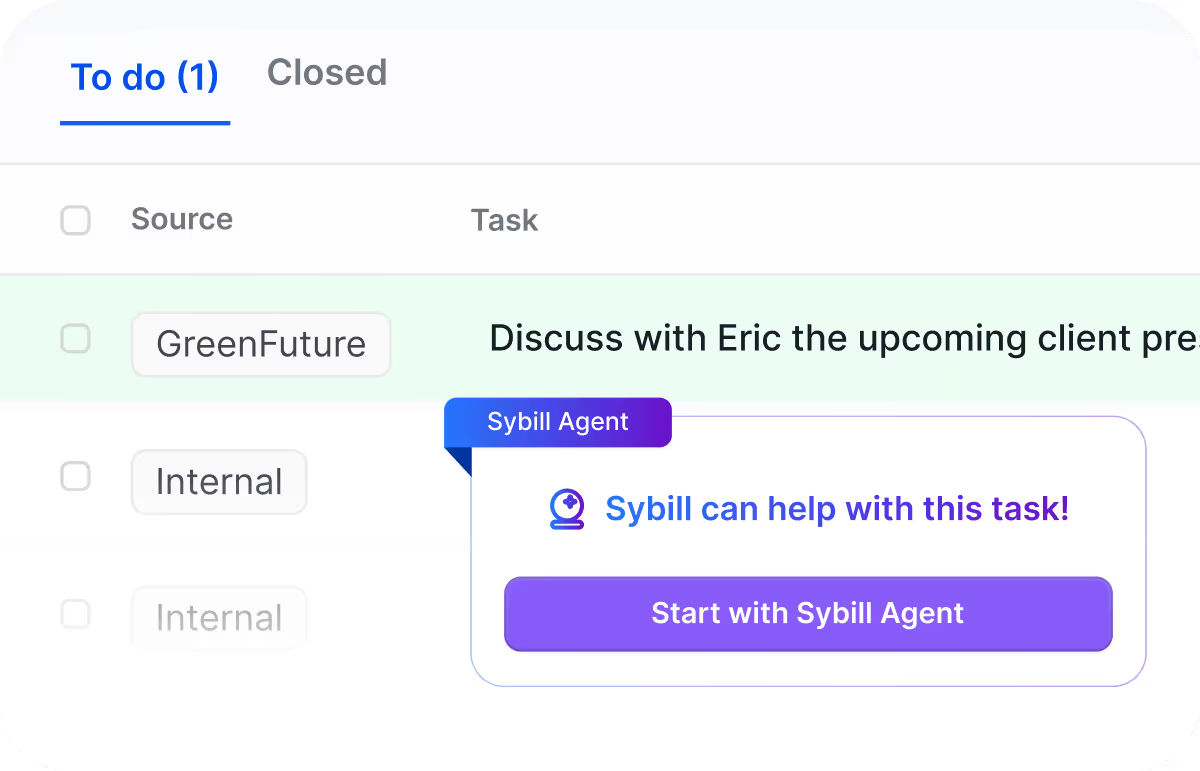
Sybill will capture to-dos from your calls, prioritize them for you, and even handle tasks on your behalf, like calendar invites, follow-ups, and more


Sales Development and Partnerships Manager at Bigeye

Whether you need an updated CRM, quick answers in Slack, or a library of your best calls, Sybill summaries are at your fingertips.

Update your CRM automatically after every single call. Get accurate updates and 100% fill-rate every time.

No more copy-and-pasting summaries into follow-up emails. Get ready-to-go follow up emails in your tone of voice.

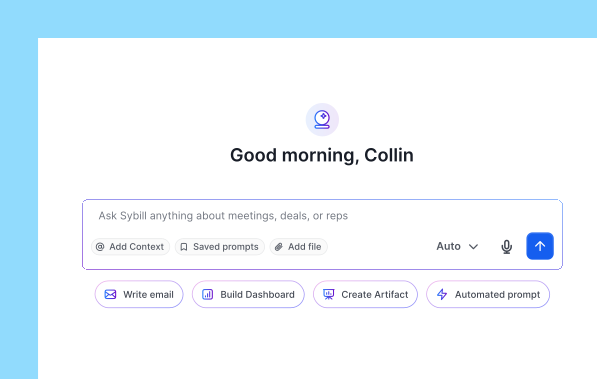
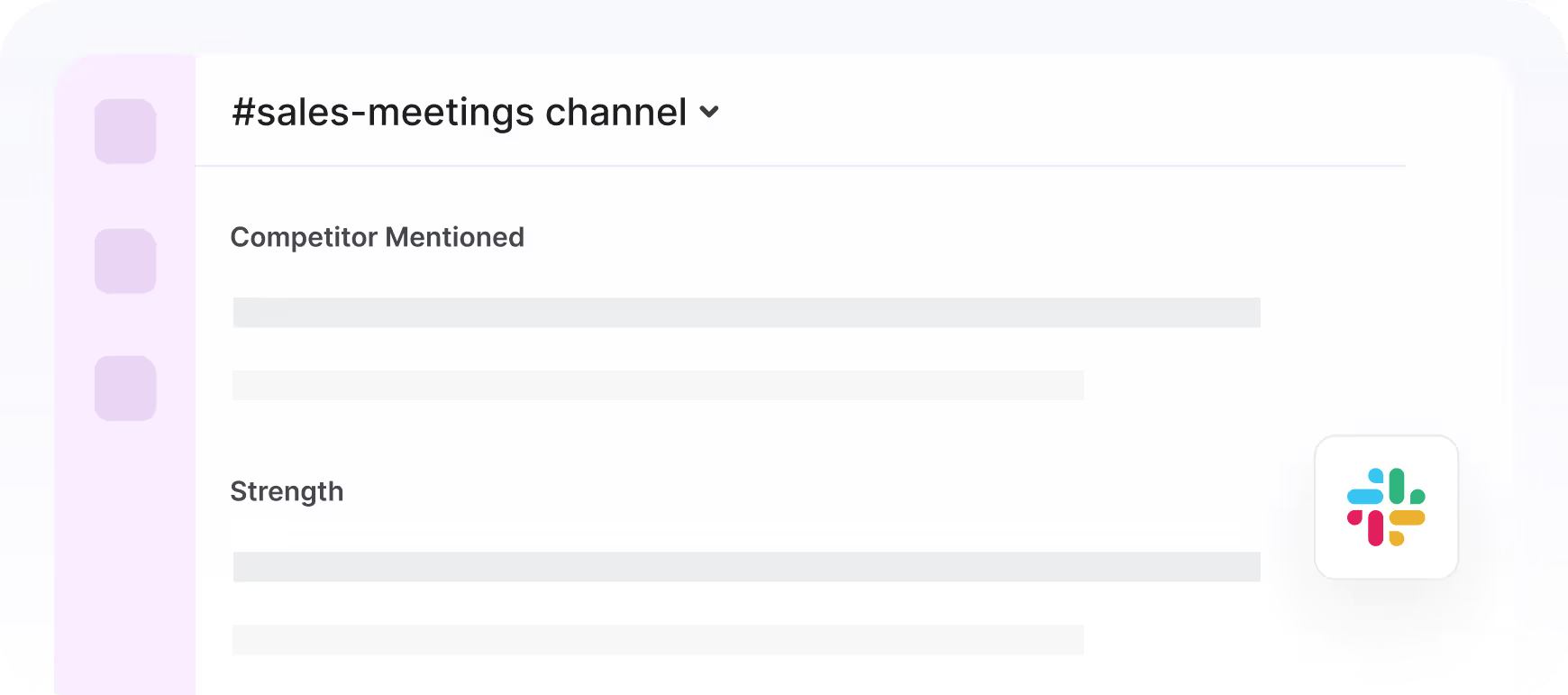
Push meeting summaries to your favorite Slack channels or tag @Sybill and ask “what happened on that call with Acme?”

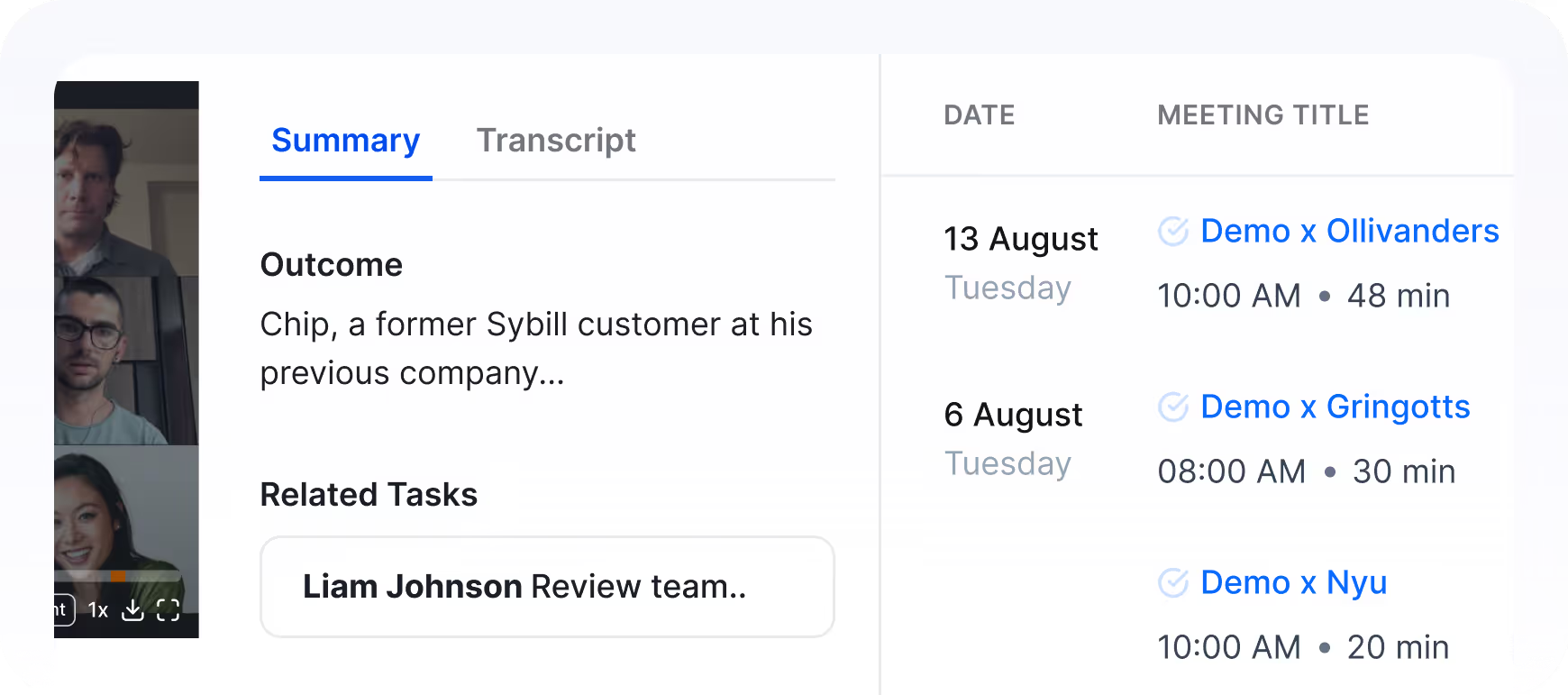
Get all of your meeting summaries, recordings, and playlists in one place.
A lot of tools out there summarize your meetings. Here’s what makes Sybill’s summaries different:

Want bullet points? Easy. Want to put deal risks at the top? Done.
Instead of giving you a generic summary, Sybill lets you customize your summaries with what you care about.

Calls aren’t one-size-fits all.
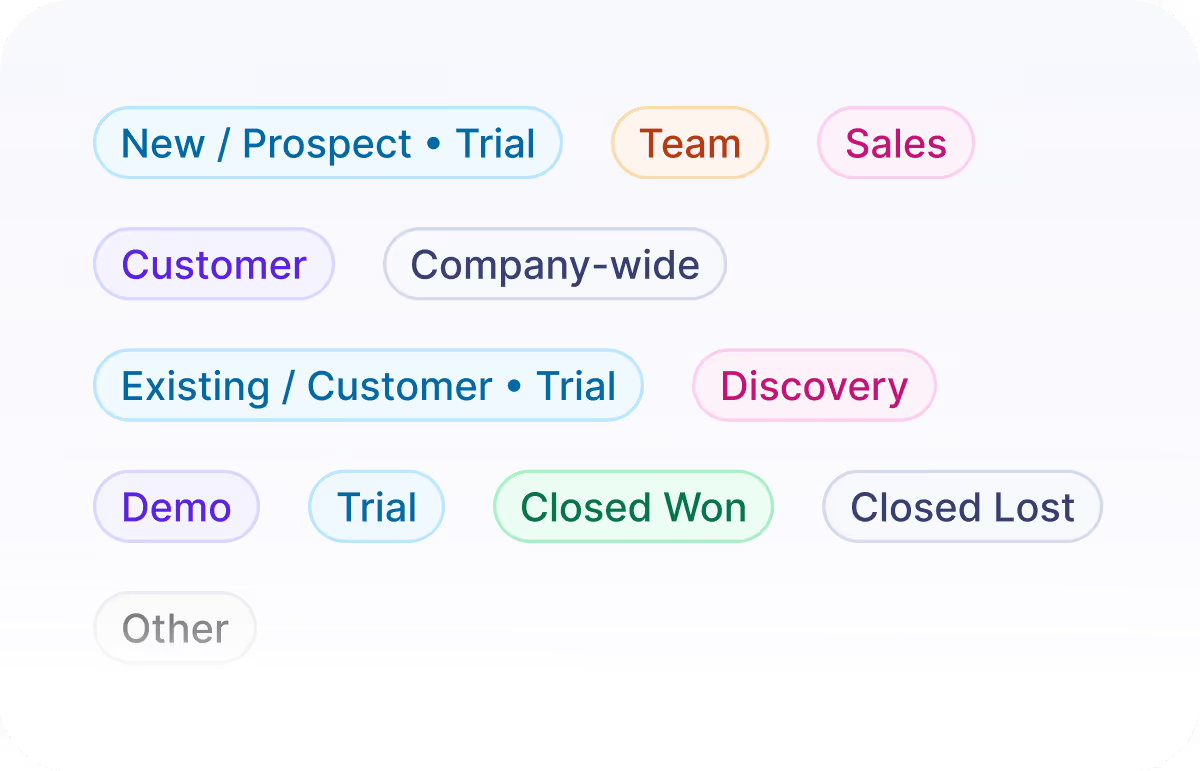
Sybill knows whether your meeting is a demo call, discovery call, or proposal, and adjusts your summary automatically.

Instead of just making a to-do list, Sybill actually handles tasks for you.
Hit “Start” and Sybill can send a follow-up, schedule a call, build collateral, and more.
Want to know how to customize your meeting summaries in Sybill? Check out this quick explainer:
You can customize your summaries in Sybill’s AI Workflows. Within AI Workflows you can:
So you can configure your briefs to give you the exact information you want, when and where you want it.
Sybill makes decisions about which information is and isn’t required in a summary based on the type of meeting you’re taking and what stage in the deal the meeting is. You can customize what does and does not appear in specific meeting types with AI Workflows (e.g. Hide)
Custom prompts are field-specific instructions that guide Sybill’s AI on how to generate information for custom sections in your pre-meeting briefs. For example, if you want to put deal risks at the top of every brief, you can create a Deal Risks section with the prompt “List the top three risks to this deal in a simple, bullet point format” and drag that section to the top.
Here are the three biggest differences between Sybill’s pre-meeting briefs and other briefs on the market:
Get smarter with every deal.