Find us at booth #83, join us for a harbor side happy hour, or catch Gorish’s talk.

Sept, 16-18 > Learn more

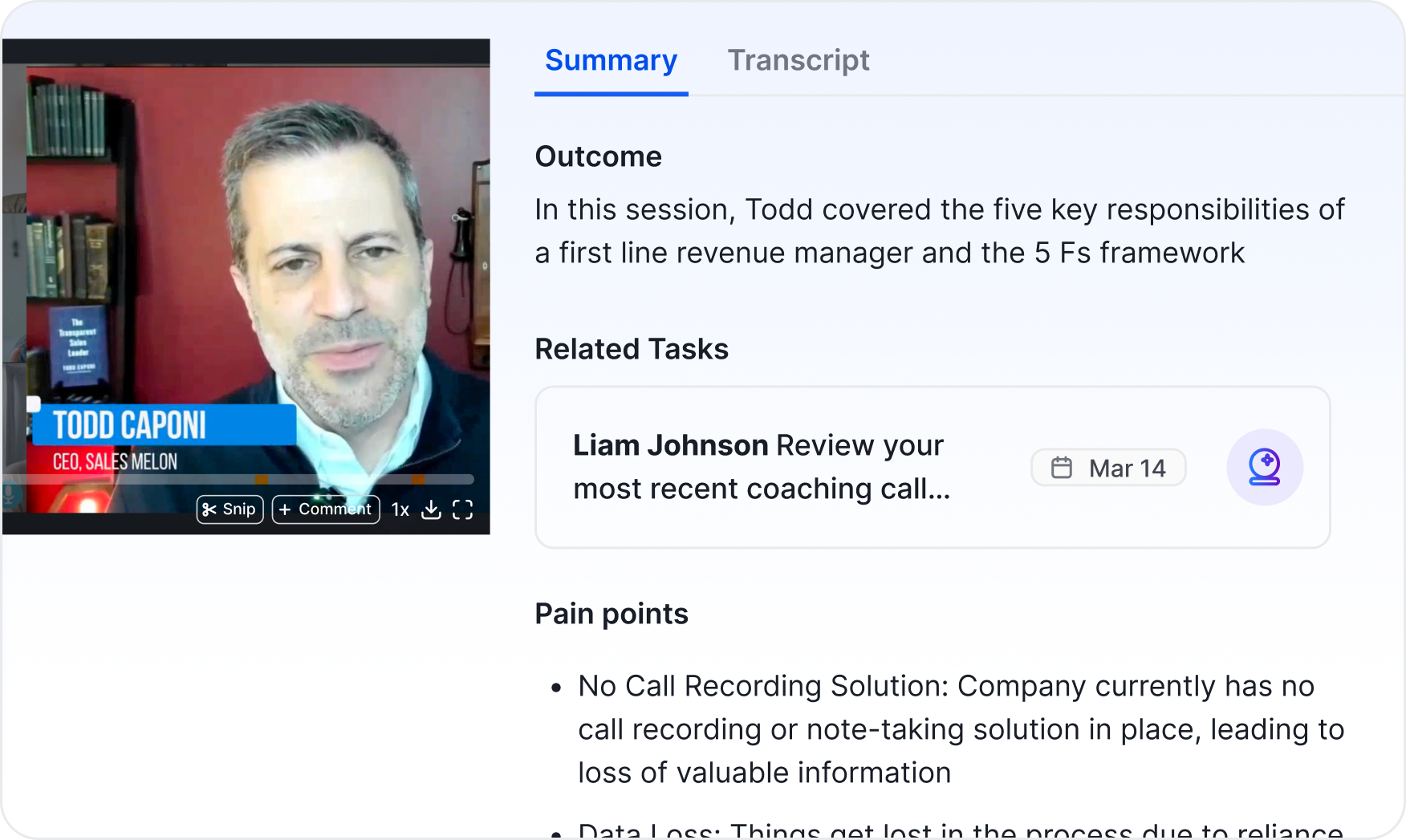
Set up your account to get session summaries in your inbox and ask Sybill about questions like “What did Todd say the 5 Fs were again?”
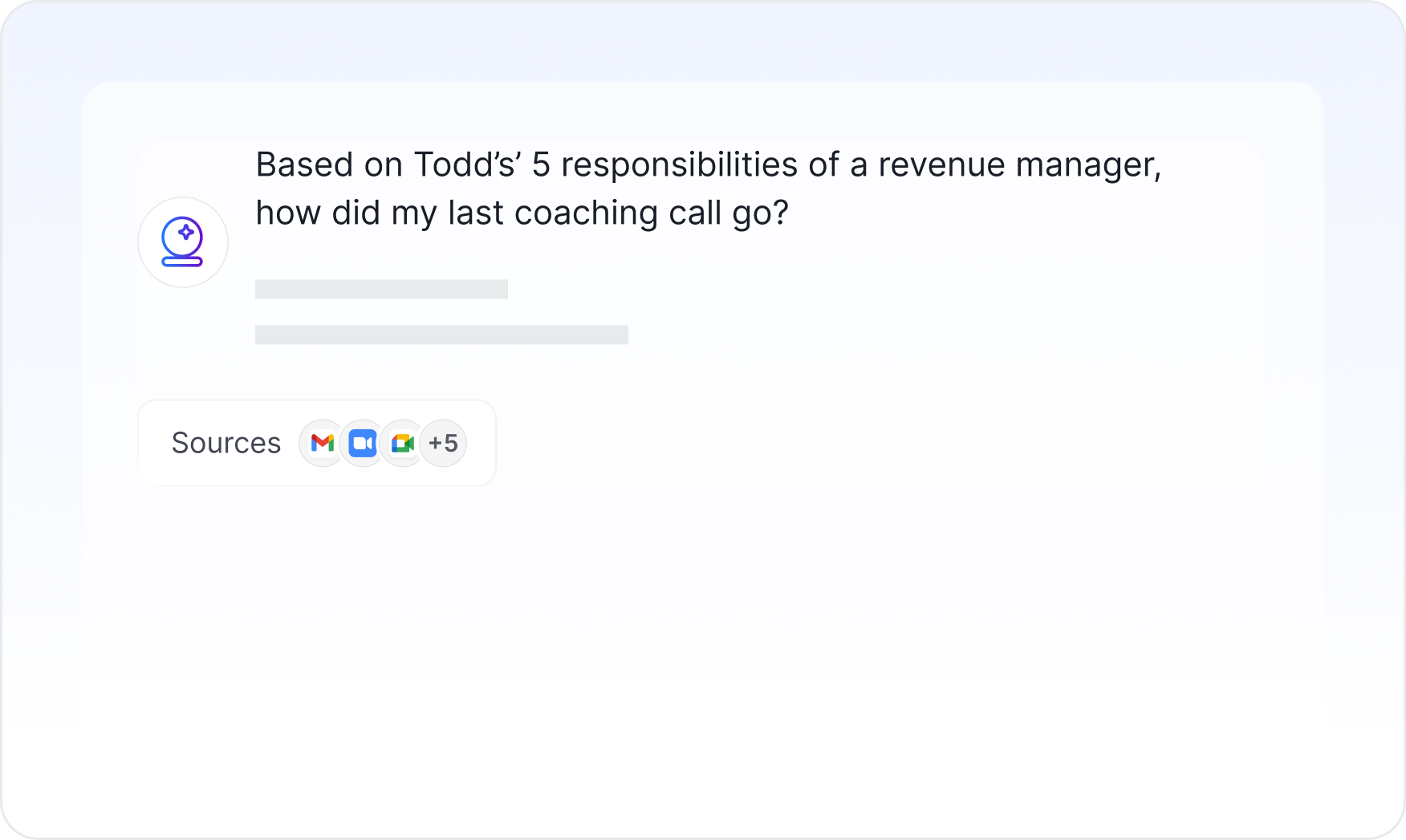
Upload one of your team’s call transcripts and try out custom AI prompts with Sales Assembly best practices built in.
Pull calls from Gong or another call recorder to get deal risks and coaching insights. Our team can help you migrate calls.
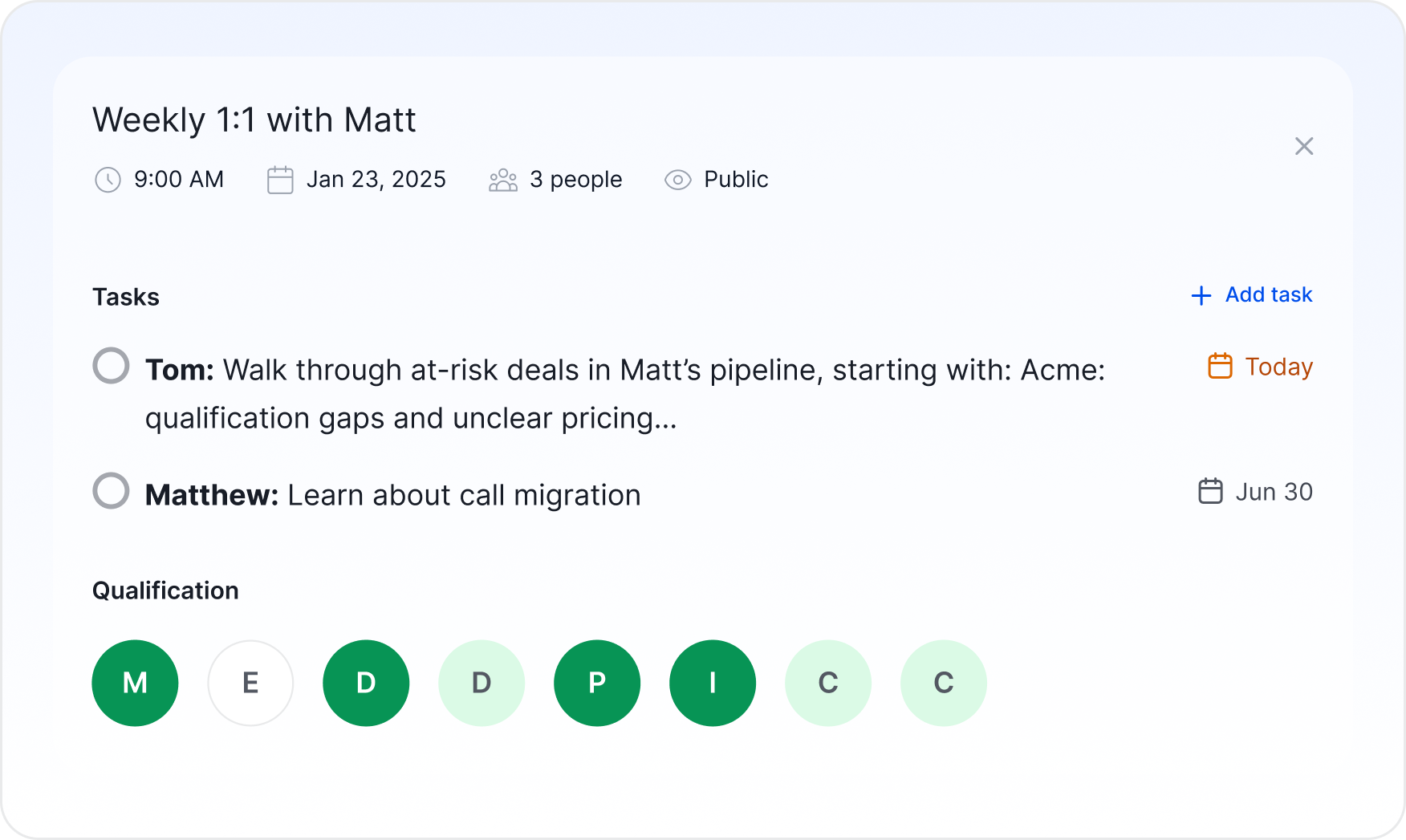
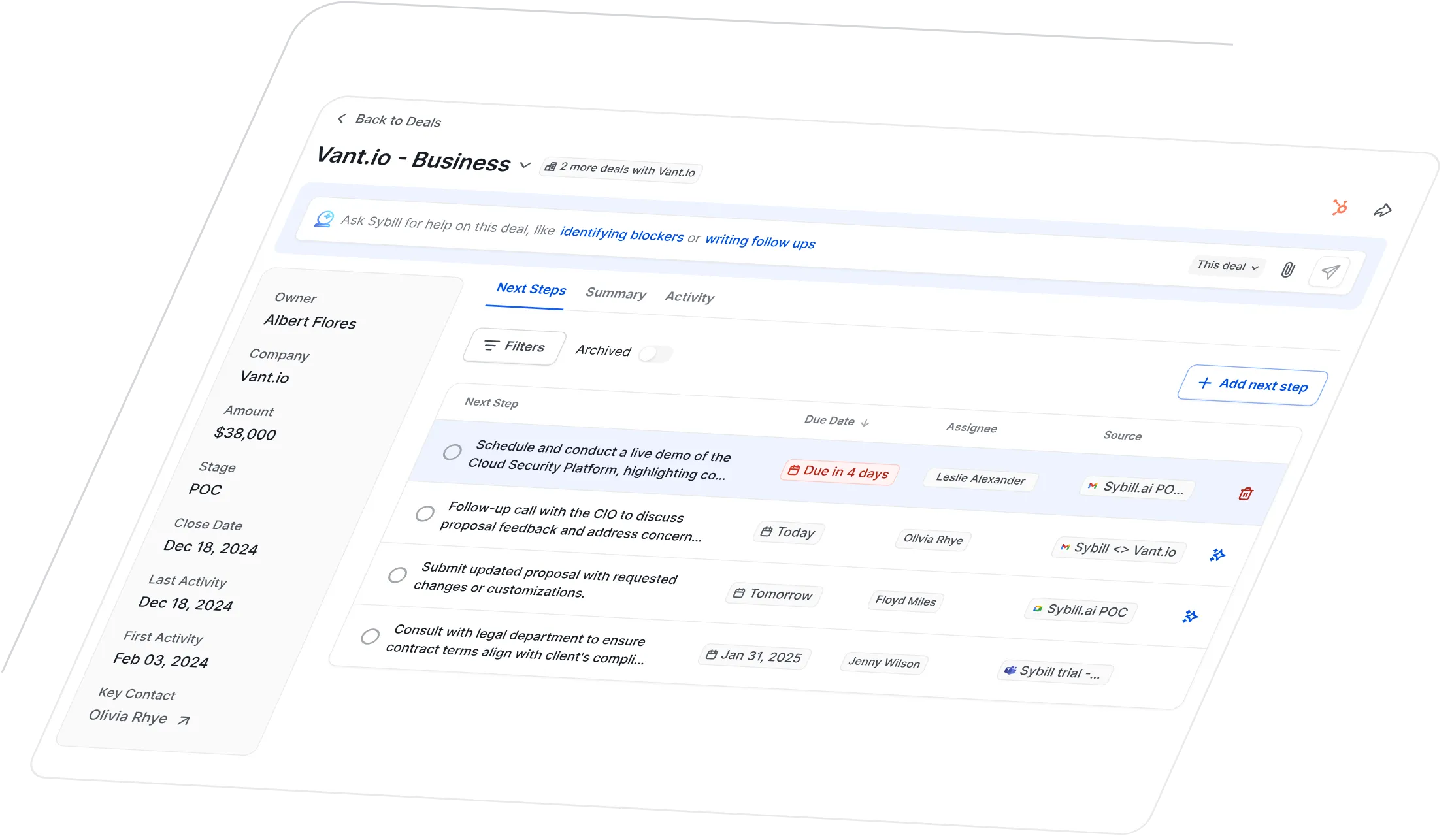
Sybill is an AI sales assistant. It learns from your reps calls and emails to help you analyze deal health, provide real-time coaching, and offload team busywork like CRM updates, call prep, and follow-ups.

Sybill’s own Nishit Asnani will be an active participant in the cohort. Feel free to Slack him or email at [email protected] if you have any questions.
Just sign-up on our site. Once you sign up, you can use the promo code “SA Labs” to activate your free 3 months by going to settings → billing center.
Yes! You can up to 10 people to your Sybill trial. They can record calls, get automated follow-ups and CRM updates, and ask questions across all their deal data.
Ideally, yes.
If your Sybill assistant joins the session, Sybill will attach that session to your account so that it remembers the session going forward.
That way you can ask follow ups about the session in your own account, or upload a call transcript and ask Sybill "hey, based on the coaching practices Todd shared in the cohort, what was missing from my 1:1 with Sean today?"
Don’t worry though. If your Sybill assistant doesn’t join, you can still ask questions using the link the Sales Assembly team will send after each session.
If you want to Ask Sybill questions about one of your past calls, you can use the “Upload” button in the top right of the meetings page to upload a recording or transcript.
Want to really give Sybill a whirl? Email [email protected] and we can bulk migrate calls from Gong, Fireflies, or another recorder.
After the cohort is said and done, you can either use Sybill to replace your current call recorder or use it alongside your existing recorder.
For example, some customers replace Gong with Sybill. Other customers keep Gong for recording and forecasting, but layer on Sybill for instant answers across all your calls and deals.
Read more about using Gong and Sybill together here.