
Find us at booth #83, join us for a harbor side happy hour, or catch Gorish’s talk.





Zoom
Zoom
Automate Zoom Transcriptions with Sybill.ai for Effortless Note-Taking
CRM
Audio Recording
Key Features
Discover core capabilities.

Automatic Transcription
Sybill.ai instantly transcribes and stores your Zoom Cloud meeting recordings, providing an accurate and searchable record of conversations.

Effortless Access to Meeting Notes
Your transcripts and summaries are saved in the Fireflies Notebook, making it easy to review, share, and collaborate with your team.

Seamless Workflow
Zoom meetings automatically and syncs the meeting data directly to your account, ensuring a smooth post-meeting workflow.
Preview
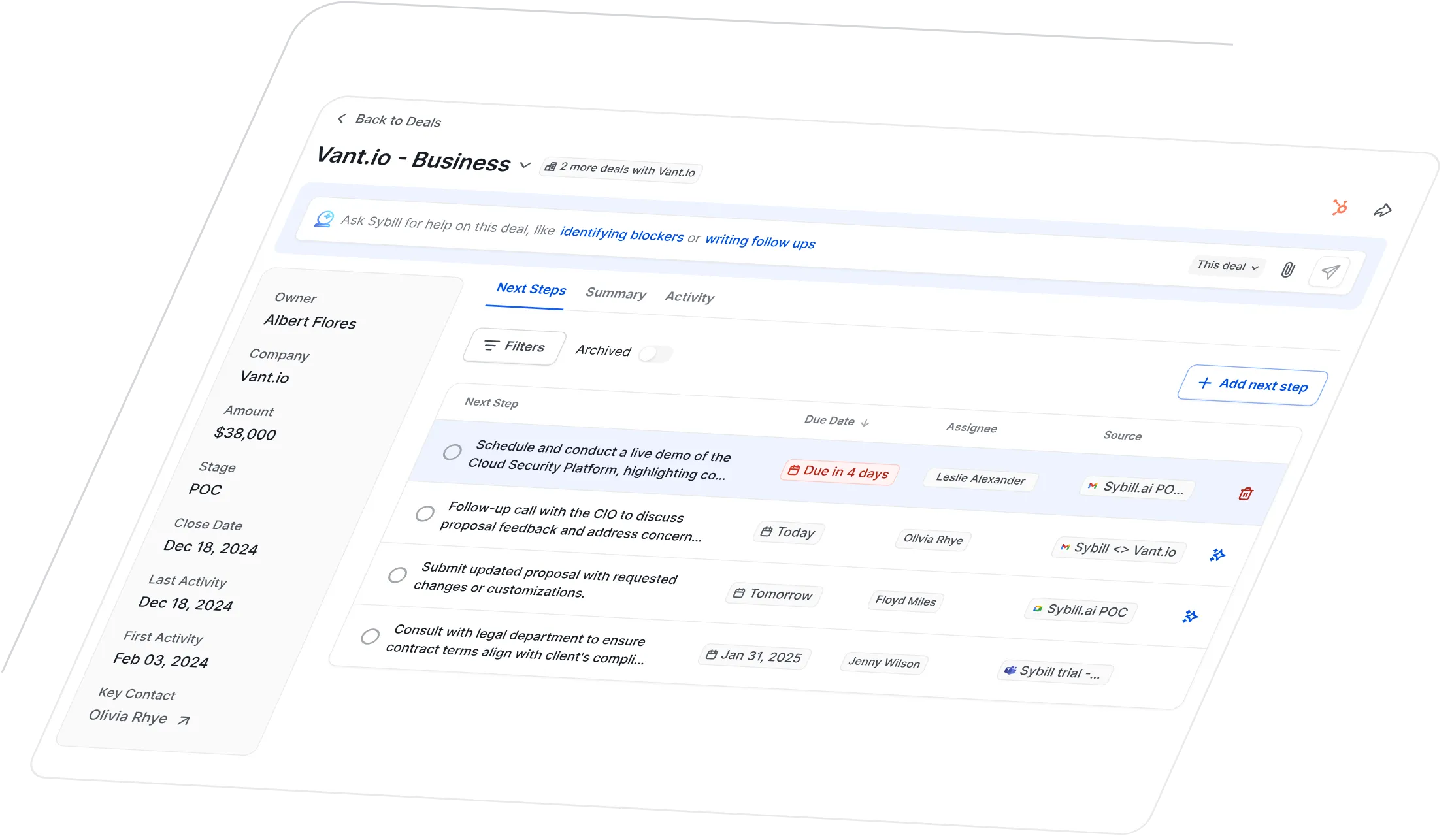
Visual walkthrough inside Sybill.
How to Integrate
Connect in a few quick steps.
1. Connect Your Zoom Account
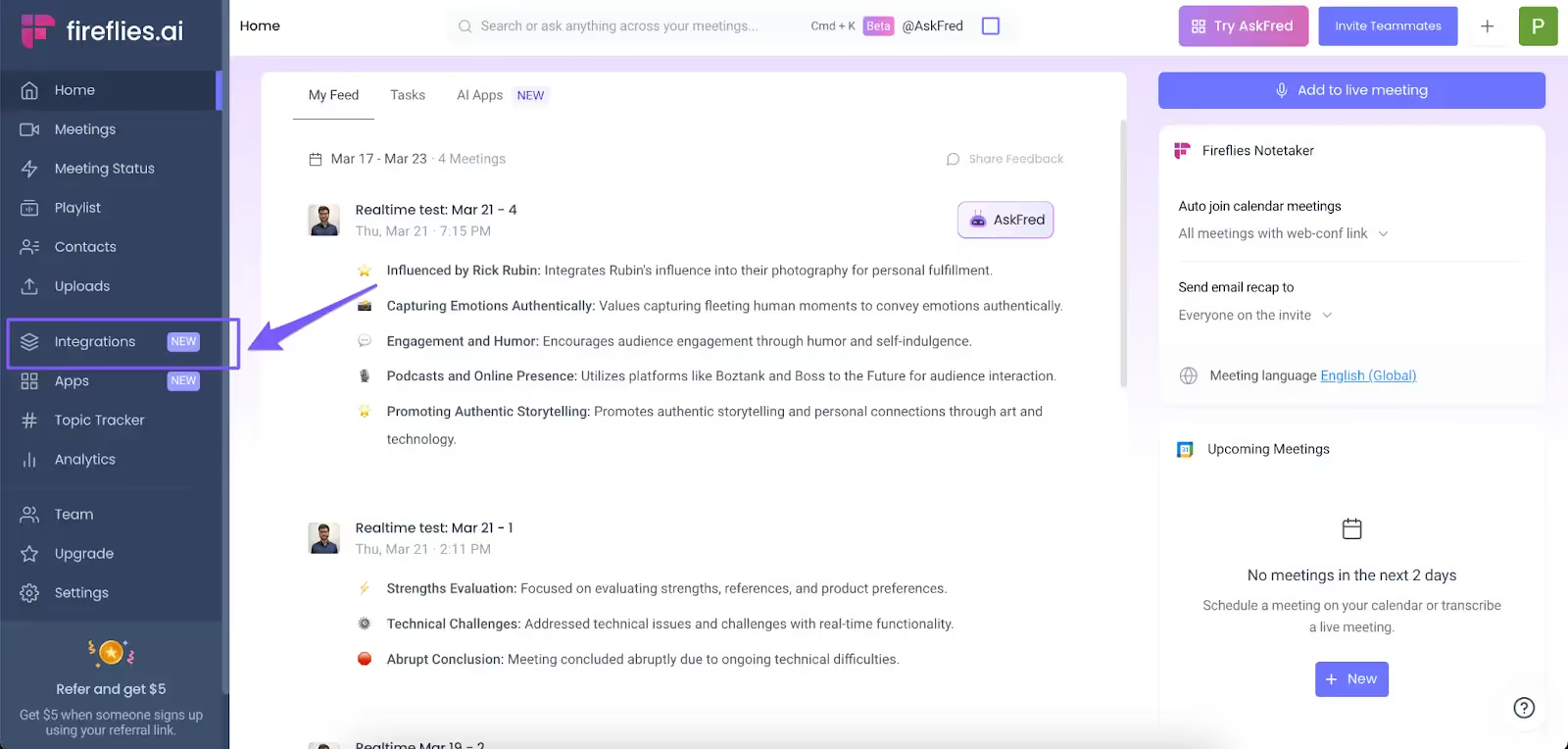
Log in to your Fireflies.ai account and navigate to the integrations section. Select Zoom and authenticate your account to establish a connection.
2. Enable Cloud Recording
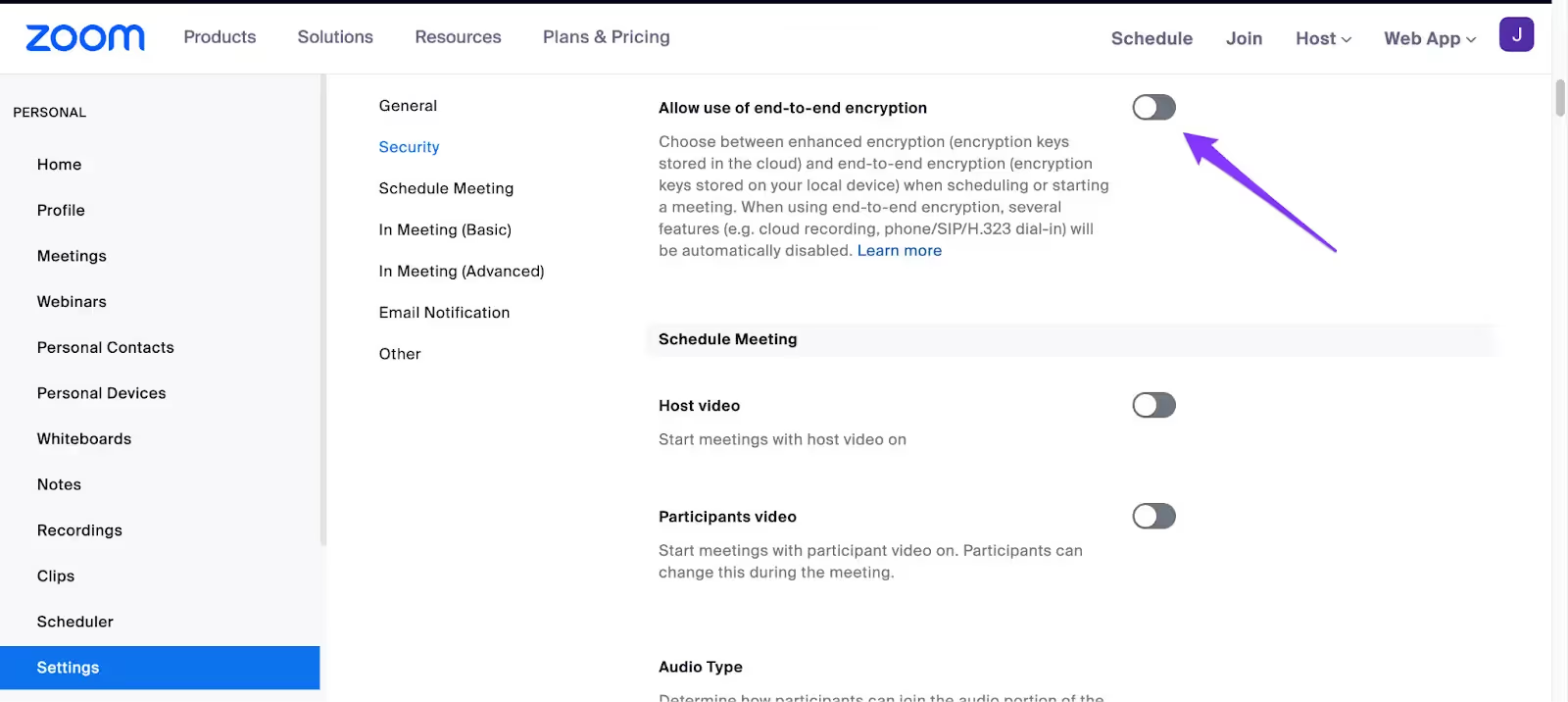
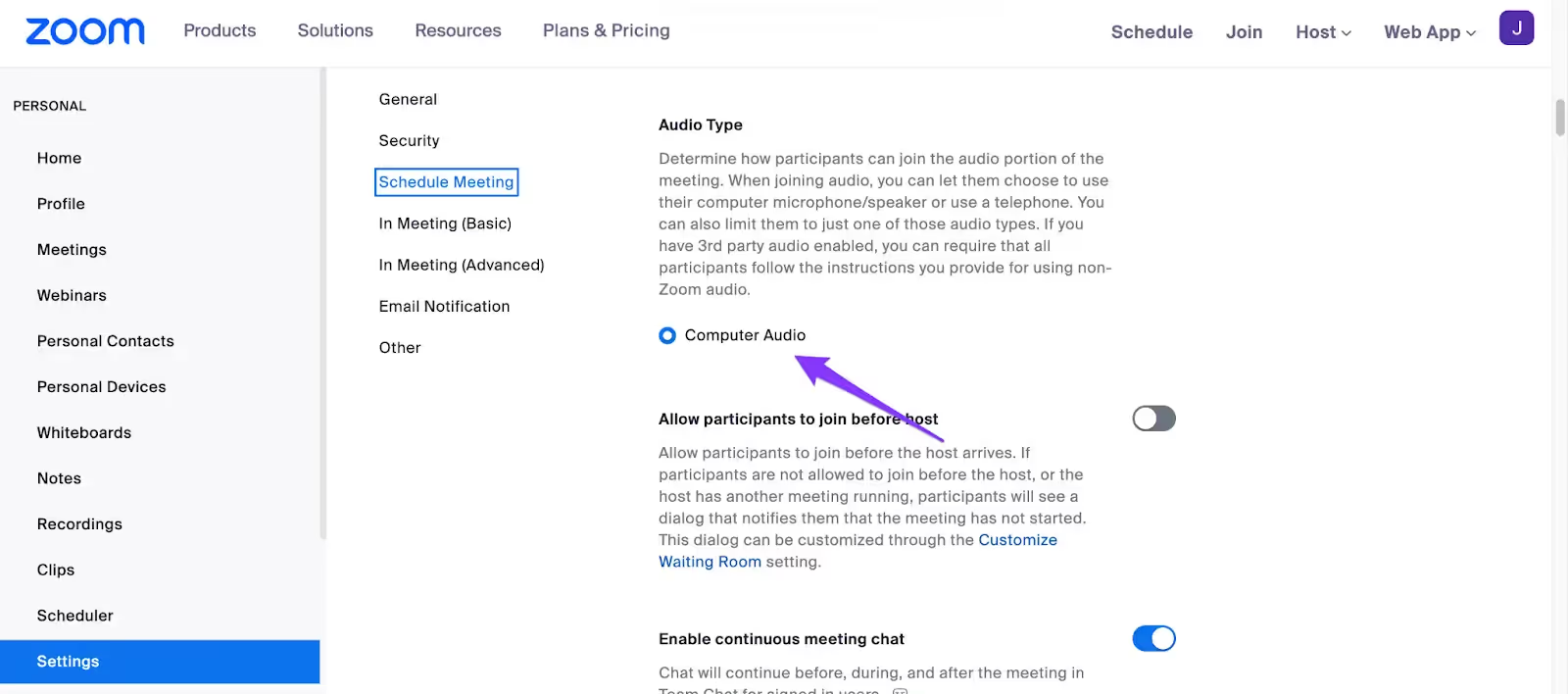
Ensure that cloud recording is enabled in your Zoom settings. This is crucial for Fireflies.ai to access and transcribe your meetings.
3. Schedule Your Meetings as Usual
Continue to schedule your Zoom meetings normally. Fireflies will automatically transcribe any meeting recorded in the cloud.
4. Access Your Transcripts
Once a meeting ends, go to your Fireflies Notebook to find the automatically generated transcript. Review and share as needed.
Frequently Asked Questions
What data does Sybill use to build pre-meeting briefs?
To give immediate meeting and deal context, Sybill pulls data from your email interactions, your last call(s) with a prospect or organization, and your CRM. When it comes to researching attendees, Sybill uses data Proxycurl and Diffbot to pull information from LinkedIn, Crunchbase, and other data sources.
How do I customize my pre-meeting briefs in Sybill?
To give immediate meeting and deal context, Sybill pulls data from your email interactions, your last call(s) with a prospect or organization, and your CRM. When it comes to researching attendees, Sybill uses data Proxycurl and Diffbot to pull information from LinkedIn, Crunchbase, and other data sources.
What are custom AI prompts?
To give immediate meeting and deal context, Sybill pulls data from your email interactions, your last call(s) with a prospect or organization, and your CRM. When it comes to researching attendees, Sybill uses data Proxycurl and Diffbot to pull information from LinkedIn, Crunchbase, and other data sources.
What makes Sybill’s pre-meeting briefs different from other AI briefs?
To give immediate meeting and deal context, Sybill pulls data from your email interactions, your last call(s) with a prospect or organization, and your CRM. When it comes to researching attendees, Sybill uses data Proxycurl and Diffbot to pull information from LinkedIn, Crunchbase, and other data sources.
How frequently is prospect data updated?
To give immediate meeting and deal context, Sybill pulls data from your email interactions, your last call(s) with a prospect or organization, and your CRM. When it comes to researching attendees, Sybill uses data Proxycurl and Diffbot to pull information from LinkedIn, Crunchbase, and other data sources.
What happens if there are multiple external companies on the call?
To give immediate meeting and deal context, Sybill pulls data from your email interactions, your last call(s) with a prospect or organization, and your CRM. When it comes to researching attendees, Sybill uses data Proxycurl and Diffbot to pull information from LinkedIn, Crunchbase, and other data sources.
Get started with Sybill
Get smarter with every deal.
Get started with Sybill

