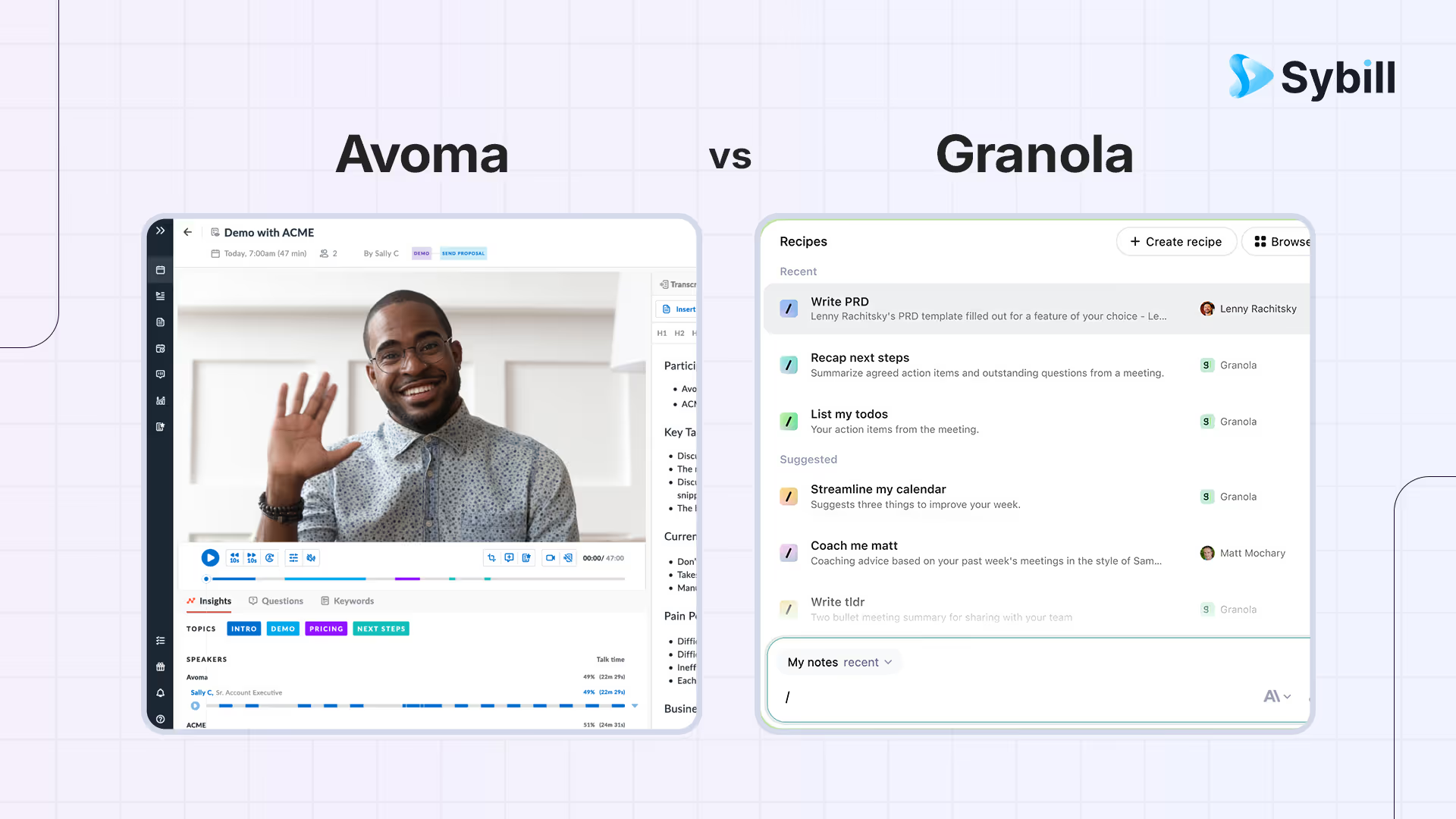
If meeting tools were coworkers, Avoma is the dependable assistant who shows up to every call, captures what was said, drafts a tidy recap with action items, and updates your CRM before you even switch tabs. Granola is the quiet strategist who sits beside you, helps you capture only what matters, and turns your own words into a crisp summary without sending a bot into your meeting or storing audio. One optimizes for clean capture, coaching signals, and CRM hygiene. The other optimizes for speed, privacy comfort, and notes that sound like you.
Avoma is an AI meeting assistant that records calls, produces structured notes with coaching analytics, drafts follow-ups, and syncs to CRM, best for teams that want full meeting lifecycle management with visible recording. Granola is a bot-free AI notepad for Mac and iPhone that enhances your typed notes into polished summaries without a visible meeting bot or permanent audio storage, optimized for privacy-sensitive environments and personal productivity. Avoma wins on CRM integration and coaching coverage; Granola wins on privacy comfort and note personalization. For teams that want meeting capture with automated follow-up emails, CRM autofill including custom fields, deal workspaces, and evidence-backed pipeline intelligence, Sybill offers a middle path that combines execution depth with fast adoption.
TL;DR: Quick chooser
- Avoma: an AI meeting assistant that attends your calls, generates structured notes and follow ups, updates CRM, and offers an AI Coaching Assistant that auto-scores every conversation so managers get 100 percent coverage. Best when you want predictable capture, governed updates, and consistent coaching signals.
- Granola: an AI notepad for Mac and iPhone that enhances your typed notes, transcribes meetings without a visible bot, and does not store audio recordings by design. Best when you want privacy friendly capture, human sounding summaries, and a minimal footprint.
- Sybill: a selling assistant that converts conversations into motion with Magic Summaries, one click follow ups, CRM Autofill, Deal Workspace, and Ask Sybill answers. Best when your priority is fewer clicks for reps, cleaner fields for RevOps, and faster decisions for managers.
Head to head comparison
1) Pre-call preparation and kickoff
- Avoma
- One minute setup and consistent attendance across conferencing tools.
- You sell while Avoma takes care of capture and structure.
- Granola
- Open the app, see calendar aligned notes, and type your plan.
- No bot joins. The optics stay calm in sensitive meetings.
Trial prompt
- Put two new reps on the same sequence for one week.
- Track how quickly each rep enters calls informed and calm.
- Ask a manager which approach sharpened the first five minutes.
2) Capture model, optics, and reliability
- Avoma
- Notetaker attends as a participant and records the call for transcript and notes.
- Stable capture that teams stop thinking about after day one.
- Granola
- No meeting bot. Local capture from your device audio with real-time or post-meeting transcription, and no stored recordings by default.
- Optics are private by design.
Reliability checklist
- Two identical thirty minute discoveries in each product.
- Confirm diarization, timestamps, and alignment with the right calendar event.
- Note any missed captures and how quickly alerts surface.
3) Summaries and the shape of the output
- Avoma
- Structured notes that read clearly, with automatic follow-up drafts.
- AI Coaching Assistant adds objective scores for fast triage.
- Granola
- Enhances what you type into a tidy narrative that still sounds like you.
- Templates keep structure consistent without heavy admin.
Quality checks that matter
- Read both summaries as if you missed the call.
- Ask whether decision criteria, buyer roles, and next steps are unambiguous.
- Hand each to a manager and ask which one they would forward without edits.
4) The golden hour after a call
- Avoma
- Drafts a recap and follow up you can send quickly.
- Logs notes and key data to CRM so the timeline is never empty.
- Granola
- Helps you ship a human sounding email in minutes.
- Leaves field updates to your judgment or simple automations via tools like Zapier.
Golden hour scoring
- Minutes from hangup to credible follow up.
- Manual edits before send.
- Clicks to update fields and create tasks.
- Manager score for tone and buyer language.
5) CRM hygiene and data trust
- Avoma
- Designed to update CRM reliably, including mapped fields and near real-time sync patterns that can be inbound, outbound, or bidirectional.
- Reduces nag cycles for managers and RevOps.
- Granola
- Prioritizes clean notes and privacy first capture.
- Pairs with light automation when you want fields updated selectively.
Trust test
- Revisit ten opportunities one week later.
- Which timelines read like living documentation.
- Which key fields filled without reminders.
- Which records support a forecast review without another tool.
6) Search and retrieval for later questions
- Avoma
- Library search across summaries and transcripts, now paired with auto-scored coaching signals for quick triage.
- Granola
- Lightweight search across your own corpus and calendar aligned notes.
- Best for leaders who want the essence rather than a clip library.
Retrieval experiment
- Ask each product to find where you promised a security review for a named account.
- Ask for every timeline risk mentioned in the last two weeks.
- Time to answer and confidence in evidence are the metrics.
7) Coaching, enablement, and call libraries
- Avoma
- AI Coaching Assistant auto-scores every customer interaction for 100 percent coverage.
- Managers spot outliers and create targeted coaching plans faster.
- Granola
- Focuses on personal productivity and shareable recaps.
- Coaching value comes from clarity and consistency rather than dashboards.
Coaching drill
- Build a ten minute reel of pricing pushback and effective responses from last week.
- Share with a ramping rep.
- Collect three takeaways at the next standup.
8) Integrations and extensibility
- Avoma
- Deep CRM alignment plus collaboration handoffs.
- Viewer seats and fast setup help you spread capture without heavy cost.
- Granola
- Mac and iPhone first. Integrates where it counts, including a Zapier path for lightweight workflows.
- Less to govern, which is valuable in lean teams.
Governance checklist
- Define three follow up templates, three CRM mappings, and three task patterns.
- Configure both products to output those formats.
- Score consistency after ten calls across five reps.
9) Mobile, offline, and edge cases
- Avoma
- Optimized for online meetings with reliable attendance and a clean library.
- Granola
- iPhone app captures on the go and pairs with your Mac app later.
- Great for hallway chats, ad hoc calls, and conference days.
Edge case plan
- Run one onsite or phone-only conversation in each product.
- Confirm how quickly outcomes land in the timeline and how fast a follow up ships.
10) Security, privacy, and admin control
- Avoma
- Enterprise posture for recording, retention, and role-based access.
- Review who can download audio, how long assets persist, and direction of CRM sync.
- Granola
- Privacy forward by design. No stored recordings. Notes and transcripts live in encrypted storage, and sharing is under user control.
Security review prompts
- Where do transcripts live.
- Who can download audio or text.
- How long do assets persist.
- What happens during offboarding.
11) Pricing and total cost of ownership
- Avoma
- All-in-one platform with modules for meeting assistant, scheduling, coaching, and revenue intelligence so you can start small and expand.
- Free viewer seats can reduce rollout cost for stakeholders who only need access.
- Granola
- Simple pricing for individuals and teams, optimized for fast adoption across Mac and iPhone users.
Total cost model
- License fees by role.
- Minutes saved per meeting.
- Reduction in manager prep time.
- Improvements in CRM completeness.
- Fewer tools or exports to juggle.
12) Limitations and trade offs
- Avoma
- Focus on tidy capture means you still need to align CRM mappings and coaching scorecards to your process.
- Advanced workflow rules may live in CRM or RevOps playbooks.
- Granola
- Bot-free, no-recording posture limits shared call libraries and deep analytics.
- Heavier CRM automation requires additional workflow tooling or discipline.
13) Who benefits most
- Choose Avoma if
- You want dependable capture, crisp notes, quick follow ups, and CRM updates you can trust.
- Managers need consistent coaching coverage without watching hours of video.
- Choose Granola if
- Your culture resists bots and recordings.
- You want polished, human sounding summaries with a minimal footprint and strong privacy defaults.
Why does Sybill truly stand out?
If your priority is clean capture, fast notes, governed CRM updates, and coaching coverage across the floor, pick Avoma. If your priority is bot-free meetings, privacy comfort, and summaries that read like you with minimal overhead, pick Granola.
When the goal is not just documentation but momentum, many teams choose Sybill. Sybill starts with the same fundamentals, then goes further where deals are won every day.
- Magic Summaries: Capture intent, objections, stakeholder roles, decision criteria, and next steps in a sales-ready format.
- One click follow ups: Mirror buyer language and your brand voice so excellent emails go out in minutes.
- CRM Autofill: Populate MEDDPICC or custom fields from calls and emails so managers filter by truth instead of skimming free text.
- Deal Workspace: Centralize risks, blockers, and multithreading status so reps know what to do next and managers coach faster.
- Ask Sybill: Answer plain-language questions across calls, email, CRM, and calendar with links to proof, so decisions happen faster and with more confidence.


%20(1).avif)