
Find us at booth #83, join us for a harbor side happy hour, or catch Gorish’s talk.

Sept, 16-18 > Learn more


Tamanna Mishra

April 17, 2026
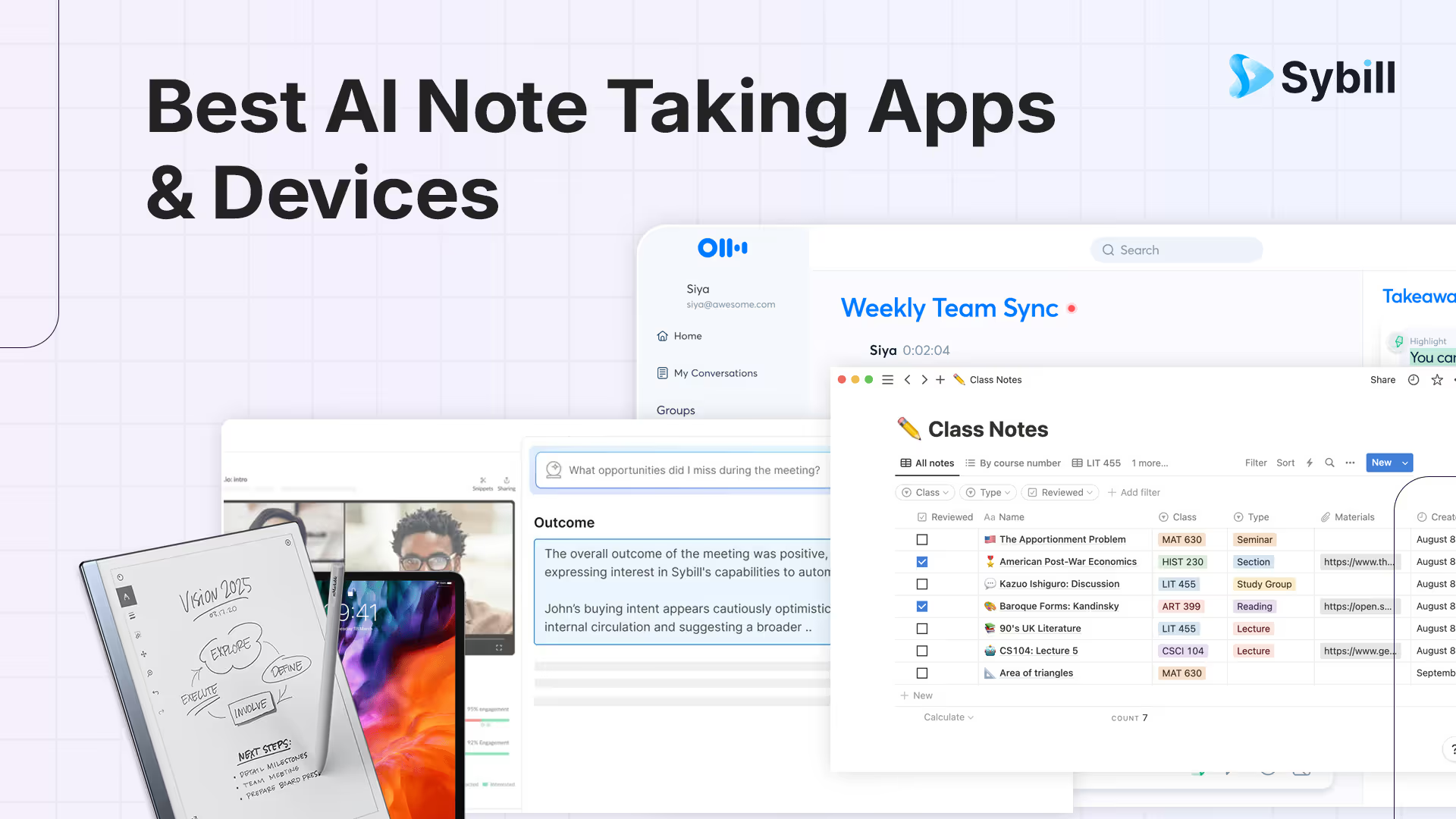
Meetings don’t end with notes anymore. They end with summaries, action items, and a follow-up email written by your AI note taker before you’ve even left Zoom. Somewhere between your goodbye wave and “see you next week,” an algorithm has already captured every word, tagged every decision, and turned your chaos into clarity.
The age of frantic typing is over. Evernote walked so Notion, and now Sybill could run. The best AI note taking apps in 2026 don’t just record what’s said. They understand what’s meant. They detect tone, intent, even hesitation. Your AI is no longer your assistant. It’s your second brain.
The 10 best AI note-taking apps and devices in 2026 are Sybill (best for sales teams with auto-summaries, CRM autofill, and follow-up drafting), Otter AI (best for real-time transcription and collaboration), Fathom (best for clean meeting recaps), Fireflies (best for searchable meeting archives), Notion AI (best for integrated workspace notes), Granola (best for bot-free private note enhancement), Clari Copilot (best for revenue intelligence), Avoma (best for meeting lifecycle management), reMarkable 2 (best hardware for handwritten-to-digital notes), and iPad Pro with Apple Pencil and GoodNotes (best tablet for hybrid note-taking). AI note-takers have moved beyond transcription to understanding intent, detecting sentiment, and automating post-meeting workflows.
And that second brain doesn’t just live in apps. Digital note takers like the reMarkable 2, iPad Pro, and Boox Tab Ultra now think as fast as you write. You can sketch, speak, or brainstorm out loud, and your AI audio note taker quietly turns it all into searchable, structured insights in a jiffy.
That’s why this guide cuts through the noise to reveal the best AI note taking apps and devices in 2026. You’ll see what actually works for students, professionals, and hybrid teams, and what’s just hype. By the end, you’ll know exactly which AI recorder note taker deserves a spot in your workflow.
In 2026, note-taking has officially crossed into workflow automation territory. More than 75% of professionals now rely on AI-assisted note-taking for work, study, or creative projects. The reason is simple: it saves time, reduces errors, and keeps you focused on listening instead of typing.
The best note taking devices and apps don’t stop at transcription. The modern AI recording note taker goes beyond words. It recognizes tone and intent, builds contextual summaries, and even syncs notes with your CRM or task manager. Platforms like Sybill have taken this further with emotion and engagement signals to help teams understand what customers actually care about.
Even devices are getting smarter. The latest digital note takers such as the reMarkable 2, Boox Tab Ultra, and Samsung Tab S10 Ultra now feature built-in AI summaries and audio recording support. You can jot, record, and review, all from a single note taking tablet that adapts to your workflow.
And the results speak for themselves. By our own admission, AI note takers like Sybill can reduce post-meeting admin by up to 50%. That means fewer hours writing notes, fewer missed insights, and more energy for the work that actually matters.
The AI revolution in note-taking gives you back the headspace to think better. Isn’t that all that modern professionals yearn for?
In simple terms, an AI note taking app is a software that automatically records, transcribes, and summarizes conversations or written notes using artificial intelligence. It works like a personal assistant that never forgets a thing and never zones out mid-meeting.
Here’s what it can do:
And then there’s Sybill, which pushes the idea even further. It doesn’t just capture or summarize your meetings. It acts on them. Sybill creates personalized follow-ups, generates and fills your CRM with meeting updates automatically, and even executes next steps through AI Tasks, freeing you to focus on the work that pushes deals forward. That’s the real power of AI note taking apps in 2026.
Click here to try Sybill for free.
The best note taking apps today think while you talk, and the best ones act while you move on to the next call.
A note taking device is a digital notebook or tablet built for capturing handwritten or typed notes with precision and flexibility. Think of it as a bridge between analog focus and digital intelligence.
Modern versions, like the reMarkable 2, Boox Tab Ultra, and iPad Pro, go far beyond simple handwriting capture. They now include built-in AI for handwriting recognition, real-time transcription, summaries, and smart tagging.
Here’s how a traditional digital note taker compares with an AI note taking device in 2026:

Whether you prefer the minimalist feel of reMarkable or the multitasking horsepower of an iPad, the best note taking device in 2026 is one that blends handwriting comfort with AI intelligence. The best device for digital note taking goes beyond recording what you say or write. It interprets what you mean.
AI note-taking software has evolved from simple transcription tools to full-blown meeting copilots. Whether you’re a student, a sales rep, or a hybrid worker, the right AI note taking app can do more than record. It can think, summarize, and even act on your behalf.
Here are the best AI note taking apps redefining productivity in 2026.

Sybill is what happens when a simple AI audio note taker grows up into a full sales brain. It captures every word, intent, and follow-up from your meetings, then goes a step further by actually executing tasks for you.
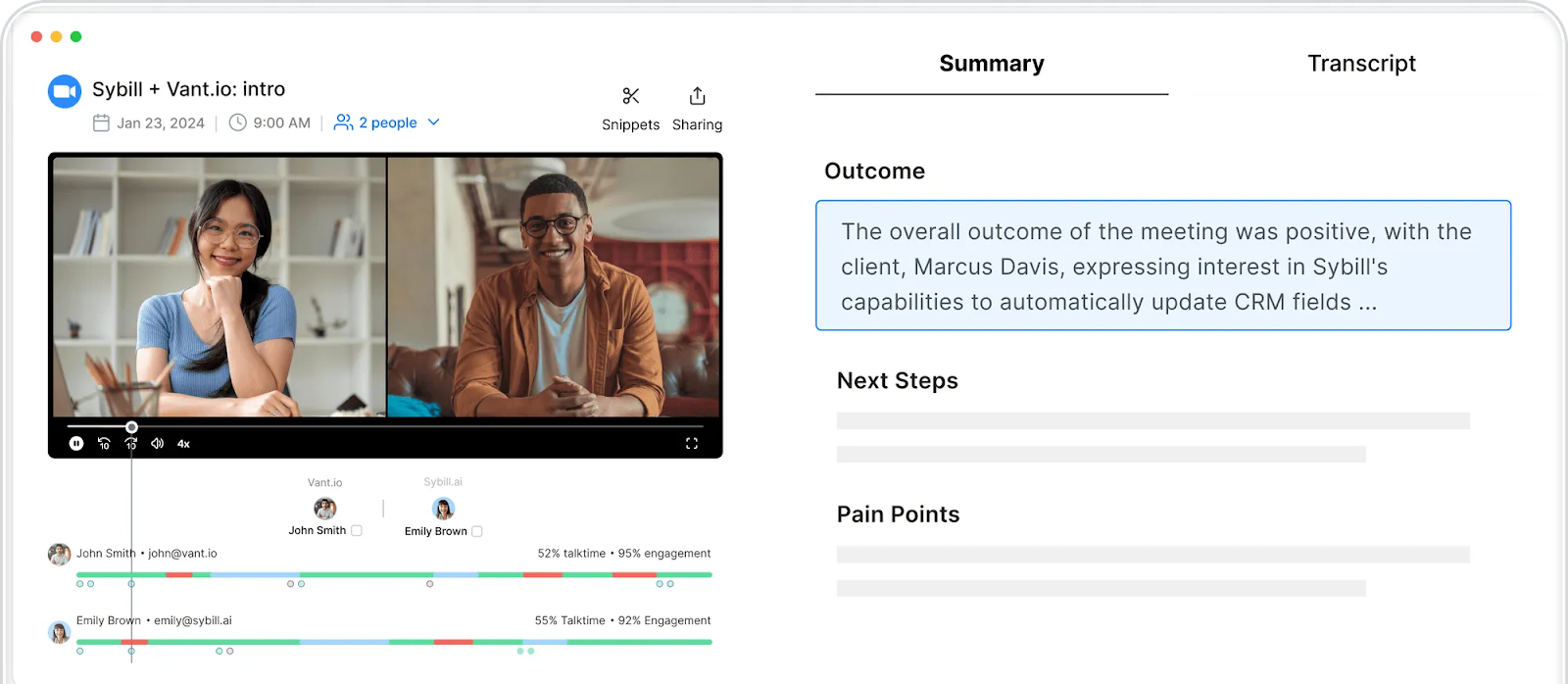
Best for: Sales and revenue teams that live on Zoom, Meet, and CRM dashboards.
Pricing: Starts at $19 per user per month; free trial available
Pros:
Cons:
Sybill is much more than an AI meeting recorder. It’s a deal-closing partner that captures, summarizes, and follows through so you can move faster.
2. Otter.ai
Otter.ai’s signature live transcription makes it a reasonable AI recorder note taker for hybrid teams. It joins meetings, transcribes in real time, and generates searchable summaries that teams can edit together.
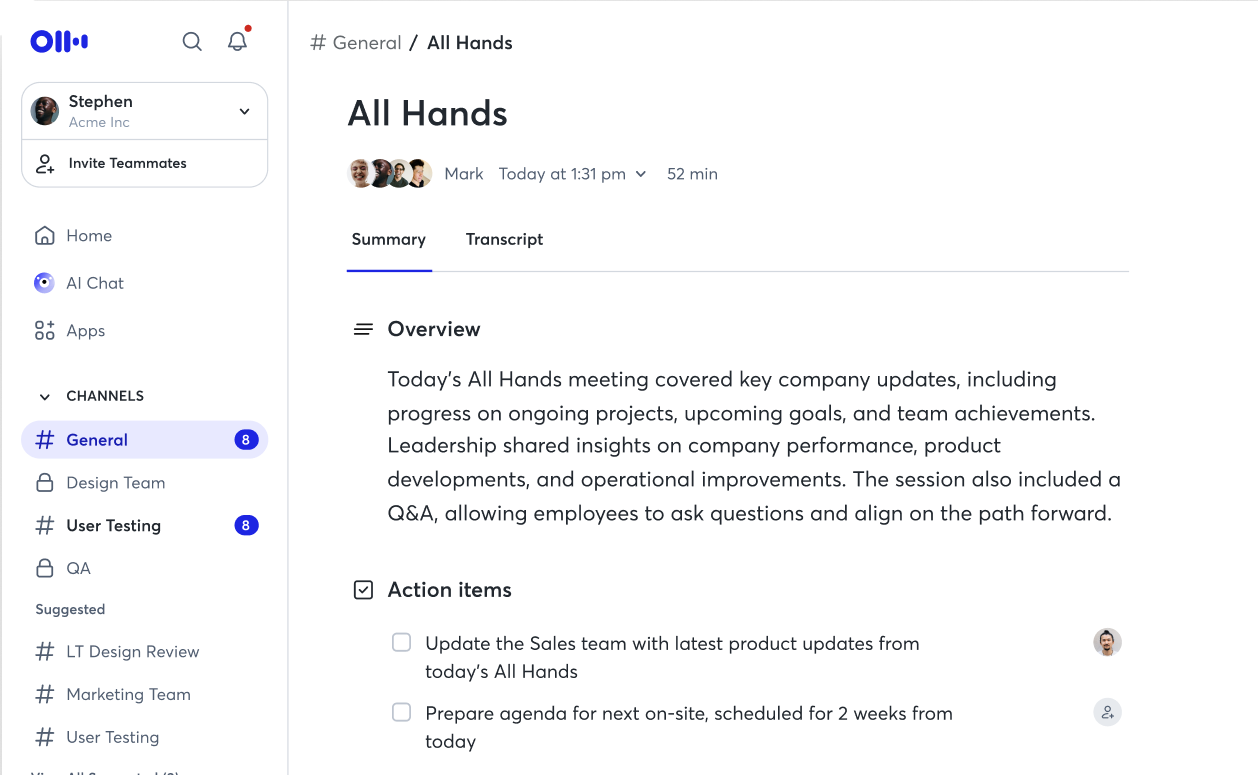
Best for: Hybrid teams, educators, journalists.
Key Note Taking Features:
Pricing: Starts at at $16.99/month; free limited version available
Pros: Real-time collaboration, searchable notes, cross-platform sync.
Cons: Bot presence may feel intrusive; limited multilingual support.
Jamie is a GDPR-compliant, bot-free AI note taker that works online or offline. It records audio directly from your device, without needing meeting bots or pop-ups.
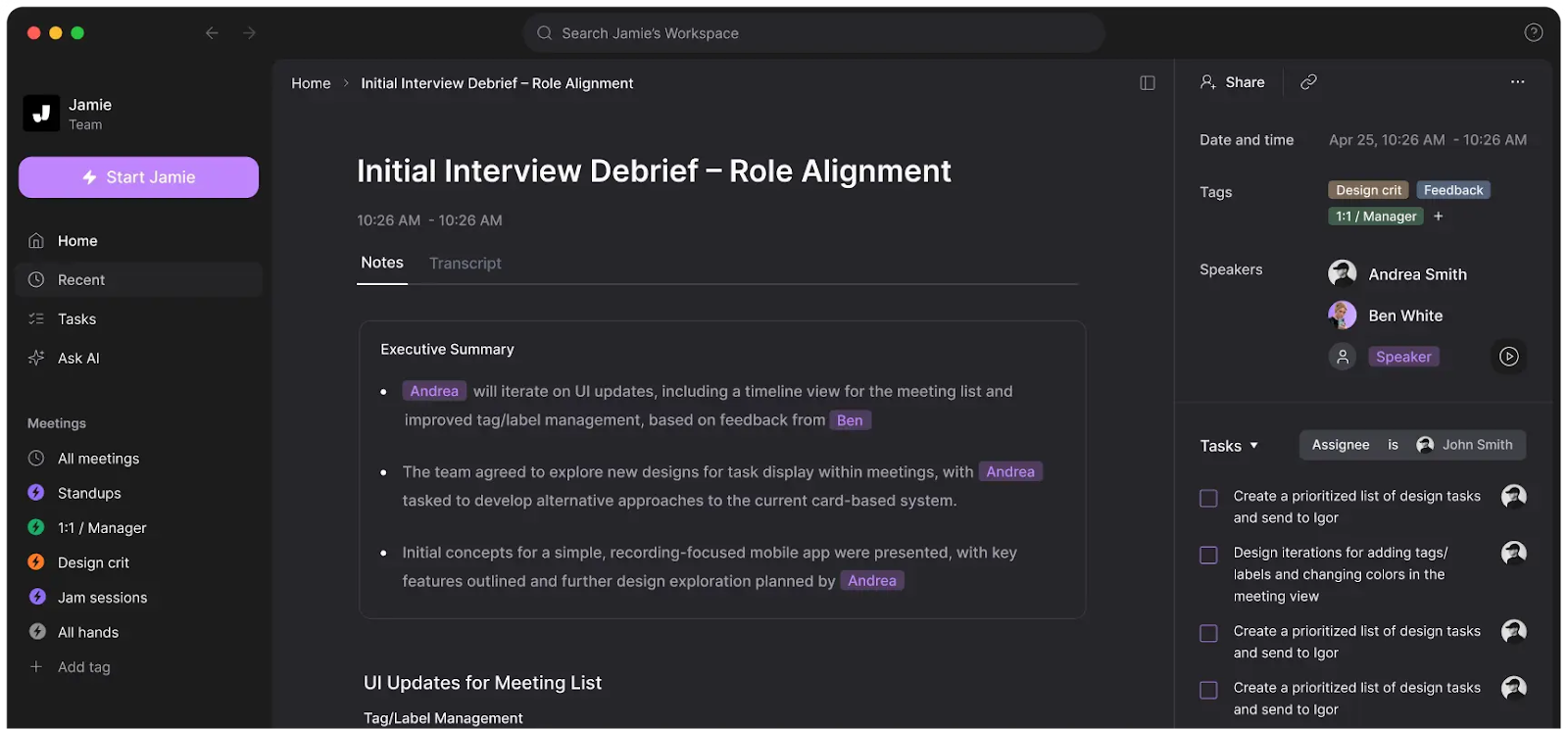
Best for: Privacy-conscious professionals, EU-based teams, journalists.
Key Note Taking Features:
Pricing: Free tier with 10 meetings/month; paid plans from €25/month.
Pros: Highly private, multilingual, bot-free.
Cons: No video capture; desktop-first interface.
Notion AI transforms traditional note-taking into dynamic knowledge management. It stores and contextualizes your work data.
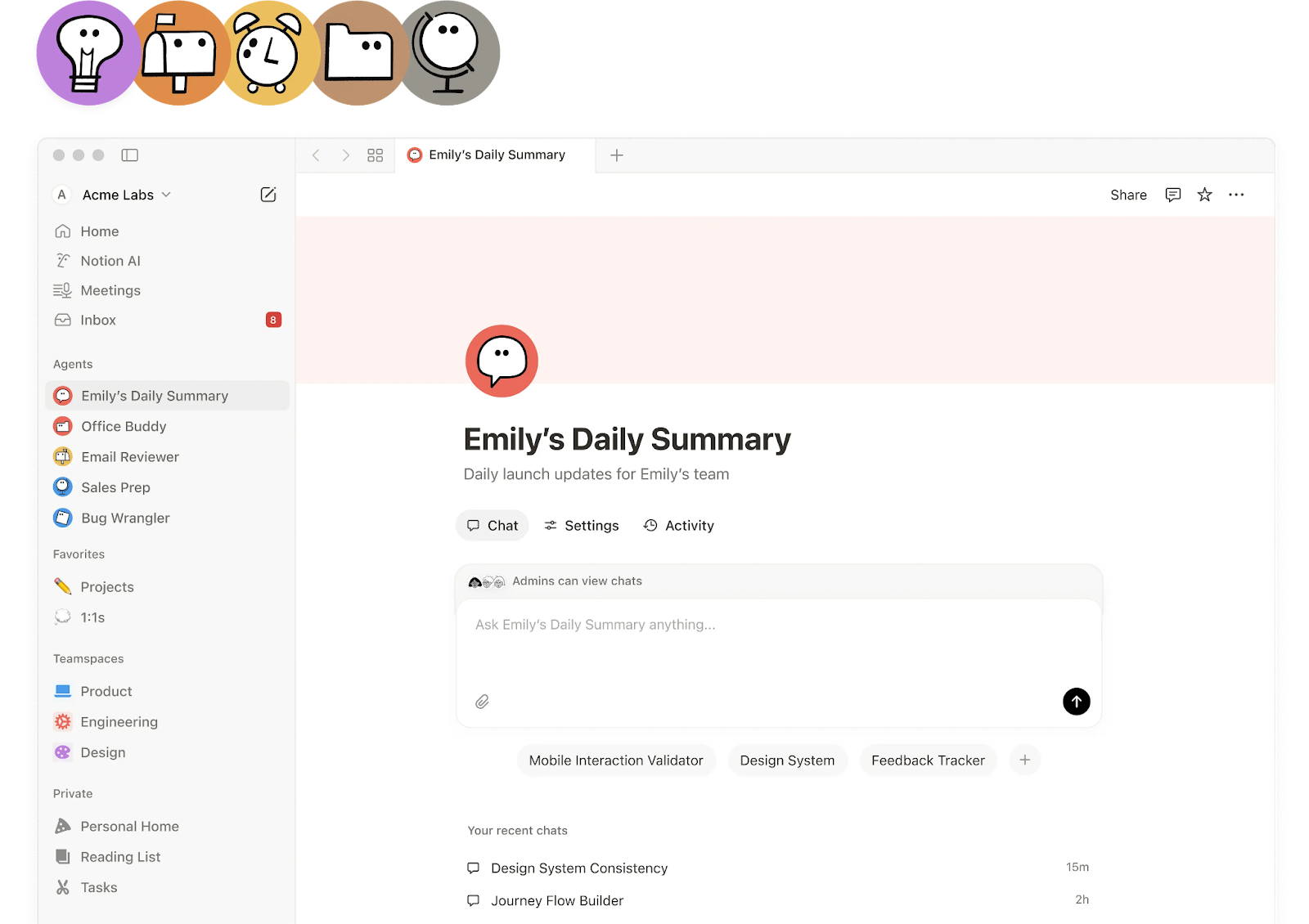
Best for: Product, content, and project management teams.
Key AI Features:
Pricing: Free tier available; AI add-on features from $20/user/month.
Pros: Flexible, integrated workspace.
Cons: Learning curve; no offline mode.
OneNote now comes with Microsoft Copilot, a conversational AI interface that summarizes lectures, generates outlines, and even builds task lists.
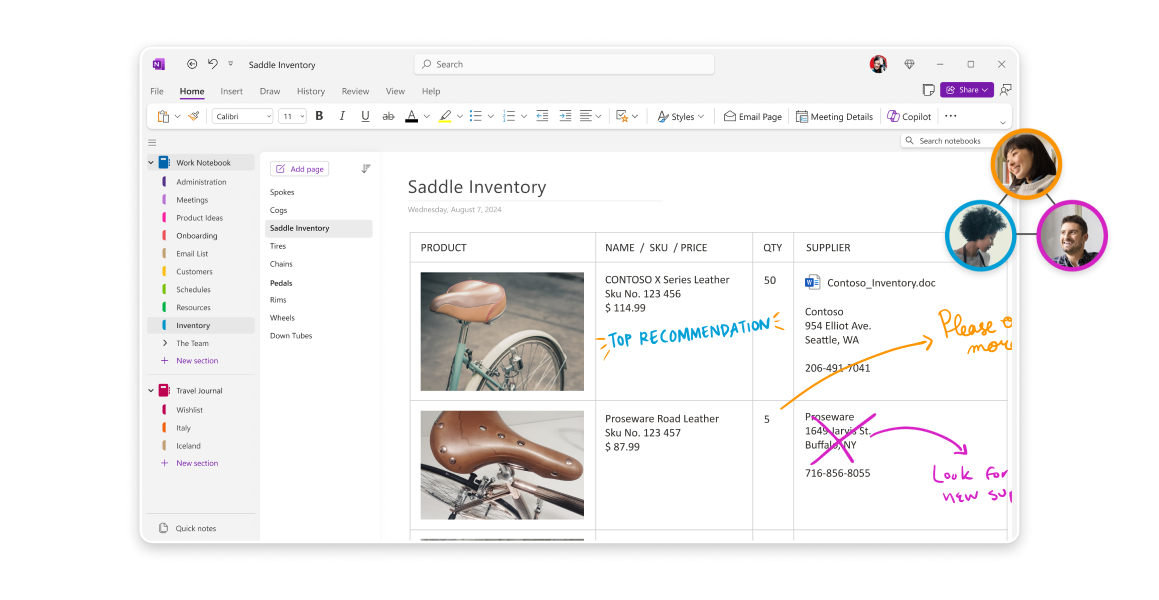
Best for: Students, researchers, academics.
Key Note Taking Features:
Pricing: Free version with core features; Microsoft 365 subscription for Copilot access.
Pros: Familiar interface, powerful research companion.
Cons: Some AI features limited to Windows users.
Mem AI is your intelligent memory system. It links notes, projects, and people, automatically suggesting connections you might have missed.
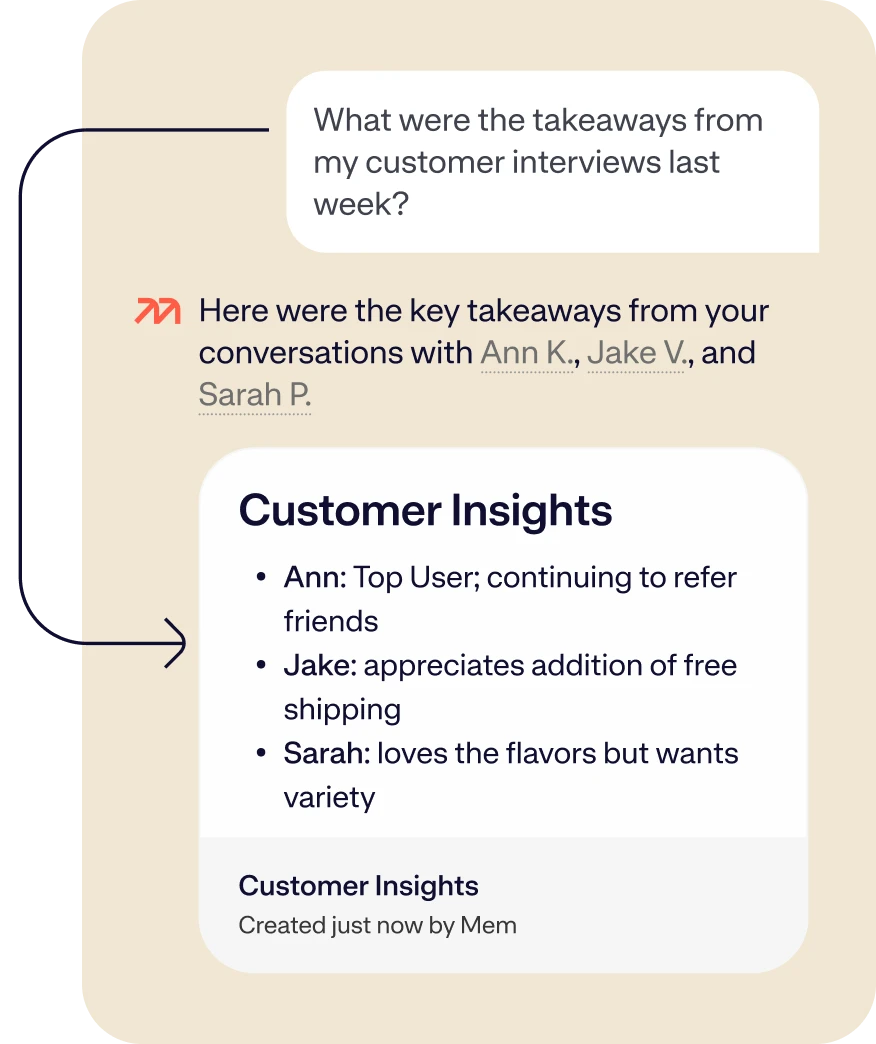
Best for: Teams managing large volumes of unstructured information.
Key AI Features:
Pricing: Free trial available; paid plans from $12/month.
Pros: Great for teams building shared intelligence.
Cons: Best features behind paywall; not ideal for solo use.
Picking the best note taking device today is about how intuitively your ideas flow from thought to screen. Whether you prefer an e-ink pad or a multitasking tablet, these digital note takers blend handwriting comfort with AI-driven efficiency.

Still the gold standard for distraction-free focus, the reMarkable 2 delivers the closest thing to paper in a digital world. Its 2025 firmware update adds AI handwriting recognition, making it more than just a minimalist notebook.
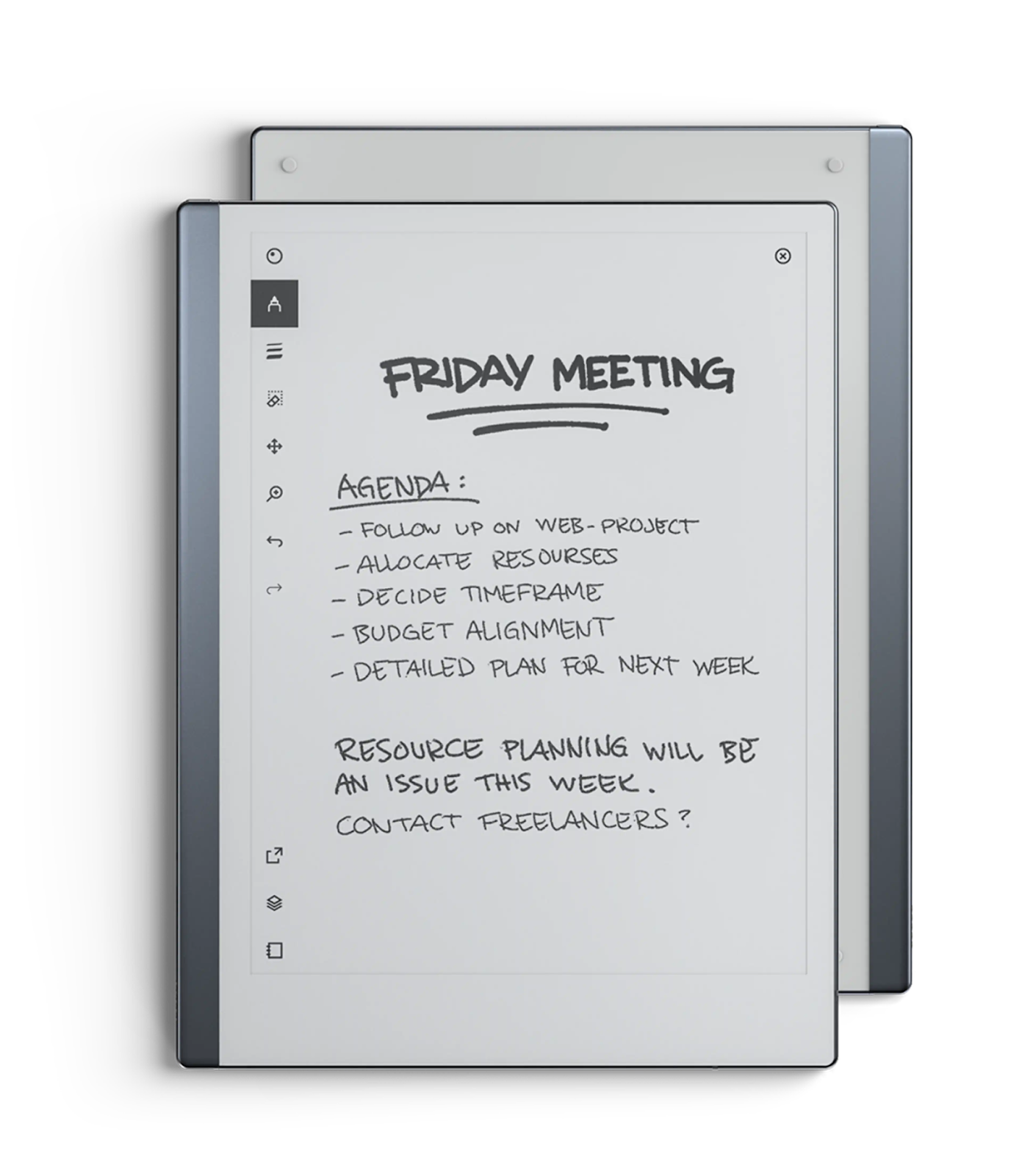
Best for: Deep thinkers, writers, and professionals craving focus.
Key Features:
If you value simplicity, this digital note taker keeps your mind clear and your workspace cleaner.
The Boox Tab Ultra C proves that color e-ink can finally compete with tablets. Its AI-assisted handwriting recognition and flexible Android OS make it perfect for creative workflows.
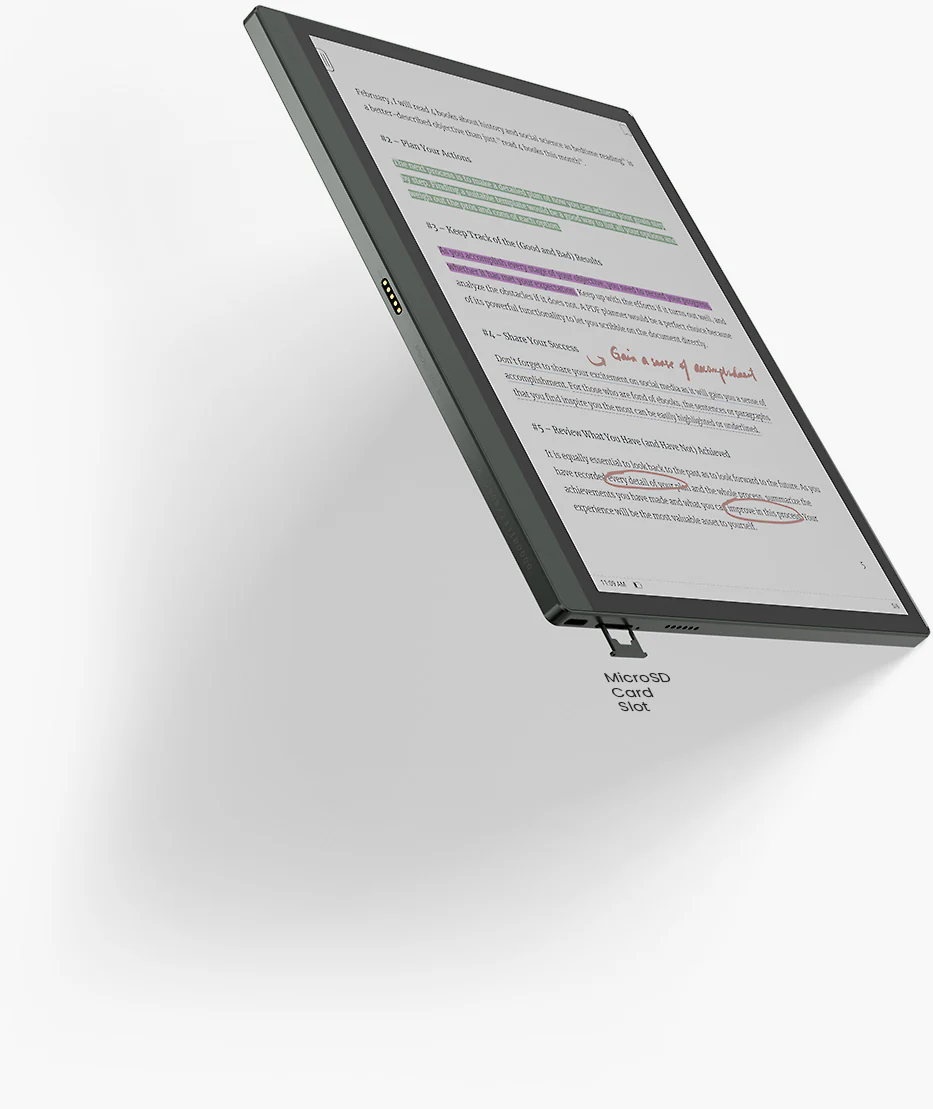
Best for: Artists, content creators, and anyone juggling sketches and scripts.
Key Features:
It’s the best device for digital note taking if you need art-grade color precision with the calm of e-ink.
Apple’s iPad Pro is powerful and perceptive. With Apple Intelligence, your handwritten notes can be summarized, polished, and turned into structured lists or decks.
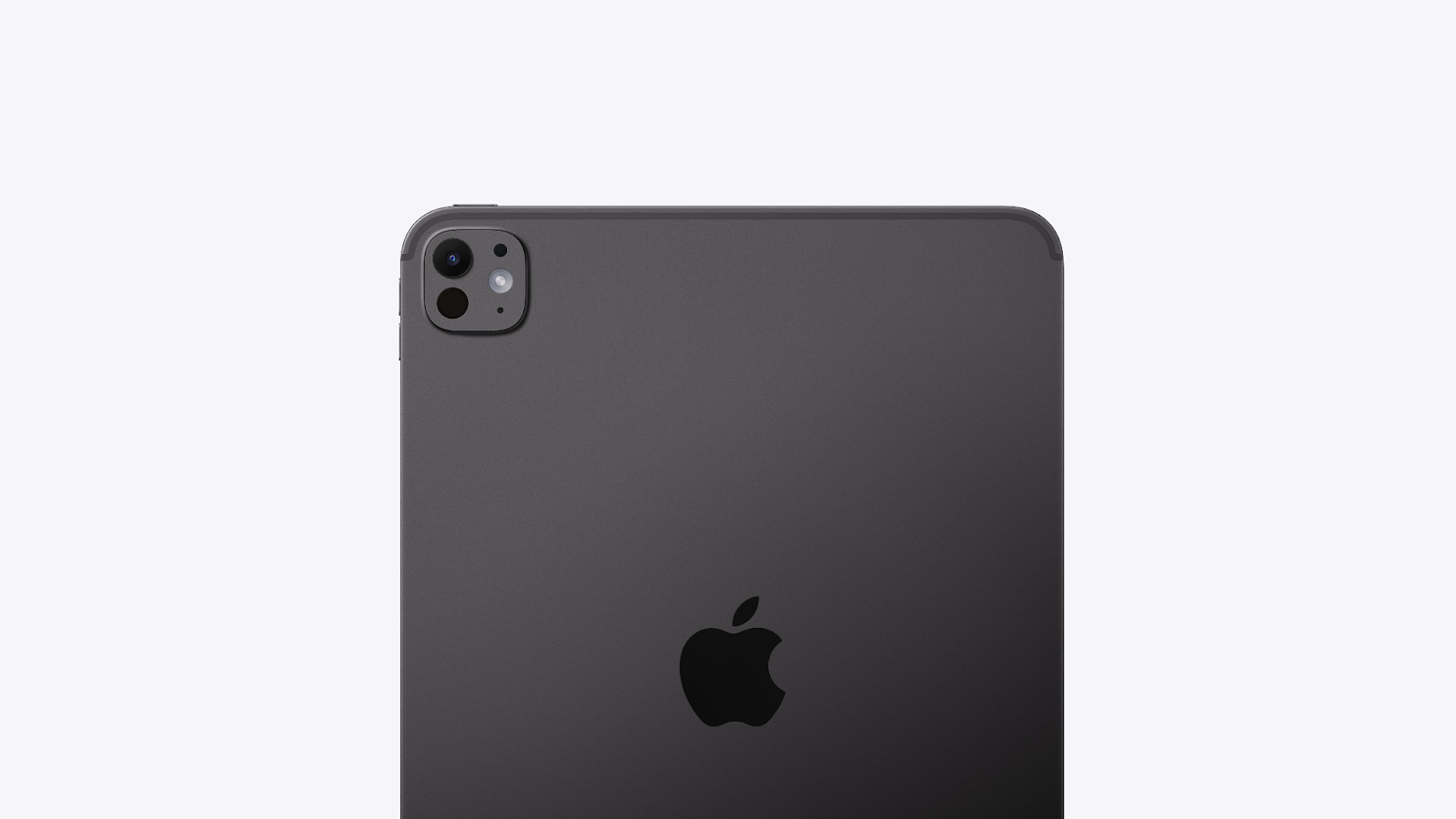
Best for: Students, designers, executives, multitaskers.
Key Features:
If you need one note taking tablet that does it all — writing, drawing, editing, presenting — this is it.
The Galaxy Tab S10 Ultra combines Samsung Notes with Gemini integration, letting you record, summarize, and share instantly.
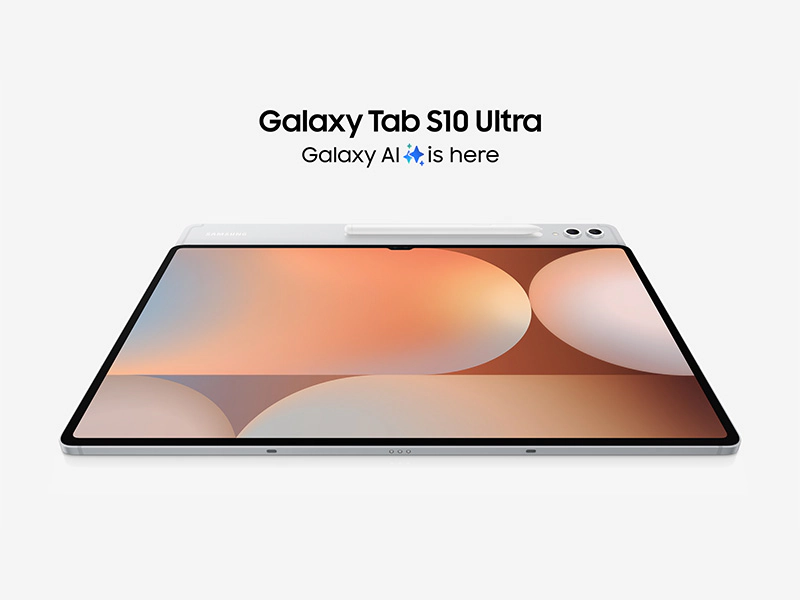
Best for: Android power users and professionals in the Google ecosystem.
Key Features:
It’s a powerhouse note taking tablet for those who prefer open systems without sacrificing sophistication.
AI note takers are no longer passive recorders. They’re your digital thinking partners. Whether you’re in a client pitch, a classroom, or your fifth back-to-back Zoom, they capture, summarize, and act. So you don’t have to.
But here’s the truth: the best AI note taking app or digital note taker isn’t a one-size-fits-all decision. The right choice depends on how you work, think, and capture ideas.
Here’s a quick way to decide what fits you best:
In the end, the best tool is the one that feels effortless, the one that turns your thoughts into clarity instead of clutter.
The best AI note taking app in 2026 depends on your workflow. Sybill is ideal for sales and meetings, Otter.ai excels at real-time transcription, and Notion AI suits creative and collaborative workflows.
For general users, Apple Notes, OneNote, and Notion remain top choices. If you want AI superpowers, go for Sybill or Mem AI for deeper automation and contextual insights.
The iPad Pro with Apple Pencil and reMarkable 2 lead for digital handwriting, while the Boox Tab Ultra C offers creative flexibility with a color e-ink display.








