
Find us at booth #83, join us for a harbor side happy hour, or catch Gorish’s talk.

Sept, 16-18 > Learn more

%20(1).avif)
Mamta Tainwala

February 15, 2026

TL;DR:
1. Gamma is the best all-around AI presentation maker for fast, polished decks from a prompt. 2. Canva wins for brand consistency.
3. Beautiful.ai is unmatched for data-heavy slides.
4. Tome leads for narrative storytelling.
5. Plus AI is ideal if you want to stay inside Google Slides or PowerPoint.
Pitch, Visme, and Slidebean round out the list for collaboration, interactivity, and startup fundraising. Prices range from free to $40/user/month.
For sales teams, the real edge comes from pairing any of these with Sybill, which tracks how prospects actually react to each slide so you can optimize your deck with buyer data, not guesswork.
There's a running joke in corporate life that death, taxes, and a 47-slide PowerPoint deck are the only certainties. We've all been there. It's 11 PM, you're on slide 23 of a quarterly business review, and you're seriously questioning your career choices. The fonts don't match. The chart is off-center. And the "quick five-minute deck" your manager asked for three hours ago is now a full existential crisis.
AI presentation makers exist to end that suffering. In 2026, you can type a prompt, upload a brief, or paste an outline, and get a fully designed deck in minutes. Some of these tools are genuinely impressive. Others are glorified templates with an AI sticker slapped on.
For sales teams, a sales deck isn't just a presentation. It's the vehicle that carries your pitch, your differentiation, and your close. The slides that light up a prospect's face are different from the ones that make them check their phone. And knowing the difference between those two reactions is where the real competitive advantage lives.
Let's start with the tools.
Before ranking tools, it helps to know what separates the useful ones from the gimmicky ones. Here's what to look for:
With those criteria in mind, here are the 8 best AI PowerPoint generators worth your time in 2026.

Gamma has quietly become one of the most popular AI presentation tools, and for good reason. You give it a prompt, an outline, or even a document, and it generates a sleek, modern deck that looks like a designer built it. The output feels more like a polished web page than a traditional slide deck, which works beautifully for internal presentations and async communication.
What sets Gamma apart is its understanding of content flow. It doesn't just dump text onto slides. It structures the narrative, picks appropriate layouts for different content types, and applies consistent design language throughout. You can also import existing content and let Gamma redesign it, which is a massive time saver for teams refreshing old decks.
Best for: Quick first drafts, internal decks, and teams that want beautiful output with minimal effort.
Pricing: Free plan with limited AI credits. Plus at $10/month. Pro at $20/month.
Limitation: Export to PowerPoint can lose some formatting nuances. Less control over granular design elements.

Canva doesn't need much introduction. It's the design tool that made graphic design accessible to everyone, and its AI presentation features have matured significantly. Magic Design generates slide decks from prompts, Brand Kit keeps everything on-brand, and the template library is massive.
For teams that already use Canva for social media, marketing collateral, or internal comms, adding presentations to the workflow feels natural. The drag-and-drop editor is intuitive, and the stock media library means you'll never need to hunt for placeholder images again.
Best for: Marketing teams, brand-heavy presentations, and anyone who already lives in the Canva ecosystem.
Pricing: Free plan available. Pro at $15/month. Teams at $10/user/month.
Limitation: Presentation-specific features feel secondary to Canva's broader design toolkit. AI generation is good, not great.
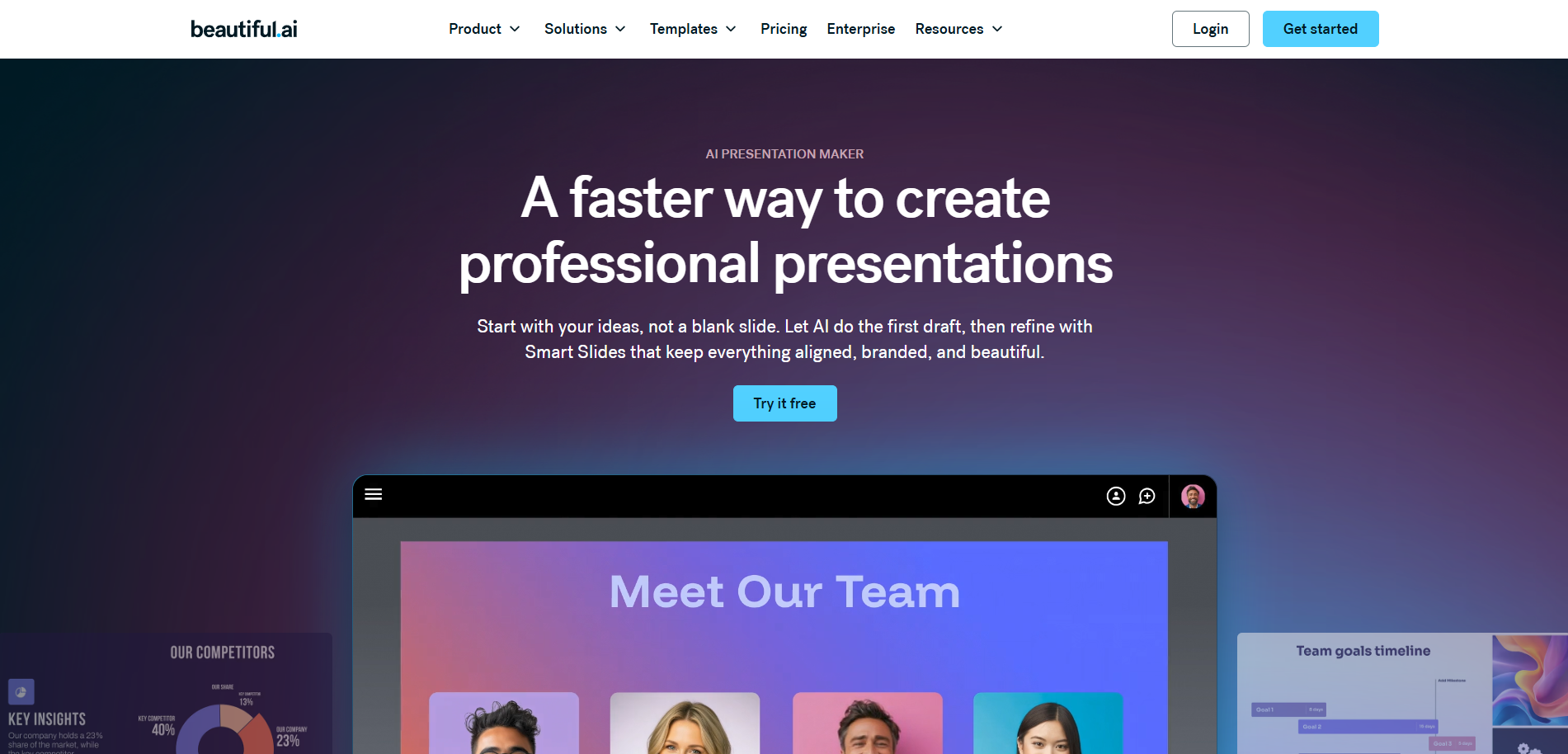
Beautiful.ai takes an opinionated approach: instead of giving you a blank canvas, it offers "smart slides" that automatically adjust spacing, alignment, and layout as you add content. You literally cannot make an ugly slide. The AI handles design rules so you can focus on content.
This is particularly valuable for data-heavy presentations. Charts, timelines, and comparison slides look polished without manual tweaking. For sales teams running pipeline reviews or QBRs, Beautiful.ai keeps the focus on the data rather than on formatting struggles.
Best for: Teams that produce frequent updates, reports, and data-driven presentations. Pricing: Pro at $12/user/month. Team at $40/user/month. Limitation: Less creative freedom compared to tools like Canva. The opinionated layouts can feel restrictive for highly custom designs.
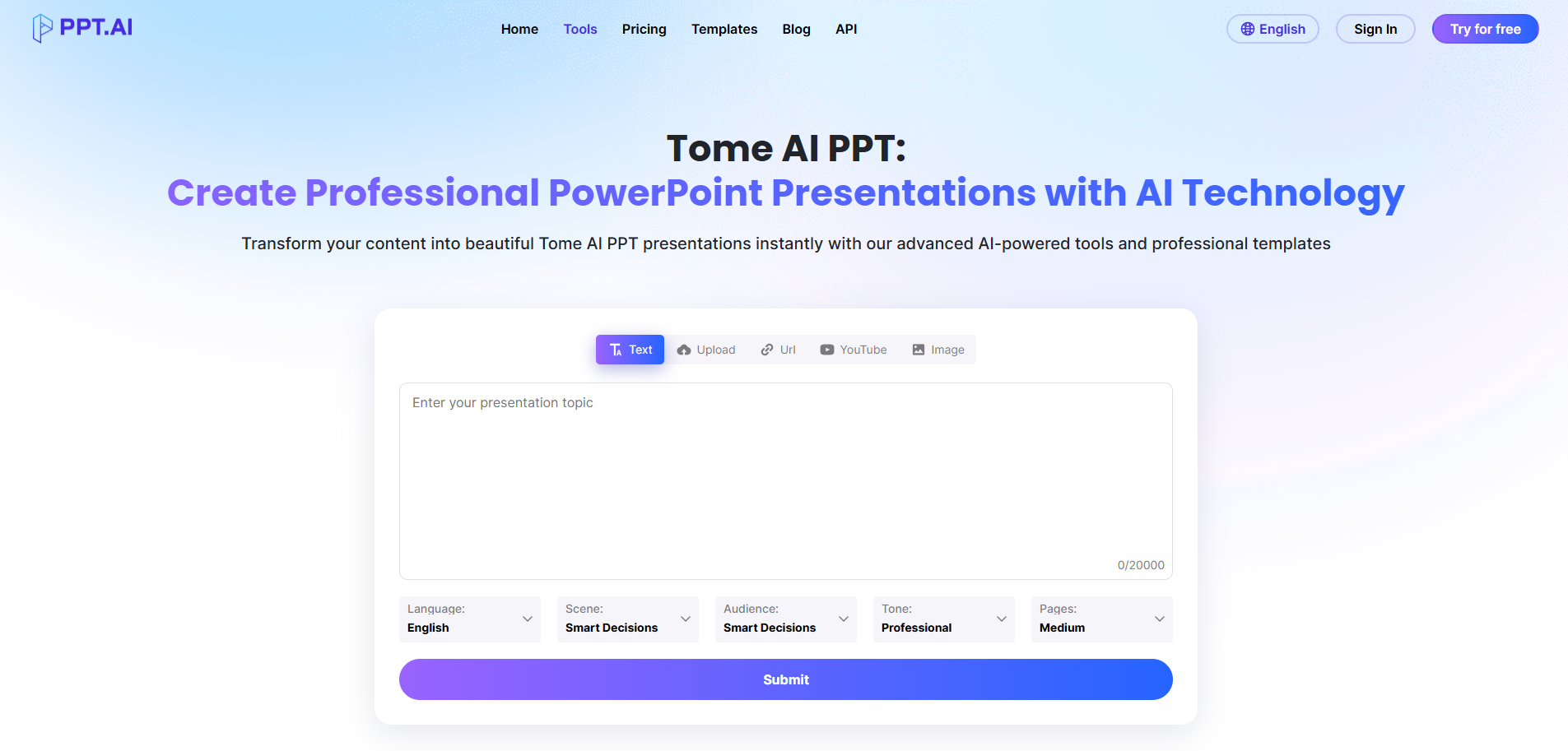
Tome was one of the first AI-native presentation tools, and it still leads in one area: narrative-driven decks. Instead of traditional slide-by-slide construction, Tome creates scrollable, story-format presentations that feel more like a mini-website than a PowerPoint.
You can generate an entire presentation from a single prompt, and Tome will structure the narrative arc, suggest images, and apply consistent styling. It integrates with tools like Figma and embeds live content, which makes it great for product teams and creative pitches.
Best for: Founders pitching investors, product launches, and creative teams that want a non-traditional format.
Pricing: Free plan available. Professional at $16/month.
Limitation: The scrollable format doesn't work for every audience. Exporting to traditional PowerPoint can feel clunky.
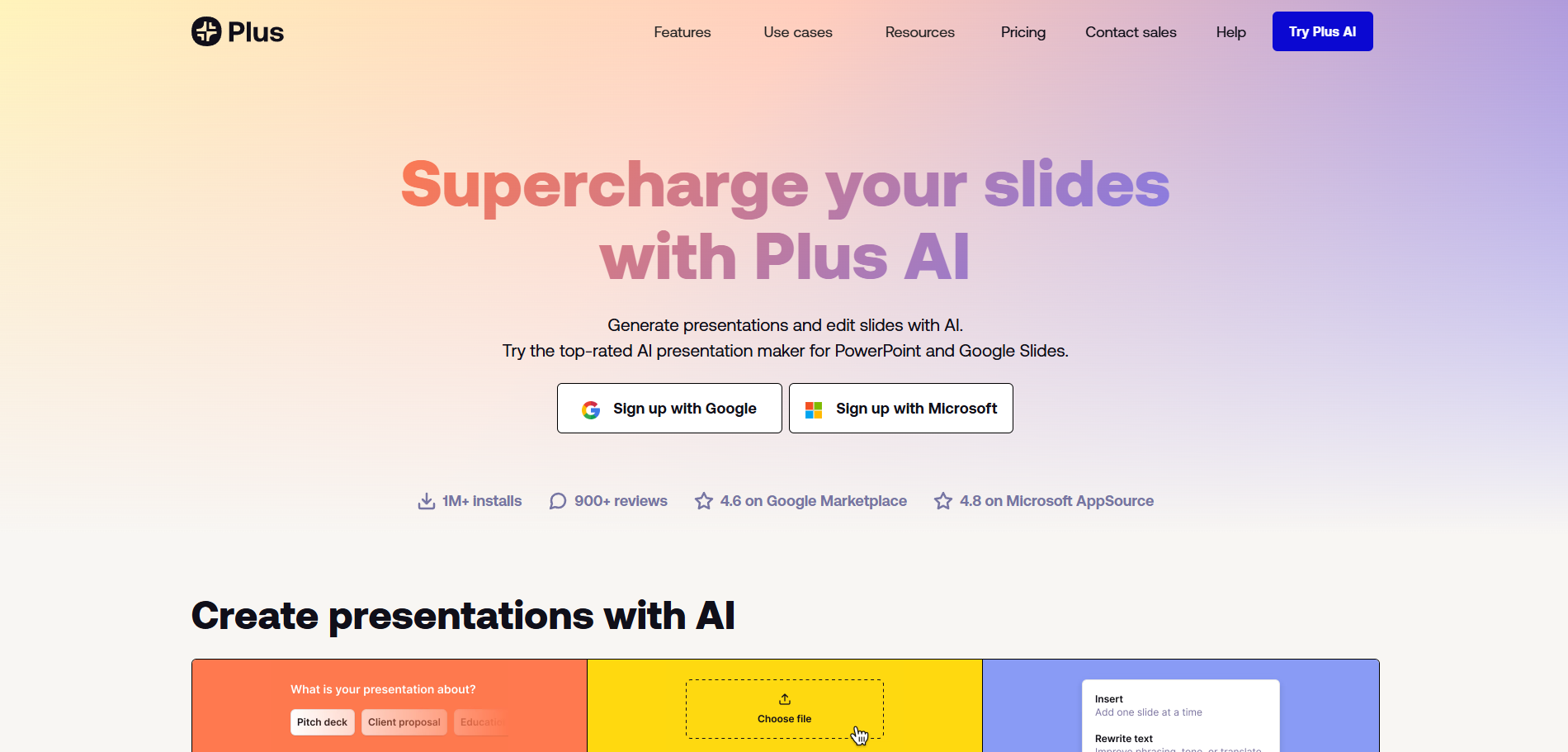
If you don't want to learn a new tool and just want AI superpowers inside Google Slides or PowerPoint, Plus AI is the way to go. It works as an add-on, generating slides, rewriting content, and applying design improvements directly within your existing workflow.
The biggest advantage is zero context-switching. Your team keeps working in the tool they already know, and Plus AI handles the heavy lifting behind the scenes. It can generate decks from prompts, reformat existing slides, and even remix presentations into different styles.
Best for: Teams committed to Google Workspace or Microsoft 365 who want AI without switching tools.
Pricing: Starts at $10/month for individuals. Team plans at $20/user/month.
Limitation: Output quality is good but a step below dedicated tools like Gamma or Beautiful.ai.
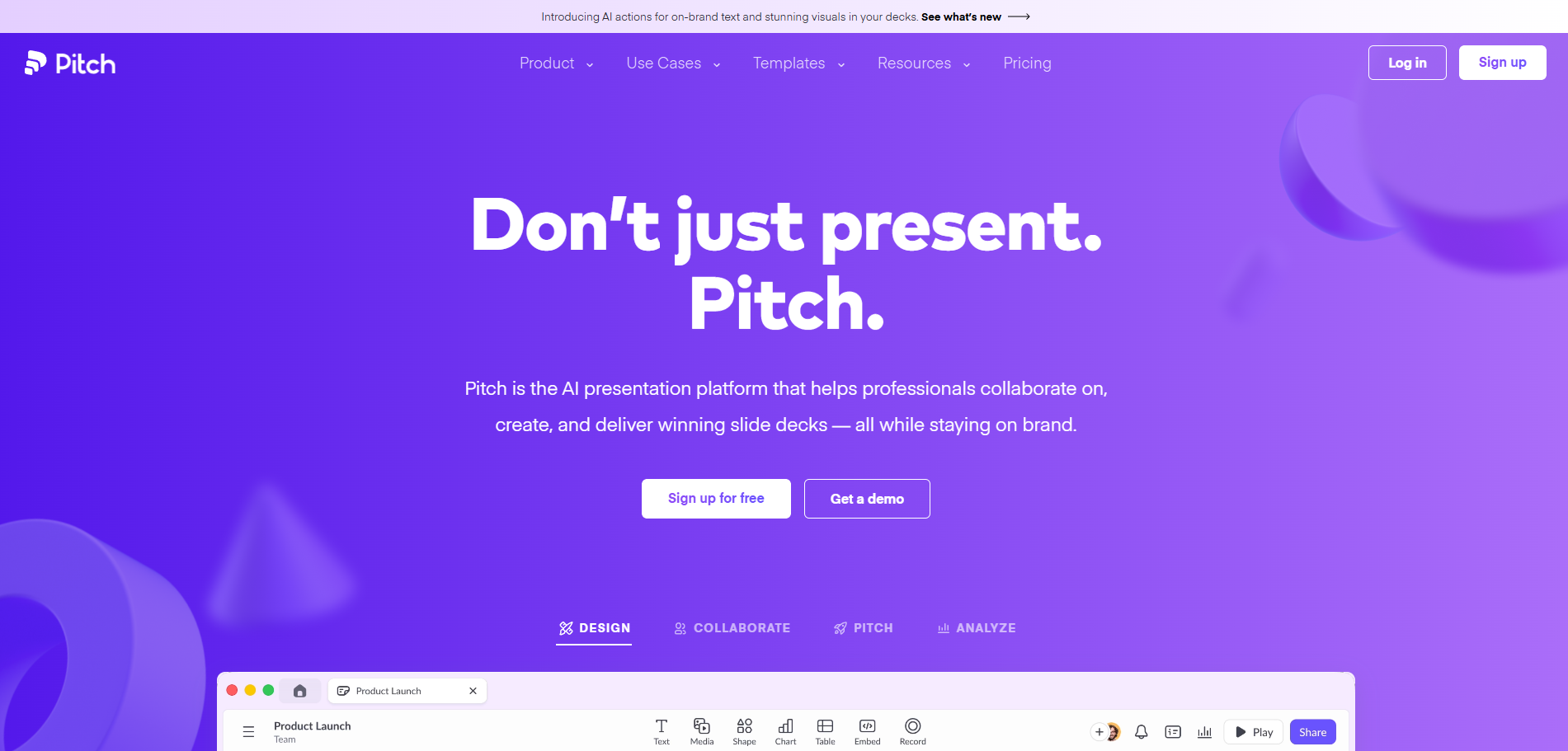
Pitch is built for teams. Real-time collaboration, shared workspaces, brand templates, and presentation analytics make it feel like the Google Docs of slide decks. The AI features help generate content and suggest layouts, but the real value is in how smoothly multiple people can work on the same deck simultaneously.
For sales teams where managers, marketers, and reps all touch the same sales deck, Pitch's collaboration features prevent the usual version-control chaos.
Best for: Teams that co-create presentations and need collaboration-first workflows.
Pricing: Free plan available. Pro at $25/user/month.
Limitation: AI generation is competent but not the tool's headline feature. Design templates are more limited than Canva.
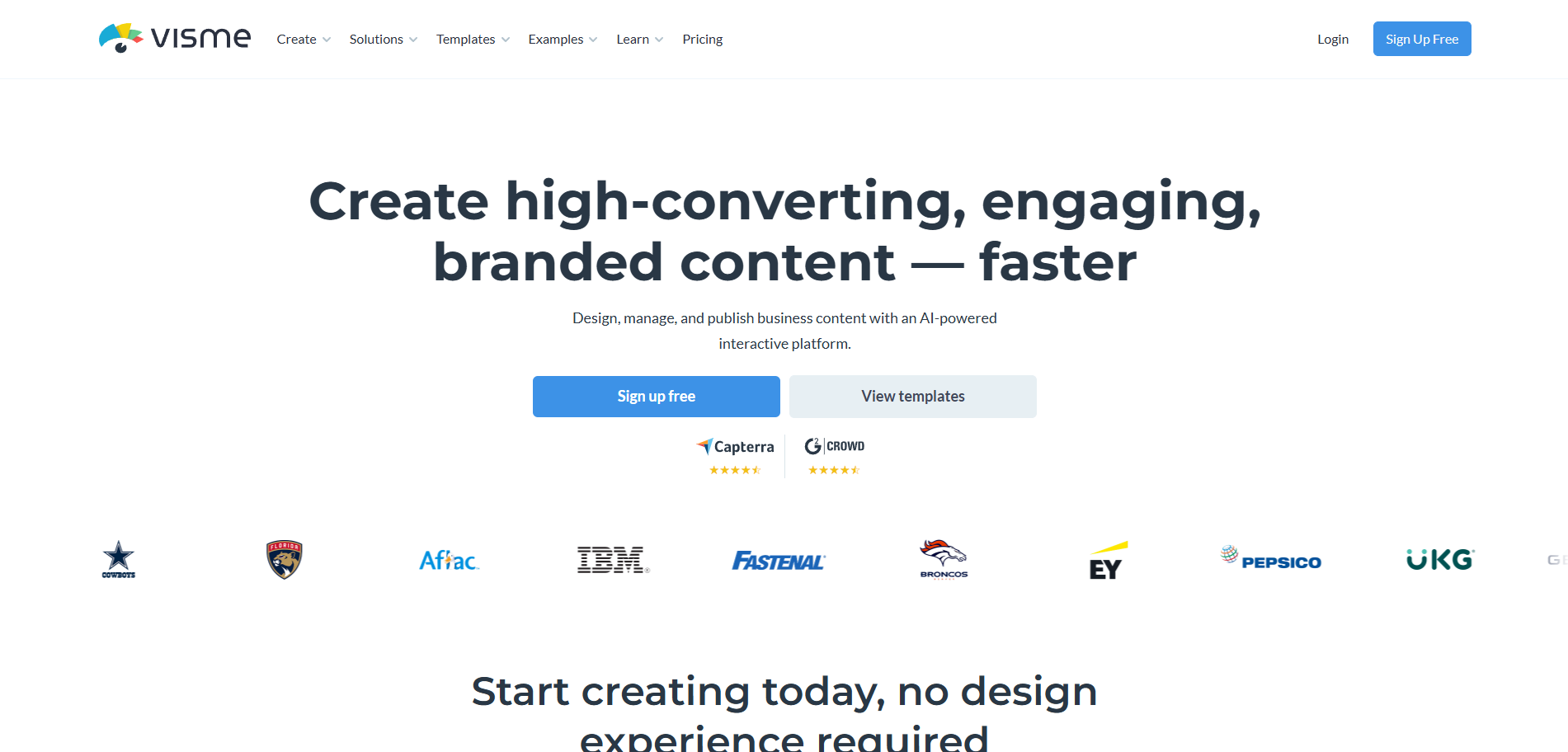
Visme combines presentations with infographics, charts, and interactive elements. If your decks need embedded charts, animated data visualizations, or clickable elements, Visme handles it natively. The AI assistant helps generate content and suggest layouts.
It's particularly useful for teams that present complex information, like financial reports, market analyses, or technical overviews, and want it to look engaging rather than dense.
Best for: Data-rich presentations, interactive content, and teams that blend presentations with infographic-style storytelling.
Pricing: Free plan available. Starter at $12.25/month. Business at $24.75/month.
Limitation: Steeper learning curve than simpler tools. Can feel overwhelming for basic slide decks.

Slidebean is laser-focused on one use case: helping startups build investor pitch decks. The AI generates content suggestions based on proven pitch deck structures, and the design engine handles layout and formatting automatically. They even offer a "Pitch Deck as a Service" where their team reviews and polishes your deck.
If you're raising a round and need a funder-ready deck quickly, Slidebean's structured approach saves time and keeps you aligned with what investors actually expect to see.
Best for: Startups preparing investor pitch decks and fundraising materials.
Pricing: Free trial available. All Access at $29/month.
Limitation: Very niche. Not suited for general business presentations or recurring team decks.
Here's the part that most AI presentation roundups skip entirely.
For sales professionals, the quality of your slides matters far less than how your prospect reacts to them. You can have the most gorgeous deck in the world, and if the slide about pricing makes every buyer glaze over while the ROI case study gets them leaning in, that's intelligence worth more than any design tool can provide.
This is where presentation AI and sales AI start to overlap in a really interesting way.
Sybill's Deck feature analyzes how prospects react to every slide in your sales presentations. It tracks which slides capture attention, which ones cause prospects to disengage, and which consistently generate questions or excitement. Over time, it builds a data-driven picture of your sales content performance based on the only source that actually matters: your buyers.
Think about what that means practically. Instead of guessing which slides to cut from your 30-slide deck, you have data showing that slides 14 through 18 consistently lose buyer attention. Instead of debating internally whether the product demo or the customer case study should come first, you can see which order gets prospects more engaged.
Sales teams using Sybill are improving their decks based on actual buyer behavior, not internal opinions. Marketing gets data from real calls to build better collateral. Reps learn which parts of their pitch land and which need reworking. Managers can coach based on evidence, not gut feel.
The best workflow for sales teams? Use an AI presentation maker to build the deck fast. Then use Sybill to figure out which parts of that deck actually work.
Get started for free with Sybill and discover which slides in your deck get buyers excited and which ones need to go.
A few practical tips for making AI-generated presentations actually good, not just fast:
Start with a clear brief, not a vague prompt. "Make a presentation about our product" will give you garbage. "Create a 10-slide sales deck for mid-market CFOs evaluating our expense management platform, emphasizing ROI and implementation speed" will give you something genuinely useful.
Edit ruthlessly. AI gives you a strong first draft, not a finished product. Cut the filler. Tighten the language. Replace generic stock images with relevant visuals. The best decks feel curated, not generated.
Match the tool to the audience. Internal QBRs don't need the same design polish as investor pitch decks. Use Beautiful.ai or Plus AI for recurring internal decks. Use Gamma or Tome for external-facing presentations where design impact matters.
Test with real prospects, then iterate. This is where most teams stop short. They build the deck, present it, and never measure what worked. Tools like Sybill's behavioral AI close that loop by showing you how prospects actually responded to each slide, turning every presentation into a learning opportunity.
Keep your CRM in the loop. After every presentation call, the insights should flow back into your deal record. Sybill handles this automatically through CRM Autofill, capturing what was discussed, what resonated, and what the next steps are without the rep writing a single note.
AI presentation makers have eliminated the most painful part of building decks: staring at a blank slide and struggling with layouts. In 2026, the tools are good enough that the first draft of any presentation can be ready in minutes rather than hours.
But for sales teams, generating slides is just the starting line. The real value comes from understanding how those slides perform in front of actual buyers. Which slides capture attention? Which ones trigger objections? Which ones get prospects nodding along?
Build your deck with Gamma, Beautiful.ai, or whichever tool fits your workflow. Then bring it to life in front of prospects. And let Sybill tell you what's working and what isn't, so every version of your deck gets sharper than the last.
Get started for free with Sybill and turn every sales presentation into a data-driven learning opportunity.
Can AI fully create a PowerPoint presentation?
Yes. Tools like Gamma, Tome, and Plus AI can generate complete slide decks from a text prompt or brief. The output is typically a solid first draft that needs editing and personalization rather than a final product ready for high-stakes presentations.
What's the best free AI presentation maker?
Gamma and Canva both offer generous free tiers. Gamma's free plan is particularly strong, producing high-quality decks with modern layouts. Canva's free plan gives you access to templates and basic AI features. For light use, either is a great starting point.
Which AI presentation tool is best for sales teams?
For building decks, Beautiful.ai and Gamma are strong choices because of their design intelligence and data visualization capabilities. But for understanding whether your deck is actually working with buyers, pair your presentation tool with Sybill's sales intelligence, which tracks how prospects engage with each slide.
Can I export AI-generated presentations to PowerPoint?
Most tools support PowerPoint export, though formatting fidelity varies. Plus AI works directly inside PowerPoint, so there's no export step. Gamma and Beautiful.ai export cleanly in most cases. Tome's scrollable format can lose structure when converted to traditional slides.
How do I know if my sales deck is actually working?
Track prospect engagement during presentations. Sybill's Deck feature shows you which slides get attention and which ones lose it, based on real buyer reactions across all your sales calls. This turns your deck from a static asset into something you can continuously optimize with data.
Is it worth paying for an AI presentation tool?
For occasional use, free tiers from Gamma or Canva are sufficient. For teams building decks regularly, paid plans ($10 to $25/month) are worth it for brand consistency, collaboration features, and higher-quality AI output. The time savings alone typically justify the cost.
Yes. Tools like Gamma, Tome, and Plus AI can generate complete slide decks from a text prompt or brief. The output is typically a solid first draft that needs editing and personalization rather than a final product ready for high-stakes presentations.
Gamma and Canva both offer generous free tiers. Gamma's free plan is particularly strong, producing high-quality decks with modern layouts. Canva's free plan gives you access to templates and basic AI features. For light use, either is a great starting point.
For building decks, Beautiful.ai and Gamma are strong choices because of their design intelligence and data visualization capabilities. But for understanding whether your deck is actually working with buyers, pair your presentation tool with Sybill's sales intelligence, which tracks how prospects engage with each slide.








