
Find us at booth #83, join us for a harbor side happy hour, or catch Gorish’s talk.

Sept, 16-18 > Learn more

%20(1).avif)
Mamta Tainwala

June 20, 2026
%20(7).png)
The best Chrome text-to-speech extensions in 2026 are NaturalReader and Speechify for the most polished AI voices, Read Aloud for maximum voice flexibility and cloud-engine support, Talkie for privacy and offline use, TTSReaderX for one-click simplicity, Capti Voice for education and read-later playlists, and Polly for Chrome for Amazon's studio-grade neural voices.
A good text-to-speech (TTS) extension turns webpages, PDFs, and docs into audio you can consume while commuting, cooking, or switching between tasks. Today's tools use modern AI voices, support dozens of languages, and add speed control, sentence highlighting, and read-later queues, so the right pick depends on whether you prioritize voice quality, privacy, or simplicity.
The seven best Chrome text-to-speech extensions in 2026 are NaturalReader, Speechify, Read Aloud, Talkie, TTSReaderX, Capti Voice, and Polly for Chrome. Each leads a different use case: voice quality, cross-device listening, voice flexibility, privacy, simplicity, education, or premium neural voices.
There is no single winner because the right extension depends on your priority. If you want the cleanest voices with the least setup, NaturalReader and Speechify lead. If you want to plug in premium cloud engines or your own API key, Read Aloud is unmatched. If you need processing to stay on your machine, Talkie is the answer. The sections below break down each tool, who it is for, and where it falls short.
We evaluated each extension against six criteria that matter most for everyday listening: voice quality and language coverage, in-page controls and UX, file and site support, privacy, integrations and portability, and overall value.
Specifically, we looked at whether voices were neural and how many languages were covered; how well play, pause, skip, speed, and highlighting worked inside the page; whether the tool handled webpages, PDFs, Google Docs, and Kindle; whether processing could stay on-device; whether companion mobile or desktop apps existed; and how transparent the free-tier limits and pricing were. Feature depth can vary by plan and by updates, so the snapshot below reflects official listings at the time of writing.
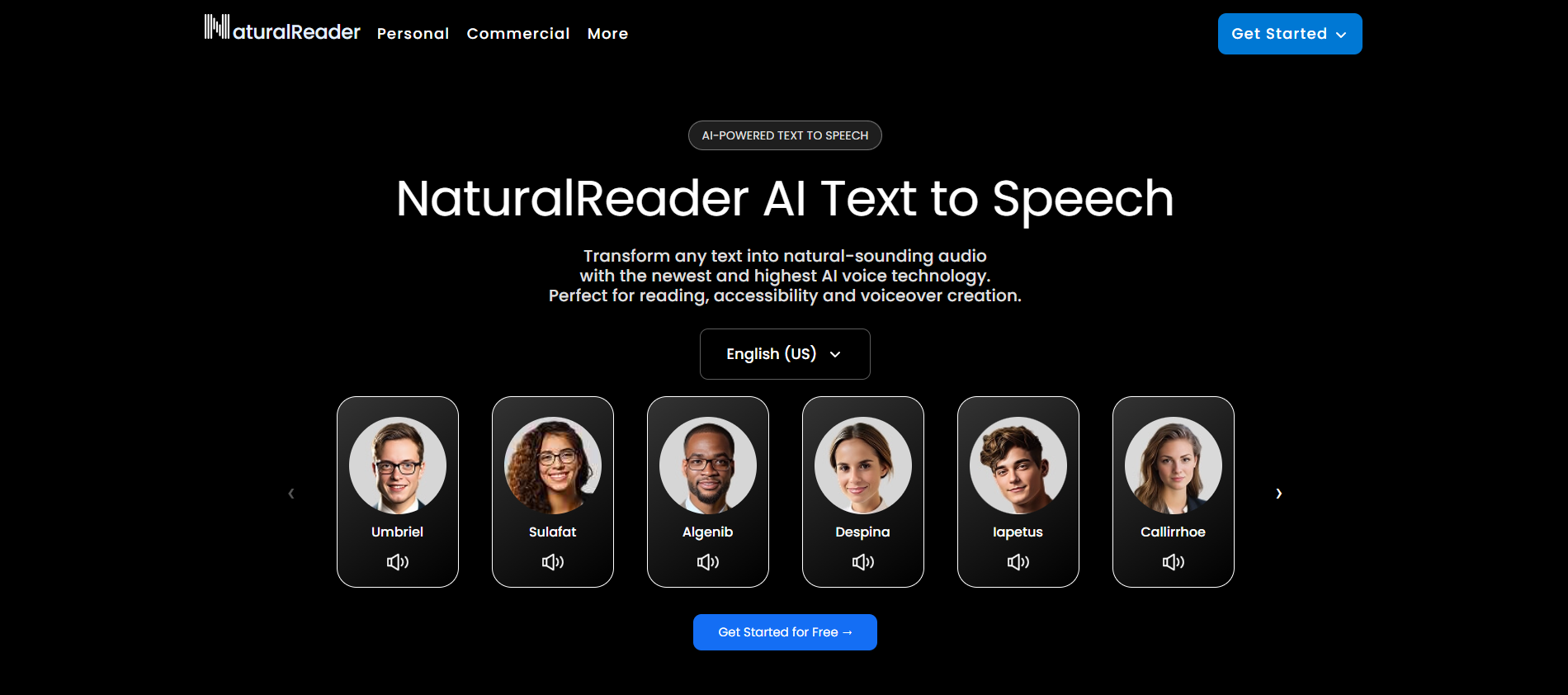
NaturalReader has some of the best AI voices among free Chrome TTS extensions, pairing an easy toolbar player with high-quality neural voices and a generous free tier. Paid plans unlock more premium voices and higher usage caps, and the extension syncs with NaturalReader's web and mobile apps so your listening follows you across devices.
Get it here: NaturalReader
Pros: polished neural voices with speed, pitch, and highlighting controls; works on webpages, PDFs, Google Docs, and the Kindle web reader; cross-device listening via companion apps. Cons: the best voices sit behind paid tiers; limited fine-grained pronunciation controls compared with pro studio tools. Best for: students and professionals who want clean voices and a no-friction player.
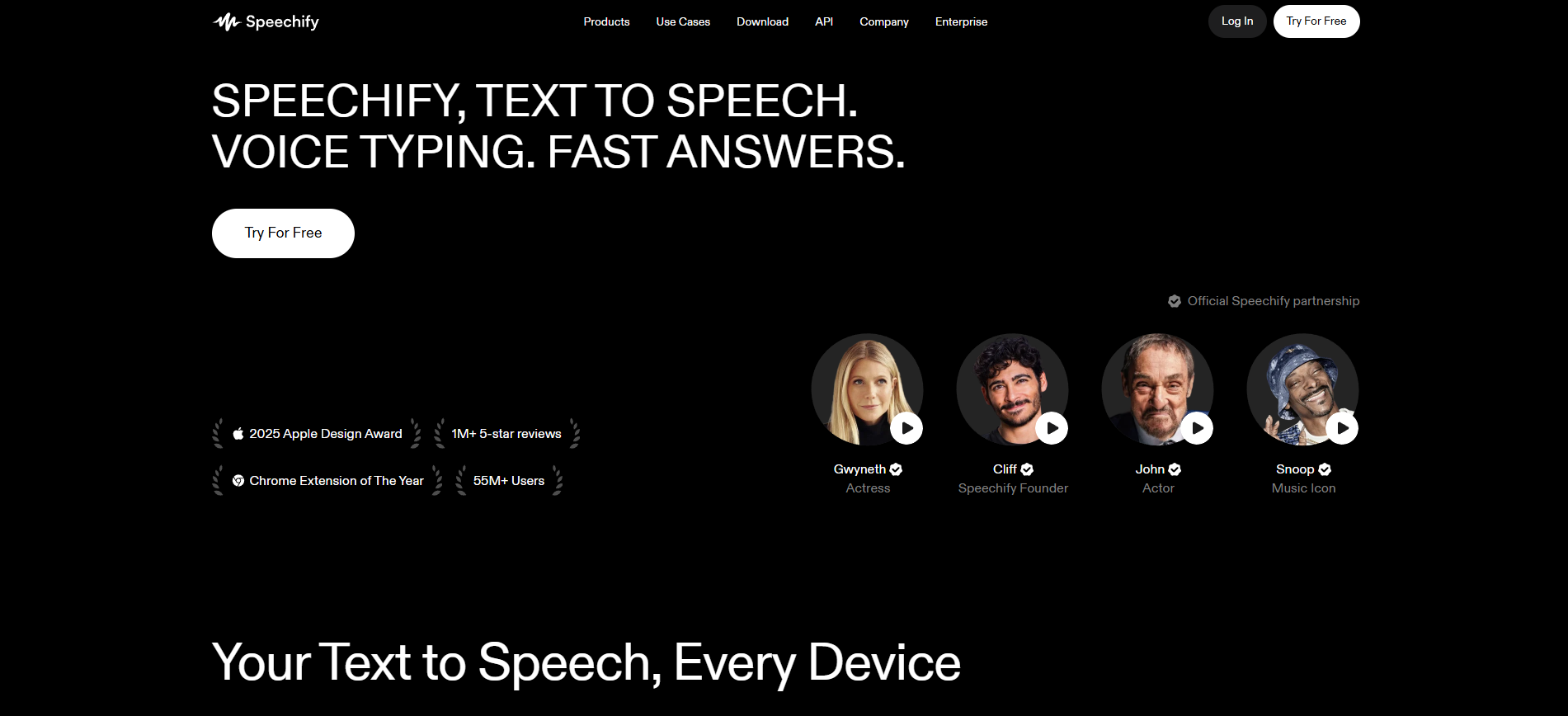
Speechify is the best Chrome TTS extension for cross-device listening, offering crisp neural voices, smart auto-scroll highlighting, and robust mobile apps. Paid tiers unlock higher-quality voices and larger quotas for long articles and PDFs, making it ideal for binge-listening lengthy reads at higher speeds.
See plans: Speechify
Pros: natural voices and smart auto-scroll highlighting; strong mobile apps for listening on the go; good for long reads at high speed. Cons: premium voices and higher limits require a subscription; importing very large PDFs can feel slower on modest laptops. Best for: people who want a polished, app-like experience across devices.
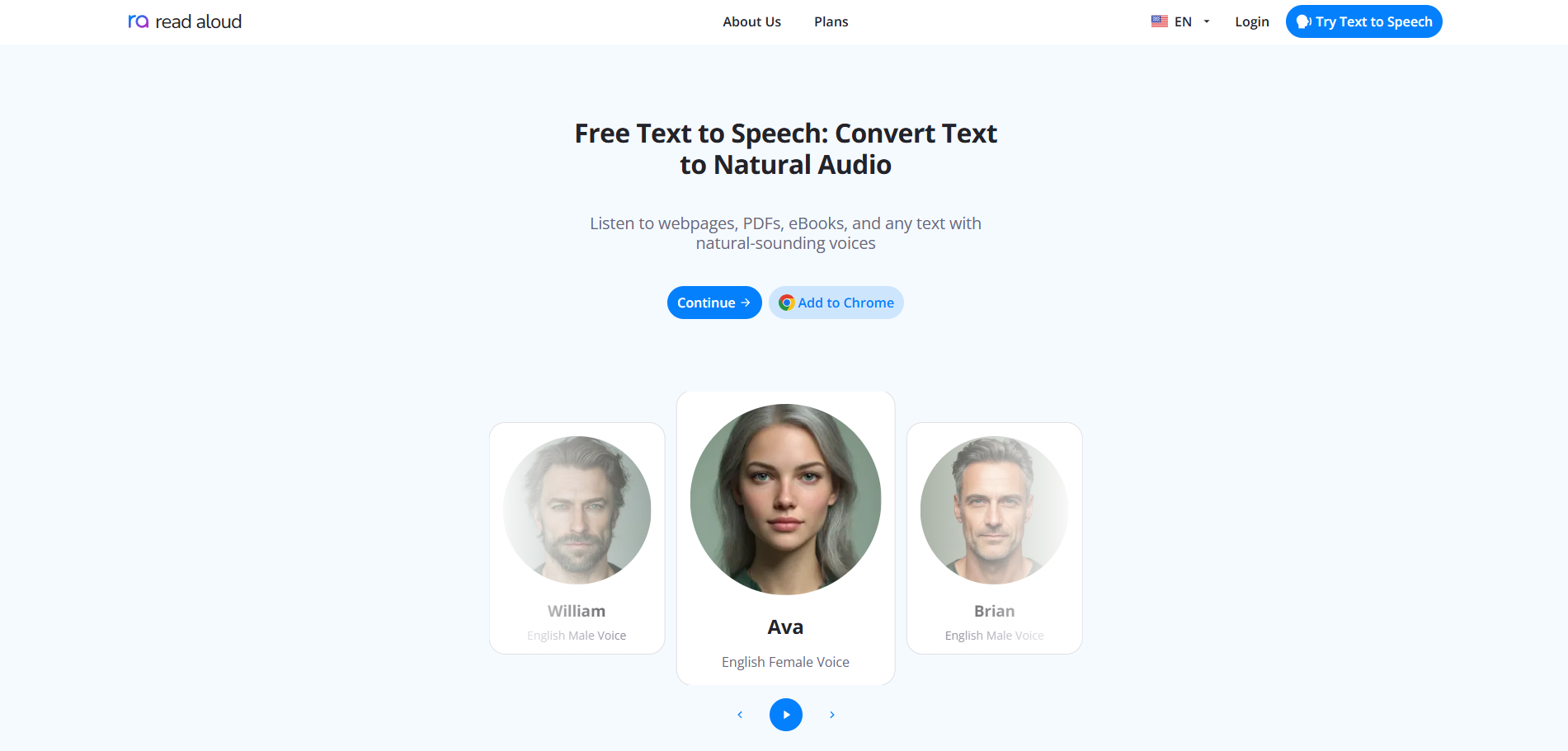
Read Aloud offers the most voice flexibility of any Chrome TTS extension, using built-in browser voices or connecting to premium cloud engines like Google WaveNet, Amazon Polly, IBM Watson, Microsoft Azure, and OpenAI. You can bring your own API key, and it handles webpages, PDFs, Google Docs, Kindle, and EPUB.
Get it here: Read Aloud
Pros: huge voice flexibility including external AI providers; works across many content types; fine controls for rate, pitch, and voice. Cons: the best voices require in-app purchases or your own cloud account; the options panel can overwhelm first-time users. Best for: tinkerers and accessibility power users who want maximum control.
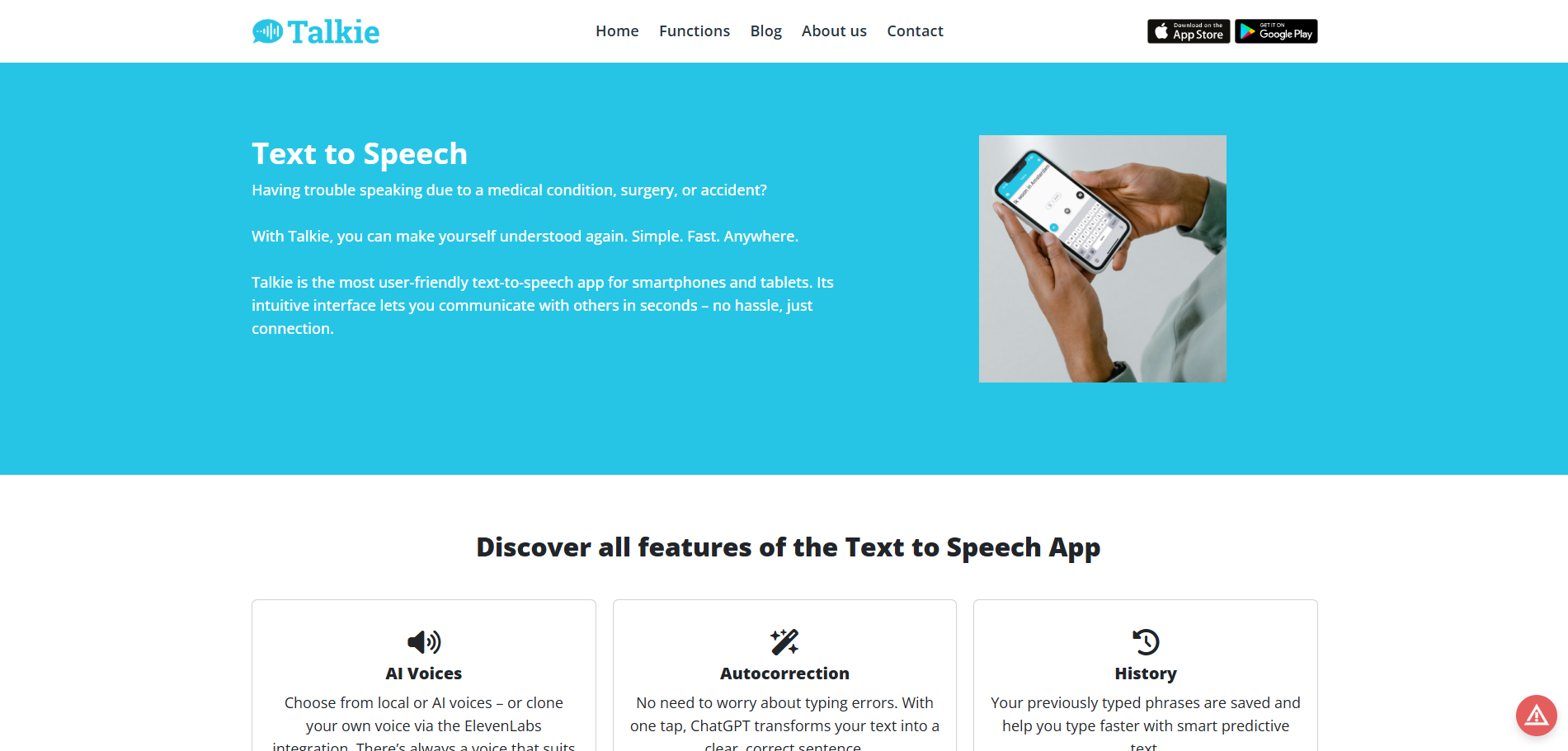
Talkie is the best Chrome TTS extension for privacy because it uses your browser's Web Speech API to process text locally rather than on a third-party server. Voice availability depends on your operating system and installed voices, which makes it ideal if you prefer offline or system voices.
Get it here: Talkie
Pros: on-device processing for better privacy; lightweight UI; works with system voices when cloud access is restricted. Cons: voice quality depends on your OS voice pack; fewer features than cloud-backed readers. Best for: privacy-minded users and shared computers where cloud access is limited.
TTSReaderX is the simplest Chrome TTS extension, a minimalist in-page reader that keeps play and pause in a small toolbar. If you want a no-setup, always-there button for reading the current page, it is hard to beat.
Get it here: TTSReaderX
Pros: very simple interface with instant playback; handy toolbar button that stays out of the way; great for quick listens of news and blog posts. Cons: fewer advanced controls and voice options; lighter documentation and updates than bigger vendors. Best for: anyone who wants one-click read-aloud with minimal clutter.
Capti Voice is the best Chrome TTS extension for students and educators because it saves cleaned, clutter-free versions of articles to a read-later playlist. It blends AI and TTS to make long-form reading easier and supports accessibility accommodations in the classroom.
Get it here: Capti Voice
Pros: save articles to a distraction-free playlist; teacher- and student-friendly focus tools; good language coverage for classrooms and ESL. Cons: heavier workflow than quick-play readers; some advanced features live in the companion web app. Best for: students, teachers, and anyone who likes building a listening queue.
Polly for Chrome brings Amazon's lifelike neural voices directly into the browser, giving you studio-grade quality with support for dozens of languages and many speaking styles. It is the pick for listeners who want top-tier voices for long articles and reports.
Get it here: Polly for Chrome
Pros: excellent voice realism from Amazon Polly; wide language and voice catalog; clear data-use disclosures on the store listing. Cons: some usage may require an AWS account or paid plan; heavier than on-device readers and needs internet access. Best for: listeners who want top-tier voices for long-form content.
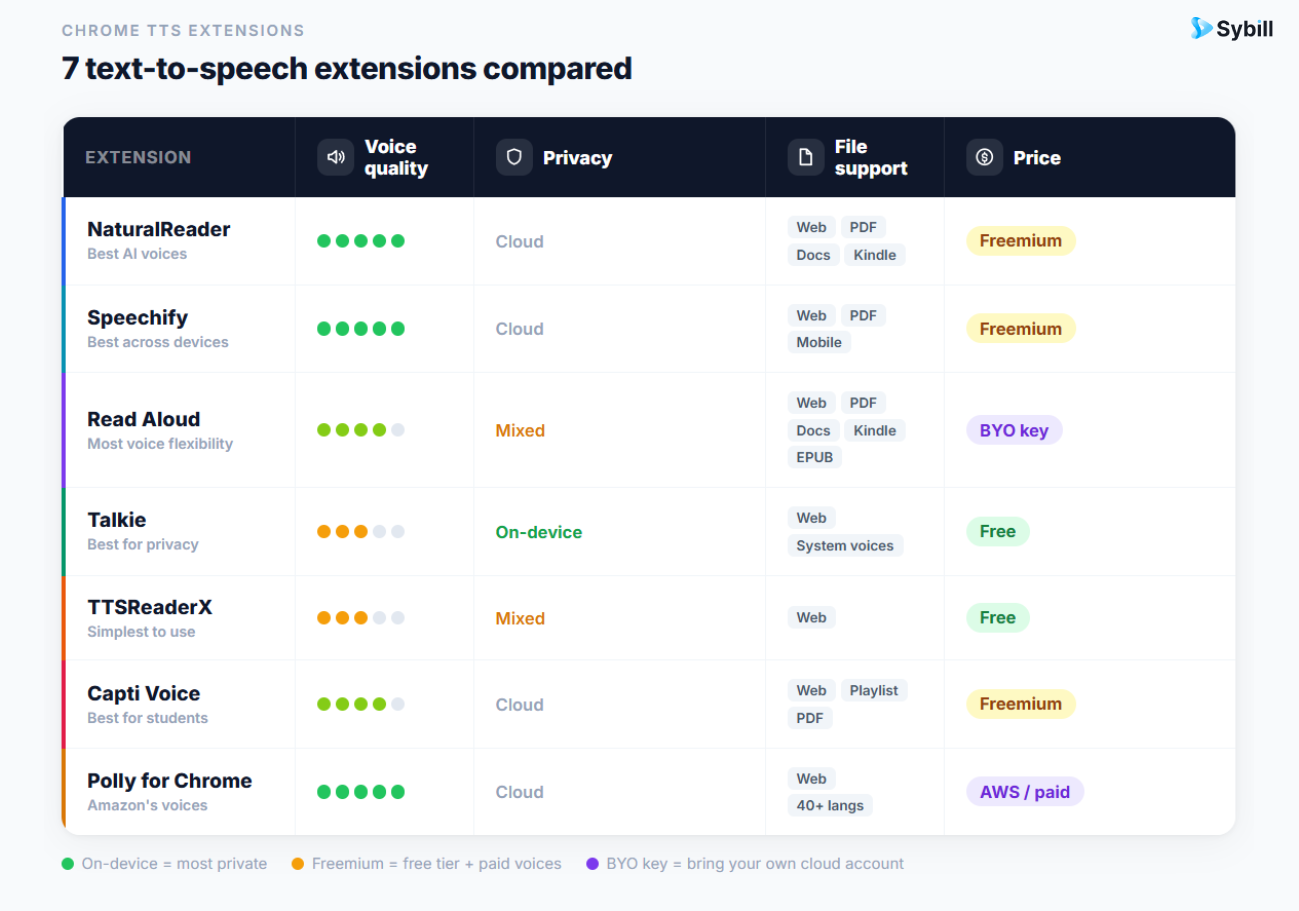
Here is a quick side-by-side of the seven best Chrome text-to-speech extensions in 2026 by best use case, voice source, and standout strength.
Snapshot reflects official listings and documentation at the time of writing. Feature depth can vary by plan and updates.
Text-to-speech extensions solve the problem of consuming written content faster, but for sales professionals the bigger time sink is everything that happens after a conversation: writing notes, drafting follow-ups, and updating the CRM. That is where Sybill comes in as the post-conversation execution layer.
Instead of replaying call recordings or re-reading transcripts, reps using Sybill get a Magic Summary of every meeting, personalized email follow-ups drafted in their own voice, and CRM Autofill that updates fields automatically. The result is the same payoff TTS gives a browser power user, namely hours back in the day, applied to the sales workflow. As Sybill CEO Gorish Aggarwal puts it, the goal is to let reps spend time on customers, not admin.
Cloud-based readers like Speechify and Polly for Chrome use online voices and require connectivity. If you want a tool that processes on-device with system voices, Talkie is the best offline option.
Read Aloud can use Google WaveNet, Amazon Polly, IBM Watson, Azure, and OpenAI voices through in-app purchases or your own API keys. Polly for Chrome uses Amazon Polly directly.
NaturalReader has a generous free tier and handles webpages, PDFs, and Google Docs. Capti Voice is strong for building a clutter-free read-later playlist of articles.
For most people, NaturalReader or Speechify offer the best balance of voice quality, ease of use, and cross-device support. Power users who want cloud-engine flexibility should choose Read Aloud.
Most offer a free tier with basic neural voices and core controls. Premium voices, higher usage caps, and advanced features typically require a paid subscription or, in Polly's case, an AWS account.
Yes. NaturalReader, Speechify, and Read Aloud all support PDFs and Google Docs, and Read Aloud additionally handles Kindle and EPUB files.
Cloud-based readers like Speechify and Polly for Chrome use online voices and require connectivity. If you want a tool that processes on-device with system voices, Talkie is the best offline option.
Read Aloud can use Google WaveNet, Amazon Polly, IBM Watson, Azure, and OpenAI voices through in-app purchases or your own API keys. Polly for Chrome uses Amazon Polly directly.
NaturalReader has a generous free tier and handles webpages, PDFs, and Google Docs. Capti Voice is strong for building a clutter-free read-later playlist of articles.








