
Find us at booth #83, join us for a harbor side happy hour, or catch Gorish’s talk.

Sept, 16-18 > Learn more

%20(1).avif)
Mamta Tainwala

March 30, 2026
.avif)
Want fast wins. Start with Boomerang for scheduling and send-later, Right Inbox for recurring emails and reminders, and SaneBox for noise filtering. Add Streak for light CRM inside Gmail and Mailtrack for open tracking. If you run campaigns, GMass is the mail-merge workhorse. Organize threads with Sortd or Gmelius. Turn emails into tasks with Todoist for Gmail. Use Superhuman to ensure everything is happening at a speed of your convenience.
If your inbox feels like a firehose set to espresso, you are not alone. Gmail is excellent at search and reliability, yet your day still vanishes to follow-ups, scheduling, and status checks. Email management tools fix the last mile. They schedule messages for the right moment, filter the noise, track opens, convert threads into tasks, share context with teammates, and even draft replies for you. The best picks below save you hours each week by turning Gmail from a feed into a control panel.
The 10 best Gmail management tools in 2025 are: Boomerang (send-later, follow-up reminders, and inbox pause with built-in scheduling), Right Inbox (all-in-one with recurring emails, tracking, templates, and sequences), Streak CRM (pipeline management and contacts directly inside Gmail), Mailtrack (simple email open tracking with real-time notifications), GMass (mail-merge campaigns from Google Sheets with behavior-based auto follow-ups), Sortd (Kanban-style boards that turn your inbox into visual task lists), Gmelius (shared inboxes, assignments, and SLA views for team collaboration), SaneBox (AI-powered noise filtering that moves low-priority emails to smart folders), Todoist for Gmail (turn emails into actionable tasks with due dates and projects), and Superhuman (blazing-fast email client with keyboard shortcuts, split inboxes, and AI writing assists). For scheduling and send-later, start with Boomerang or Right Inbox. For team collaboration, use Gmelius. For inbox decluttering, use SaneBox. For pure speed, use Superhuman.
First mention link: Boomerang for Gmail
Why it stands out
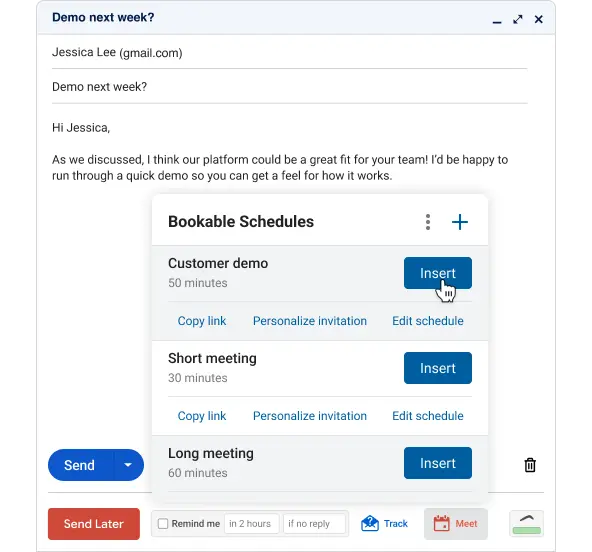
The classic Gmail upgrade for send-later, follow-up reminders, inbox pause, and a slick scheduling workflow inside compose. The Magic Live Calendar drops real availability into an email so guests pick a time without ping-pong.
Pros
Cons
First mention link: Right Inbox
Why it stands out
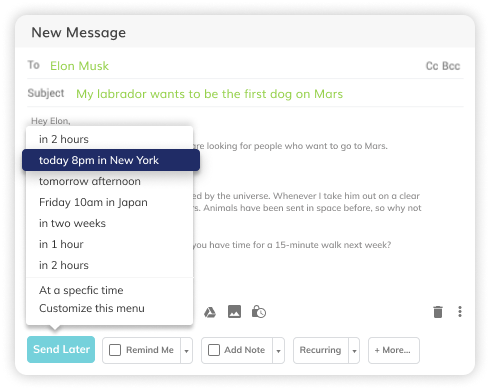
All-purpose power features for Gmail in one extension. Includes send-later, recurring emails, reminders, open and click tracking, templates, sequences, and even inbox pause.
Pros
Cons
First mention link: Streak CRM for Google Workspace
Why it stands out
Pipeline, contacts, and notes live right inside Gmail with columns you control. Great when you want simple CRM without leaving your inbox.
.png)
Pros
Cons
First mention link: Mailtrack for Gmail
Why it stands out
Two-check tracking that shows who opened and when, plus alerts if a message goes unread. Simple, reliable, and popular with freelancers and small teams. (Chrome Web Store)

Pros
Cons
First mention link: GMass
Why it stands out
Mail-merge at Gmail speed. Personalize campaigns from Google Sheets, schedule sends, auto-follow up by behavior, and track results without leaving your inbox.
.png)
Pros
Cons
First mention link: Sortd for Gmail
Why it stands out
Turns Gmail into Kanban lists so you can drag threads into columns like To-do, Waiting, and Done. Great for solo operators and small teams that think in boards.
.png)
Pros
Cons
First mention link: Gmelius
Why it stands out
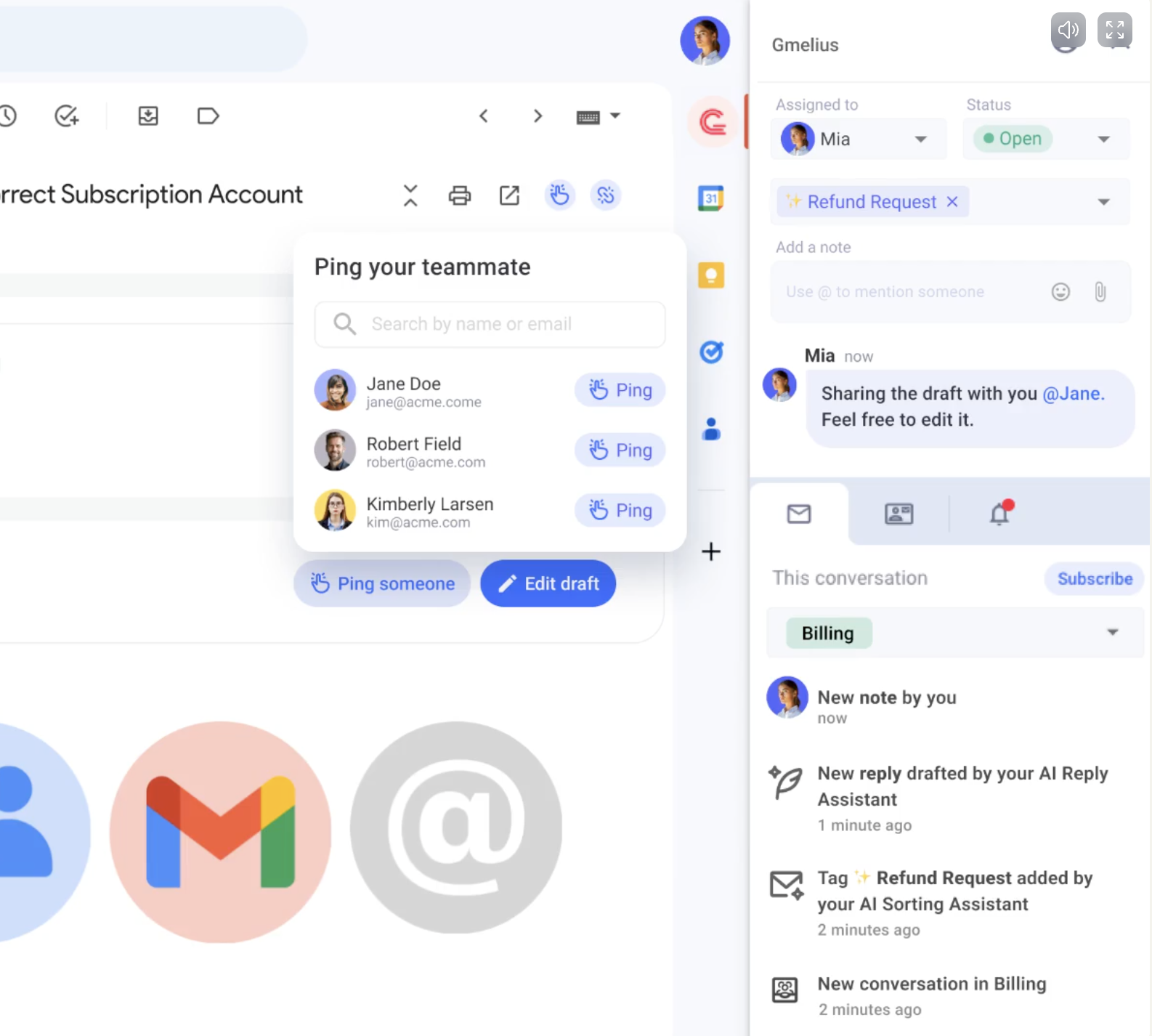
Shared inboxes, assignments, SLA views, and AI helpers inside Gmail. Good bridge for teams that are not ready for a separate help desk but need collaboration.
Pros
Cons
First mention link: SaneBox
Why it stands out
Smart filtering that moves lower-priority emails to @SaneLater and friends, based on headers and behavior, not reading your content. Works across Gmail and other providers.

Pros
Cons
First mention link: Todoist for Gmail
Why it stands out
Turn any email into an actionable task with a due date and project, then track it in your normal Todoist views on web and mobile. Ideal for personal GTD.
.png)
Pros
Cons
Why it stands out
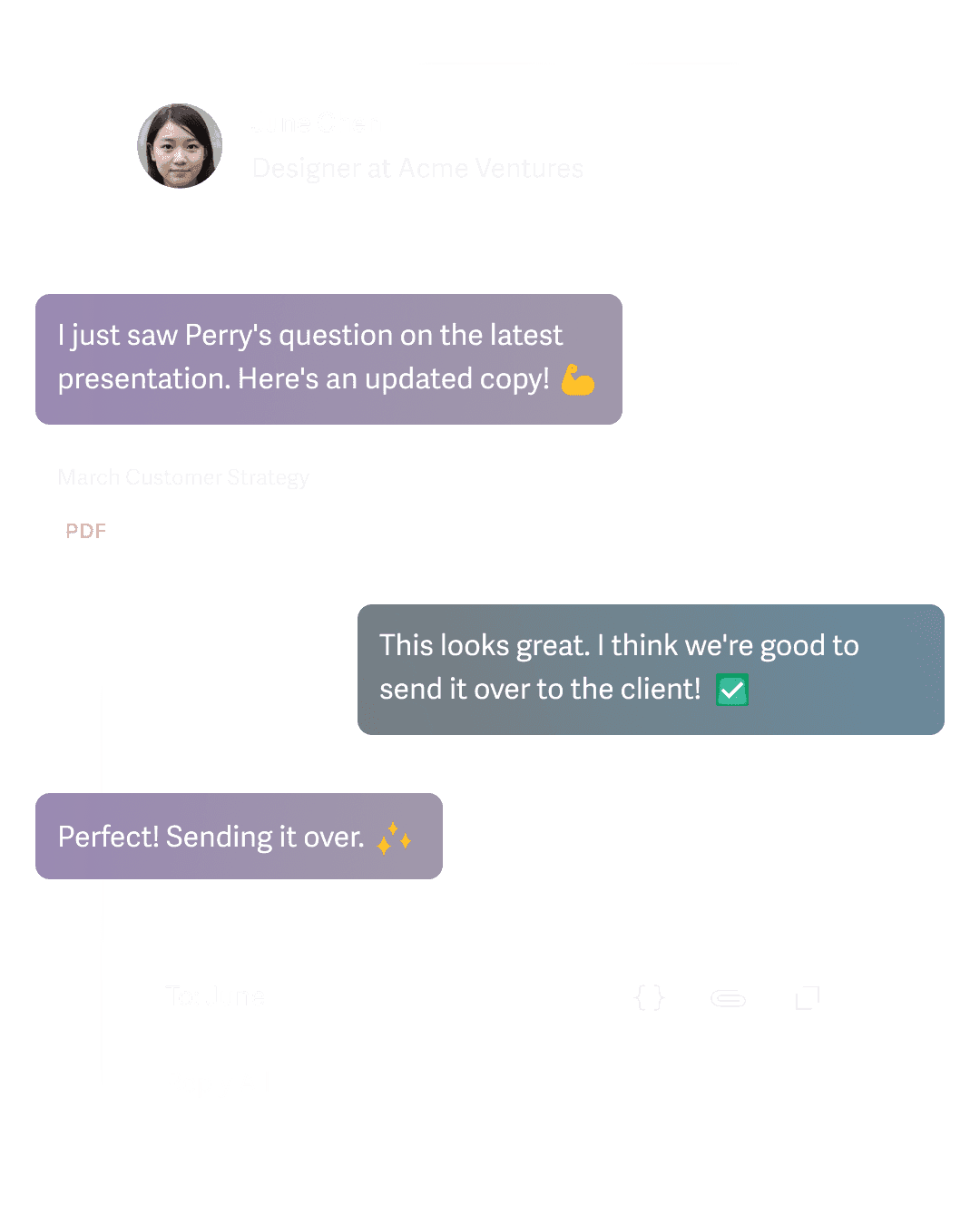
Superhuman is a blazing fast email client built for Gmail and Google Workspace accounts. It replaces the Gmail web UI with command palette shortcuts, instant search, split inboxes, and smart follow-ups so you process mail at high speed.
Pros
Cons
Good for
People who live in email and want pure speed instead of a heavier tool stack.
.png)
Gmail itself is evolving with Gemini features like smarter replies and in-inbox booking links, which complement these tools rather than replace them. (The Verge)
Look for Google Workspace Marketplace listings, clear permission scopes, and admin controls. Tools like Streak, Boomerang, and Mailtrack publish security details and undergo audits. Always review scopes before install. (Google Workspace)
Start with SaneBox to divert noise, then add Boomerang or Right Inbox for send-later and reminders. These give relief in a day without process overhauls. (SaneBox) If you want, I can tune this for your brand voice, add anchor links for each tool, or export a CMS-ready version with table markup.








