
Find us at booth #83, join us for a harbor side happy hour, or catch Gorish’s talk.

Sept, 16-18 > Learn more


Tamanna Mishra

March 30, 2026
.avif)
If you’ve ever worked in sales, you know the job often feels less like closing deals and more like starring in some episode of The Office.
You’re supposed to be the closer: confident, persuasive, driving revenue. But instead, your rolodex is full of not-so-professional “little clues” on your prospects, your quota is far from reality because of all the discounts you offered, and continuously wish you had a Pam to help you with your sheets.
The truth is, most sales reps spend only about 30% of their time actually selling. The rest is swallowed by admin tasks that do little to move the needle. And just like watching Michael fumble through management, it’s both funny and tragic; except in this case, the punchline is lost revenue and missed opportunities.
The best sales productivity tools in 2025 fall into four main categories: AI-powered sales assistants (like Sybill for automated meeting notes, CRM updates, and follow-ups), prospecting and outreach platforms (like Apollo.io and LinkedIn Sales Navigator for finding and engaging leads), CRM and pipeline management tools (like Salesforce and HubSpot for deal tracking), and communication and collaboration tools (like Zoom and Slack for team alignment). The most impactful tools are those that collapse multiple workflow steps into one — automating CRM data entry, generating personalized follow-up emails, surfacing deal insights, and eliminating the 70% of a rep’s time typically spent on non-selling activities. Rather than adding more tools to your stack, the key is choosing platforms that integrate seamlessly and give reps back the selling time that actually moves pipeline.
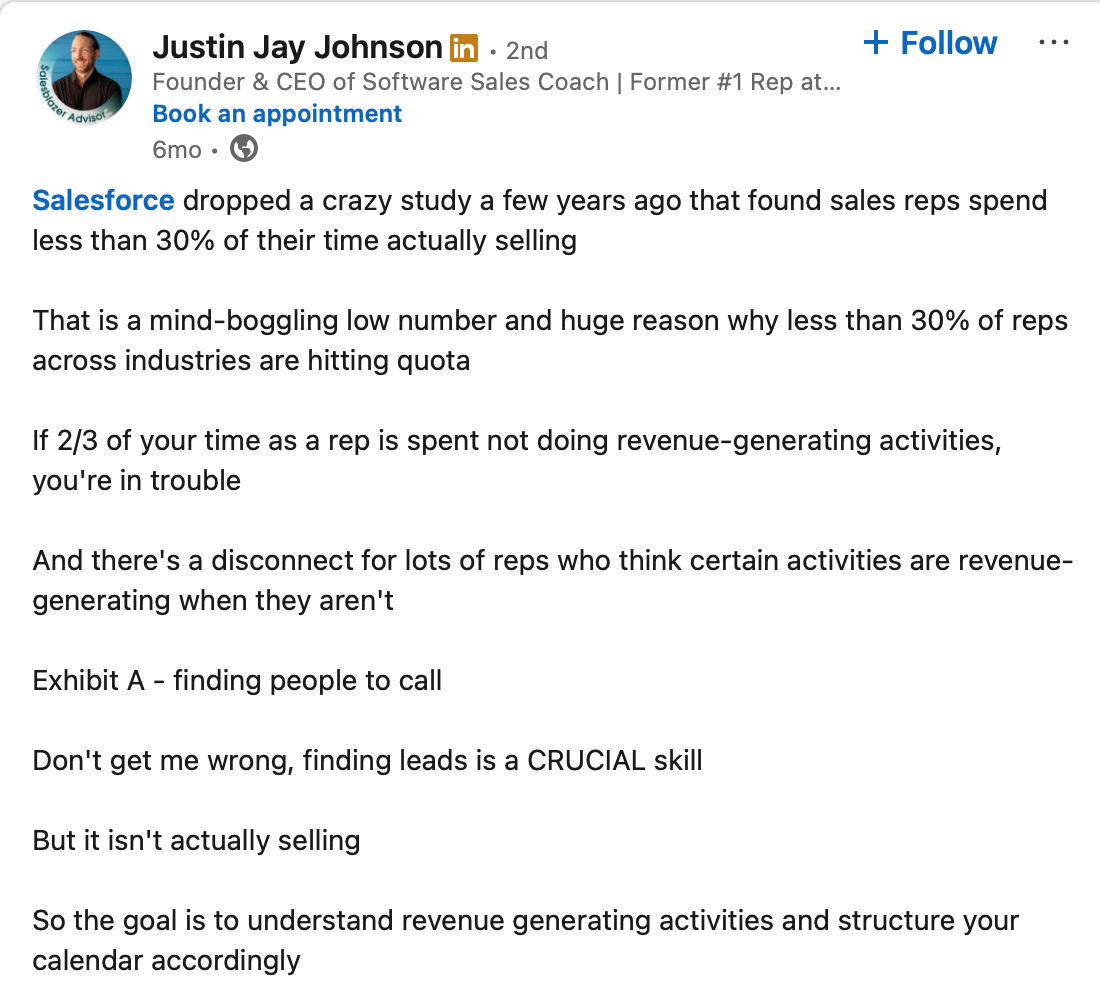
At its core, sales productivity is about maximizing the ratio of selling time to total work time. The more customer-facing conversations you can have - and the more efficiently you can run them - the faster you’ll close deals.
But modern AEs juggle 15+ apps in their daily workflow. One for prospecting, another for call notes, yet another for scheduling, CRM updates, proposal creation… the list goes on. Instead of streamlining sales, most tools have turned into one more tab, one more login, one more distraction.
So how do you solve for this paradox? You definitely don’t need more tools. You need the right tools. Tools that cut clutter, collapse steps, and give you back selling time.
That’s exactly what this guide is about. We’ve pulled together the 30+ best sales productivity tools for every step of an AE’s workflow - from prospecting to closing. And unlike the usual laundry lists, we’ll show you how to avoid “tool bloat.”
Let this guide be your shortcut. Instead of drowning in tabs, you’ll know exactly which tools to pick, when to use them, and how to get productivity that actually moves the pipeline.
A sales productivity tool is any software that helps sales reps spend less time on admin and more time on selling. Think of it as a digital assistant that eliminates friction, whether that’s automating follow-ups, surfacing analytics, streamlining collaboration, or equipping reps with enablement content.
Broadly, sales productivity tools fall into four categories:
But in 2025, many of these tools promise “productivity” and instead just become one more tab in the stack, adding to context switching rather than reducing it. The real productivity unlock comes from choosing platforms that consolidate multiple steps of the sales process into one.
Early heads up - that’s precisely where Sybill stands out. Unlike single-purpose apps, Sybill functions as both sales productivity software and a sales team productivity tool, covering note-taking, forecasting, and coaching in one platform. Click here to try for free.
An AE’s day isn’t one task. It’s a workflow that stretches from prospecting to closing. To really move the needle on sales productivity, you need the right sales productivity tool at each stage of that journey.
.png)
.png)
Below, we break down the best sales productivity tools across the AE workflow, highlighting where they shine.
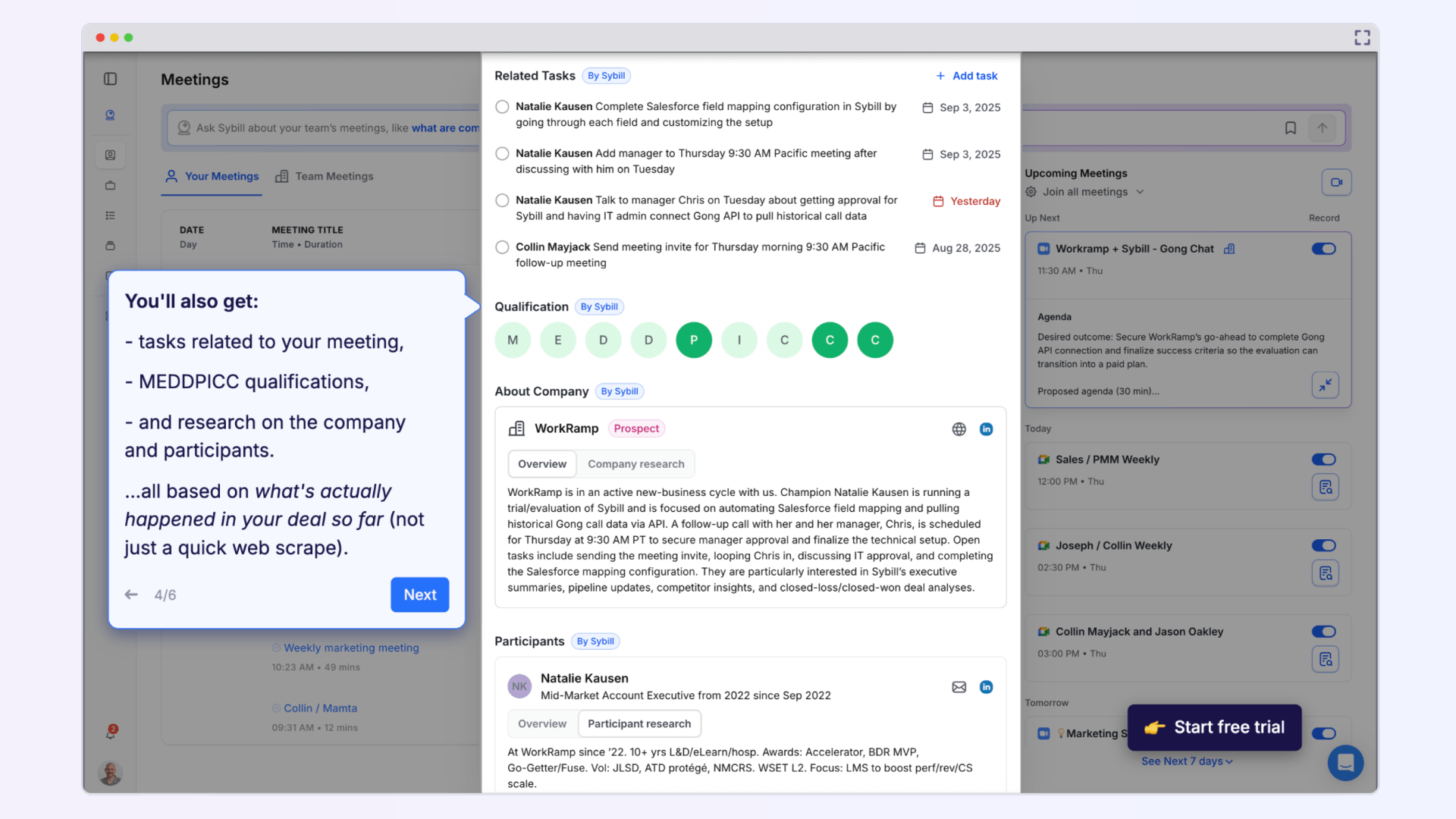
The pain point it solves: Preparing for meetings means digging through LinkedIn, past call notes, and CRM fields. It’s a time sink that slows down AEs. Sybill’s Pre-Meeting Briefs consolidate all this context in seconds.
Best sales productivity features:
Pros as a sales productivity tool:
Cons as a sales productivity tool:
G2 rating: 4.8/5
Pricing: Free trial available; paid plans start at $19 per user per month.
Click here to try Sybill for free.
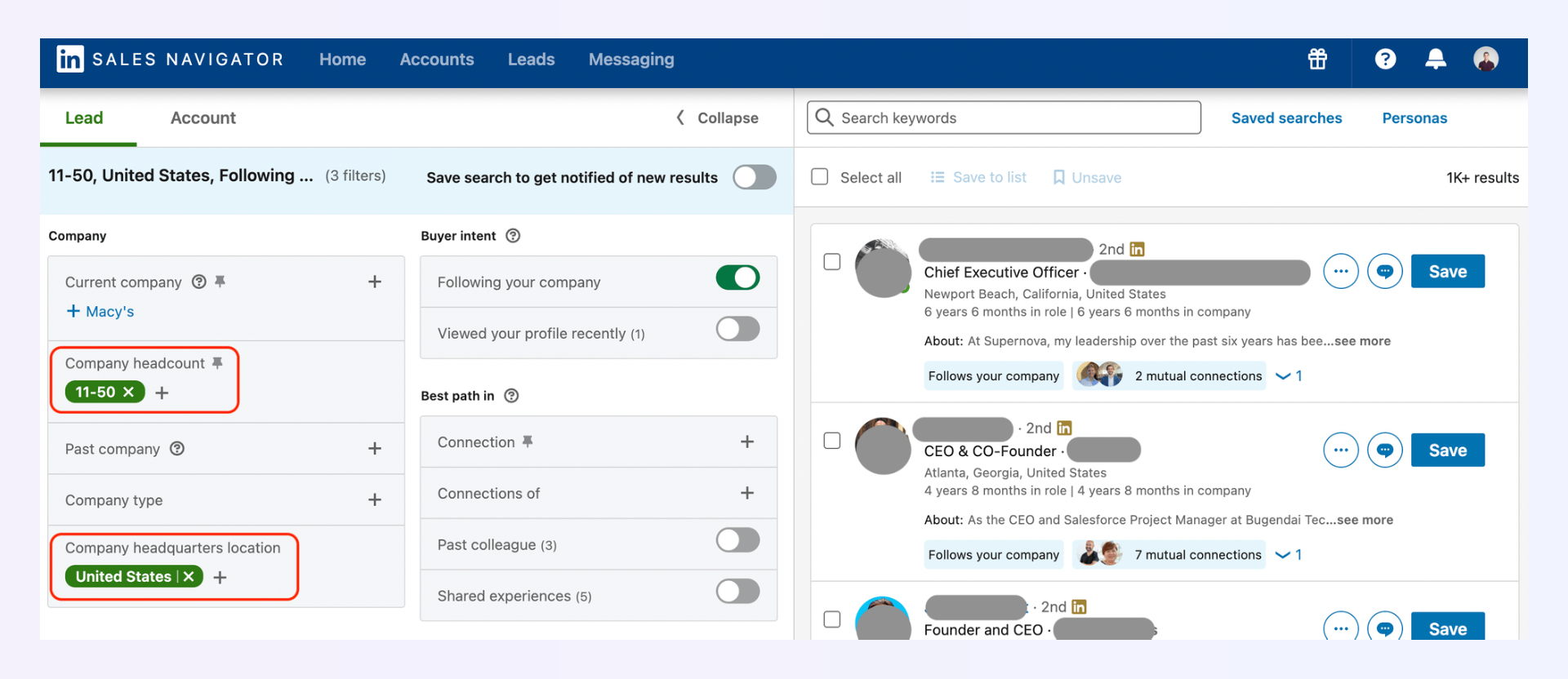
The pain point it solves: Finding the right decision-makers is often the most time-consuming part of sales. Manually searching LinkedIn profiles or company websites wastes hours.
Best sales productivity features:
Pros as a sales productivity tool:
Cons as a sales productivity tool:
G2 rating: 4.3/5
Pricing: Starter plan (Core) starts at $99.99/month
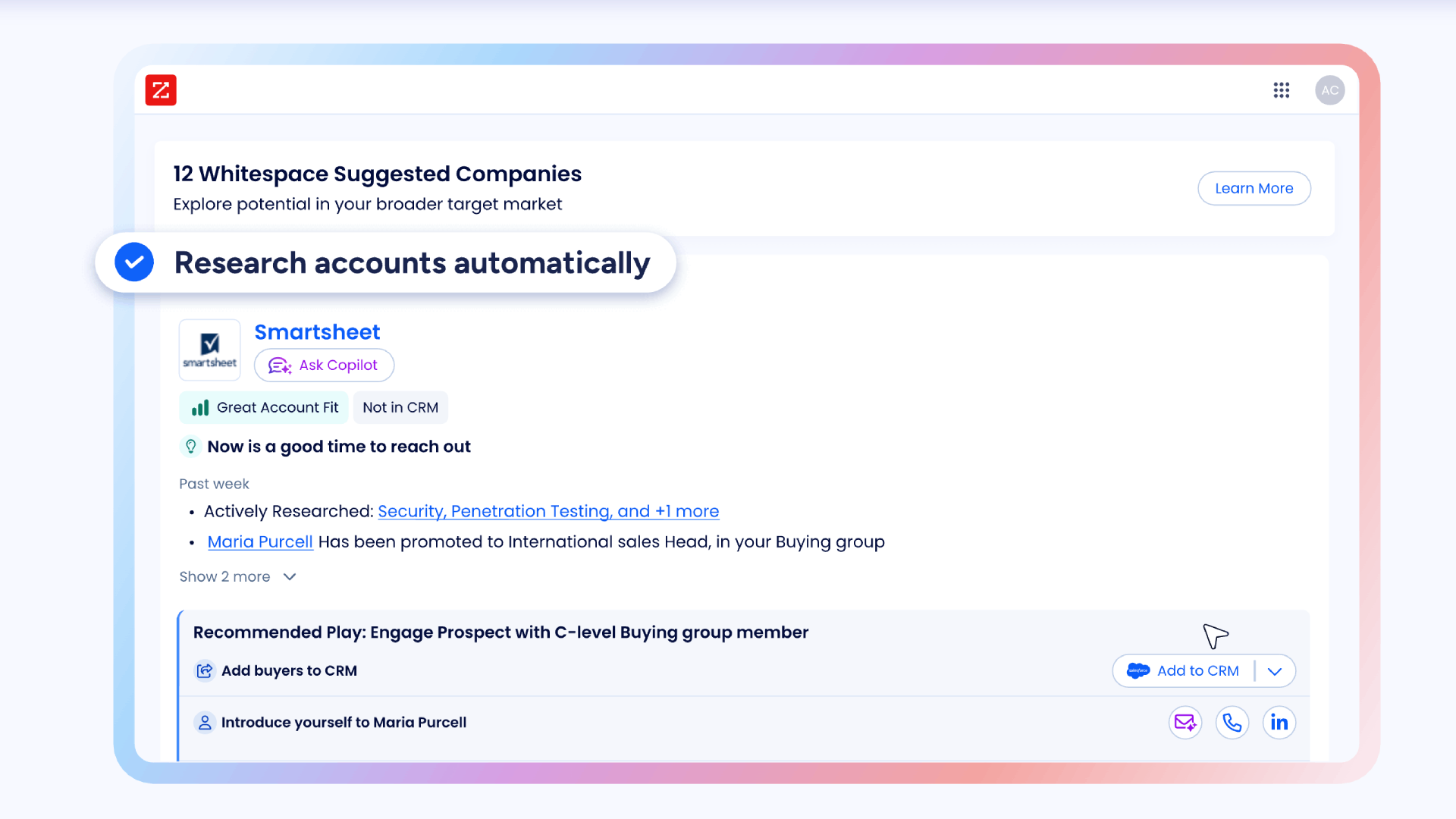
The pain point it solves: Sales reps burn hours chasing outdated or incomplete prospect information. ZoomInfo provides a verified, enriched database so reps can reach the right contacts faster.
Best sales productivity features:
Pros as a sales productivity tool:
Cons as a sales productivity tool:
G2 rating: 4.3/5
Pricing: Pricing not available publicly but anecdotal user reports mention it starts from approximately $14,995/year.
The pain point it solves: Prospecting often requires juggling separate tools for databases, sequencing, and outreach. Apollo.io combines all three into a single platform to streamline prospecting.
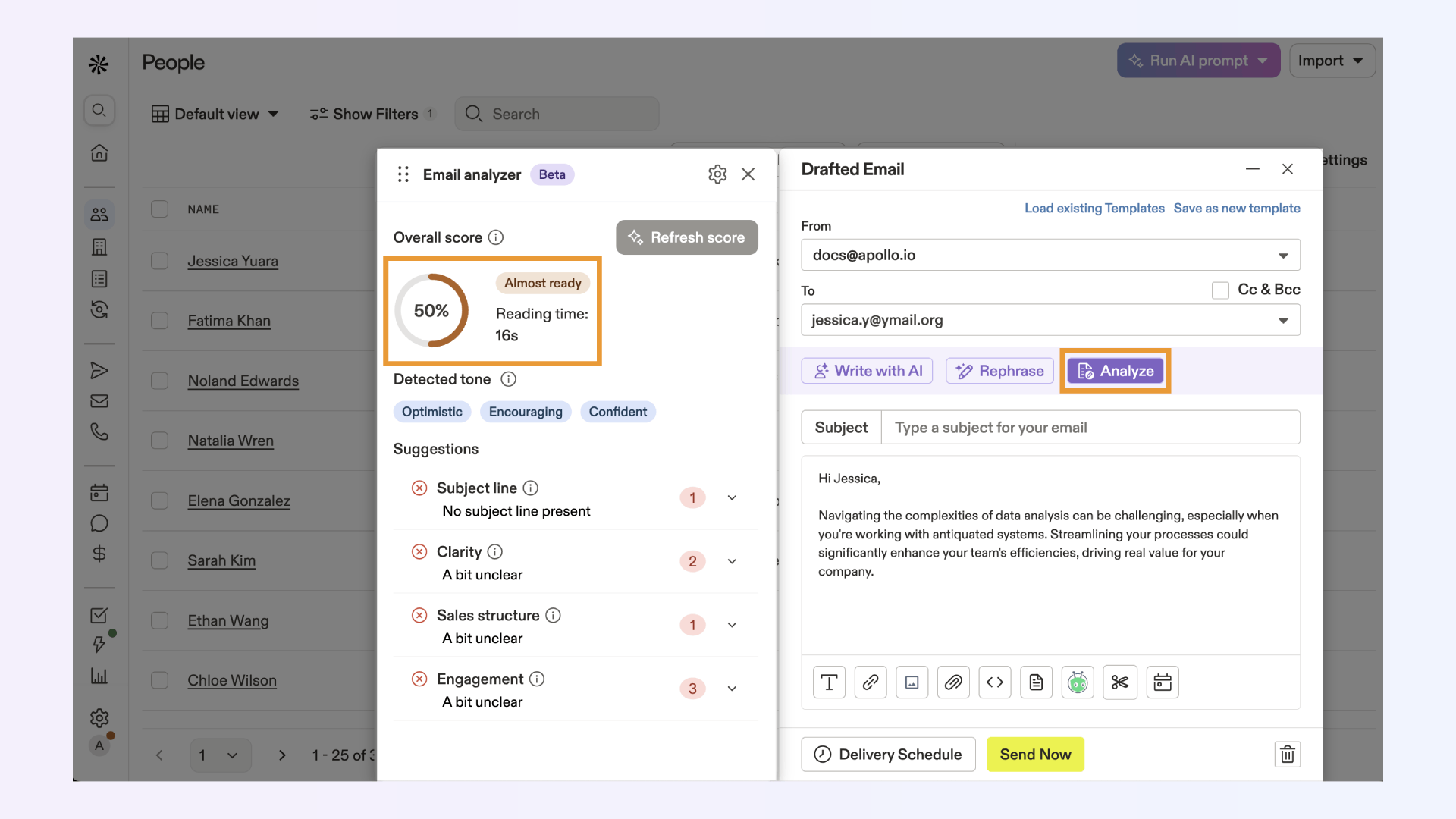
Best sales productivity features:
Pros as a sales productivity tool:
Cons as a sales productivity tool:
G2 rating: 4.7/5
Pricing: Free plan available; paid plans start at $49/month.
The pain point it solves: Generic follow-ups and templated collaterals kill deals. Reps often spend hours crafting personalized responses, proposals, or business cases, only to end up sending something generic. Sybill’s Personalized Emails and AI Tasks handle all that heavy lifting, turning every meeting and email insight into custom follow-ups and collateral.
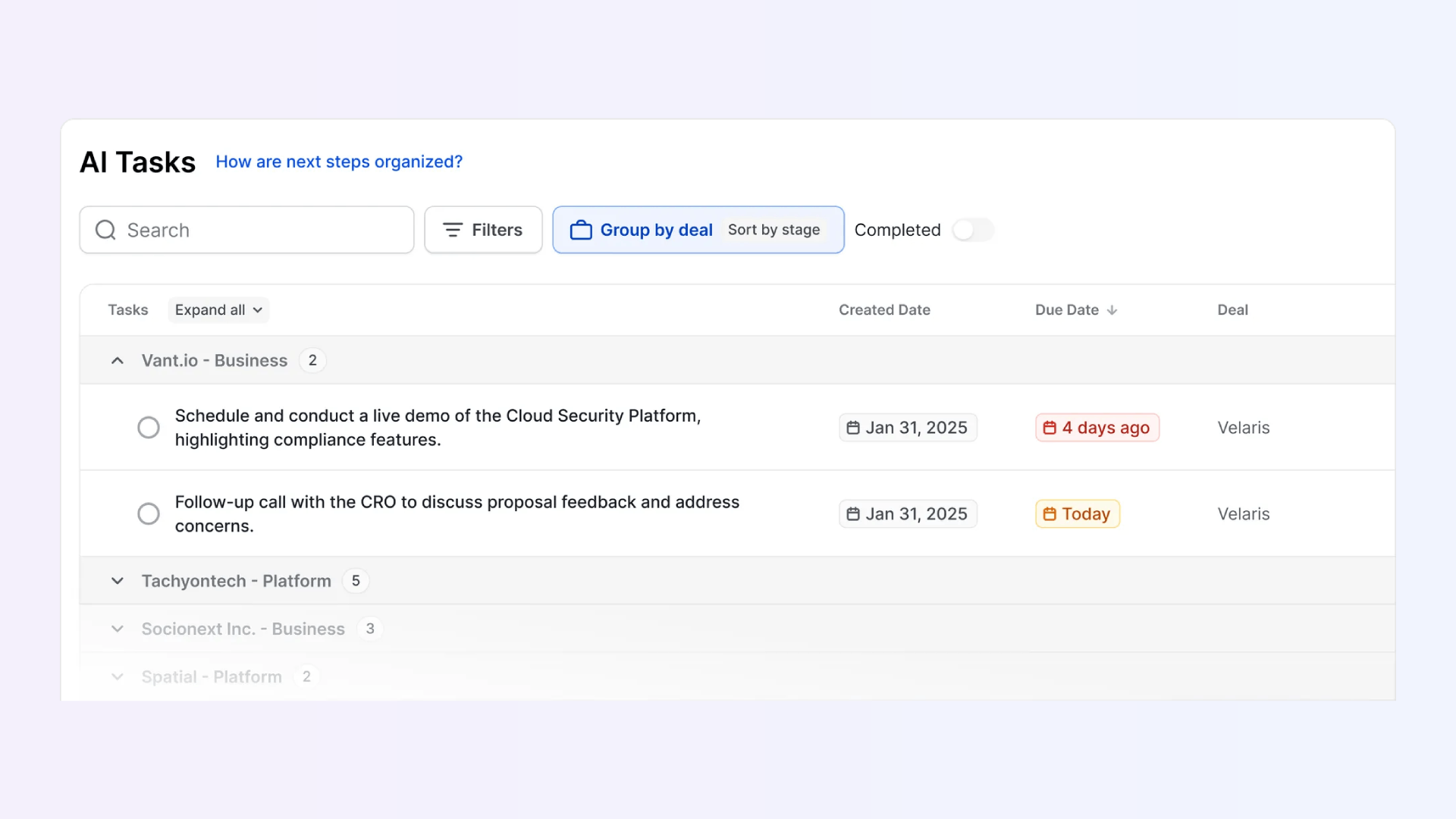
Best sales productivity features:
Pros as a sales productivity tool:
Cons as a sales productivity tool:
G2 rating: 4.8/5
Pricing: Free trial available; paid plans start at $19 per user/month.
Click here to try Sybill for free.
The pain point it solves: Manual email follow-ups and inconsistent outreach sequences drain rep productivity. Outreach automates and optimizes multi-channel prospect engagement.
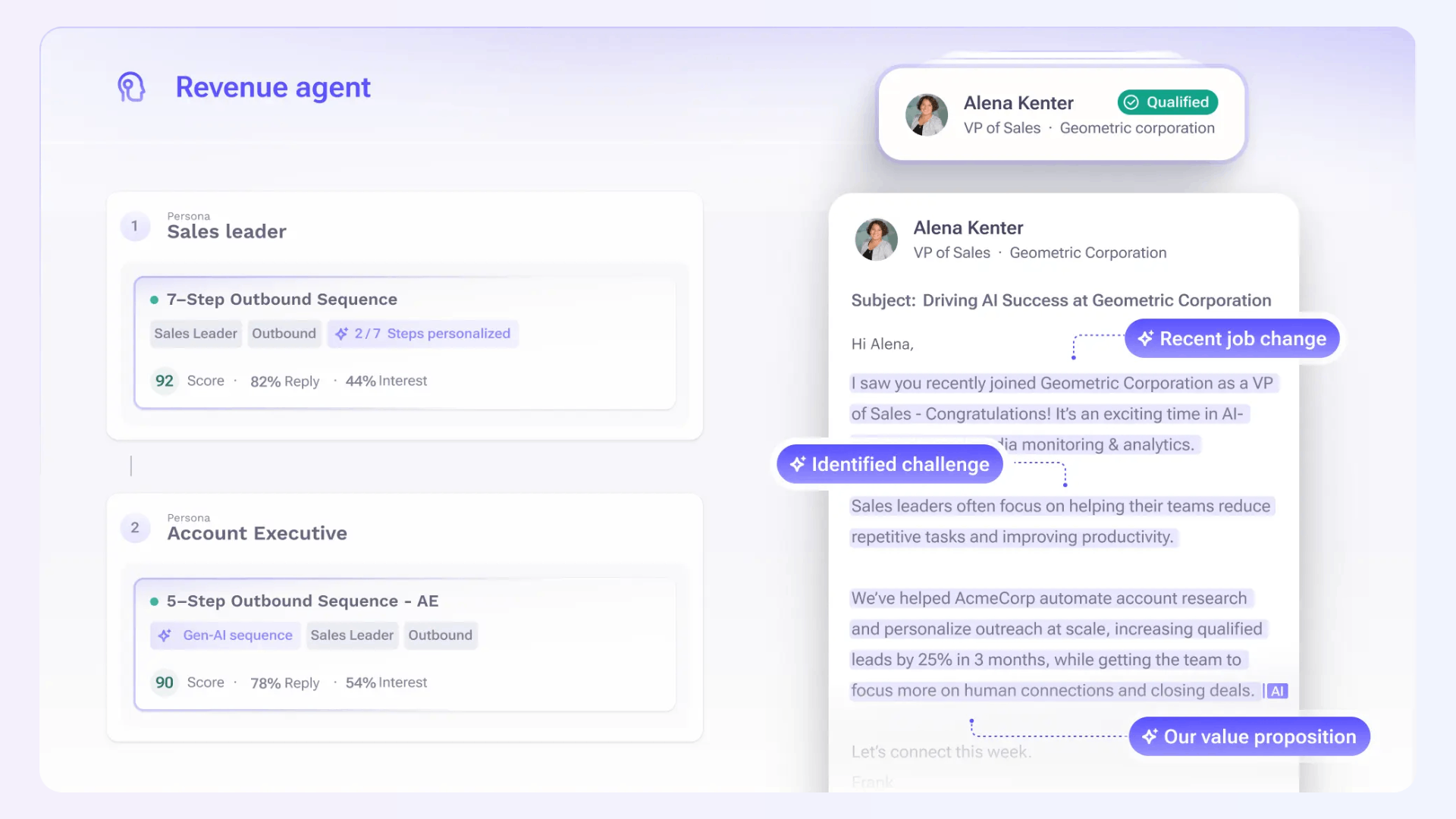
Best sales productivity features:
Pros as a sales productivity tool:
Cons as a sales productivity tool:
G2 rating: 4.3/5
Pricing: Custom pricing; available on request.
The pain point it solves: Reps waste time managing outreach across multiple platforms. Salesloft centralizes cadences, calls, and engagement analytics.
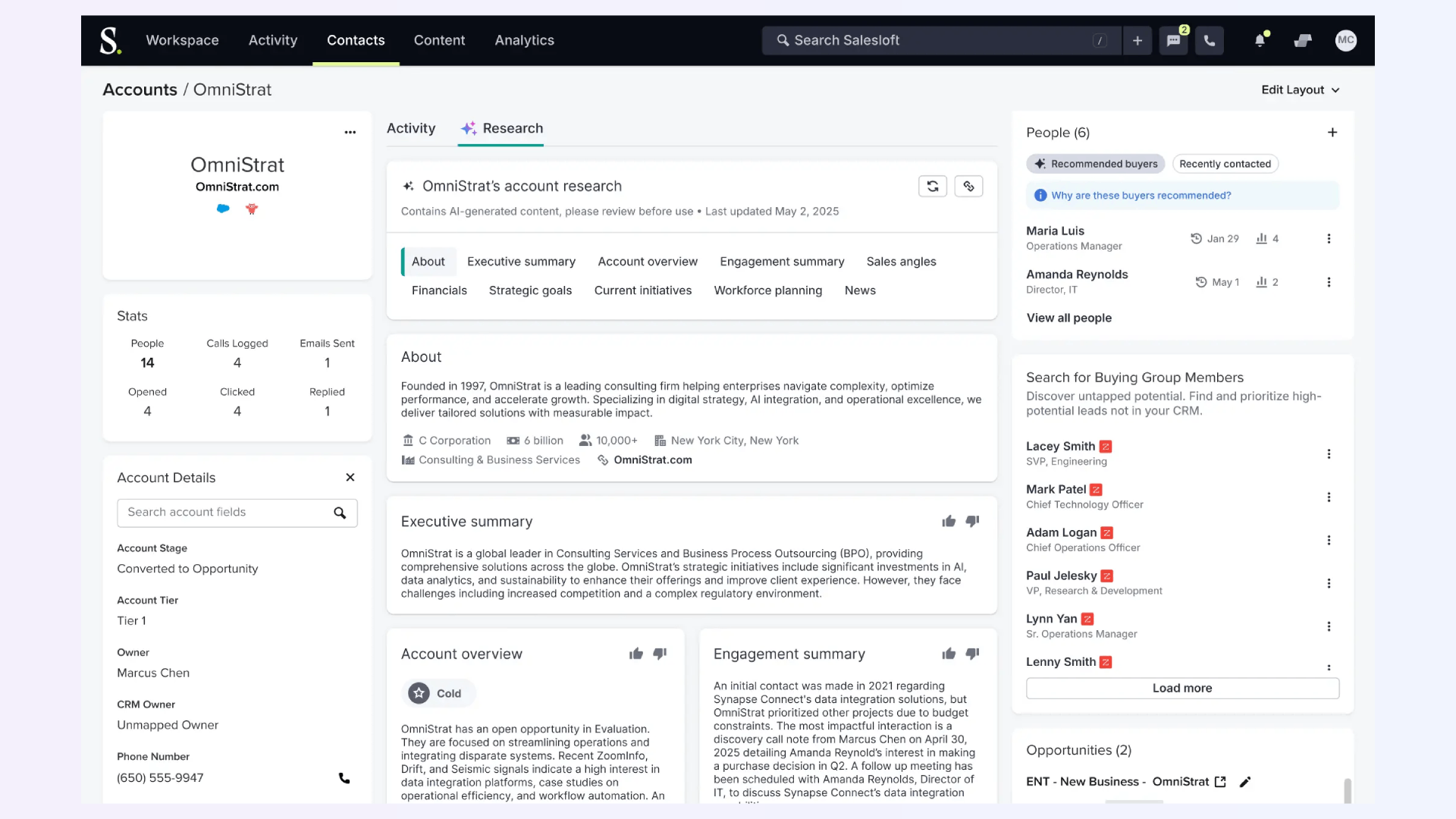
Best sales productivity features:
Pros as a sales productivity tool:
Cons as a sales productivity tool:
G2 rating: 4.5/5
Pricing: Tiered pricing for Advanced and Elite plans, specifics available on request.
Click here to read more about Outreach Vs Salesloft.
The pain point it solves: Reps lose productivity switching between email, CRM, and scheduling tools. Mixmax embeds outreach and scheduling directly inside Gmail and Outlook.
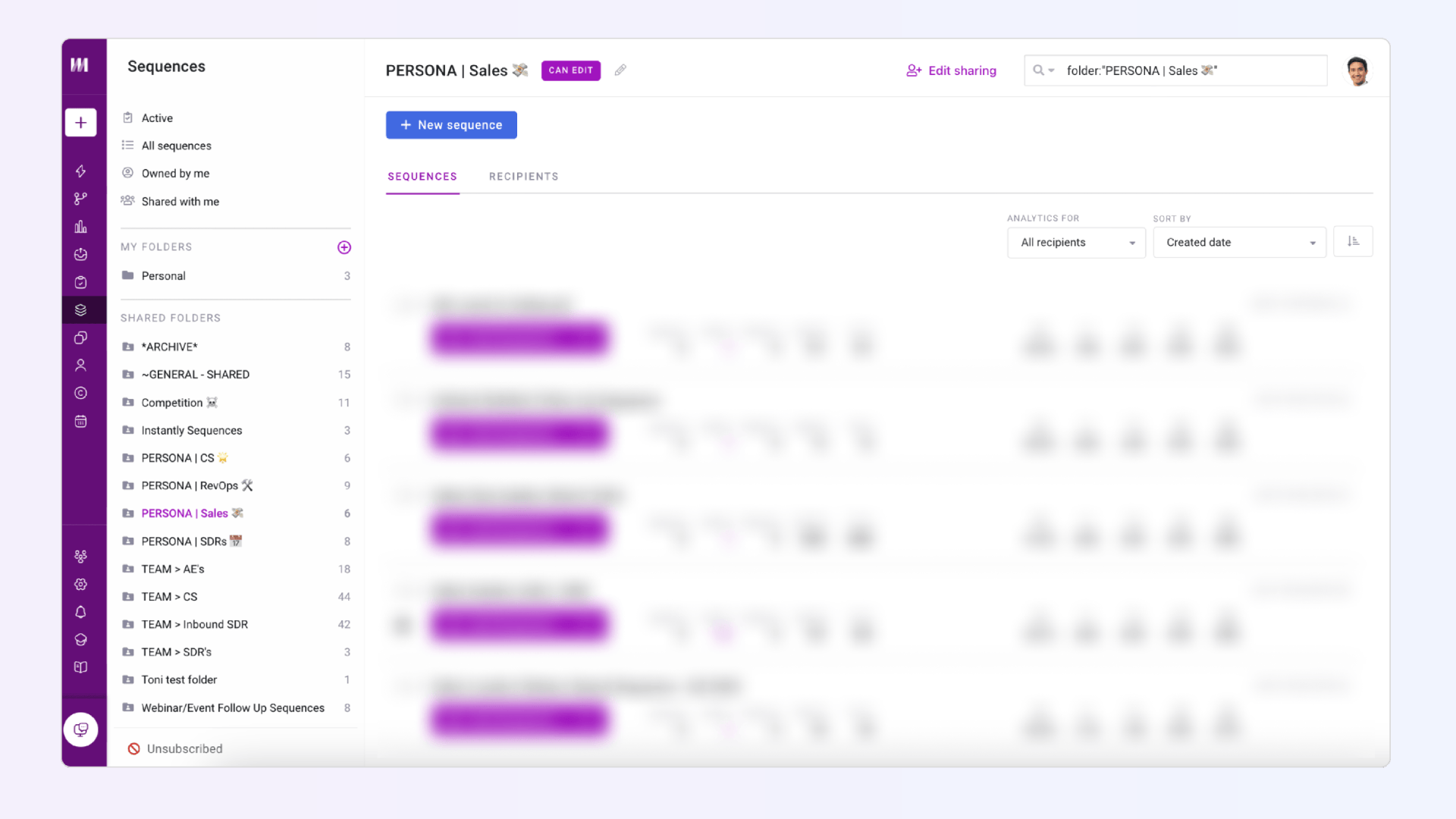
Best sales productivity features:
Pros as a sales productivity tool:
Cons as a sales productivity tool:
G2 rating: 4.6/5
Pricing: Paid plans start at $29 per user per month
The pain point it solves: Cold emails often fail due to poor personalization and structure. Lavender uses AI to help reps write emails that actually get opened and replied to.
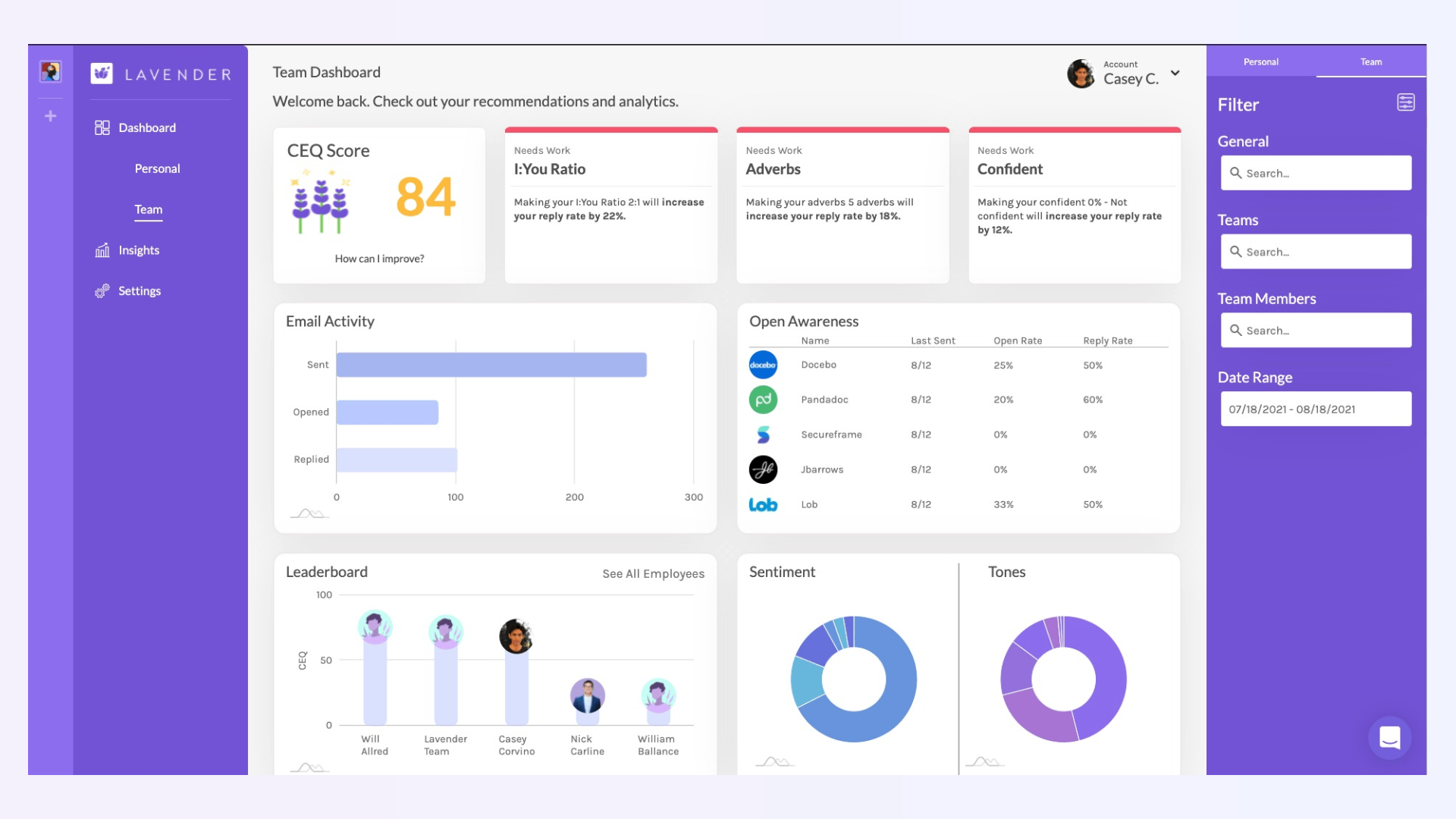
Best sales productivity features:
Pros as a sales productivity tool:
Cons as a sales productivity tool:
G2 rating: 4.8/5
Pricing: Free plan available; paid plans start at $27/month.
The pain point it solves: Endless back-and-forth emails to find a time for a meeting slow deals down. Calendly automates scheduling so prospects can book directly based on your availability.
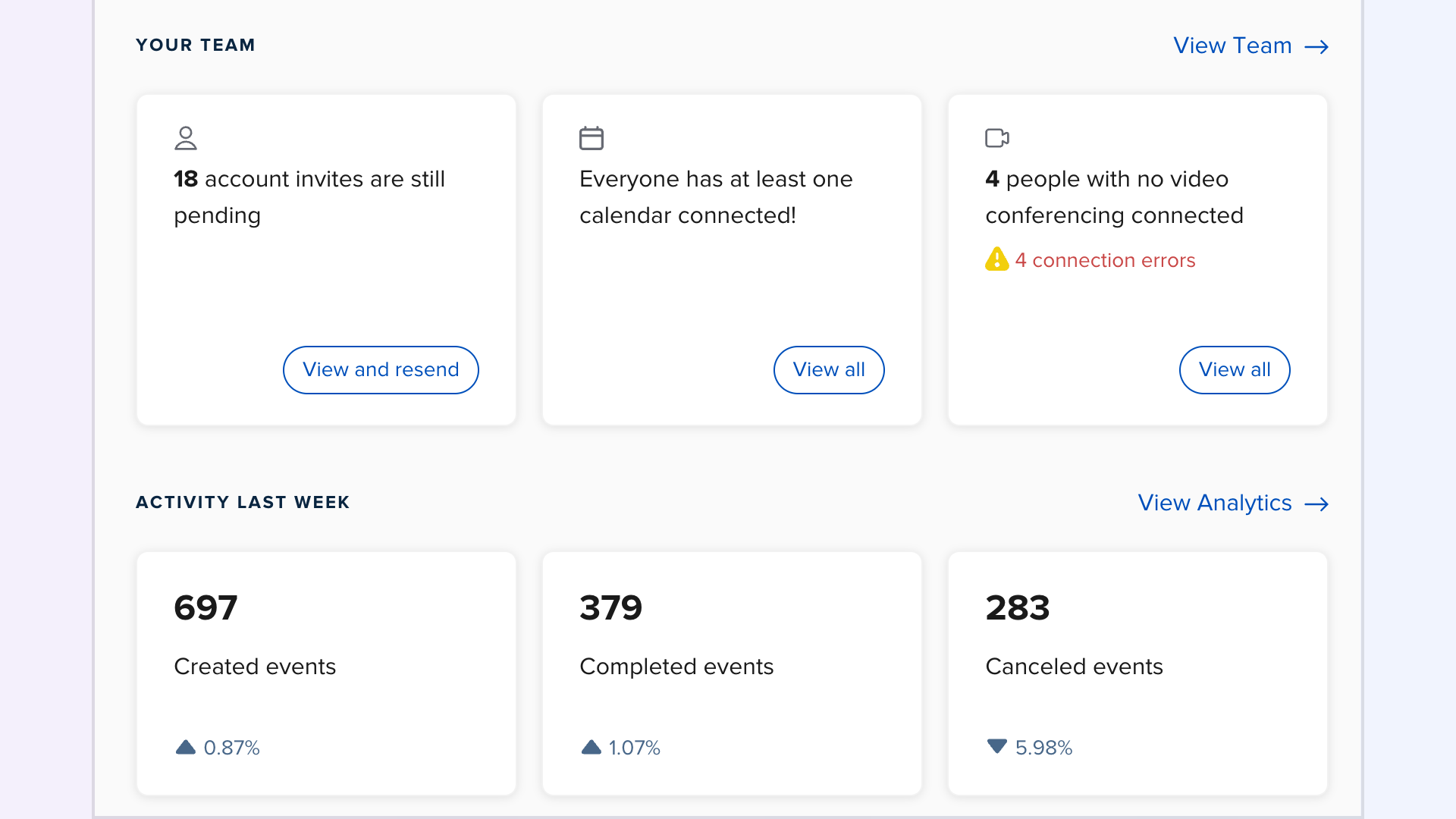
Best sales productivity features:
Pros as a sales productivity tool:
Cons as a sales productivity tool:
G2 rating: 4.7/5
Pricing: Free plan available; paid plans start at $10 per user/month.
The pain point it solves: Traditional scheduling tools don’t account for round-robin routing or lead qualification. Chili Piper ensures the right prospect gets to the right rep instantly.
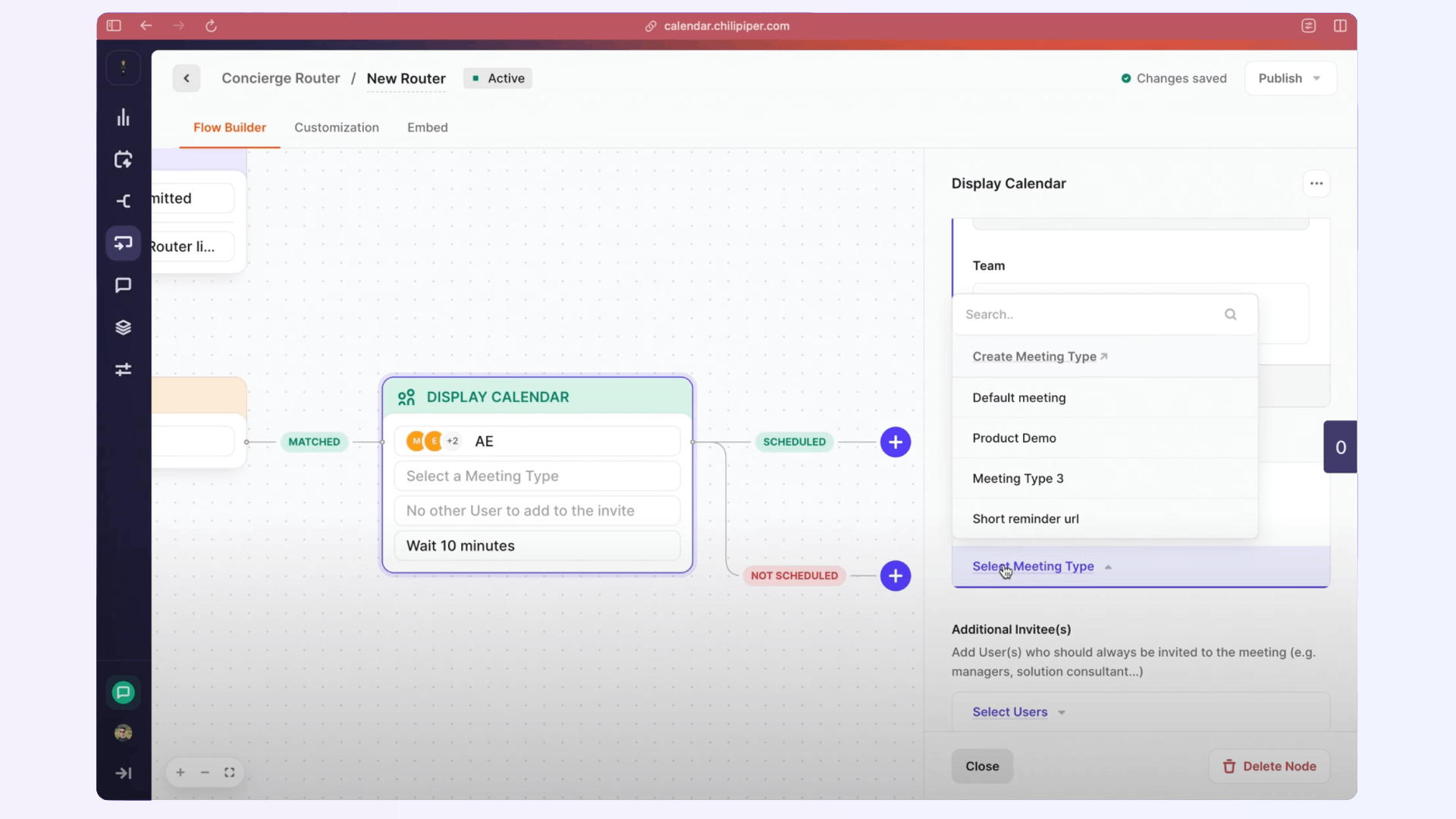
Best sales productivity features:
Pros as a sales productivity tool:
Cons as a sales productivity tool:
G2 rating: 4.6/5
Pricing: Paid plans start at $15 per user/month. Higher tiers at at $30 per user/month plus a platform fee of $150 per month
The pain point it solves: Coordinating group meetings across multiple stakeholders is messy. Doodle streamlines this by letting participants vote on their preferred times.
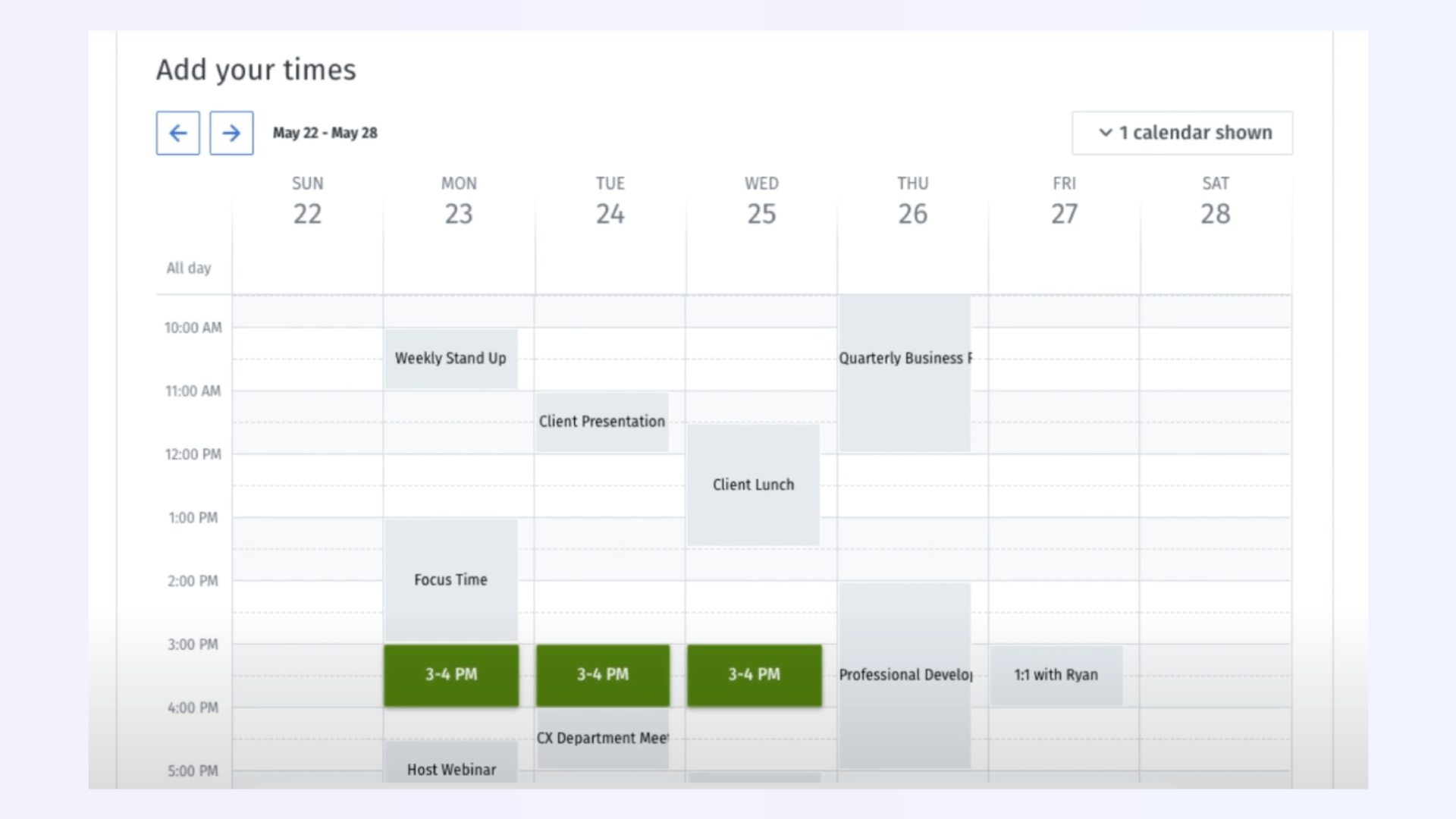
Best sales productivity features:
Pros as a sales productivity tool:
Cons as a sales productivity tool:
G2 rating: 4.4/5
Pricing: Free basic plan; paid plans start at $6.95 per user/month.
Pro tip: Scheduling is only step one. With Sybill’s AI Tasks, every next step agreed upon in the meeting is captured and executed automatically, ensuring that momentum doesn’t stall after the calendar invite is sent.
Click here to try Sybill for free.
The pain point it solves: Traditional call tools either capture conversations (transcription) or analyze them (intelligence), but they rarely give reps actionable clarity right after the meeting. Sybill delivers both.
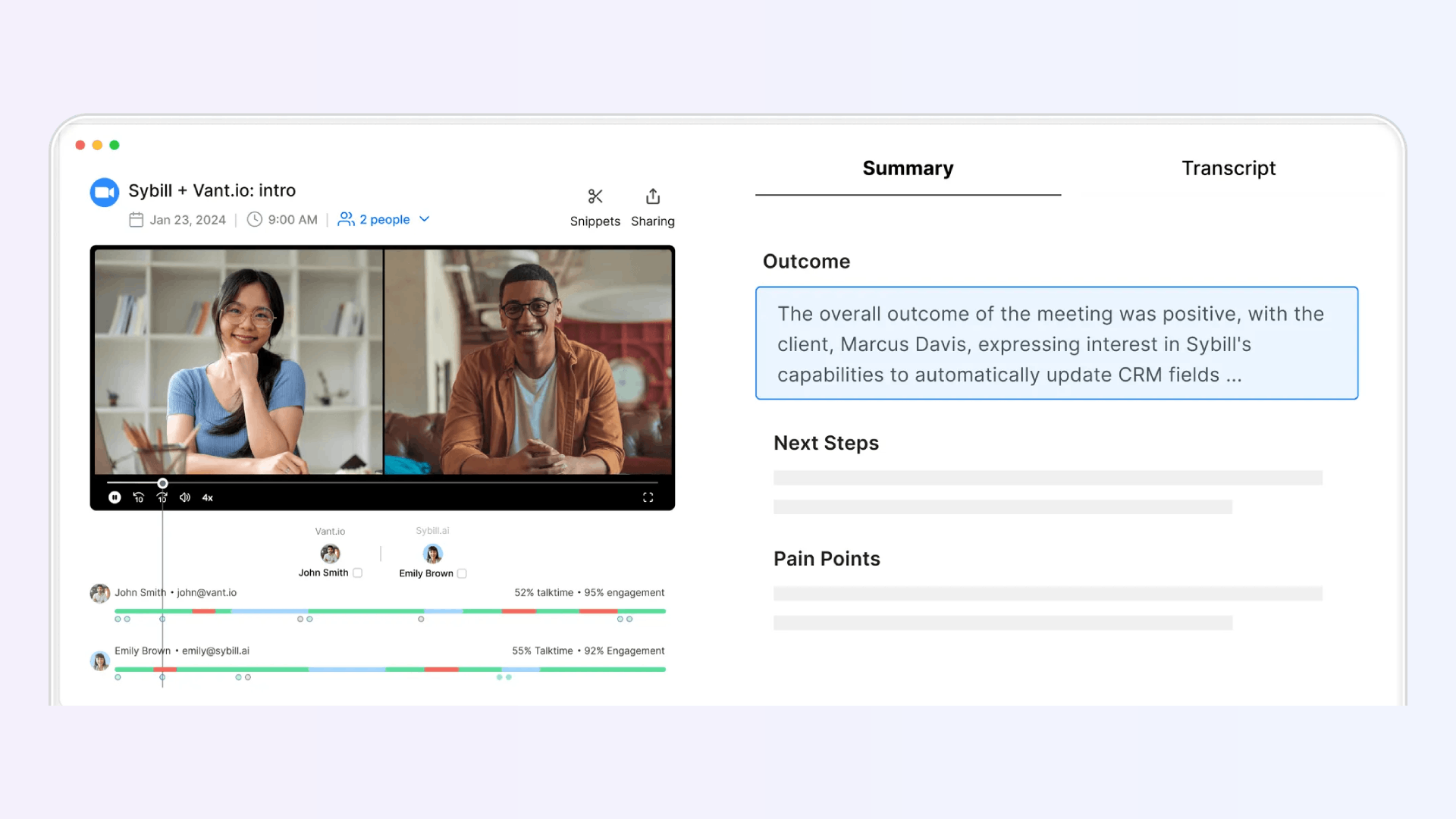
Best sales productivity features:
Pros as a sales productivity tool:
Cons as a sales productivity tool:
G2 rating: 4.8/5
Pricing: Free trial available; paid plans start at $19 per user/month, no platform fee.
Click here to try Sybill for free.
The pain point it solves: Sales leaders struggle to track deal health across dozens of calls. Chorus captures and analyzes conversations to surface risks and opportunities.
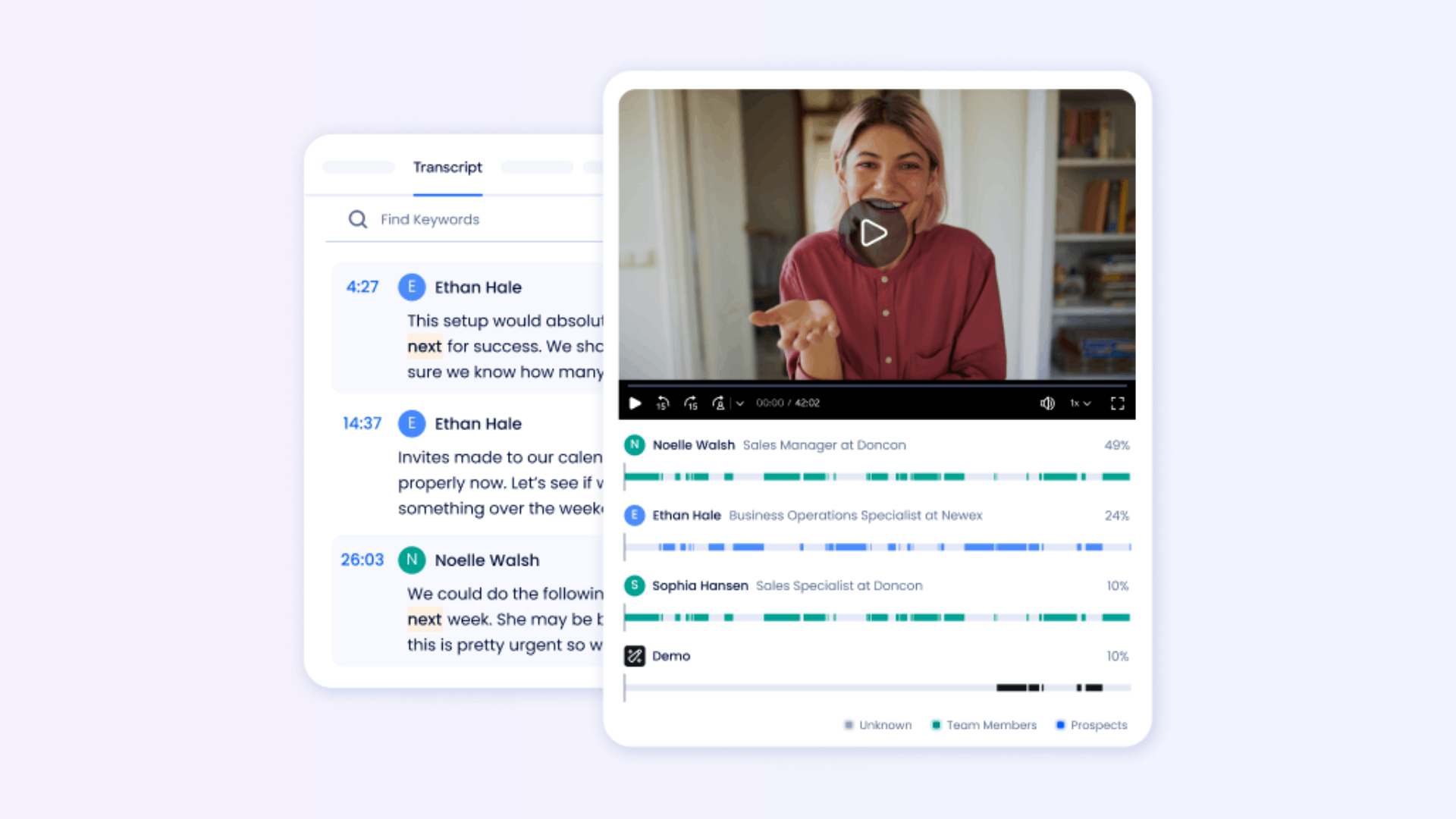
Best sales productivity features:
Pros as a sales productivity tool:
Cons as a sales productivity tool:
G2 rating: 4.5/5
Pricing: Custom pricing available on request.
The pain point it solves: Manual note-taking during meetings leads to missed details and slows reps down. Otter.ai automates transcription so reps can focus on the conversation.
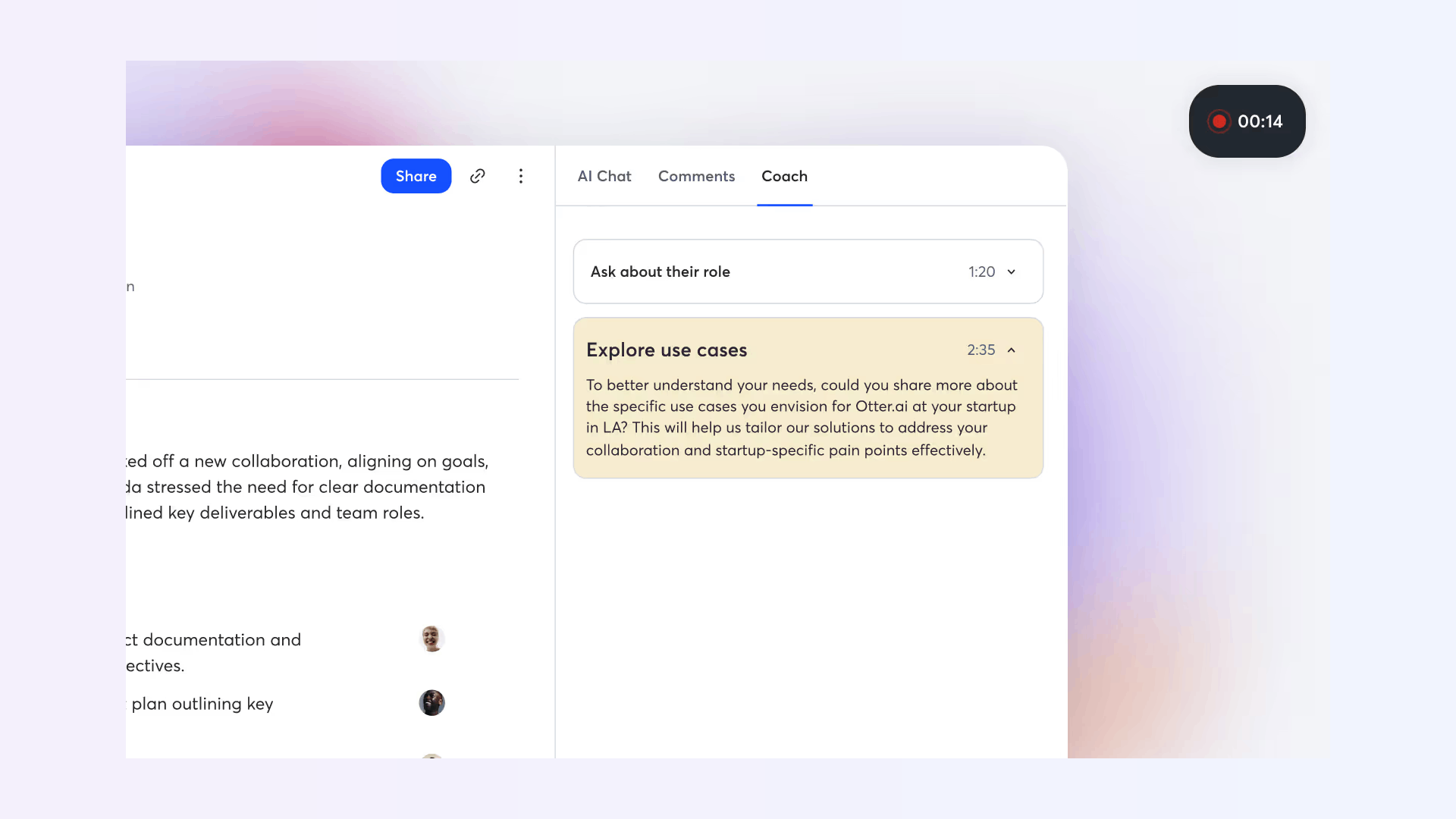
Best sales productivity features:
Pros as a sales productivity tool:
Cons as a sales productivity tool:
G2 rating: 4.4/5
Pricing: Free plan available; paid plans start at $8.33 per user/month.
The pain point it solves: Standard video conferencing tools weren’t built for interactive sales demos. Demodesk enables reps to deliver more engaging, controlled demos.
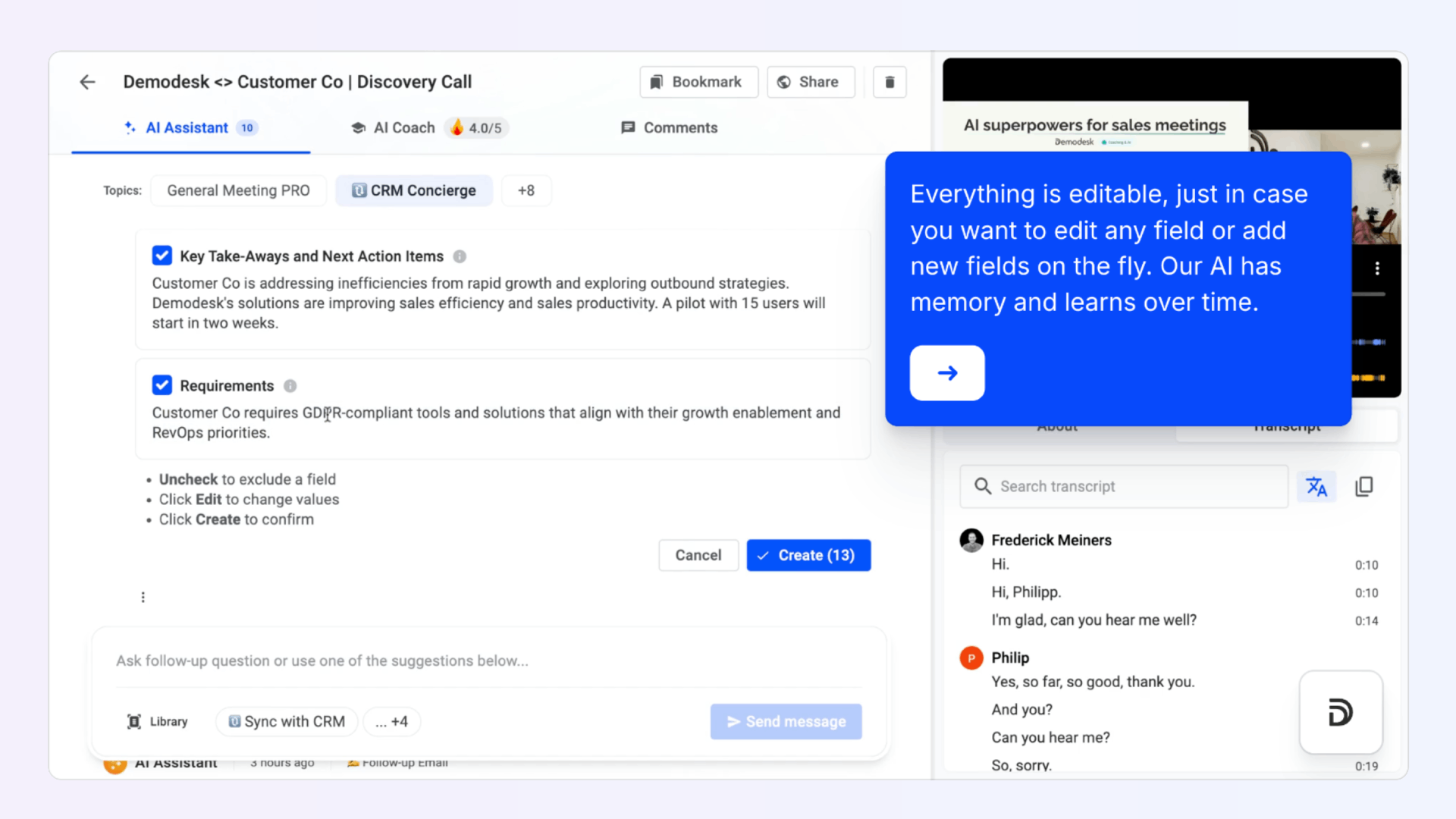
Best sales productivity features:
Pros as a sales productivity tool:
Cons as a sales productivity tool:
G2 rating: 4.6/5
Pricing: Free trial available; paid plans start at €49 per user/month.
The pain point it solves: Updating CRM manually is one of the biggest productivity killers for AEs. Important details often get lost between calls, emails, and spreadsheets, leading to incomplete deal records and missed context.
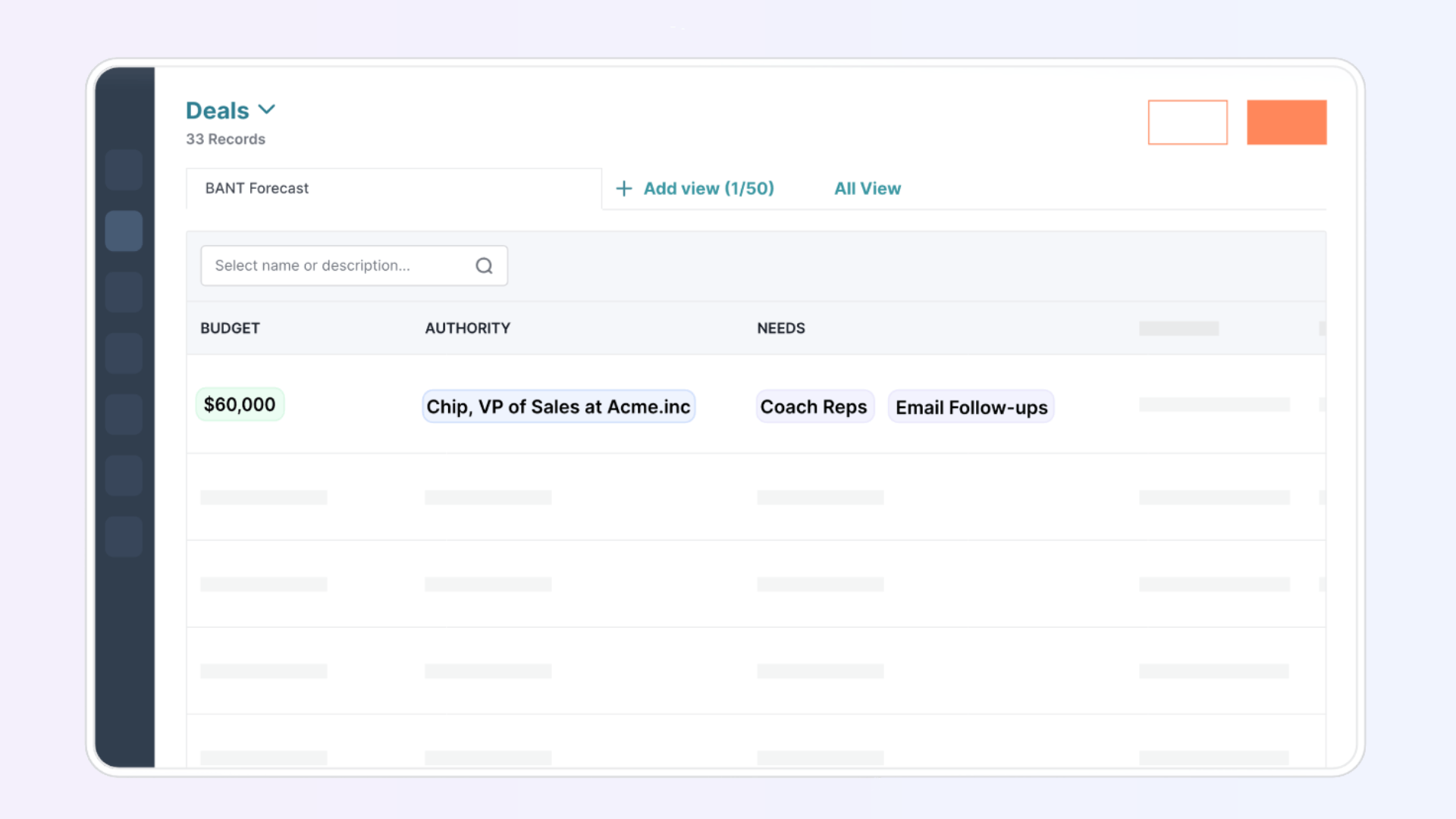
Best sales productivity features:
Pros as a sales productivity tool:
Cons as a sales productivity tool:
G2 rating: 4.8/5
Pricing: Free trial available; paid plans start at $19 per user/month.
Click here to try Sybill for free.
The pain point it solves: Scaling sales operations without a centralized CRM leads to chaos. Salesforce provides an end-to-end system of record for customer and deal data.
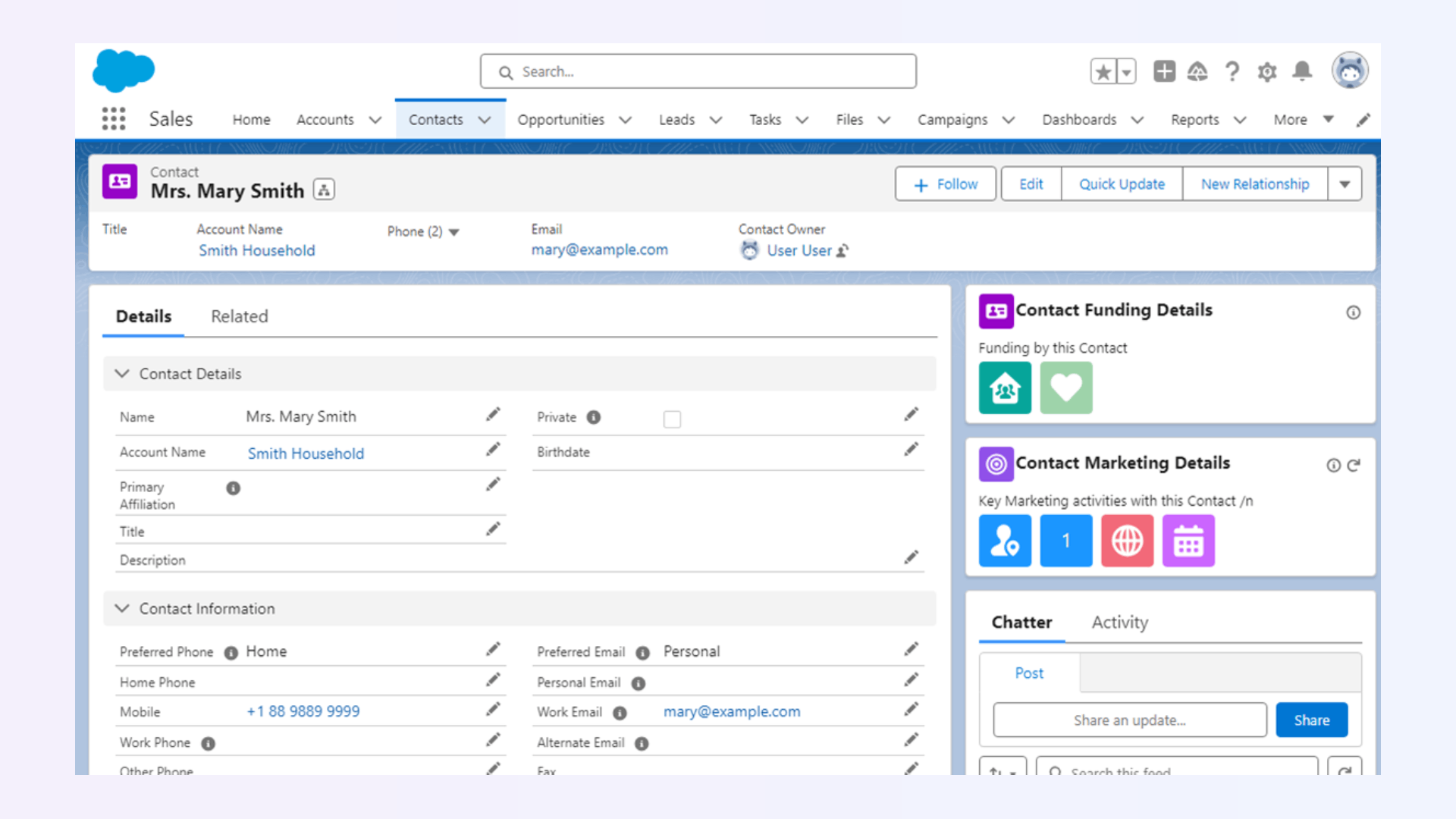
Best sales productivity features:
Pros as a sales productivity tool:
Cons as a sales productivity tool:
G2 rating: 4.4/5
Pricing: Starter CRM plan starts at $25 per user/month; advanced plans scale significantly higher.
The pain point it solves: SMBs and growth teams often need CRM capabilities without enterprise-level complexity. HubSpot combines CRM, sales engagement, and reporting in one.
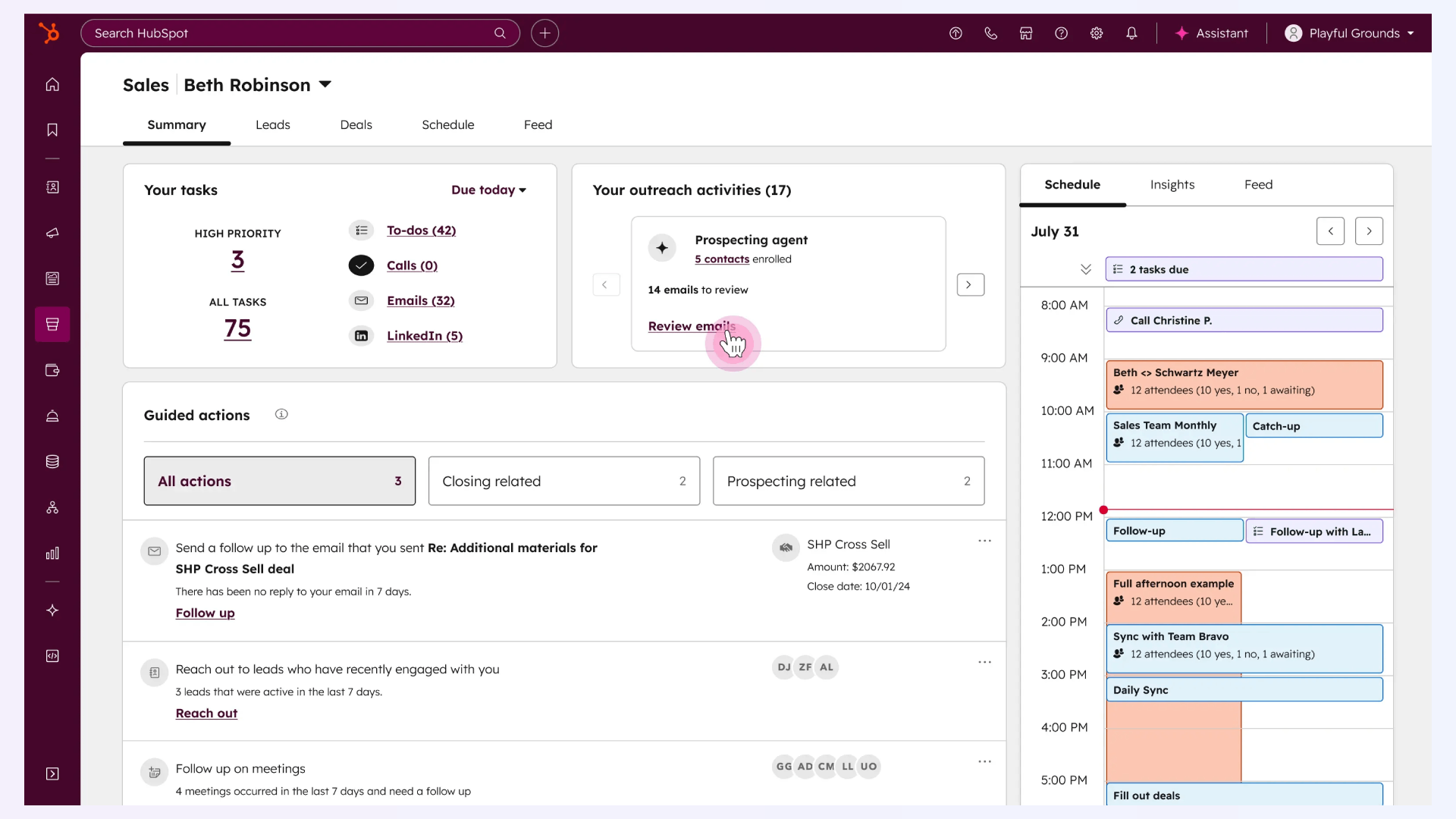
Best sales productivity features:
Pros as a sales productivity tool:
Cons as a sales productivity tool:
G2 rating: 4.4/5
Pricing: Free CRM available; paid plans start at $20 per user/month.
The pain point it solves: Weflow simplifies pipeline management and improves CRM data hygiene.
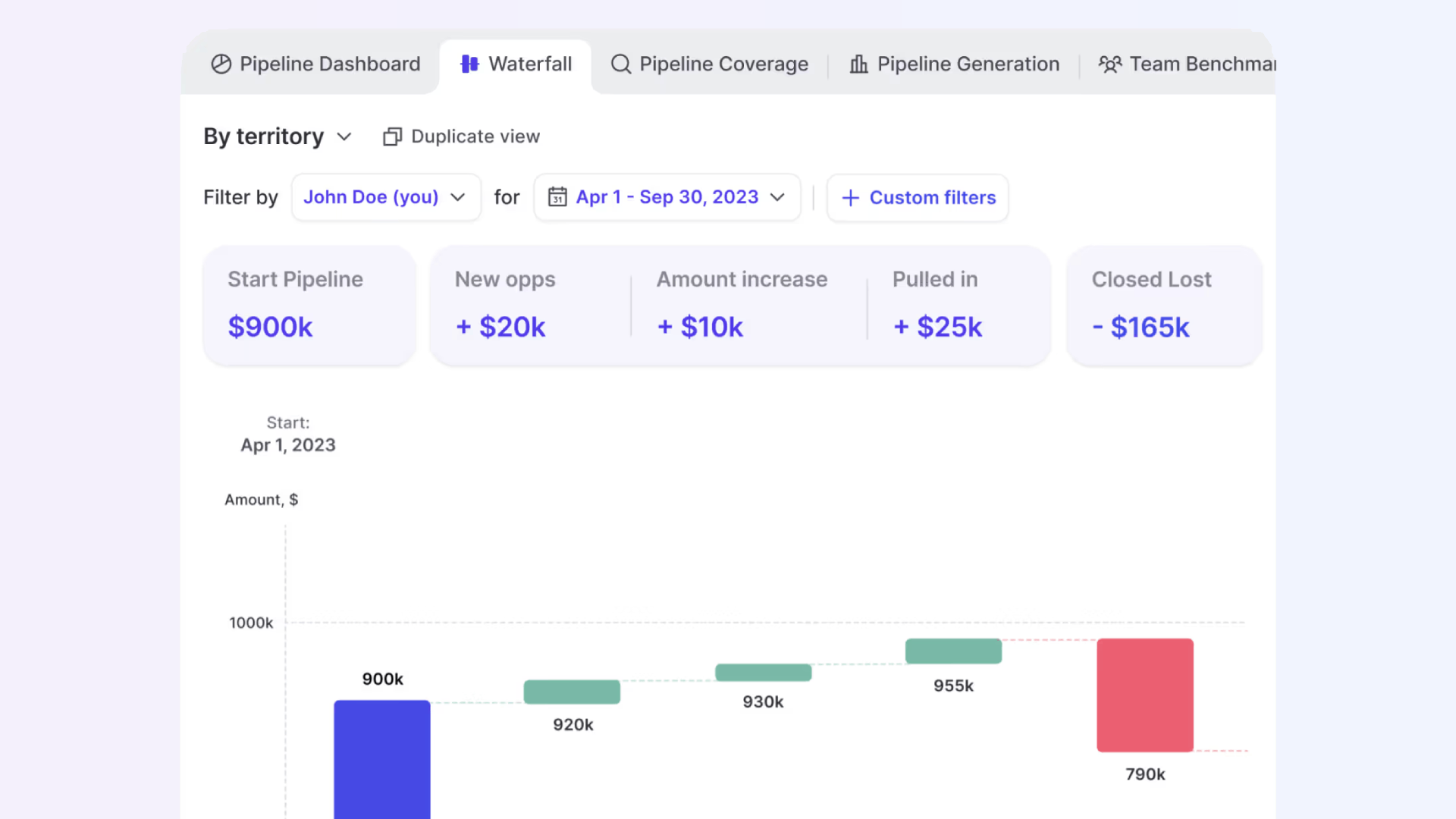
Best sales productivity features:
Pros as a sales productivity tool:
Cons as a sales productivity tool:
G2 rating: 4.7/5
Pricing: Starts at $20 per user/month.
The pain point it solves: Smaller sales teams often struggle with CRMs that are too complex. Pipedrive offers a simple, visual CRM designed for ease of use.
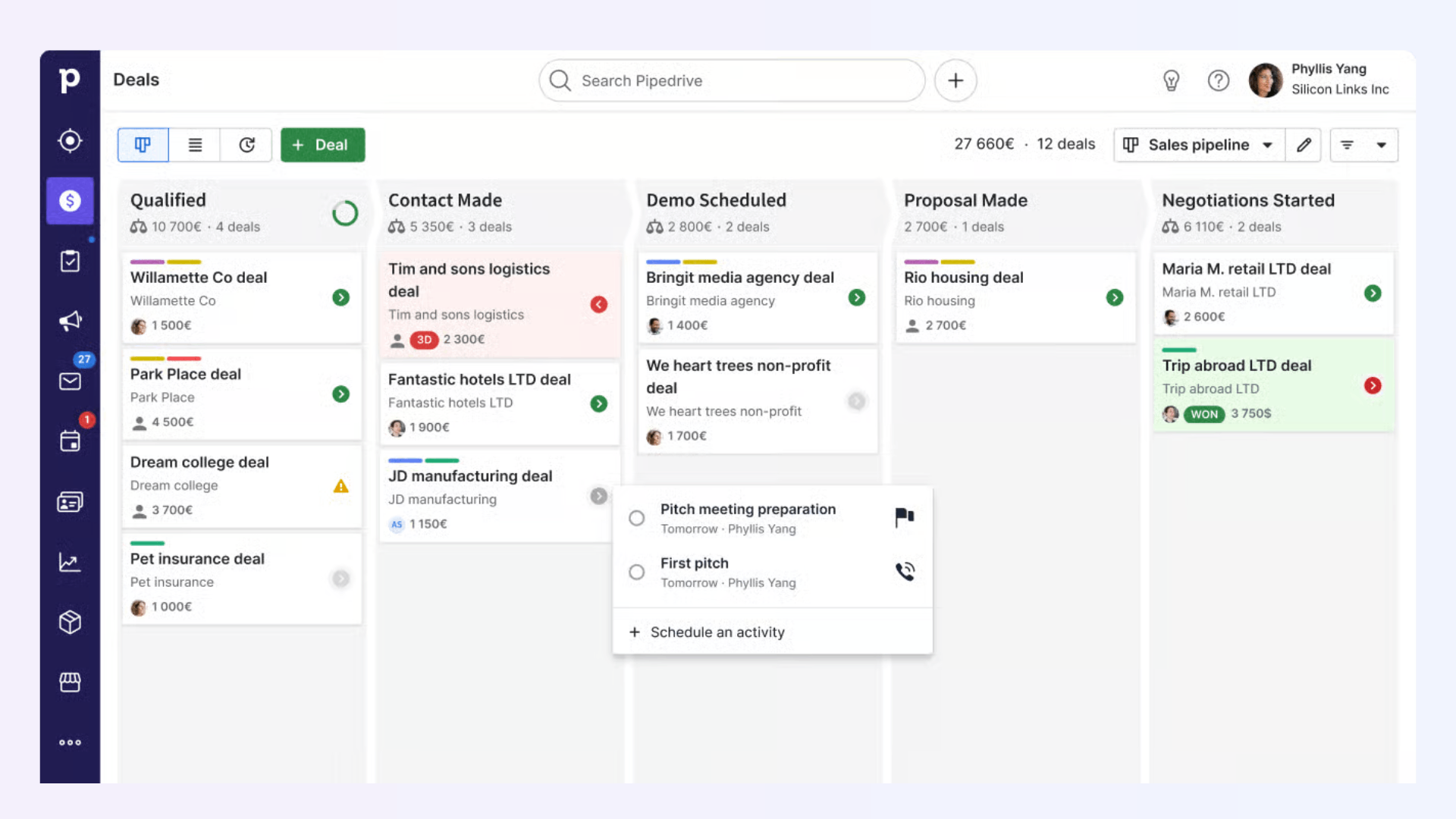
Best sales productivity features:
Pros as a sales productivity tool:
Cons as a sales productivity tool:
G2 rating: 4.3/5
Pricing: Free trial available; Paid plans start at $14 per user/month.
Click here to learn more about Pipedrive Vs Hubspot.
The pain point it solves: Proposals, business cases, and mutual action plans often fall through the cracks because reps are buried under follow-ups and admin. Sybill’s AI Tasks captures, organizes, and even executes these action items automatically.
Best sales productivity features:
Pros as a sales productivity tool:
Cons as a sales productivity tool:
G2 rating: 4.8/5
Pricing: Free trial available; paid plans start at $19 per user/month.
The pain point it solves: Writing, sending, and tracking proposals manually eats up rep time and slows down the closing process. PandaDoc streamlines document creation and e-signatures.
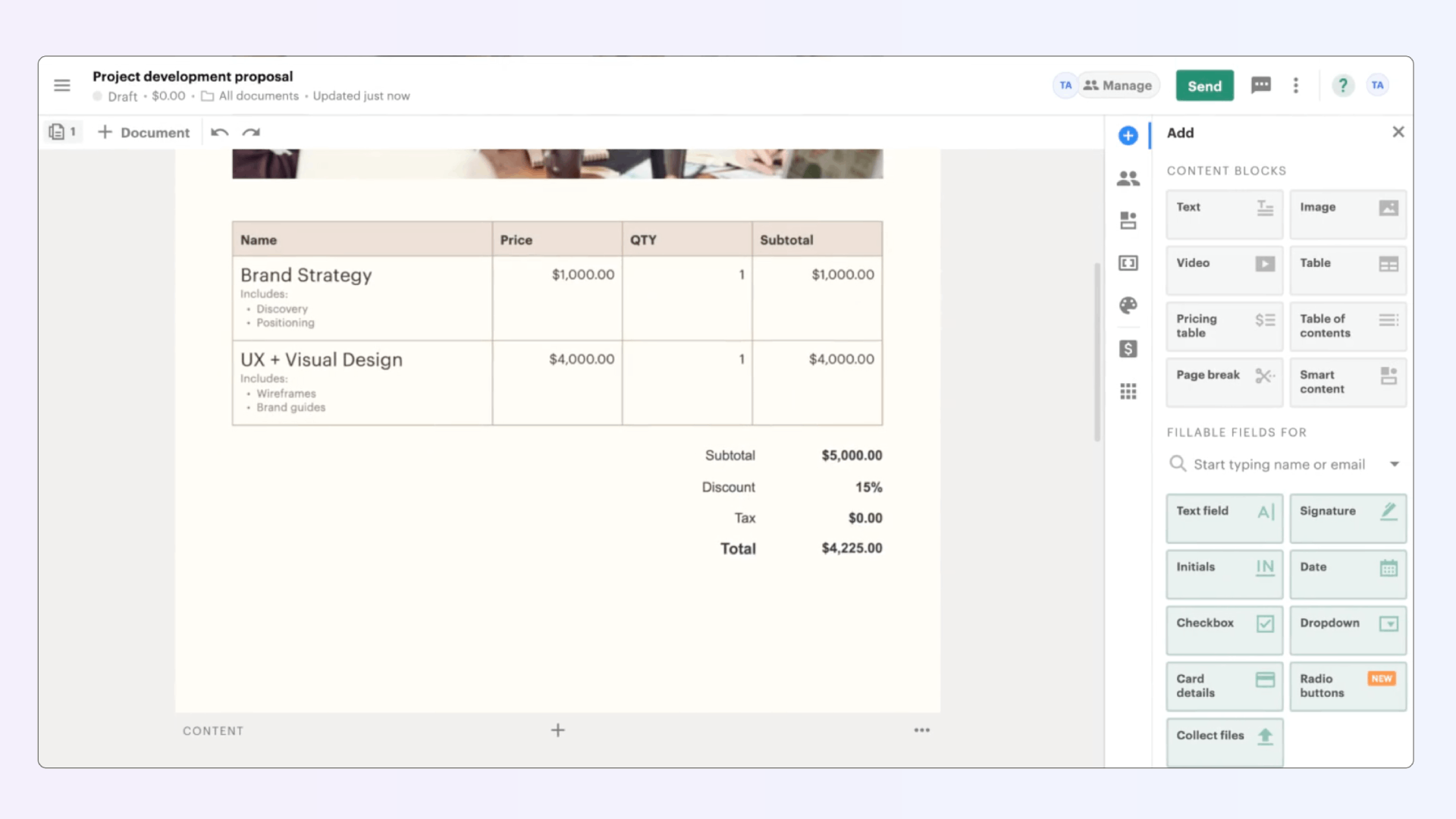
Best sales productivity features:
Pros as a sales productivity tool:
Cons as a sales productivity tool:
G2 rating: 4.7/5
Pricing: Paid plans start at $19 per user/month.
The pain point it solves: Standard PDF proposals lack engagement and differentiation. Qwilr turns proposals and sales collateral into interactive, web-based experiences.
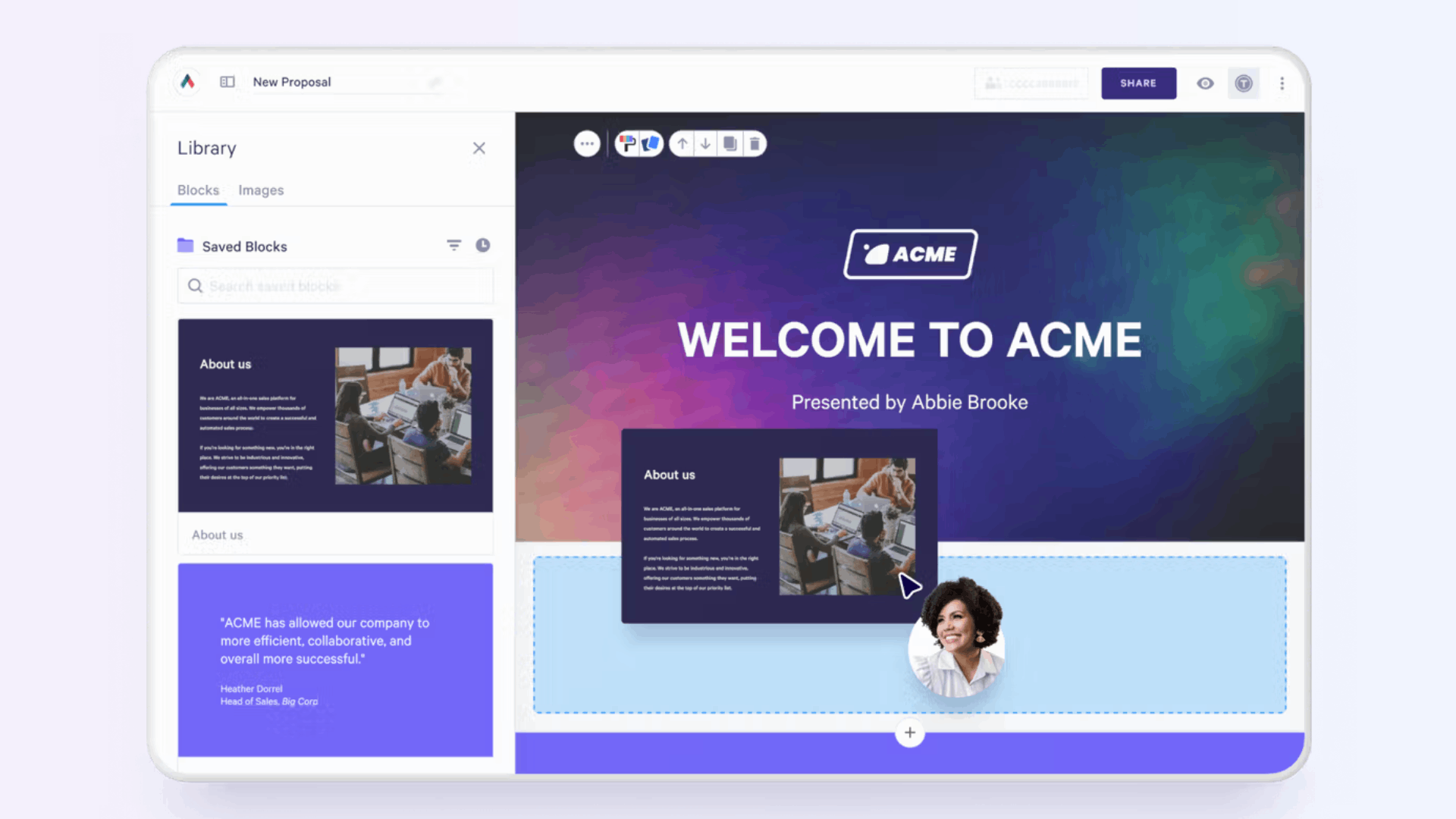
Best sales productivity features:
Pros as a sales productivity tool:
Cons as a sales productivity tool:
G2 rating: 4.6/5
Pricing: Business plan starts at $35 per user/month; Enterprise plan at $59 per user/month.
The pain point it solves: Configuring quotes for complex deals is error-prone and time-consuming. DealHub automates CPQ (configure-price-quote) to eliminate mistakes and speed up quoting.
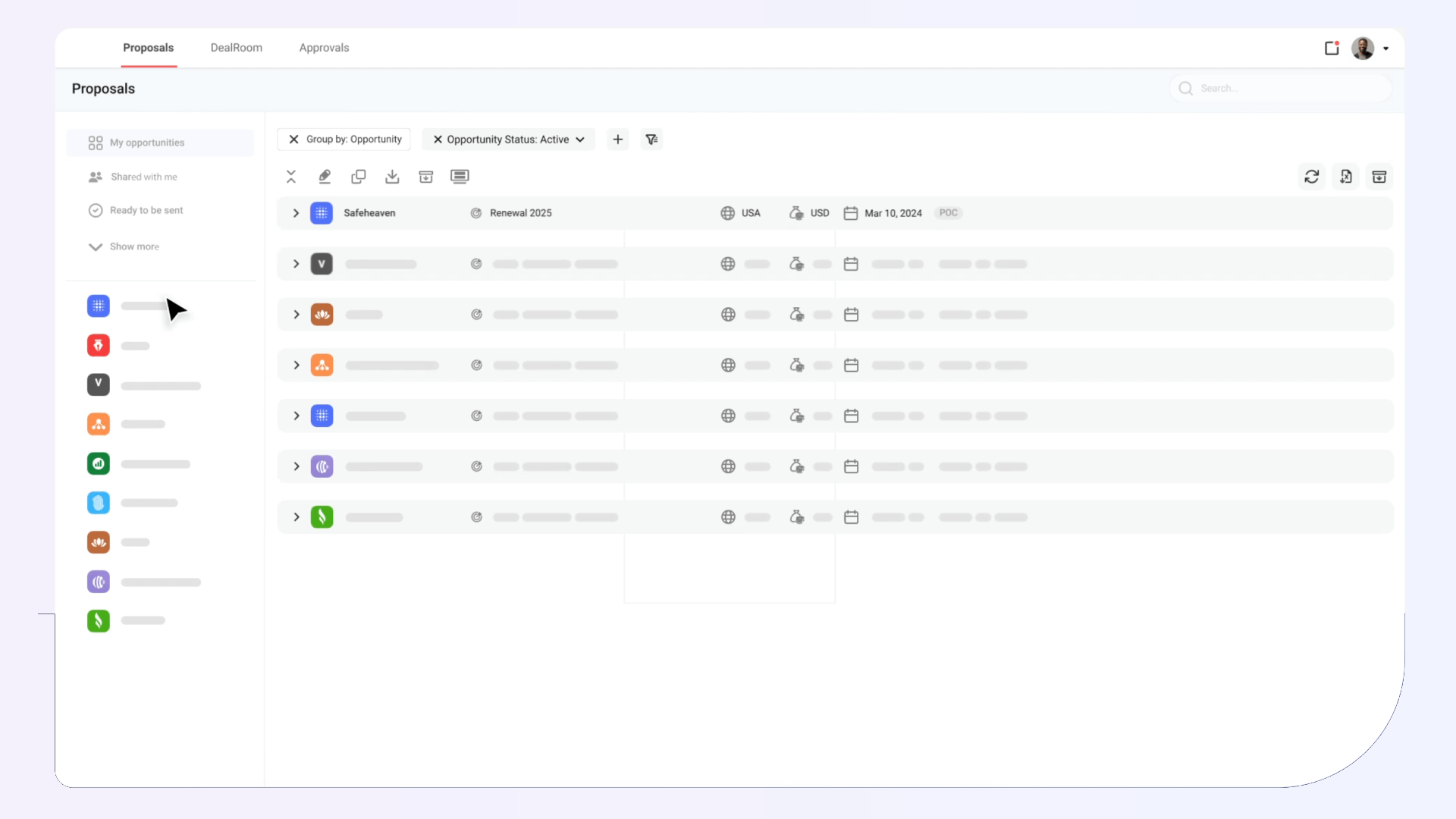
Best sales productivity features:
Pros as a sales productivity tool:
Cons as a sales productivity tool:
G2 rating: 4.7/5
Pricing: Custom pricing available on request.
The pain point it solves: Chasing signatures slows down deal closure. DocuSign makes signing digital, secure, and legally binding.
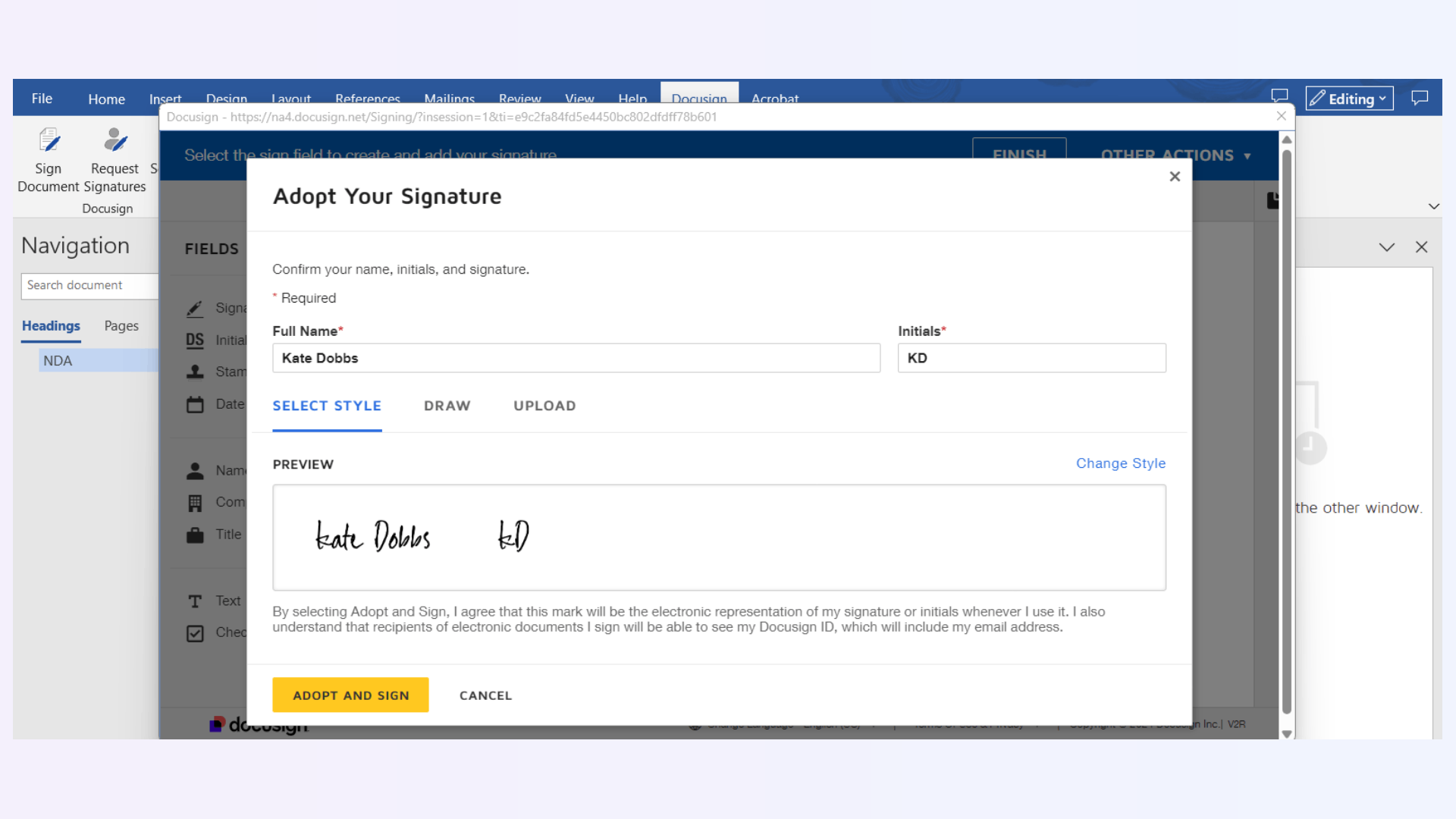
Best sales productivity features:
Pros as a sales productivity tool:
Cons as a sales productivity tool:
G2 rating: 4.5/5
Pricing: Plans start at $10 per user/month; advanced plans scale higher.
The pain point it solves: Managers can’t join every call or track every deal, leaving coaching opportunities missed. Reps often struggle to self-diagnose where deals are slipping.
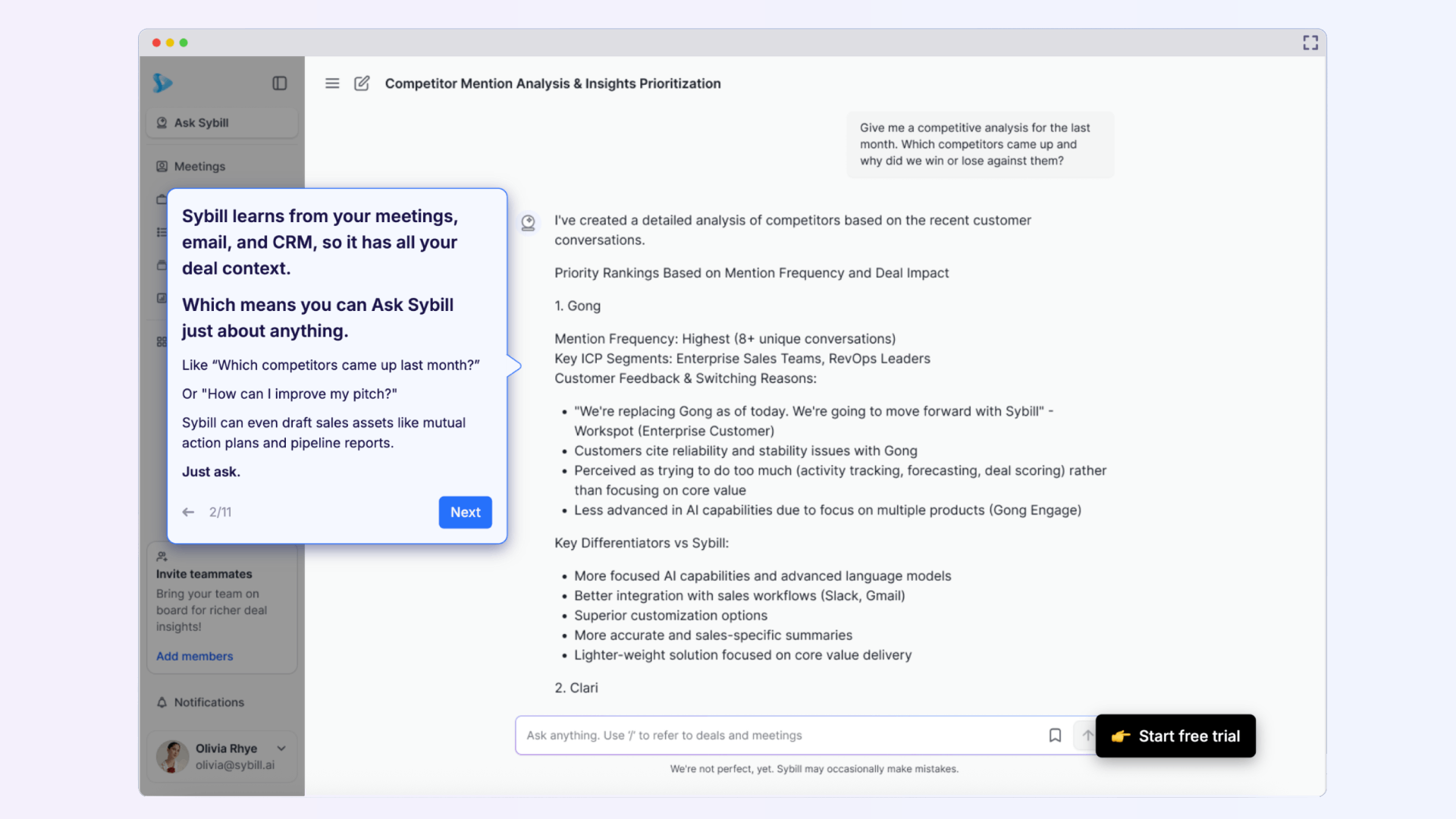
Best sales productivity features:
Pros as a sales productivity tool:
Cons as a sales productivity tool:
G2 rating: 4.8/5
Pricing: Free trial available; paid plans start at $19 per user/month.
Click here to try Sybill for free.
The pain point it solves: Sales reps waste time hunting for the right content and struggle to use enablement resources effectively. Highspot centralizes content and tracks usage.
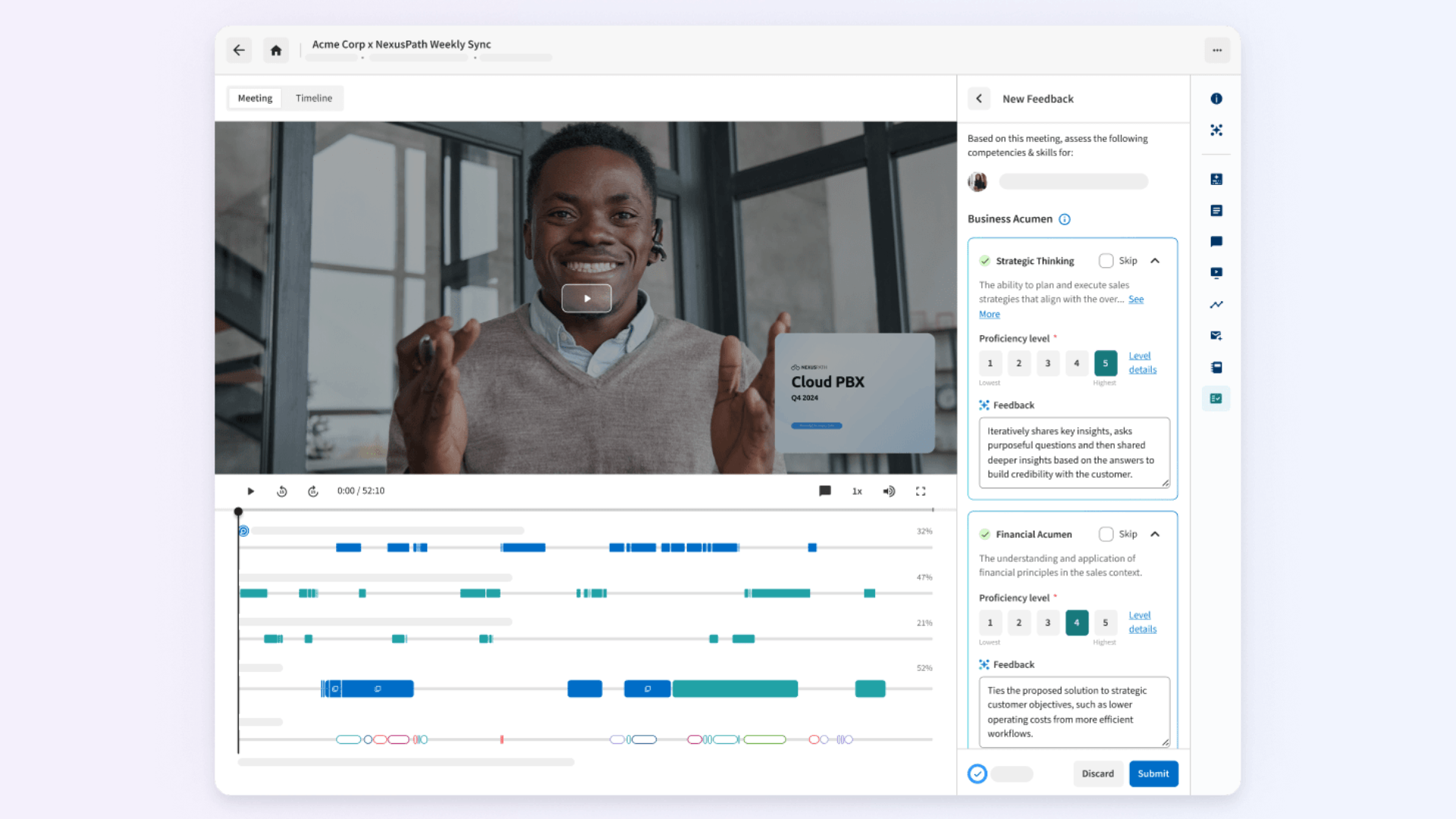
Best sales productivity features:
Pros as a sales productivity tool:
Cons as a sales productivity tool:
G2 rating: 4.7/5
Pricing: Custom pricing available on request.
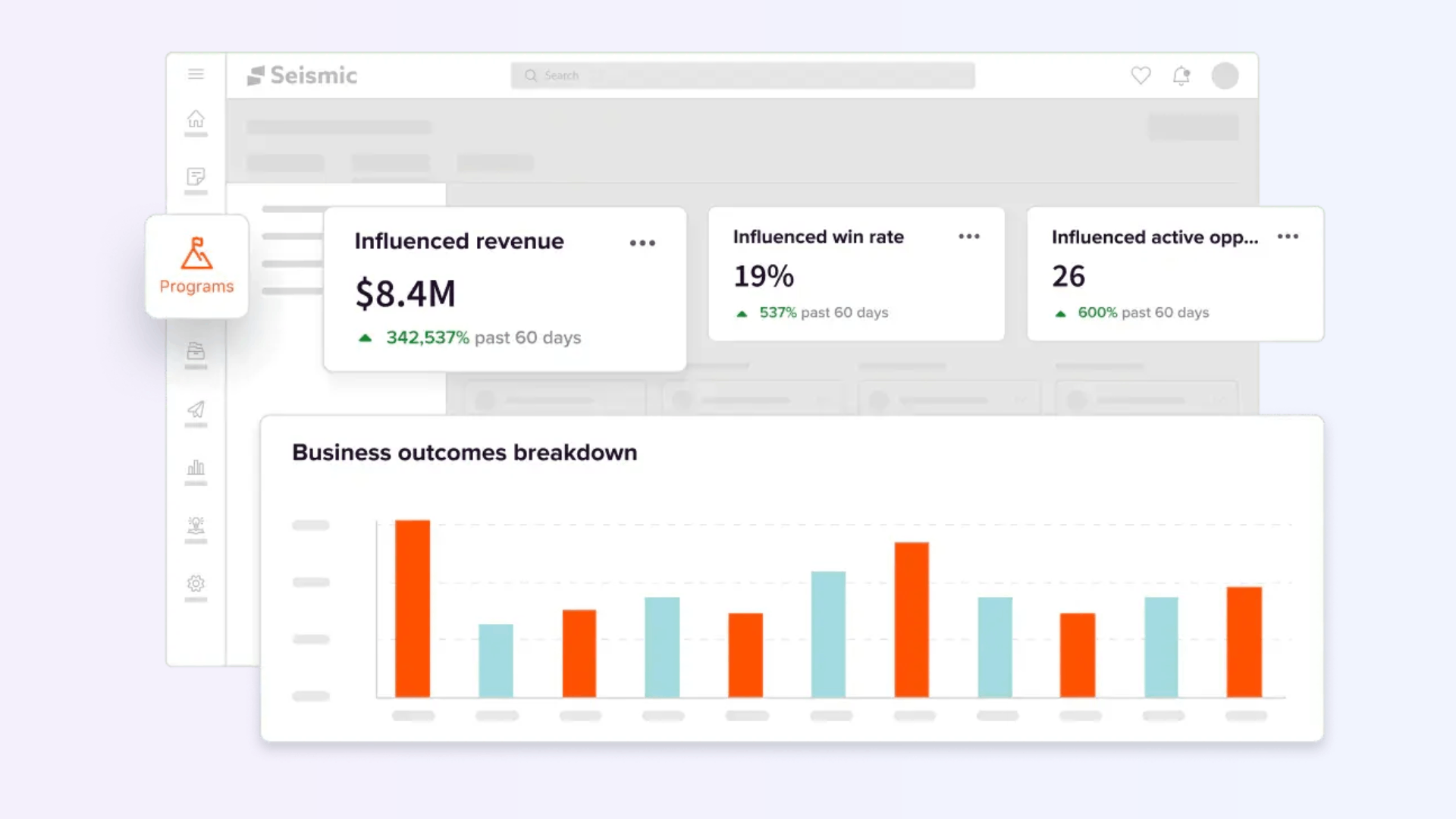
The pain point it solves: Large organizations often face content sprawl and inconsistent messaging. Seismic ensures reps always have access to the most up-to-date sales collateral.
Best sales productivity features:
Pros as a sales productivity tool:
Cons as a sales productivity tool:
G2 rating: 4.7/5
Pricing: Enterprise-level pricing available on request.
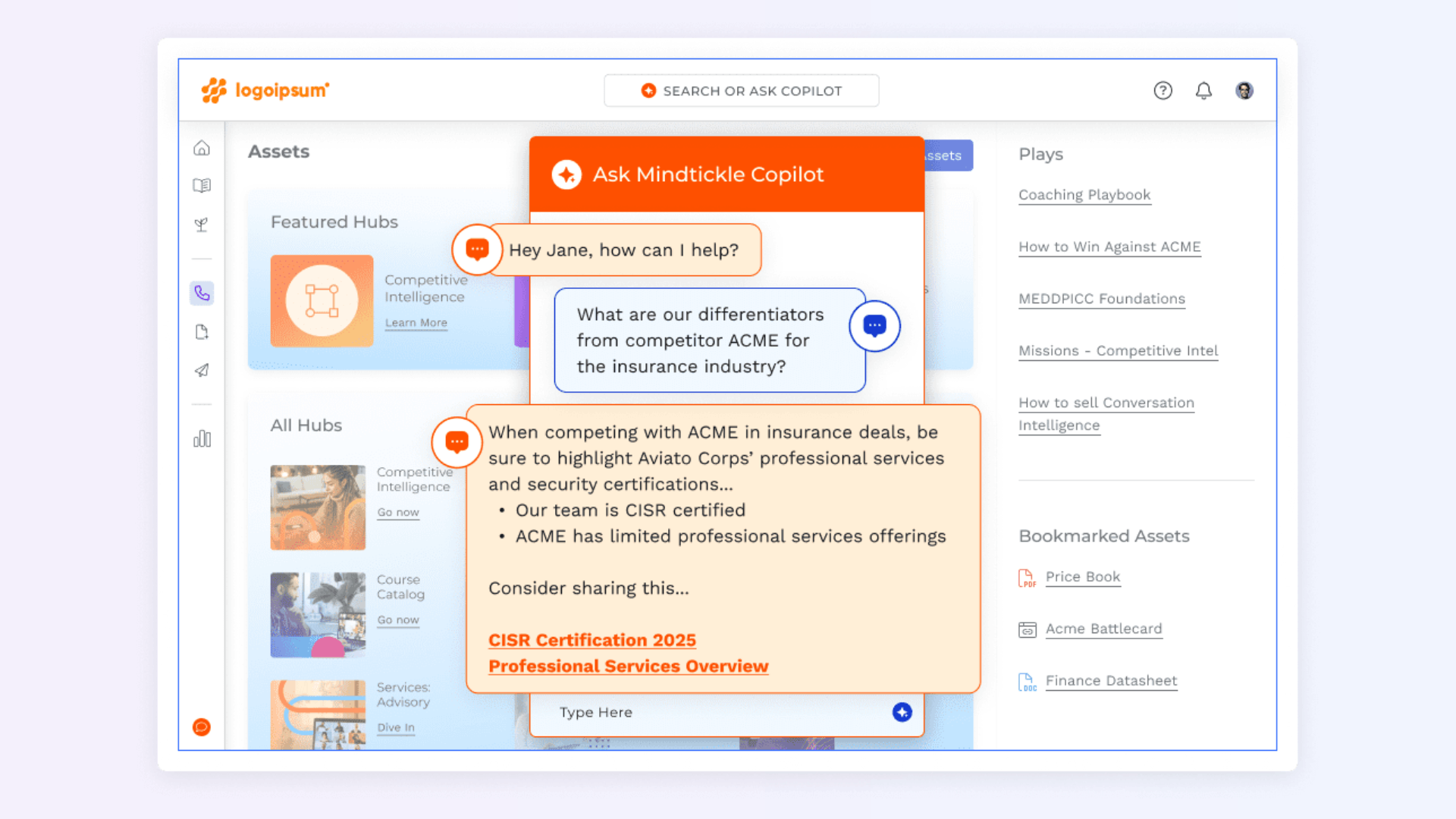
The pain point it solves: Reps often lack structured coaching and training that directly impacts deal outcomes. Mindtickle provides a gamified, data-driven enablement platform.
Best sales productivity features:
Pros as a sales productivity tool:
Cons as a sales productivity tool:
G2 rating: 4.7/5
Pricing: Custom pricing available on request.
Short answer: Because it’s proven to save reps 5+ hours a week, with AI that’s over 95% accurate.
But wait, there’s more.
Most sales productivity tools are built to solve one slice of the workflow - prospecting, scheduling, proposals, or coaching. The problem with this is that it leaves reps juggling a dozen logins and still wasting time stitching insights together.
Sybill is built differently. It’s built for sales team productivity, not just task automation. By unifying the critical steps of an AE’s workflow, Sybill becomes the productivity hub that keeps deals moving forward:
With Sybill, you replace half your stack with one intelligent platform that turns conversations into revenue momentum.
Click here to try Sybill for free.
AEs can’t scale productivity manually. Not when less than 30% of their day is spent actually selling. The best sales productivity tools are the ones that integrate across the entire workflow, cutting clutter and giving reps more time with customers. From prospecting and outreach to proposals and coaching, the right sales productivity software is no longer optional; it’s the engine of modern revenue growth.
But the hard truth is that most sales productivity tools only solve one narrow task. That leaves reps drowning in tabs and managers chasing disconnected data. To truly unlock sales team productivity, you need a platform that ties everything together.
That’s why whether you’re in midmarket or enterprise sales or looking for inside sales productivity tools, Sybill gives your team the edge by automating the busywork and amplifying every buyer interaction.
The best sales productivity tools span the entire AE workflow: Prospecting & lead research (LinkedIn Sales Navigator, ZoomInfo, Apollo.io, Sybill Pre-Call Briefs) Cold outreach & engagement (Outreach, Salesloft, Mixmax, Lavender, Sybill Personalized Emails) Meeting scheduling (Calendly, Chili Piper, Doodle) Sales calls & meeting productivity (Chorus, Otter.ai, Demodesk, Sybill Magic Summary + Ask Sybill) Pipeline & CRM management (Salesforce, HubSpot, Weflow, Pipedrive, Sybill CRM Autofill + Deal Workspace) Proposals & closing (PandaDoc, Qwilr, DealHub, DocuSign, Sybill AI Tasks) Coaching & enablement (Highspot, Seismic, Mindtickle, Sybill Personal Coach) Sybill stands out as a sales productivity software that cuts across multiple categories, making it one of the most complete sales team productivity tools available today.
The 5 W’s in sales are Who, What, When, Where, and Why: Who you’re selling to (prospect personas, captured by Sybill’s Pre-Call Briefs). What their pain points are (uncovered with Magic Summaries). When to follow up (timed perfectly with AI-powered reminders and Personalized Emails). Where the buyer is in their journey (tracked in the Deal Pipeline & Workspace). Why your solution matters (reinforced with proposals and business cases generated via AI Tasks).
The four types of productivity tools in sales are: Communication – email, chat, and call tools (Mixmax, Outreach, Sybill Personalized Emails). Collaboration – shared deal workspaces and scheduling (Chili Piper, Sybill Deal Workspace). Content/Knowledge – proposal creation, enablement, coaching (Qwilr, Highspot, Sybill Personal Coach). Automation – CRM autofill, task automation, workflows (Weflow, DealHub, Sybill AI Tasks). Each category helps increase sales productivity by saving time and sharpening focus.








