
Find us at booth #83, join us for a harbor side happy hour, or catch Gorish’s talk.

Sept, 16-18 > Learn more

%20(1).avif)
Mamta Tainwala

March 30, 2026
.avif)
If your day is triage-by-calendar, pair Calendly for external scheduling with Reclaim for auto-time-blocking. For inbox speed, Superhuman is the power pick. For docs and knowledge, Notion plus Asana cover writing and work tracking. Zapier handles glue automations. 1Password protects accounts. TravelPerk books trips without chaos. Loom cuts meetings with quick video updates. Use Sybill to turn every meeting into a finished follow up and clean CRM notes.
Being an executive assistant is part air-traffic control and part chess. Back-to-back meetings, shifting priorities, travel surprises, and a boss who wants three things at once. The right stack makes you superhuman without the cape. Scheduling tools shrink email ping-pong. Email clients carve hours off triage. Modern work hubs keep agendas, briefs, and project handoffs in one place. Automation stitches the boring parts together so you can focus on judgment calls that actually move the day. One more layer matters in 2025. Calls do not create value unless follow ups go out and systems get updated. That is where AI meeting tools like Sybill help EAs finish the work after the call so momentum never stalls.
The 10 best tools for executive assistants in 2025 are: Sybill (AI meeting assistant that generates summaries, drafts follow-ups, and autofills CRM — ideal for turning calls into immediate actions), Calendly (external scheduling without email ping-pong), Reclaim.ai (auto-time-blocking that dynamically reschedules tasks around changing priorities), Superhuman (lightning-fast email client with keyboard shortcuts and split inboxes), Notion (flexible workspace for executive briefs, SOPs, and team wikis), Asana (work management for cross-functional projects, approvals, and events), Zapier (no-code automations connecting your entire tool stack), 1Password (secure credential and document management with shared vaults), TravelPerk (corporate travel booking with policy-aware approvals and 24/7 support), and Loom (async video updates that replace recurring status meetings). The right EA stack combines scheduling, email triage, documentation, automation, and AI meeting tools to buy back time for the judgment calls that actually move the day.
Why it stands out for EAs
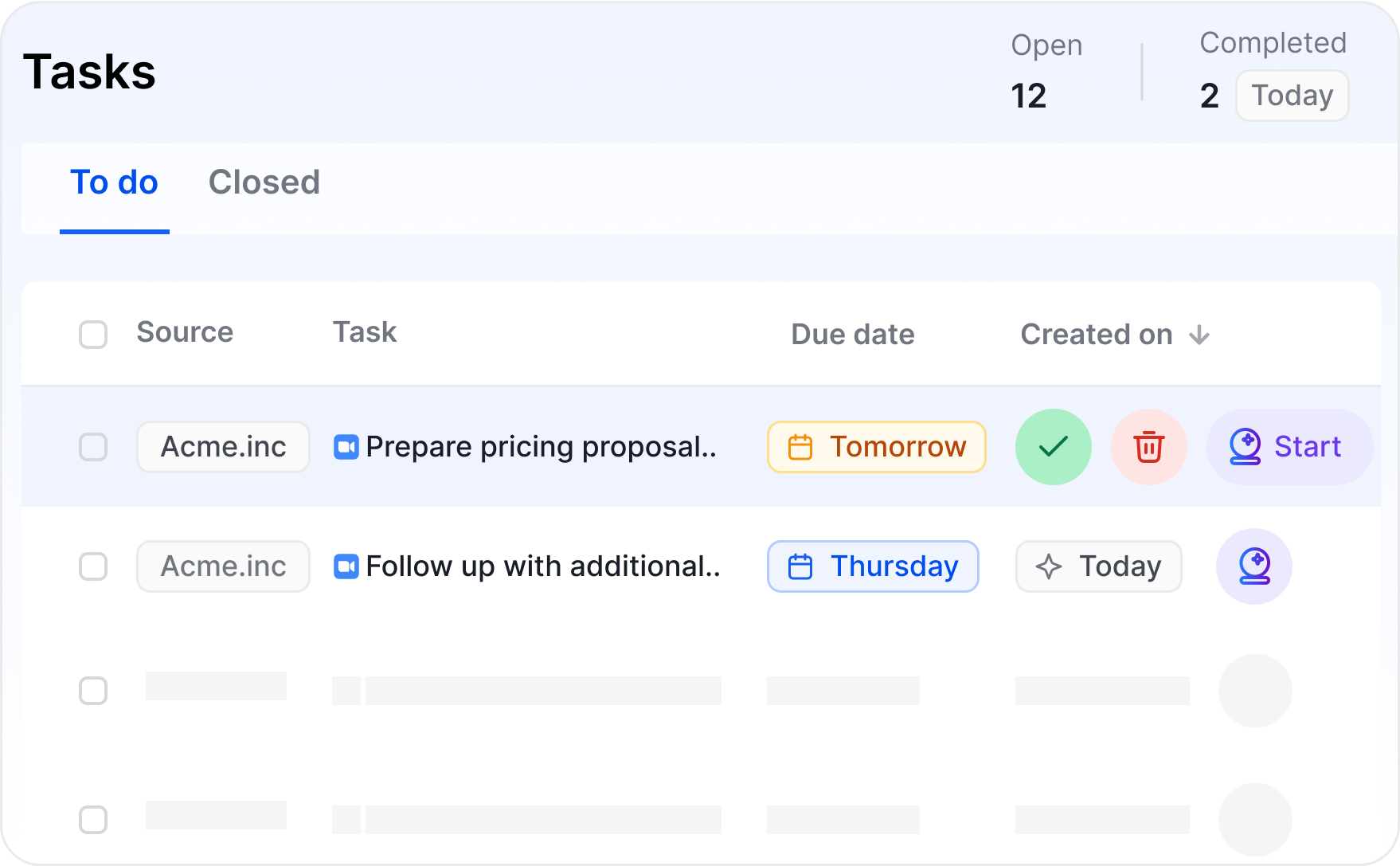
Sybill listens to meetings, produces a crisp summary, drafts send-ready follow ups, and writes key details back to CRM so execs and stakeholders always have context. For EAs, that means fewer manual notes, faster recap emails, and cleaner records for pipeline, partner, or vendor calls.
One of the biggest new releases from Sybill, is it’s AI Tasks. This is what will make an EA win using Sybill. Talk about creating mutual action plans, sending out calendar invites, digging up performance reports, etc. You think it and Sybill will help you execute it. All you need to do is review if it’s air tight and send it across to relevant people, which also Sybill will populate for you!
Pros
Cons
Good fit
Busy exec calendars where meetings must instantly turn into actions and updates.
Why it stands out
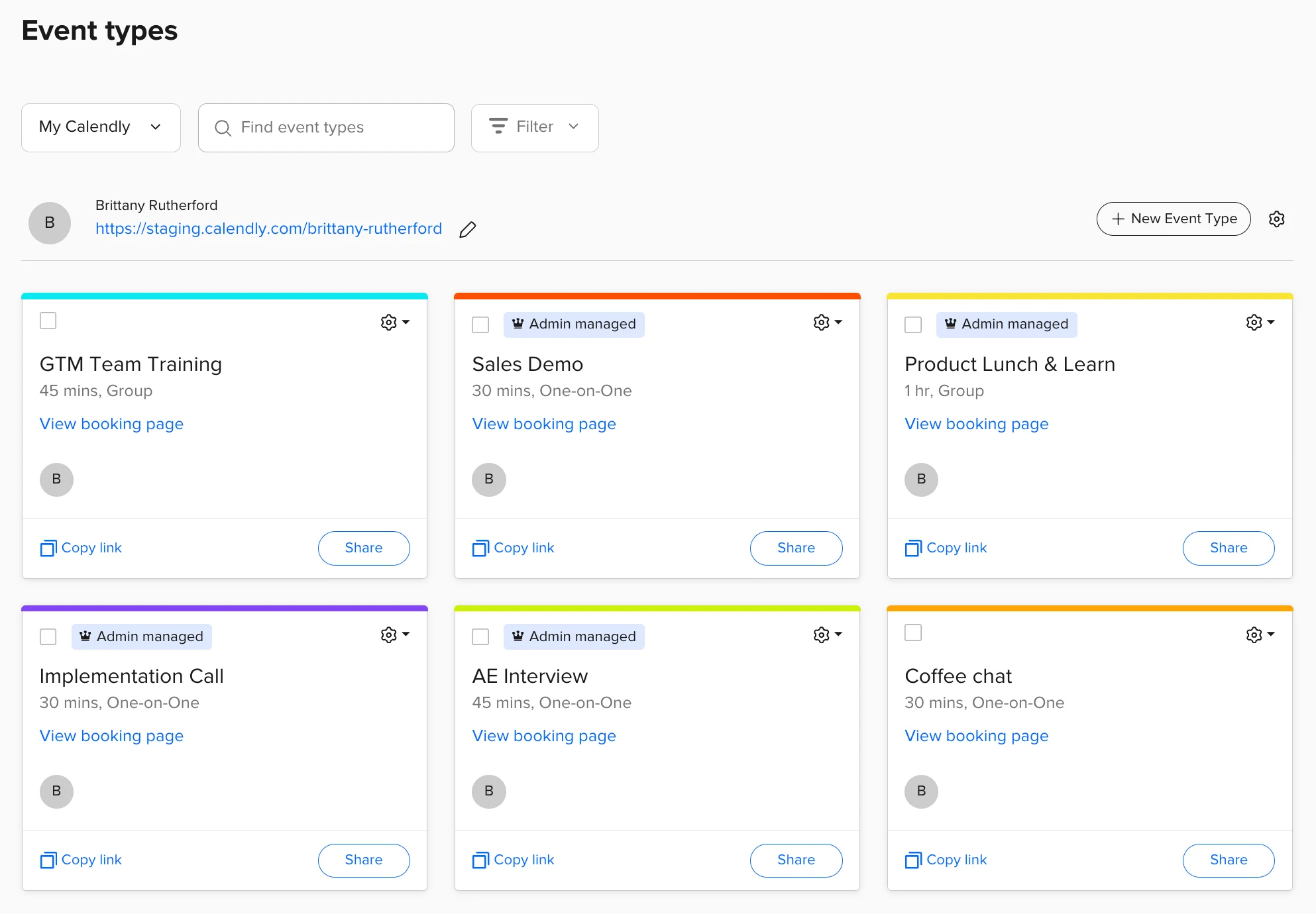
Calendly removes scheduling ping-pong and its Chrome extension puts availability links where you already work. Great for external invites, recruiting screens, investor chats, and quick ad-hoc time slots.
Pros
Cons
Good fit
EAs who coordinate many external meetings across time zones.
Why it stands out
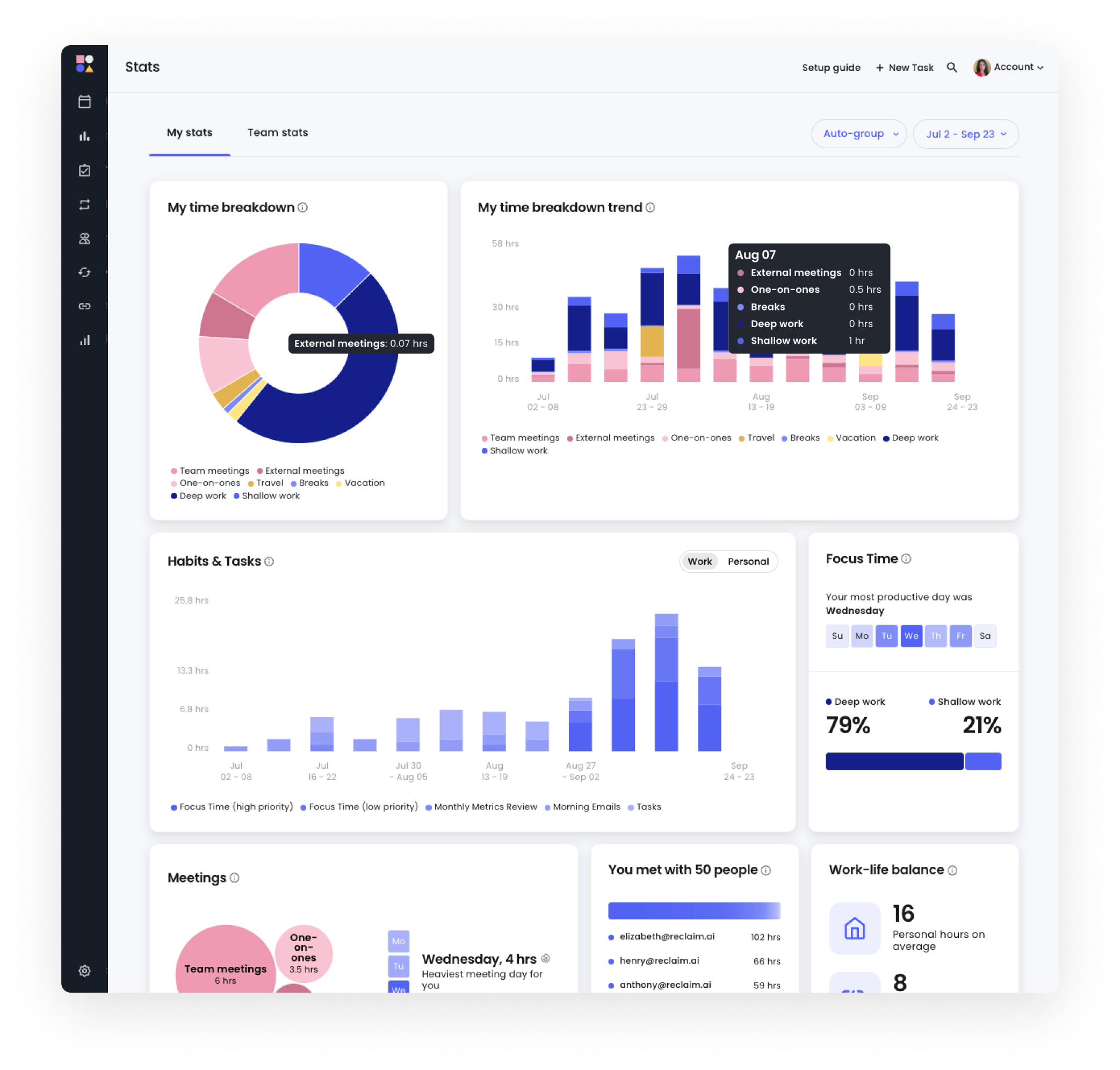
Reclaim auto-schedules tasks, habits, and priorities around existing events and dynamically shuffles as plans change. Think of it as calendar Tetris that protects focus time.
Pros
Cons
Good fit
EAs juggling deep-work blocks with high-volume meetings.
Why it stands out
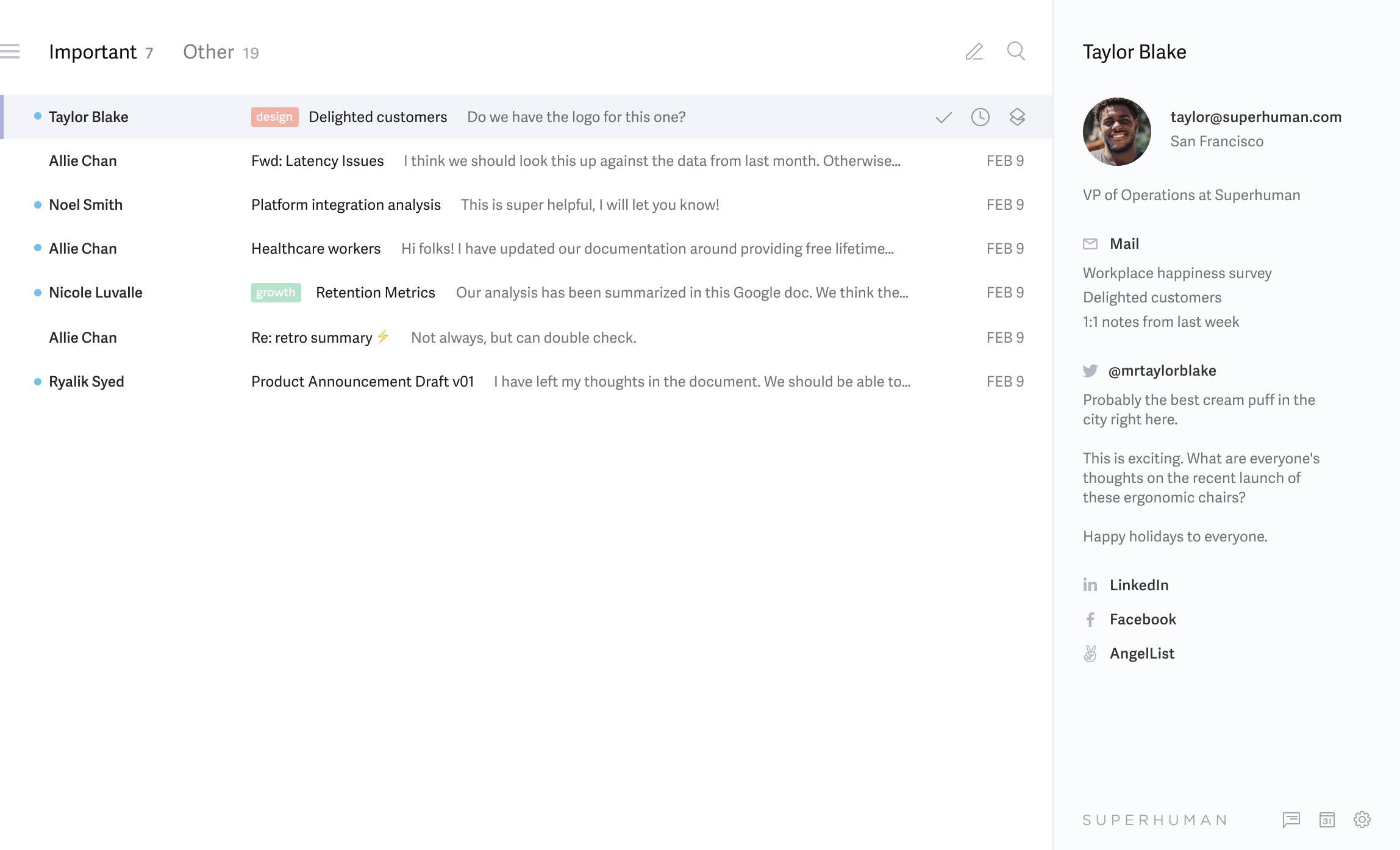
A lightning-fast email client with powerful keyboard shortcuts, triage views, snoozes, and follow-up nudges. It is built for speed so you get to inbox zero before your next fire drill.
Pros
Cons
Good fit
EAs who live in email and want measurable time savings.
Why it stands out
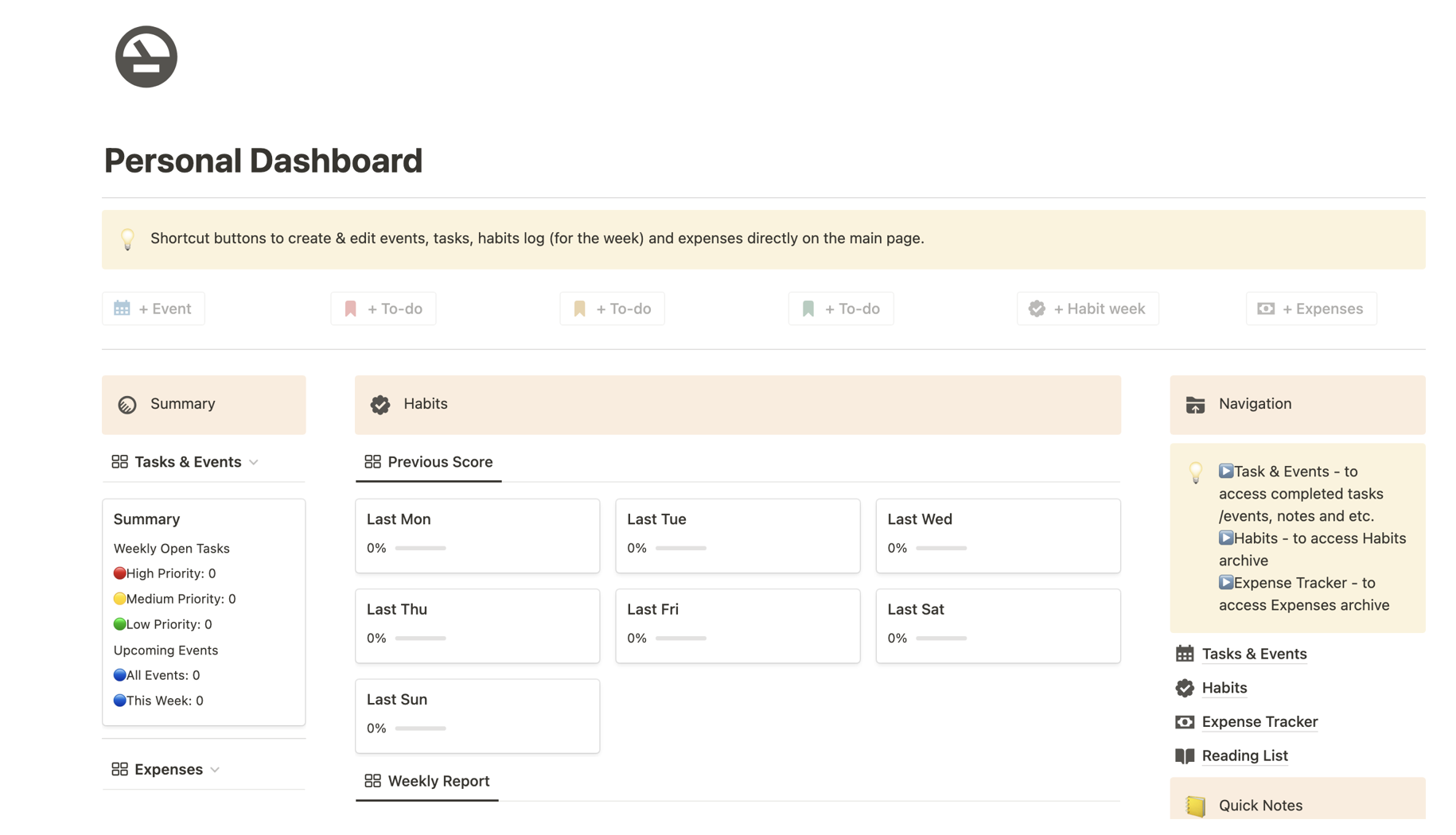
One workspace for executive briefs, travel packets, meeting notes, and checklists. Databases turn scattered pages into structured agendas, logs, and searchable history.
Pros
Cons
Good fit
Teams that want one living source of truth for the office of the executive.
Why it stands out
A reliable work-management hub for tasks, approvals, events, and cross-functional projects. AI aids, rules, and templates keep handoffs tidy between departments.

Pros
Cons
Good fit
EAs who quarterback multi-team initiatives with lots of dependencies.
Why it stands out
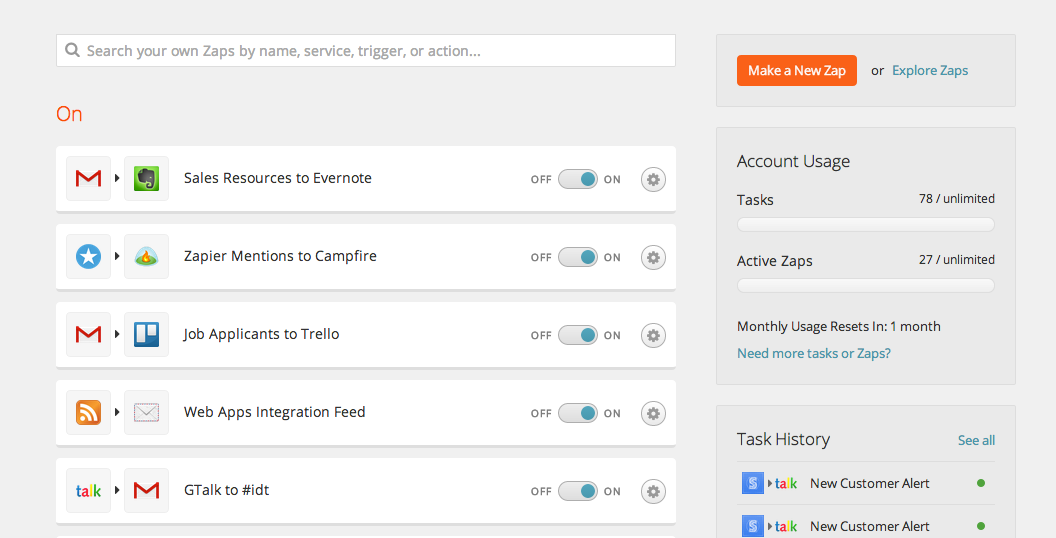
Connects your stack so repetitive work runs in the background. Route form RSVPs to the calendar, push travel receipts to finance, or post meeting summaries to a channel.
Pros
Cons
Good fit
Busy admin desks that need glue between tools without engineering.
Why it stands out
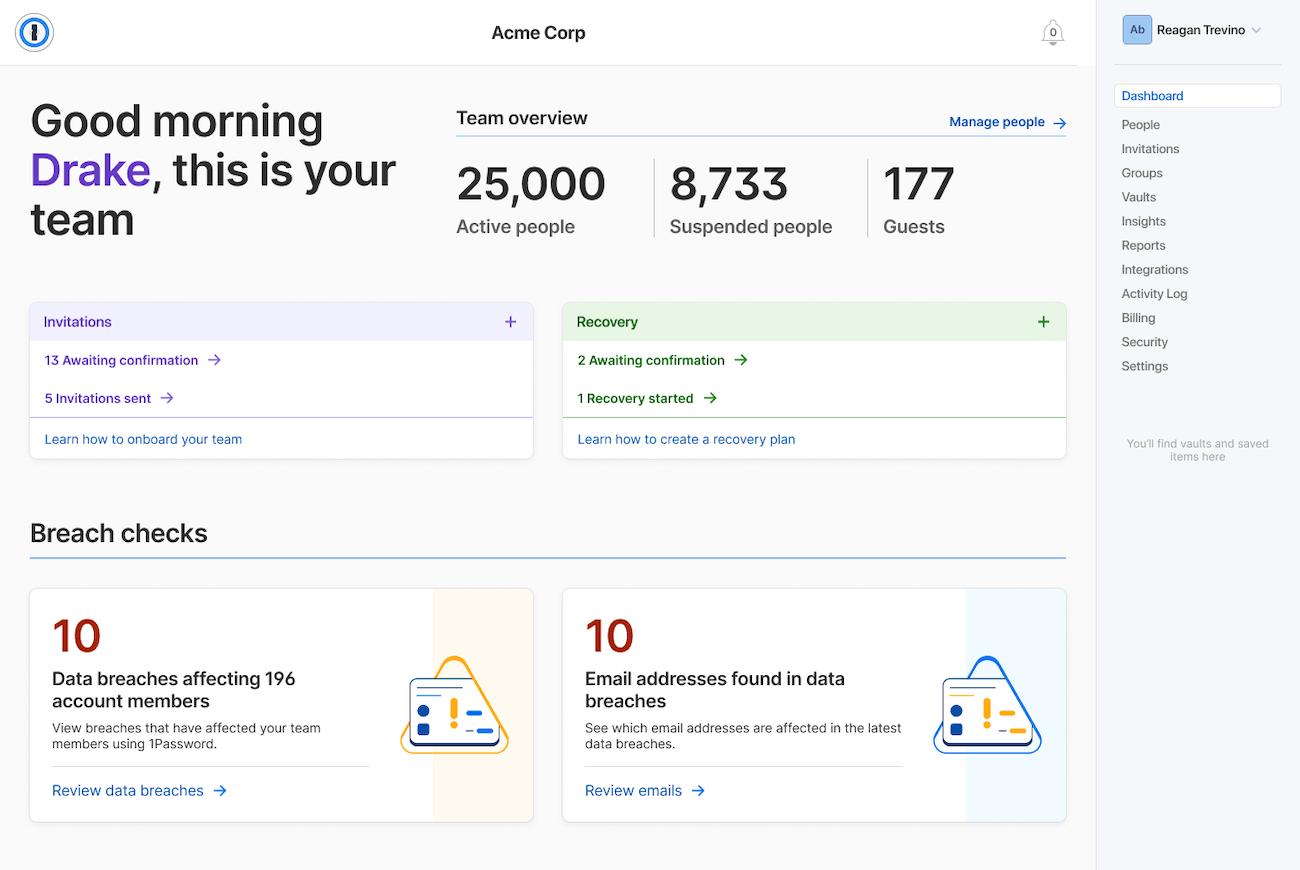
Keeps credentials, cards, and sensitive docs safe while making approvals fast. Recent updates even consider AI agent workflows with human-in-the-loop autofill controls.
Pros
Cons
Good fit
Any EA who touches finance, HR, or confidential vendor systems.
Why it stands out
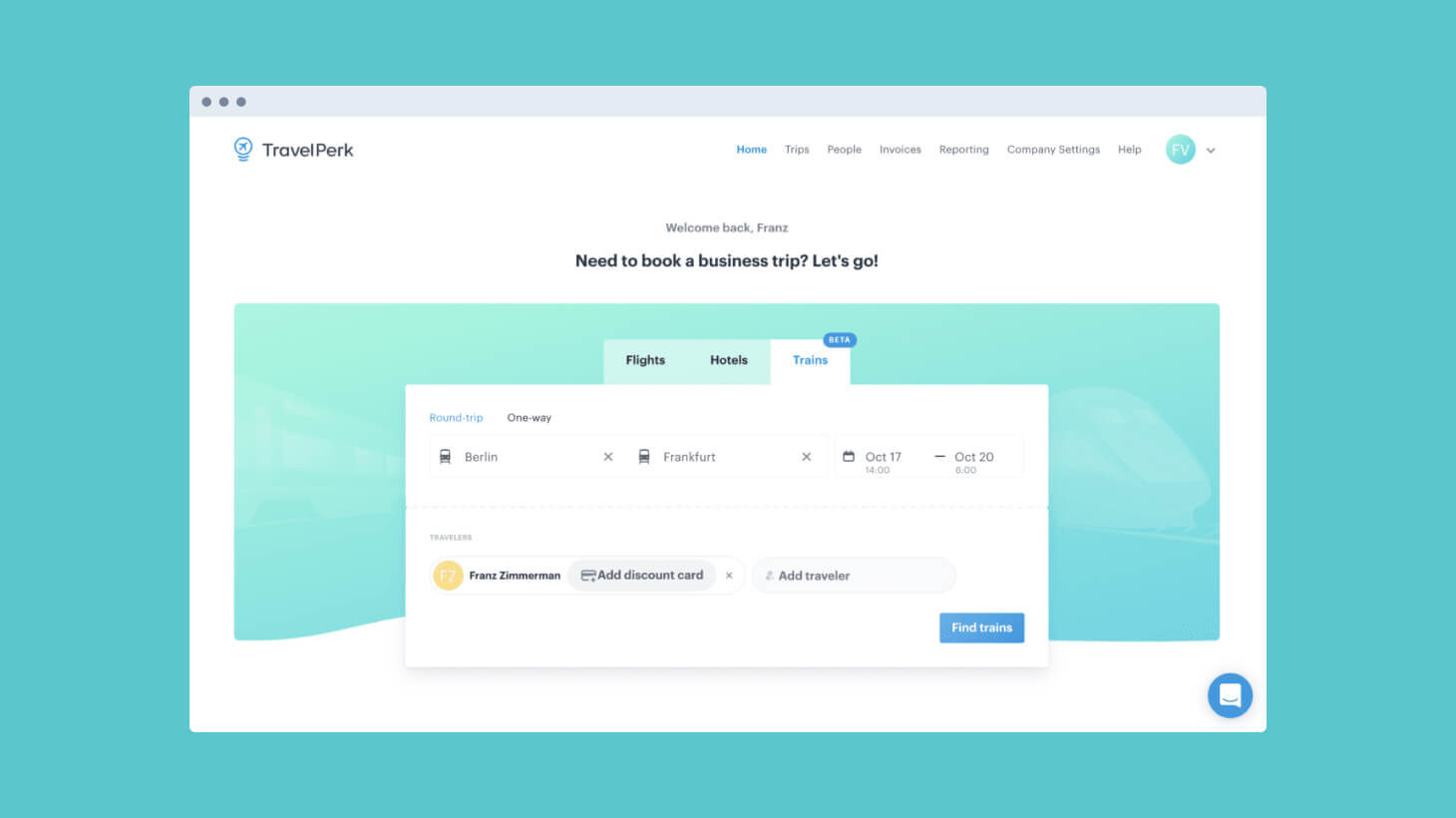
All-in-one corporate travel booking with policies, approvals, invoicing, and 24/7 support. Book flights, hotels, trains, and cars in one place and keep finance happy with clean reports.
Pros
Cons
Good fit
EAs who manage frequent exec travel and team offsites.
Why it stands out
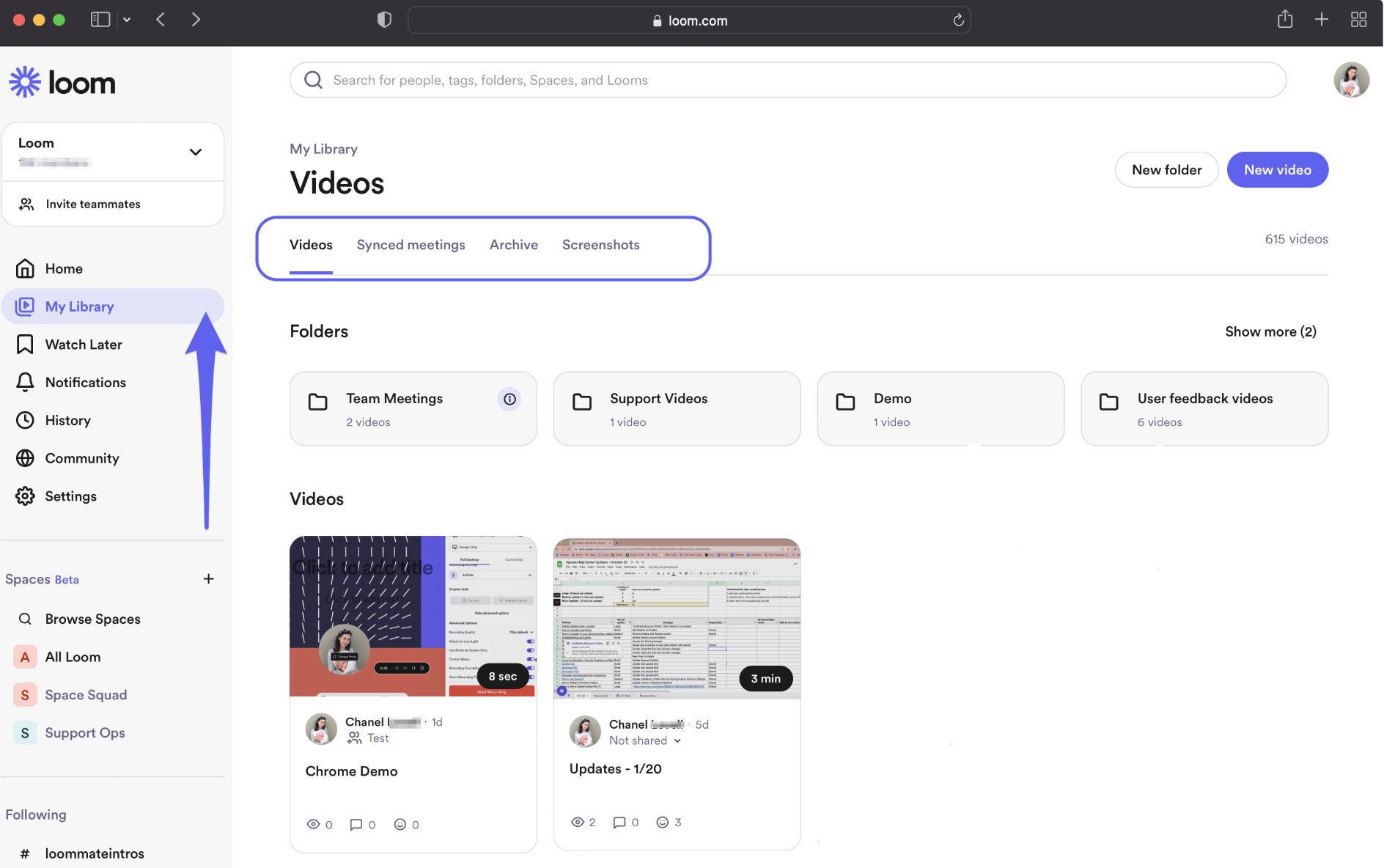
Record a quick screen video to explain context once instead of another meeting. Great for status updates, walkthroughs, and delegations that deserve more than a paragraph. (Loom)
Pros
Cons
Good fit
EAs replacing recurring update meetings with clear async videos.
.png)
The point of this guide is not to crown a single winner. It is to give executive assistants a stack that buys back time and attention where it matters most. Your job is judgment, coordination, and momentum. Tools should fade into the background and make those three things easier, not louder.
Think of your stack as the operating system for the office of the executive. In the end, great EA work looks calm from the outside. That calm is designed. It comes from choosing tools that finish the boring parts, surface the right signals, and leave you free to handle the human parts of the job. If this guide helped you swap busywork for headroom, it did its job.








