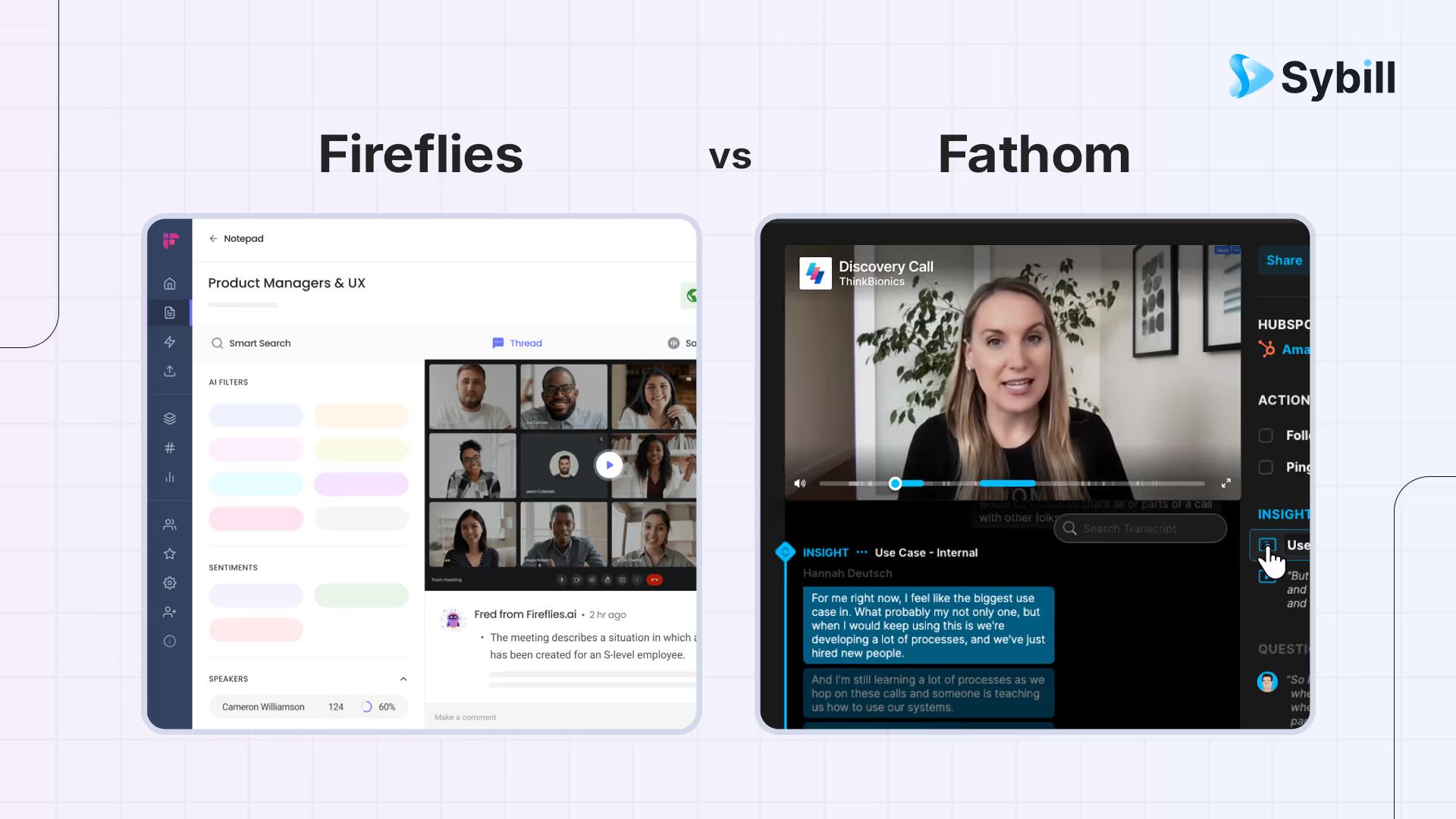
If meeting tools were coworkers, Fathom is the organized note wizard who captures the call, drafts a tight recap, and lists action items that actually look doable. Fireflies is the prolific archivist who records every meeting, streams live transcripts, and gives you a control room to slice clips, search topics, and push updates across your stack. One aims for delightful clarity and predictable follow ups. The other aims for total coverage and powerful reuse. Your choice depends on whether you want polished simplicity or a bigger surface for automation and knowledge.
Fathom is a polished AI notetaker that records meetings, produces clean summaries and action items, and helps teams move from call to follow-up with minimal configuration and predictable outputs. Fireflies is a universal meeting recorder with live transcripts, layered summaries, broad integrations, and a built-in assistant for cross-call search and Q&A across your entire meeting history. Fathom wins on simplicity and output clarity; Fireflies wins on coverage, real-time transcription, and integration breadth. For revenue teams that want meeting capture plus one-click follow-ups, CRM autofill, deal workspaces, and plain-language pipeline Q&A, Sybill combines the strengths of both with execution features designed to advance deals.
TL;DR: Quick chooser
- Fathom
- What it is: AI notetaker that records meetings, produces clean summaries and action items, and helps teams share insights quickly.
- Best when: You want a polished notetaker that keeps reps moving with minimal configuration and clear coaching artifacts.
- You get: Crisp summaries, obvious next steps, shareable clips, and a workflow that feels simple.
- Fireflies
- What it is: Universal recorder with live transcripts, layered summaries, highlights, and broad integrations across CRM and collaboration tools.
- Best when: You want full coverage, strong cross call search, and rapid content reuse for enablement and analytics.
- You get: Real time transcript, fast clip creation, an assistant for Q and A, and wide automation options.
- Sybill
- What it is: A selling assistant that converts conversations into motion. Think Magic Summaries, one click follow ups, CRM Autofill, Deal Workspace, and Ask Sybill answers.
- Best when: You want fewer clicks for reps, reliable structured fields for RevOps, and evidence backed answers for managers.
Head to head comparison
1) Pre call preparation and kickoff
- Fathom
- Simple setup that gets out of the way.
- Recording joins reliably so you focus on discovery and demo flow.
- Handy for teams that want the call captured without thinking about settings.
- Fireflies
- Ensures the recorder joins on time across conferencing tools.
- Live transcript begins quickly so participants can scan or confirm phrasing.
- Feels like a studio presence for teams with packed calendars.
Trial prompt
- Put two new reps on the same sequence for one week.
- Score how quickly each rep enters calls informed and calm.
- Ask a manager which approach produced sharper discovery in the first five minutes.
2) Capture model, optics, and reliability
- Fathom
- Notetaker attends as a participant and records the call.
- The output is a stable summary plus action items for every meeting.
- Excellent when you measure consistency of capture and recap rather than just raw transcript.
- Fireflies
- Notetaker attends and streams a live transcript.
- Strong fit for teams that need verbatim phrases and instant search during or right after the call.
- High coverage produces a trustworthy corpus for later analysis.
Reliability checklist
- Run two identical thirty minute discoveries in each tool.
- Confirm diarization, timestamps, and transcript clarity.
- Note any missed captures and how you are alerted.
3) Summaries and the shape of the output
- Fathom
- Generates a human readable summary that feels like a manager wrote it.
- Action items are specific and grouped by owner or theme.
- Clip creation is straightforward for sharing key moments.
- Fireflies
- Produces a layered output. Summary plus action items plus full transcript plus highlight reel.
- Lets you pull exact quotes across multiple calls when needed.
- Assistant answers questions like what were the top three objections in the last thirty days.
Quality checks that matter
- Read both summaries cold as if you missed the call.
- Look for reason for change, clear next steps, and role clarity.
- Ask which one you would forward to an executive without editing.
4) The golden hour after a call
- Fathom
- Drafts a crisp recap you can ship to the buyer.
- Helps reps align on next steps quickly so momentum continues.
- Useful for account managers who want a simple way to close the loop.
- Fireflies
- Drafts follow ups via its assistant and lets you assemble clips instantly.
- Ideal for motions where enablement and product teams want snippets the same day.
- Makes it easy to produce a mutual action checklist and drop it into a project tool.
Golden hour scoring
- Measure time from hangup to send.
- Count manual edits in the email.
- Count clicks to create tasks in your system of record.
- Ask a manager to rate clarity, buyer language, and credibility.
5) CRM hygiene and data trust
- Fathom
- Designed to push the right content into CRMs without drowning the record.
- Good for teams that want clear call summaries in the account timeline and consistent action items.
- Structured log items help managers scan quickly.
- Fireflies
- Integrates with major CRMs and collaboration tools.
- Logging is fast and complete. Free text richness often requires a human pass for structured fields.
- Templates and rules can reduce the human pass if you enforce governance.
Trust test
- Pick ten opportunities and revisit them one week later.
- Which timelines read like living documentation.
- Which key fields were filled without nagging.
- Which record would support a forecast review without leaving the CRM.
6) Search and retrieval for later questions
- Fathom
- Good search inside a clean call library.
- Useful when you need an exact clip for a recap or a coaching session.
- Keeps complexity low so users do not avoid the tool.
- Fireflies
- Strong cross call search with topic filters and Q and A.
- Managers can ask for every pricing objection mention and get timestamps immediately.
- Onboarding and enablement benefit when they can find examples fast.
Retrieval experiment
- Give a manager five questions to answer in each product.
- Examples
- Where did we commit to a security review on the ACME renewal
- Where did timeline slip appear in the past two weeks
- Which calls mentioned the competitor for Contoso
- Score time to answer and confidence in evidence.
7) Coaching, enablement, and call libraries
- Fathom
- Summaries and clips are clean coaching artifacts.
- Managers can assemble short playlists without spending hours in raw footage.
- Works well for weekly call reviews and peer learning.
- Fireflies
- Highlights, playlists, and analytics make library building easy.
- The assistant accelerates objection reels and best practice packs.
- Good for enablement teams that run ongoing training with examples.
Coaching drill
- Ask both tools to build a ten minute playlist of great discovery questions from last week.
- Share with a new hire.
- Ask for three takeaways in the next standup.
8) Integrations and extensibility
- Fathom
- Focuses on the core notetaker workflow with well chosen integrations.
- Less configuration. Faster adoption.
- Great when you want a small number of reliable handoffs instead of a large integration map.
- Fireflies
- Broad integration surface across conferencing, collaboration, CRMs, dialers, and project tools.
- Easy to sprinkle meeting intelligence into Slack, Notion, Asana, and more.
- Assign a template owner so outputs stay consistent.
Governance checklist
- Define three follow up templates, three CRM mappings, and three task patterns.
- Configure both products to produce those formats.
- Score consistency after ten calls across five reps.
9) Mobile, offline, and edge cases
- Fathom
- Optimized for online meetings.
- Library and coaching features assume reliable recorded calls.
- Fireflies
- Also optimized for online meetings with a strong presence in real time transcripts.
- For phone only or onsite conversations, set a habit for how reps capture outcomes manually.
Edge case plan
- Run one onsite or phone only call for each team.
- Confirm how quickly outcomes land in your timeline and how fast a follow up ships.
10) Security, privacy, and admin control
- Fathom
- Standard recording posture with enterprise controls.
- Review consent notices, retention, and access by role.
- Fireflies
- Classic notetaker model with recordings and admin controls.
- Review who can download audio, how long assets persist, and your retention defaults.
Security review prompts
- Where do transcripts live
- Who can download audio or text
- How long do assets persist
- What happens during offboarding
11) Pricing and total cost of ownership
- Fathom
- Simple packaging that maps to recording and team features.
- Value shows up in the minutes saved and the quality of follow ups that require fewer edits.
- Fireflies
- Tiers that map to recording volume, workspace features, and admin.
- Value shows up in cross team reuse, search strength, and integration reach.
Total cost model
- License fees across roles.
- Minutes saved per meeting.
- Reduction in manager prep time.
- Improvements in CRM completeness.
- Fewer tools to maintain or fewer exports to juggle.
12) Limitations and trade offs
- Fathom
- Focus on clarity means fewer knobs for complex analytics.
- If you want a massive automation surface, you may pair it with rules in other systems.
- Fireflies
- Breadth can become a governance challenge without a template owner.
- Recorder optics can face resistance in sensitive buyer cultures.
A 60 minute evaluation plan
- Setup
- Connect both tools to the same calendar and CRM.
- Create three shared email templates, three CRM mappings, and three task patterns.
- Two live customer calls per tool
- Measure transcript clarity.
- Measure edits before sending the follow up.
- Ask a manager to score tone and buyer language.
- CRM hygiene drill
- One week later, review opportunity timelines and structured fields.
- Count fields that were populated correctly without human intervention.
- Manager questions
- Answer five pipeline questions using each product only.
- Score time to answer and proof quality.
- Enablement artifacts
- Produce a ten minute objection playlist or a one page summary of pricing pushback.
- Share with a new hire and record three takeaways.
- Edge cases
- Run one onsite or phone only call.
- Confirm how each tool captures and routes outcomes.
Why Sybill truly shines as a note taker?
If your team wants a polished notetaker that turns calls into clear summaries and action items, choose Fathom. If your team wants universal recording, live transcripts, and broad reuse across the company, choose Fireflies.
Teams that want momentum rather than just documentation usually converge on Sybill. Sybill starts with the same fundamentals, then goes further where deals are won every day.
- Magic Summaries
- Capture intent, objections, stakeholder roles, and next steps.
- Format everything so a rep can act immediately.
- One click follow ups
- Mirror buyer language and your brand voice.
- Land in inboxes within minutes so deals keep moving.
- CRM Autofill
- Populate MEDDPICC or your custom fields from calls and emails.
- Give managers reliable filters for pipeline and forecast reviews.
- Deal Workspace
- Centralize risks, blockers, and multithreading status.
- Help reps see what is missing and what to do next.
- Help managers coach without assembling screenshots.
- Ask Sybill
- Answer plain language questions across calls, email, CRM, and calendar.
- Example prompts
- Which Q4 deals mentioned security review and have no identified economic buyer
- Show every pricing objection at Globex with timestamps
- Draft a mutual action plan for Contoso based on the last three calls
- Return answers with receipts so decisions happen faster and with more confidence.


%20(1).avif)