
Find us at booth #83, join us for a harbor side happy hour, or catch Gorish’s talk.

Sept, 16-18 > Learn more

%20(1).avif)
Mamta Tainwala

April 17, 2026
Let’s be honest: Slack is both the best and worst thing in your workday. It’s where you celebrate closed deals, where people post the wrong screenshot in the wrong channel, where you track projects, and where that one coworker keeps using 12-paragraph messages that should’ve been a Google Doc.
Slack is chaos. But it’s lovable chaos. And it becomes truly powerful when you stop treating it like a chat room and start treating it like a hub, your team’s operating system.
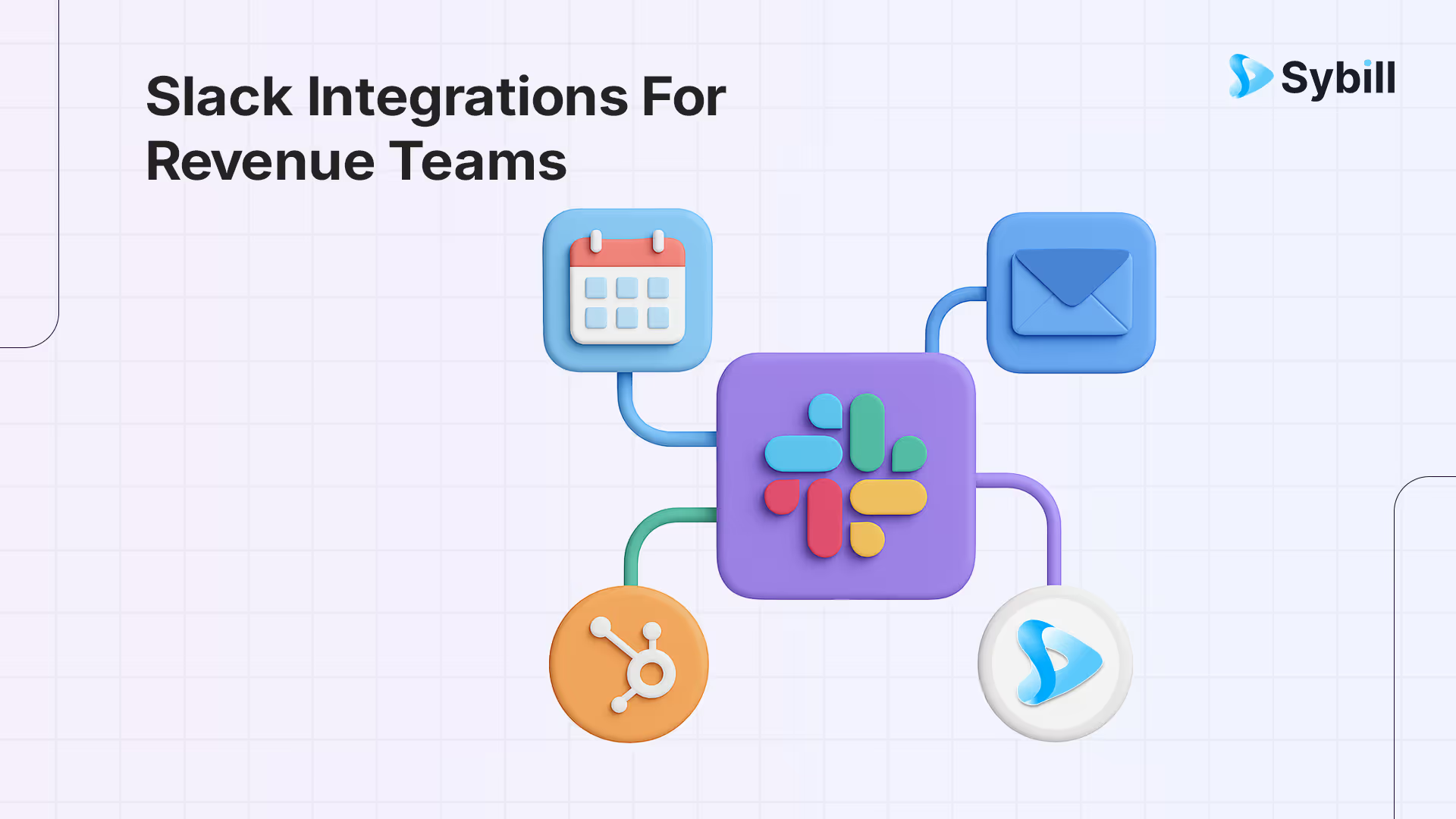
The 12 essential Slack integrations for revenue teams in 2026 are Sybill (posts AI meeting summaries and deal alerts to channels automatically), Salesforce/HubSpot (syncs CRM updates and deal notifications), Gong (shares call highlights and coaching moments), Chorus (pushes conversation intelligence alerts), Clari (sends forecast updates and pipeline risk notifications), Outreach (tracks sequence engagement in-channel), Drift (routes live chat leads to the right rep), Donut (facilitates team bonding and cross-functional introductions), Guru (surfaces knowledge base answers inline), Zapier (connects custom workflows between any tools), Google Calendar (shows meeting reminders and availability), and Loom (embeds async video updates). The most impactful Slack integration for revenue teams is one that automatically pushes structured meeting outcomes — summaries, next steps, and deal signals — into the right channel so managers and cross-functional stakeholders stay aligned without scheduling more meetings.
That’s where integrations come in. They automate the boring stuff. They bring important updates into the right channels. They keep your team aligned without forcing everyone to dig through email, CRM fields, calendar invites, and mystery spreadsheets that somehow still exist.
With the right integrations, Slack transforms from a constant stream of “what did I miss” into a place where you actually know what’s going on. Calls summarized, tasks created, deals updated, handoffs smooth, and fewer surprises when someone says, “Wait, when was that supposed to happen?”
So if Slack currently feels like a never-ending group chat, prepare to meet its more grown-up, organized, and shockingly helpful version.
Short version:
A Slack integration connects another tool you already use to Slack, so that:
When people say “Slack apps” or “Slack bots” they usually mean these integrations. Some live in the official Slack App Directory. Others come from tools you are already paying for, with a “Connect to Slack” button in their settings.
For a revenue team, this means:
So you are not “opening ten tabs” just to figure out what is going on.
Instead of asking “What are the top Slack integrations?” a better question is:
“What do I wish I could see or do directly from Slack, without hunting in five other tools?”
Most answers sit in four buckets.
The integrations below are chosen with those buckets in mind.
You will see a simple pattern for each tool:
Feel free to skim and jump around.
Sybill is an AI meeting and deal intelligence platform that joins your sales and customer calls, figures out what happened, and then turns that into useful things like:
When you connect Sybill to Slack, all of that context can show up where your team already hangs out.
Perfect for you if
Notable Slack features
A typical workflow might look like this:
Over time, those summaries also become a nice dataset for your AI assistants, inside Sybill and beyond, since they are clean, structured, and already tied to specific opportunities.
Pricing and setup
Sybill has a 14 day free trial and paid plans with more seats and advanced features. Pricing is per user, and you connect Slack from the integrations section inside Sybill. For up to date details, check Sybill’s site rather than trusting a blog post.
Calendly is the classic “send a link, pick a time” scheduling tool. Its Slack app brings that workflow right into your channels and DMs.
Instead of hunting for your link in a browser tab, you can quickly paste it from Slack or even create one with slash commands, depending on your configuration.
Perfect for you if
Notable Slack features
You do not need to use every Calendly feature for this to be useful. Even simple “paste links, see bookings” can remove a surprising amount of friction.
Pricing and setup
Calendly offers a free plan for basic scheduling and paid tiers for teams and advanced features. You link Slack from Calendly’s integrations page or install the Calendly app from the Slack directory.
For many teams, Salesforce is the system of record for revenue. The Slack integration lets Salesforce push updates into Slack channels and DMs, and in some setups you can also search or update records without leaving Slack.
Perfect for you if
Notable Slack features
A simple, effective pattern is to create channels like:
and have both Salesforce and other tools post updates into those spaces. Over time that channel becomes the living history of that account.
Pricing and setup
The Slack app comes from Salesforce. There is no separate Slack fee, but some advanced capabilities sit behind specific Salesforce editions. You install the Slack app, connect your Salesforce org, and then choose what should trigger notifications.
If your GTM motion is more inbound heavy or product led, you might live in HubSpot instead of Salesforce. The HubSpot Slack integration is similar in spirit, with a slightly different flavor.
Perfect for you if
Notable Slack features
One popular pattern is to create a channel like #new-signups and stream high intent events there. Reps can then jump on new interests while it is fresh.
Pricing and setup
HubSpot has a wide range of products and tiers. The Slack integration is available from the HubSpot App Marketplace and is usually straightforward to connect.
Zoom is still the default meeting platform for many revenue teams. The Zoom Slack app lets you create and join meetings without hunting for the Zoom client.
Even if that sounds minor, it adds up, especially for teams that hop in and out of quick internal calls all day.
Perfect for you if
Notable Slack features
You can pair this with Sybill nicely. For example:
Pricing and setup
Zoom itself has free and paid plans. The Slack integration is available through the Zoom App Marketplace and the Slack directory.
You might not think of your calendar as a Slack integration, but it is one of the most useful ones.
The Google Calendar Slack app lets you:
For a revenue team with packed calendars, that little bit of friction removed is worth it.
Perfect for you if
Notable Slack features
It sounds basic because it is basic. Sometimes the best integrations are the ones you stop noticing.
Chat is where ideas start. Project tools like ClickUp or Asana are where they should land if you ever want them to actually ship.
Both ClickUp and Asana have strong Slack integrations that let you go from “We should do X for Acme” to an actual task with an owner and a due date.
Perfect for you if
Notable Slack features
A good pattern is to create channels like:
and wire relevant ClickUp or Asana lists to send updates there.
If you work closely with product or engineering, chances are they live in Jira or Linear.
The Slack integrations for these tools give you a shared surface where:
Perfect for you if
Notable Slack features
A simple way to start is a #customer-issues channel where:
This avoids the classic “did we ever fix that thing for BigCo” problem.
Slack can get loud. Tools like Polly help you cut through that with structured questions right inside your channels.
You can use it for retro questions, tiny pulse surveys, or even standup check ins.
Perfect for you if
Notable Slack features
For revenue teams, Polly is handy for things like:
Short, frequent questions beat one giant annual survey.
Sometimes text is not enough, especially for nuanced customer situations.
Loom’s Slack integration makes it easy to:
Perfect for you if
Notable Slack features
Paired with Sybill, this can look like:
Three different angles on the same situation, all in one thread.
There are always situations where the “official” integration does not exist or does not quite do what you need.
Automation platforms like Zapier or Make can connect Slack to hundreds of other tools with custom triggers and actions.
Perfect for you if
Notable Slack features
Depending on your workflows, you can:
You do not need to wire everything up at once. Start with one or two automations that replace a manual “remember to tell people” step.
Finally, a small but important category: tools that make Slack a nicer place to be.
HeyTaco is one example. It lets people give each other little taco points as kudos, which sounds silly until you see how much people enjoy it.
You do not have to pick this exact app, but having some way to celebrate wins and thank teammates inside Slack goes a long way.
Perfect for you if
Notable Slack features
Pair this with more “serious” integrations so Slack is not just alerts and pressure.
One way to look at all of this is to put Sybill in the center and see everything else around it.
Slack becomes the surface where all of that shows up and where you make decisions:
The individual integrations are useful on their own. The real magic is in the way they intersect.
If you are reading this and thinking “we barely use any of these,” that is totally fine. You do not need all 12.
A very realistic starting combo for a small or growing revenue team is:
Once that is humming, add:
Slack is where your team already talks. These integrations simply help Slack reflect the actual work and customer conversations behind those messages.
Pick a couple that fit your world, connect them, and let your team live in fewer tabs with more context. Sybill can be a big part of that story, especially around calls and deals, but it is most powerful when it sits alongside the other tools you already trust.
The nice thing about Slack integrations is that you can add and remove them fairly quickly. Try one for a week in a single channel. If it adds value, keep it. If it feels noisy, prune it.
Pretty much any tool you already use. Slack supports thousands of integrations across CRM (Salesforce, HubSpot), calendars, meeting apps (Zoom, Google Meet), project tools (Asana, ClickUp, Jira), file storage (Google Drive, OneDrive), automation platforms (Zapier, Make), AI tools (ChatGPT, Sybill), HR systems, and more. If a tool has an API, there is likely a Slack app for it or you can connect it with automation.
Yes. There is an official ChatGPT app for Slack. You can chat with ChatGPT inside Slack, ask it to summarize threads, search channels, brainstorm, and draft messages. Workspaces can also enable the ChatGPT connector, which lets ChatGPT use Slack conversations as context (with permissions). Installation happens through the Slack App Directory.
Slack is built for work. It has channels, threads, powerful search, integrations with work tools, admin controls, security features, and data management companies need. WhatsApp is built for personal messaging, has limited integrations, and uses personal phone numbers.








