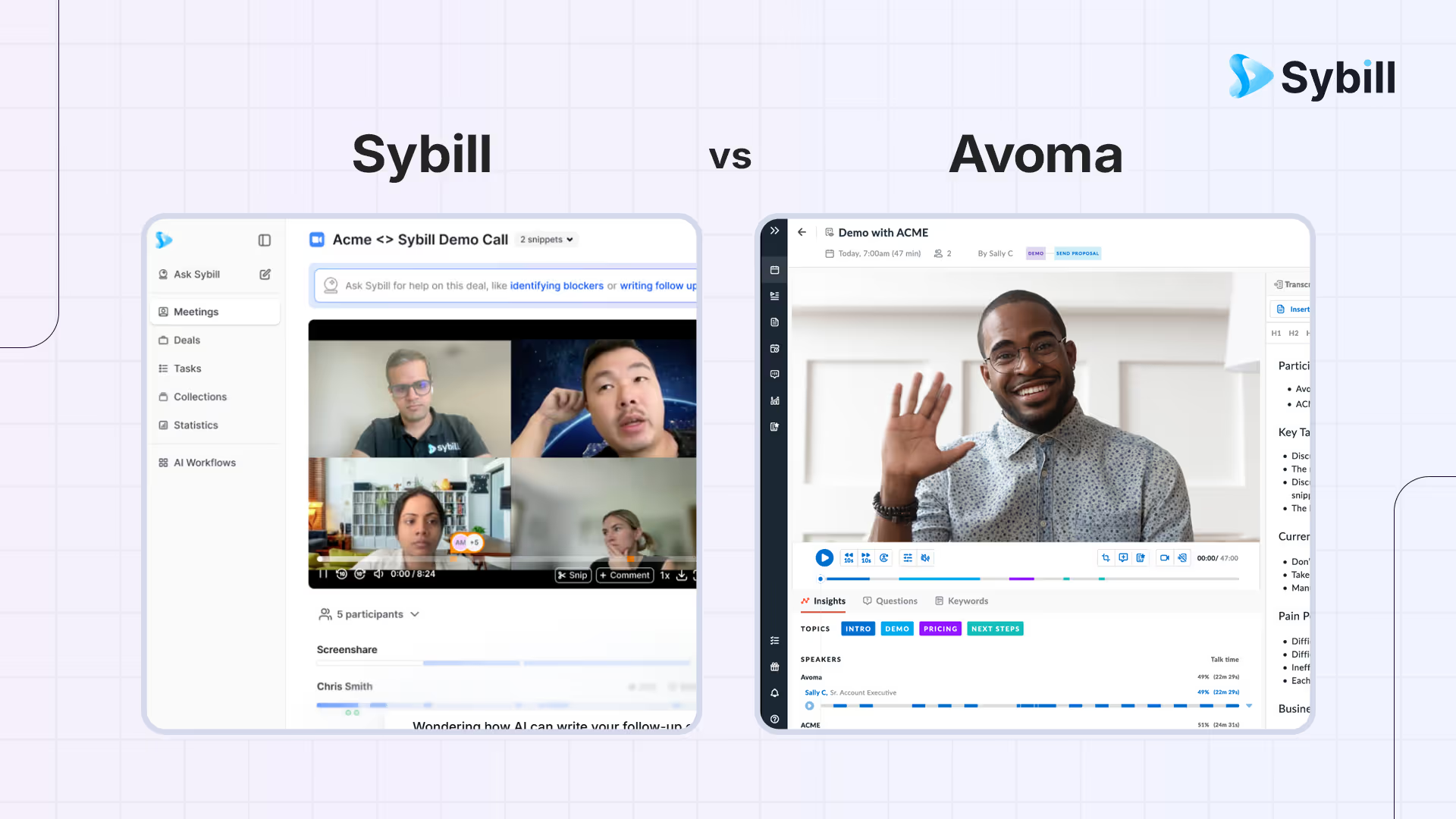
If meeting tools were coworkers, Sybill is the sales chief of staff who turns every call into next steps, clean CRM, and answers with receipts. Avoma is the not-so-dependable assistant who records the call, writes notes, and updates your CRM but the efficiency and accuracy is questionable. One optimizes for pipeline motion and manager confidence. The other tries to optimize. Which one fits your team depends on whether you want execution or helpful documentation as the first outcome.
Sybill is an AI sales assistant that turns every conversation into pipeline momentum with Magic Summaries, one-click follow-up emails, CRM autofill for standard and custom fields, Deal Workspace for risk and blocker tracking, and Ask Sybill for evidence-backed answers across calls, email, and CRM data. Avoma is an AI meeting assistant that records calls, generates notes, offers an AI Coach for conversational analytics, and syncs meeting data to CRM. Sybill wins on execution speed, CRM data accuracy, follow-up quality, and deal intelligence depth; Avoma focuses more on meeting documentation and coaching analytics. Choose Sybill when your priority is advancing deals with minimal manual effort after every call; consider Avoma if meeting lifecycle documentation and basic coaching analytics are your primary needs.
TL;DR: Quick chooser
- Sybill
- What it is: A selling assistant that converts conversations into action with Magic Summaries, one click follow ups, CRM Autofill, Deal Workspace, and Ask Sybill.
- Best when: You want fewer clicks for reps, reliable structured fields for RevOps, and evidence backed answers for managers.
- You get: Momentum after every call, cleaner pipeline views, faster reviews.
- Avoma
- What it is: A meeting assistant that records, transcribes, produces clean notes, drafts follow ups, and updates CRM with minimal setup.
- Best when: You want dependable capture, tidy summaries, and light change management.
- You get: Consistent notes and quick follow ups that keep individual reps moving.
Why the distinction matters
- Sybill is optimized for execution. It treats summaries and notes as fuel for follow ups, CRM hygiene, and deal movement.
- Avoma is optimized for capture. It gives you dependable recordings, tidy notes, and quick follow ups with very little setup.
Head to head comparison
1) Pre call preparation and kickoff
- Sybill
- Pulls recent activity into a quick brief so the first five minutes of discovery start sharper.
- Gives managers the same context for targeted ride alongs.
- Reduces ramp time by keeping risk cues visible before the call.
- Avoma
- Predictable attendance and one click capture across conferencing tools.
- Light prep that keeps sellers focused on the customer rather than settings.
- Easy to roll out to new hires.
Trial prompt
- Give two new reps the same account list for a week.
- Score speed to confidence at call start and quality of first five minutes.
- Ask a manager which approach produced better discovery earlier.
2) Capture model, live experience, and reliability
- Sybill
- Records calls reliably, aligns artifacts to the right account or opportunity, and prepares outputs that feed execution.
- Treats capture as the start, not the finish line.
- Avoma
- Notetaker attends, records, and transcribes automatically with consistent outcomes.
- Reduces anxiety about whether the call was captured.
Reliability checklist
- Two identical thirty minute discoveries per tool.
- Confirm diarization, timestamps, and attachment to the correct account.
- Note any misses and how quickly alerts surface.
3) Summaries and the shape of the output
- Sybill
- Magic Summaries capture intent, objections, roles, decision criteria, and next steps in a sales ready format.
- Built to plug into follow ups and structured CRM fields without rework.
- Avoma
- Clean, structured notes and action items that read clearly.
- Shareable snippets without heavy editing.
Quality checks that matter
- Read both summaries as if you missed the call.
- Verify reason for change, buyer roles, and unambiguous next steps.
- Hand each to a manager and ask which one they would forward without edits.
4) The golden hour after a call
- Sybill
- One click follow ups mirror buyer language and brand voice.
- Tasks and updates flow into CRM and the Deal Workspace with minimal manual work.
- Net effect is time to send measured in minutes and higher reply quality.
- Avoma
- Drafts a helpful recap and follow up quickly.
- Keeps reps moving with low friction.
Golden hour scoring
- Minutes from hangup to a credible follow up.
- Manual edits required before send.
- Clicks to create tasks and update fields.
- Manager score for tone, clarity, and buyer language.
5) CRM hygiene and data trust
- Sybill
- CRM Autofill populates MEDDPICC or your custom fields from calls and emails.
- Managers filter by real fields instead of skimming free text.
- Avoma
- Auto logs notes and call data to CRM so the timeline is never empty.
Trust test
- Revisit ten opportunities after one week.
- Which timelines read like living documentation.
- Which fields are consistently filled without nudges.
- Which records could support a forecast review without another tool.
6) Deal execution and day to day coaching
- Sybill
- Deal Workspace centralizes risks, blockers, multithreading status, and next steps.
- Managers coach from one view and leave with a short list of actions per deal.
- Weekly reviews stop relying on screenshots and ad hoc notes.
- Avoma
- Conversation intelligence and clips make weekly reviews easier.
- Coaching value shows up in consistent note quality and quick playlist creation.
Coach drill
- Ask each tool for a ten minute reel of pricing pushback moments and winning responses.
- Share with a ramping rep.
- Collect three takeaways at the next standup.
7) Search and Q and A after the fact
- Sybill
- Ask Sybill answers questions across calls, email, CRM, and calendar with links to proof.
- Example prompts
- Which Q4 deals mentioned security review and have no identified economic buyer
- Show every pricing objection at Globex with timestamps
- Draft a mutual action plan for Contoso based on the last three calls
- Avoma
- There is an option to search inside a clean library of summaries and transcripts.
Retrieval experiment
- Give your manager five questions to answer using each product only.
- Time to answer and confidence in evidence are the metrics.
8) Integrations and extensibility
- Sybill
- Deep CRM alignment so follow ups, summaries, and fields stay in sync.
- Designed to reduce swivel chair during pipeline and forecast reviews.
- Avoma
- Integrates with major CRMs, conferencing, and collaboration tools.
- Low configuration, fast time to value.
Governance checklist
- Define three follow up templates, three CRM mappings, and three task patterns.
- Configure both products to output those formats.
- Score consistency after ten calls across five reps.
9) Mobile, offline, and edge cases
- Sybill
- Keeps deal context intact even when calls happen out of sequence, and ties emails and meetings together in one place.
- Useful for field teams that bounce between formal calls and async threads.
- Avoma
- Optimized for online meetings with dependable attendance.
- Works well when most conversations happen on Zoom, Meet, or Teams.
Edge case plan
- Run one onsite or phone only conversation.
- Confirm how quickly outcomes land in your timeline and how fast a follow up ships.
10) Security, privacy, and admin control
- Sybill
- Enterprise controls for retention, consent notices, and role based access.
- Strong alignment to CRM governance so data does not drift.
- Avoma
- Standard notetaker posture with clear sharing and retention settings.
- Simple to deploy in mixed environments.
Security review prompts
- Where do transcripts live
- Who can download audio or text
- How long do assets persist
- What happens during offboarding
11) Pricing and total cost of ownership
- Sybill
- Value concentrates in faster follow ups, cleaner fields, and quicker reviews.
- Often replaces internal rules and manual triage with one flow.
- Avoma
- Packaging maps to recording and team features.
- Value shows up in minutes saved and consistent notes.
Total cost model
- License fees across roles.
- Minutes saved per meeting.
- Reduction in manager prep time.
- Improvements in CRM completeness.
- Fewer tools or exports to juggle.
12) Limitations and trade offs
- Sybill
- Execution power means you should align summary formats and field mappings early to get full value.
- Teams that only want lightweight notes might see more capability than they need.
- Avoma
- Focus on tidy capture means field level automation is lighter.
- Complex deal execution still relies on CRM rules or a separate workspace.
13) Who benefits most
- Choose Sybill if
- Your priority is moving deals, not just documenting calls.
- You want one click follow ups, reliable structured fields, and answers with receipts.
- Managers want a Deal Workspace that shortens reviews and coaching.
- Choose Avoma if
- You want a polished assistant that captures calls and produces credible notes and follow ups with minimal lift.
- Your team values simple setup and quick adoption.
Final verdict
Choosing between Sybill and Avoma comes down to what you want your meetings to produce. If your goal is clean capture with tidy notes and a quick follow up, Avoma can do that job. If your goal is momentum after every conversation, Sybill is built to turn talk into movement. Magic Summaries, one click follow ups, CRM Autofill, a Deal Workspace, and Ask Sybill give reps fewer reasons to stall and give managers fewer reasons to guess.
Sybill shines in execution at the deal level. If you spend too much time rewriting emails, chasing down fields, or debating what really happened in an account, Sybill will feel like a breath of fresh air.
Run a short test plan and trust what you see. Time how fast a real follow up ships. Open your CRM a week later and look at the fields, not the slogans. The right choice is the one that removes friction in your day and gives your team more wins with less effort.


%20(1).avif)