
Find us at booth #83, join us for a harbor side happy hour, or catch Gorish’s talk.

Sept, 16-18 > Learn more

%20(1).avif)
Mamta Tainwala

March 31, 2026
If your first “agent” dazzled in a demo and then tripped over a real API, you met the gap between a prompt and a production system. Agents are not magic. They are software with reasoning sprinkled in. You still need planning that does not wander, tools and data that fail safely, and logs that explain both the win and the weird. This guide sets the context, explains the types of agent stacks, shows you how to evaluate them like a grown-up, and then dives into nine tools that are genuinely useful. Links stay on the names so you can explore without a scavenger hunt.
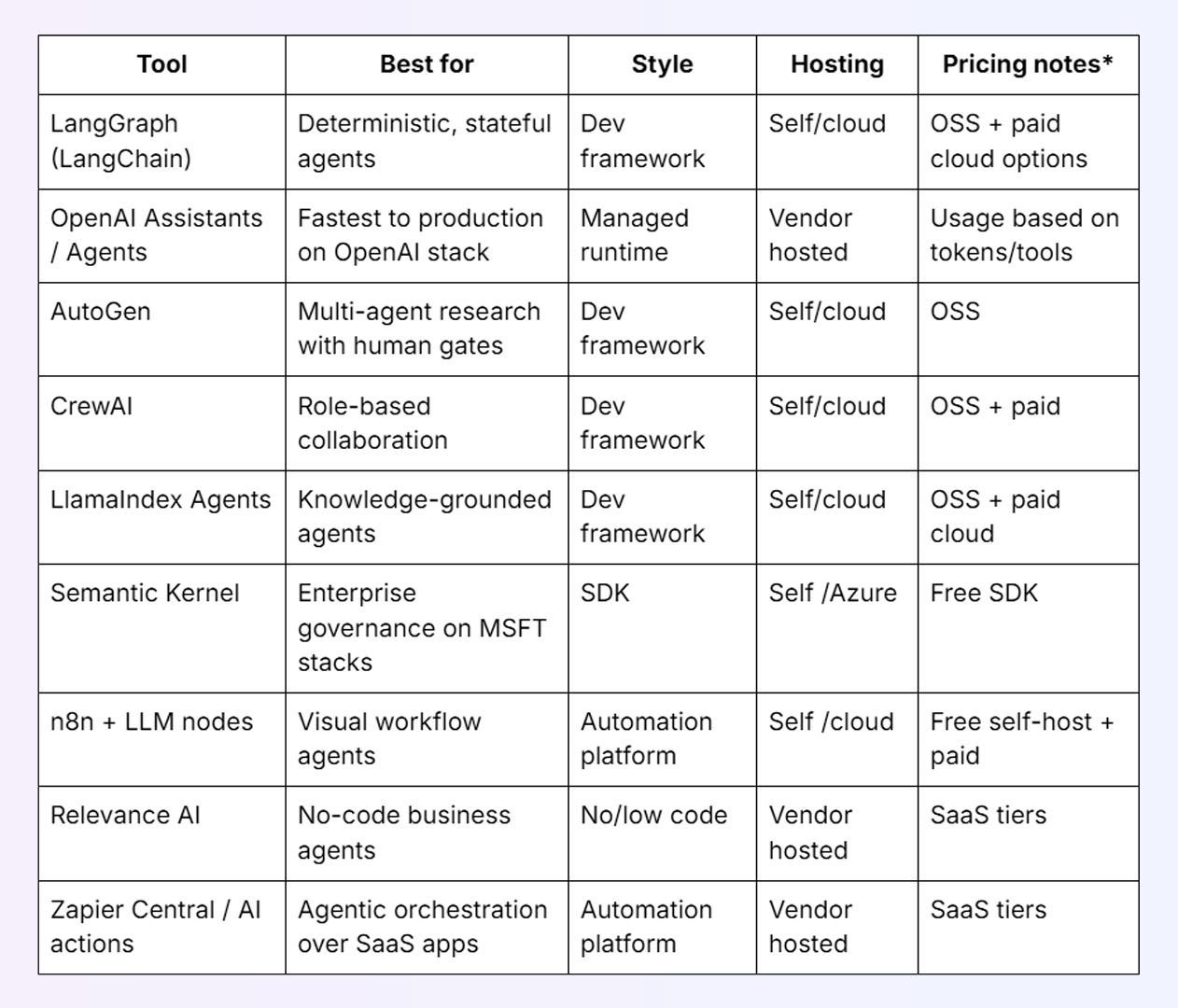
The best tools to create an AI agent in 2025 are LangGraph for stateful, step-controlled agents with explicit debugging; OpenAI Assistants for a managed runtime with built-in tool use, files, and threads; AutoGen for multi-agent conversations with human review gates; CrewAI for small role-based agent teams that collaborate; LlamaIndex Agents for knowledge-grounded agents with strong retrieval and citations; Semantic Kernel for enterprise agents on Microsoft stacks; n8n with LLM nodes for visual, self-hosted workflow agents; Relevance AI for no-code business agents in ops and support; and Zapier Central for agentic automation across thousands of SaaS connectors. The right choice depends on your need for state control, retrieval grounding, guardrails, observability, and whether your team works in Python, TypeScript, .NET, or no-code environments.
An AI agent is a goal-seeking program that uses a language model to plan steps, call external tools or data sources, maintain state across turns, and decide when to stop. The LLM is the thinker, your tools and connectors are the doers, and state is the memory that keeps the whole thing coherent. Good agents are boring in production: predictable, observable, and easy to fix.
We stress agent stacks on real tasks with real APIs. We inspect tracing, retries, guardrails, and cost controls. We prefer tools that make failure paths explicit, give us grounded answers when knowledge is involved, and keep a clear paper trail.
What we looked for
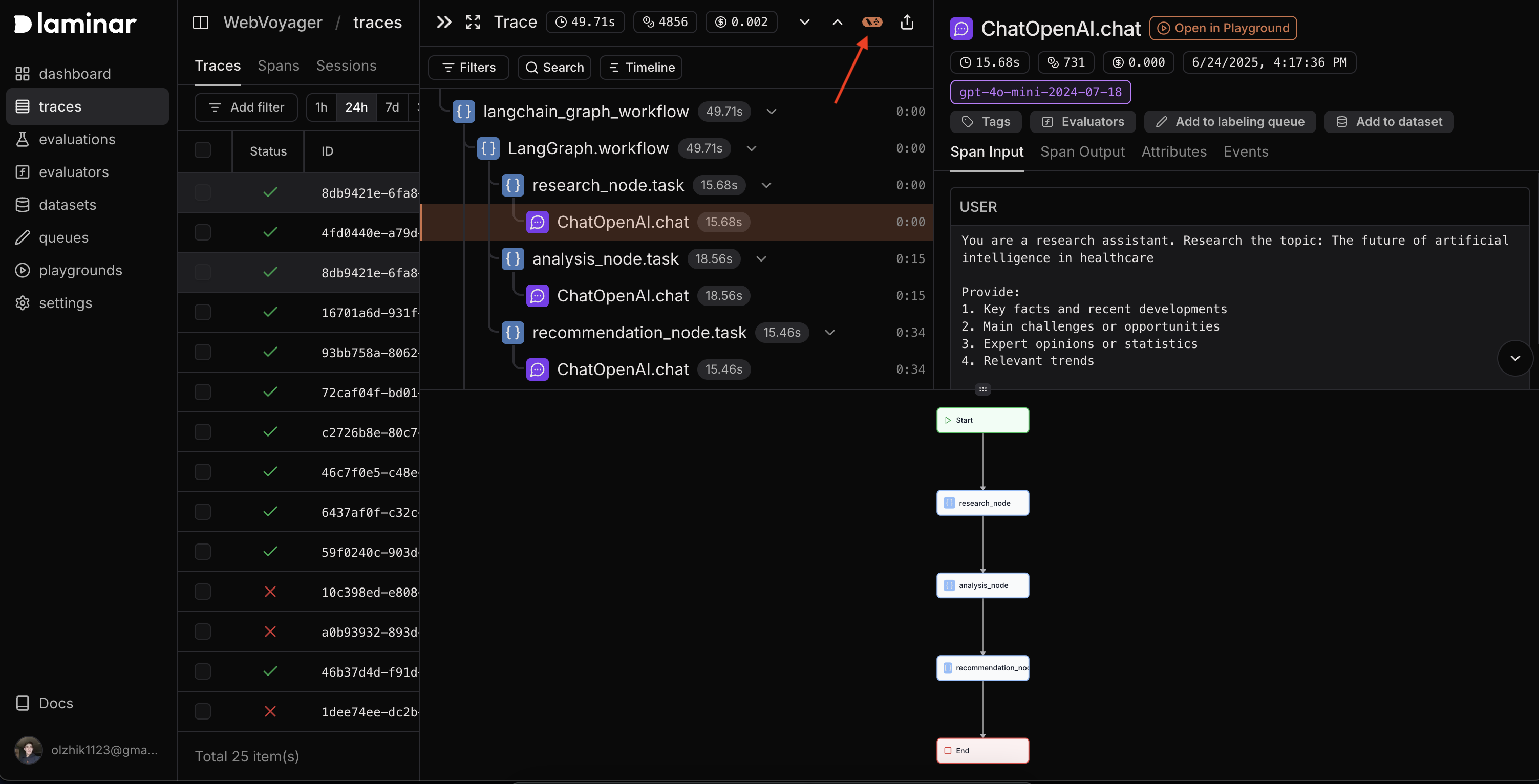
What it is: A graph-based orchestration library where your agent is a directed graph of nodes and edges.
Why it’s good: You get explicit state, event hooks, retries, and routes for failure. You can prove how an action was chosen and replay the trace.
Use it when: You need guardrails, parallel branches, timeouts, or recovery steps that are easy to reason about.
Build notes: Model the unhappy path first. Add validators around tool outputs so the next edge never receives junk.
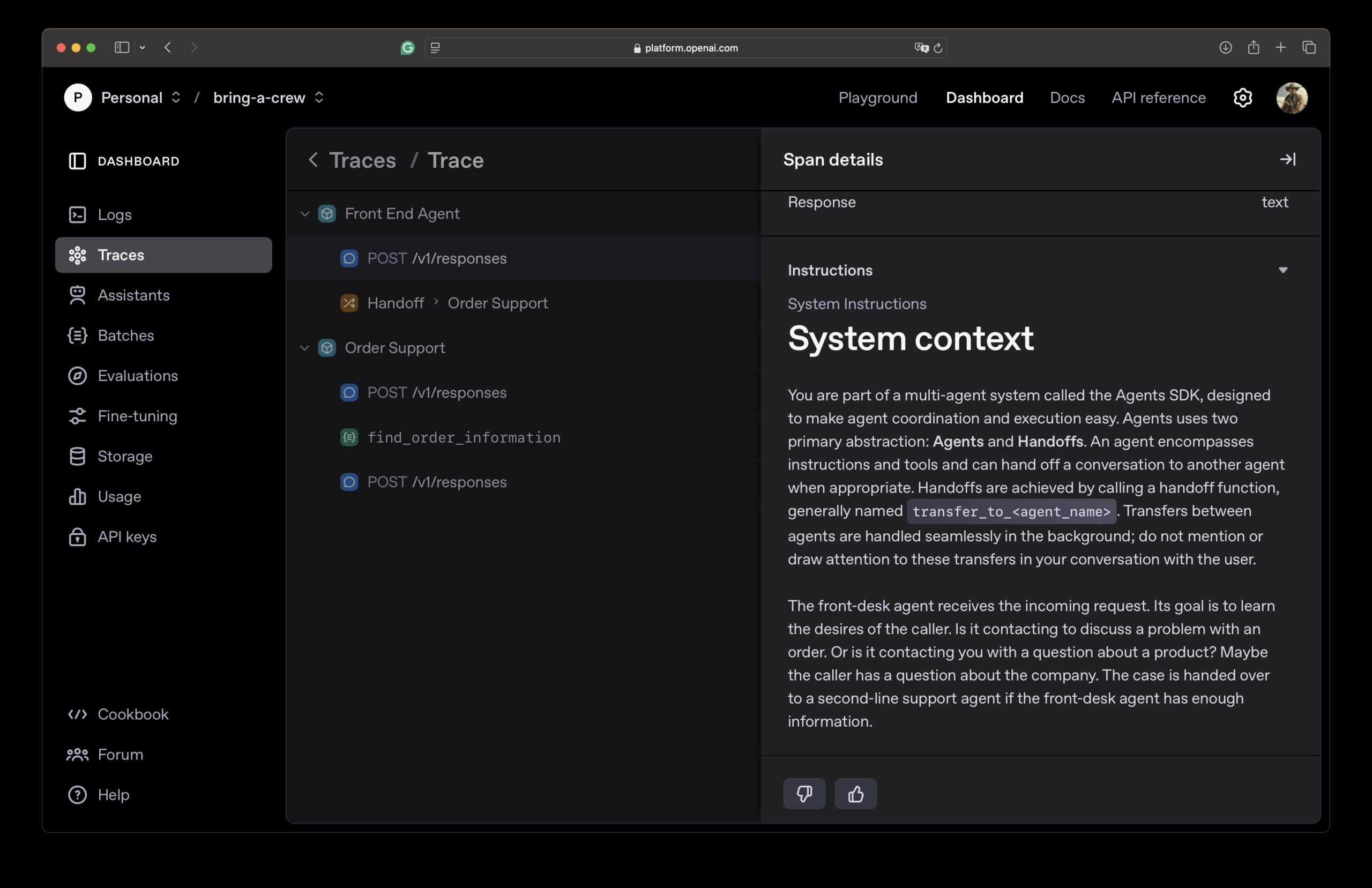
What it is: A managed runtime with threads, tools, files, and function calling. The vendor runs the state machine so you do not.
Why it’s good: Fast to ship if your models and data already live here. Built-in retrieval, code interpreter style tools, and structured outputs.
Use it when: You want speed to production and you are comfortable with vendor-hosted state.
Build notes: Keep your tool schema tight. Fewer tools with strict contracts beat a drawer full of vague functions.
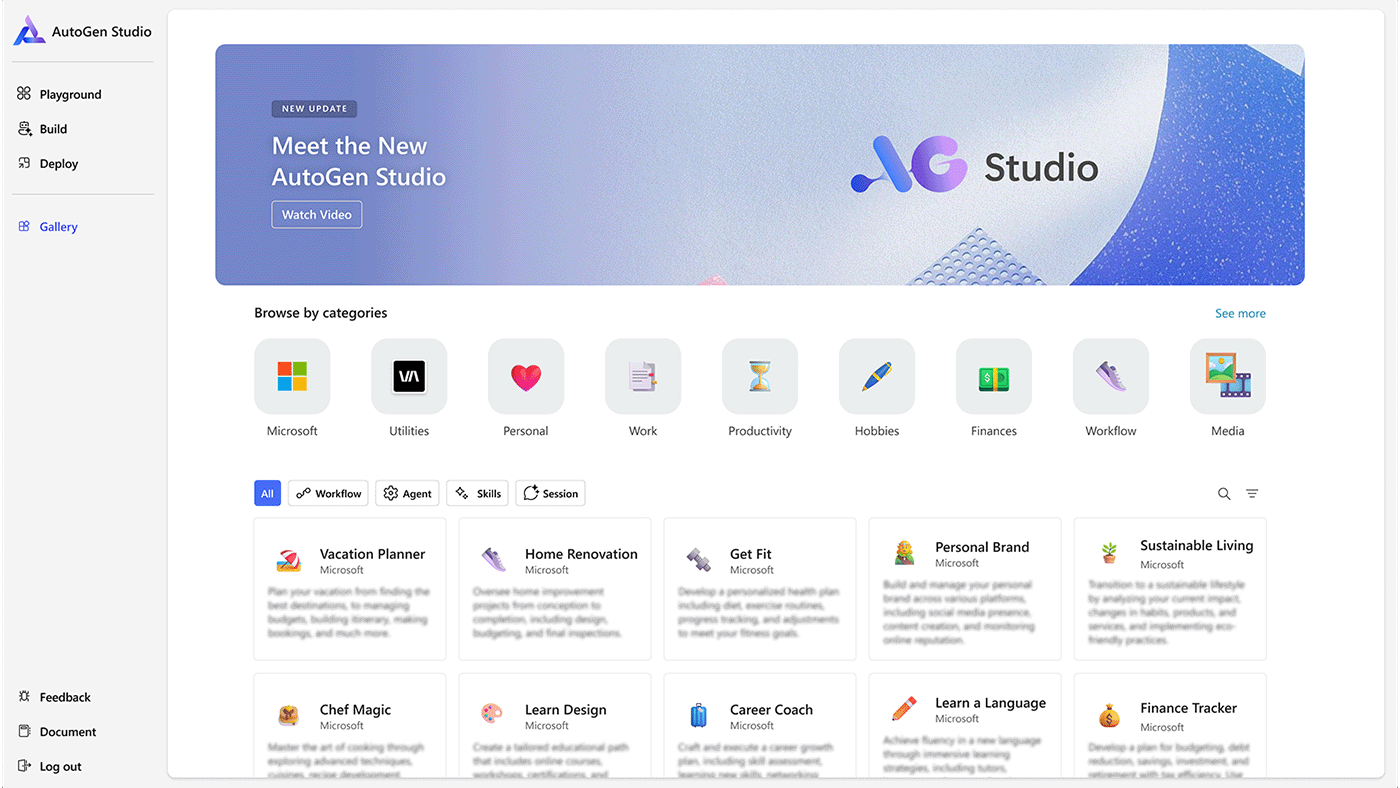
What it is: A framework for agent-to-agent conversations with optional human approval at key steps.
Why it’s good: Great for R&D on collaboration patterns and for risky tasks that need a human gate.
Use it when: You are exploring multi-agent designs or adding a review step to expensive actions.
Build notes: Add a “critique” turn before any irreversible write. You cut retries and surprise bills.
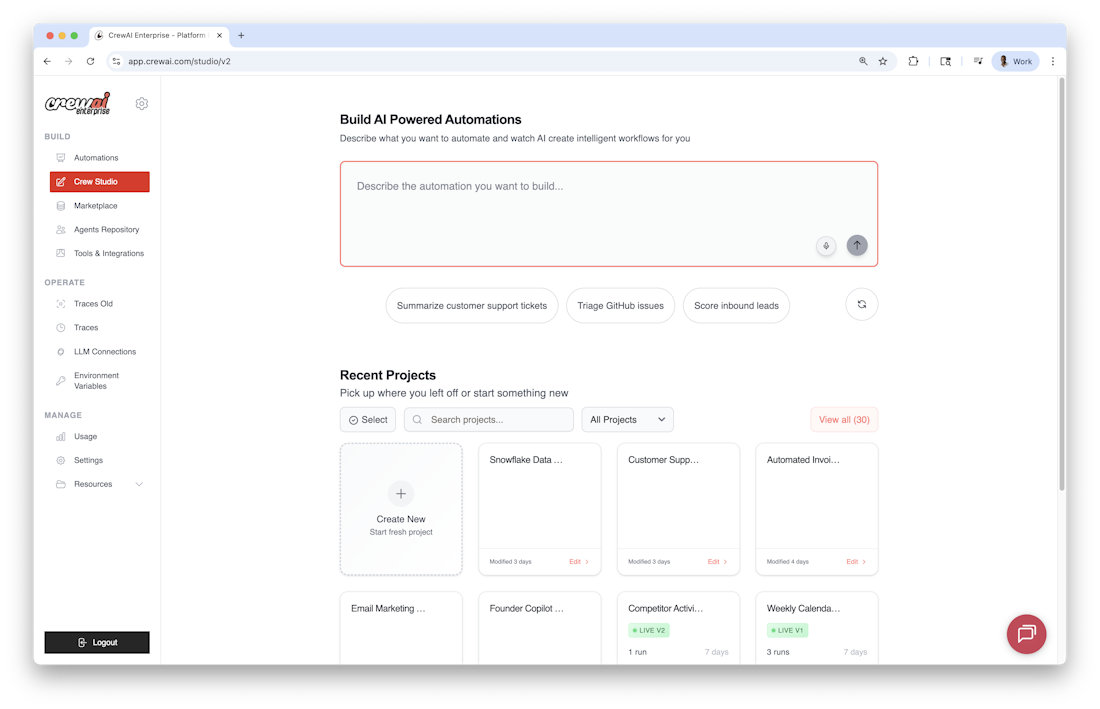
What it is: A Python framework where small “crews” of specialized agents divide and conquer.
Why it’s good: Roles make decomposition natural. Researcher gathers, Analyst synthesizes, Executor acts.
Use it when: Two or three clear roles would materially help.
Build notes: Keep crews small. More than three agents is usually a meeting without an agenda.
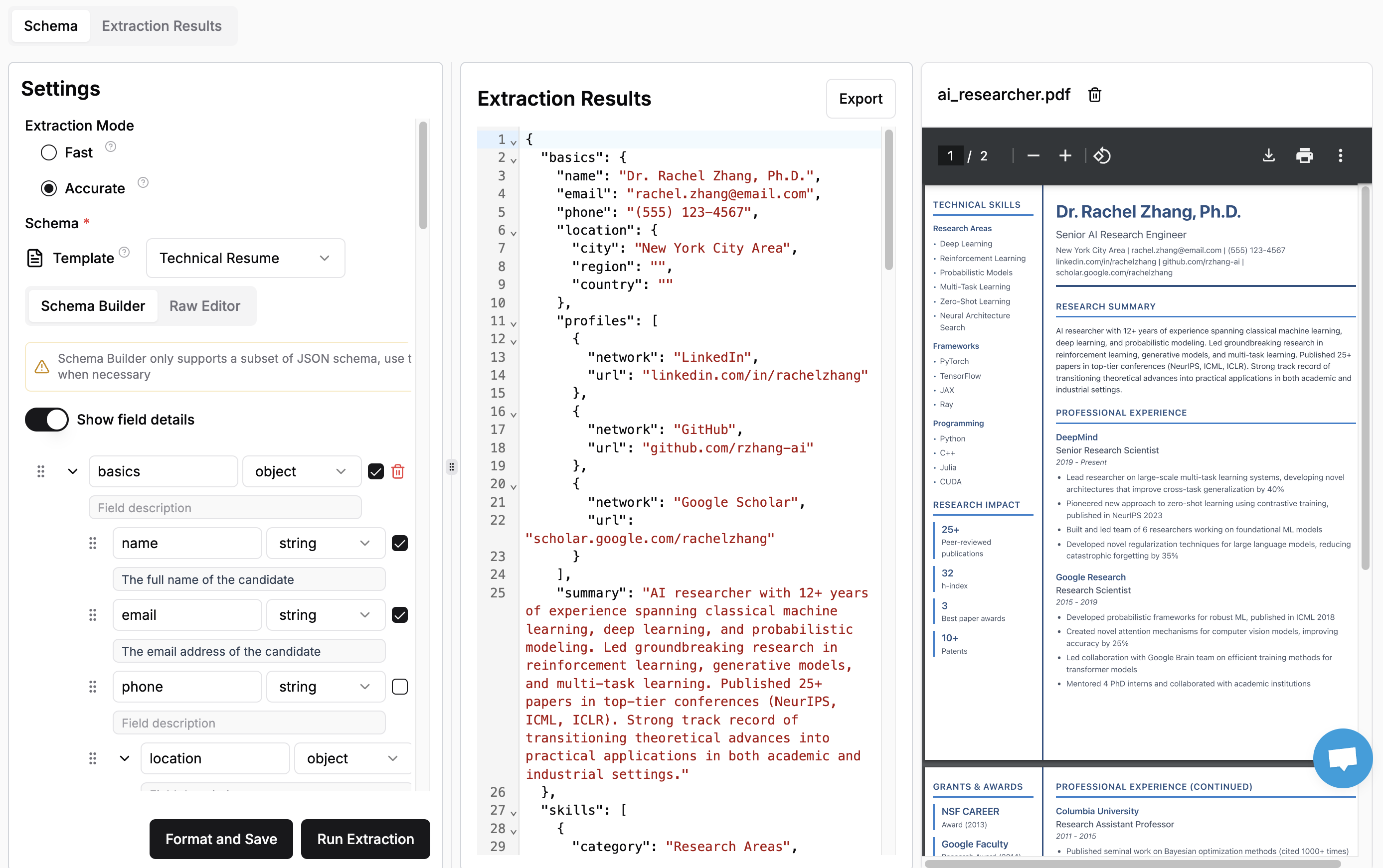
What it is: Agent patterns built on a strong retrieval stack with evaluators and source grounding.
Why it’s good: Retrieval orchestration is first-class, so your agent answers with citations instead of guesses.
Use it when: Your agent depends on proprietary documents and you must show your work.
Build notes: Score contexts by contribution. Drop sources that never change an answer.
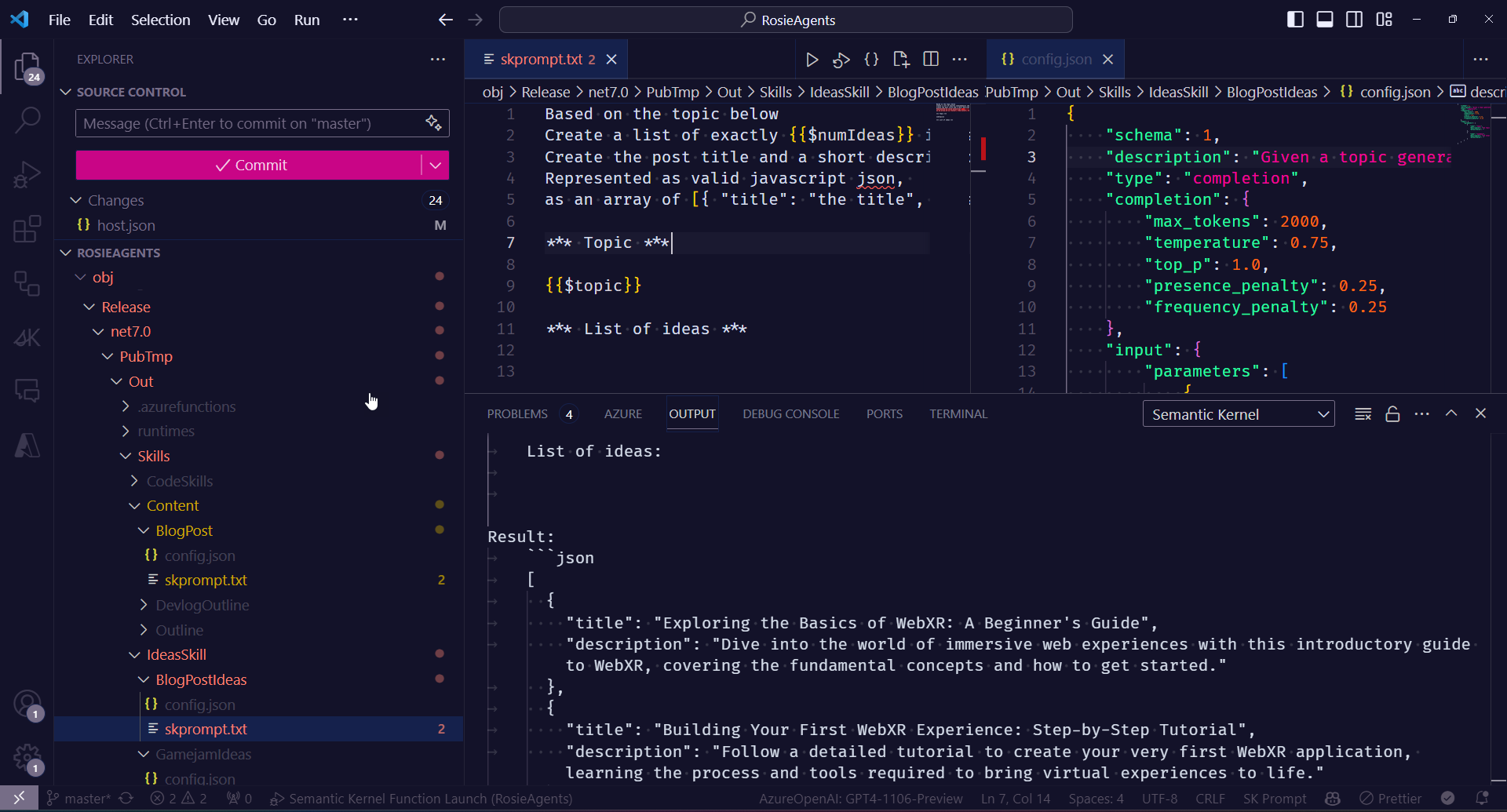
What it is: An SDK to compose planners, skills, memory, and connectors in .NET, Python, or Java.
Why it’s good: Enterprise posture with policy and identity alignment, plus good integration with Microsoft services.
Use it when: You are a Microsoft-centric shop and want governance and portability.
Build notes: Start with planner + functions. Add memory only after you prove it improves task success.
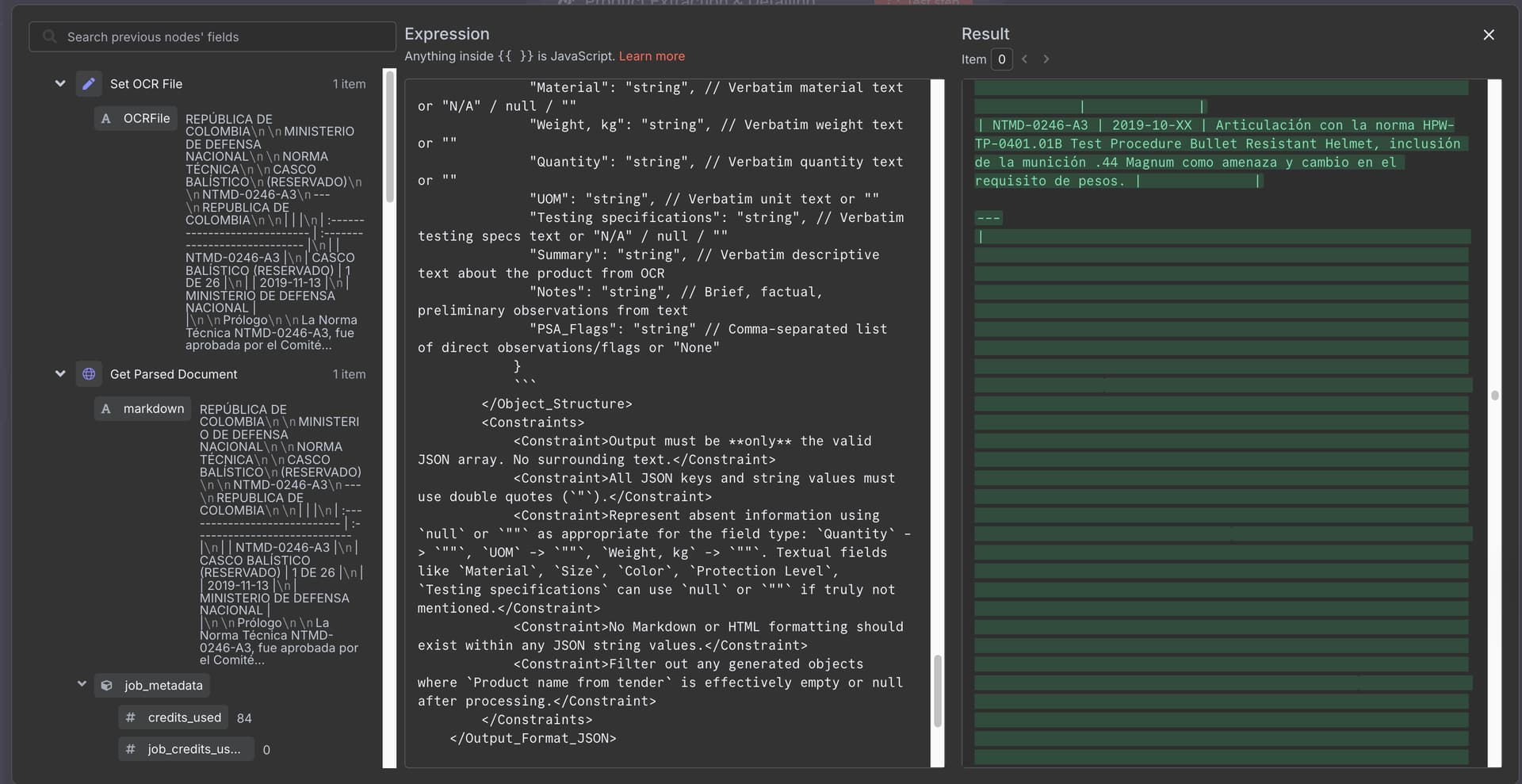
What it is: Open-source automation with LLM steps for reasoning, enrichment, and tool use.
Why it’s good: Visual builder, tons of connectors, self-host if you need control.
Use it when: Your “agent” is really a robust workflow with checkpoints and audits.
Build notes: Validate model outputs with regex or schema checks before downstream actions fire.
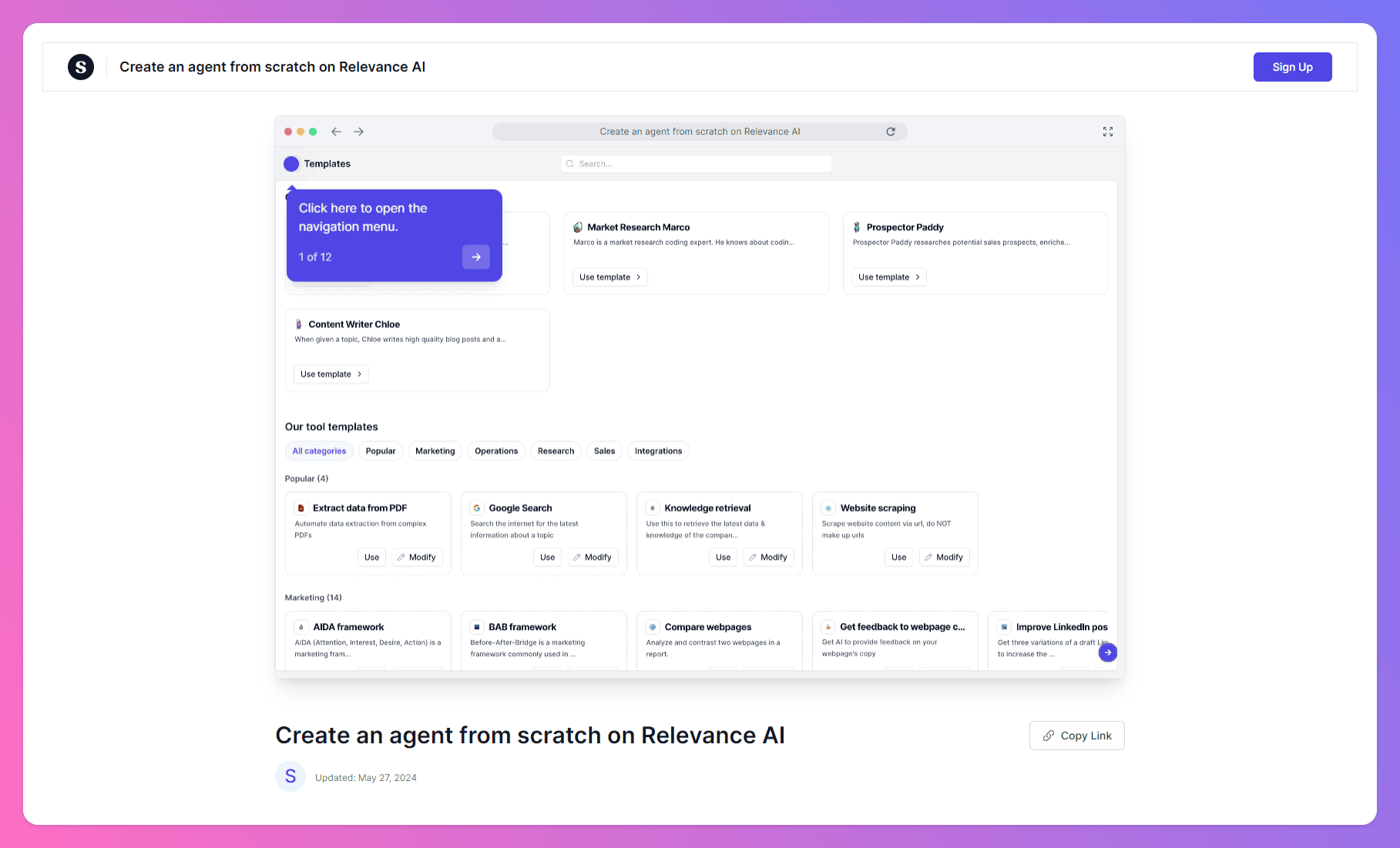
What it is: No-code business agents for ops, support, and back office.
Why it’s good: Templates, dashboards, approvals. You can automate a process this week and refine it next week.
Use it when: You want results without building a framework.
Build notes: Pilot a narrow workflow to SLA, then scale sideways.
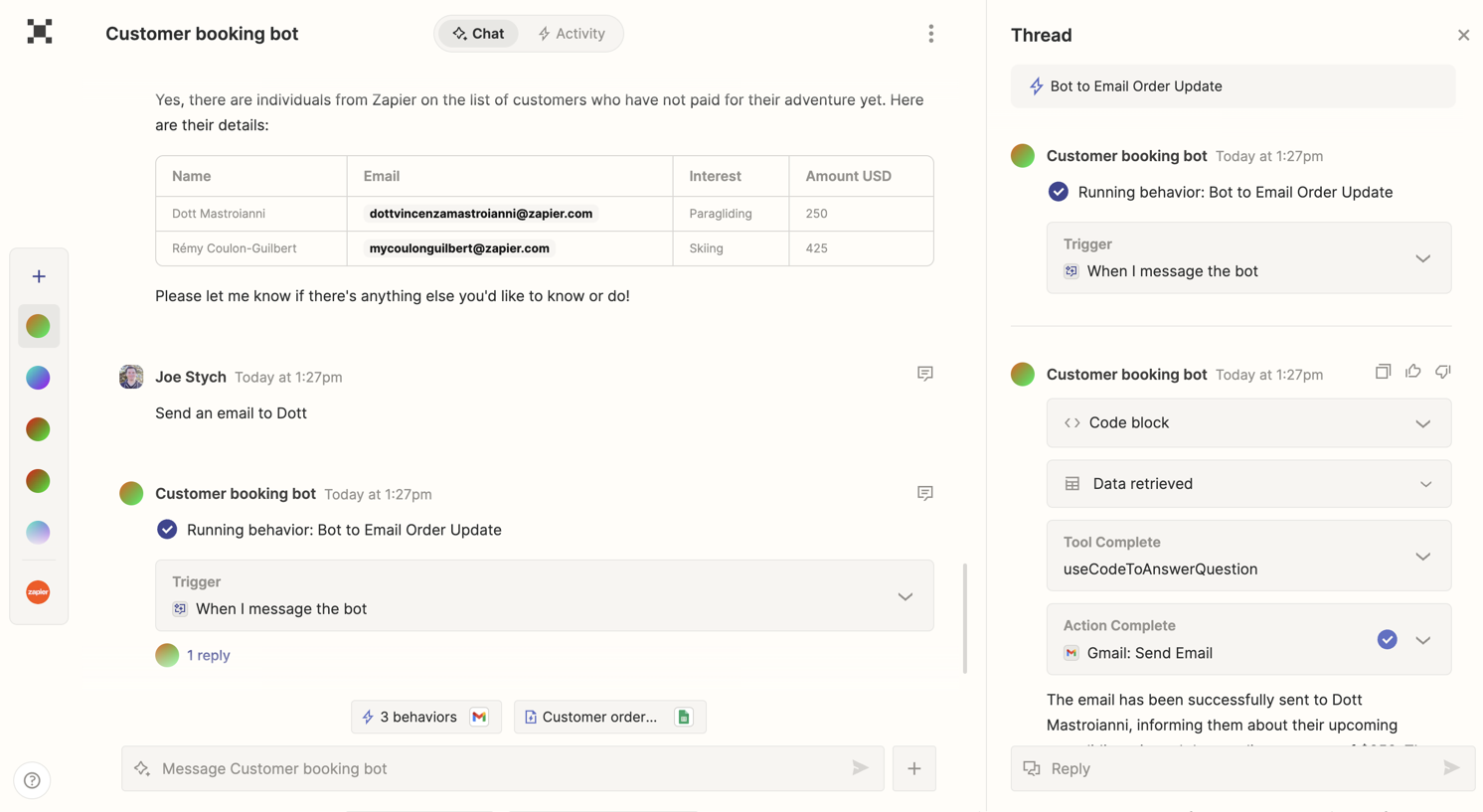
What it is: Agentic orchestration across thousands of SaaS apps with natural language control.
Why it’s good: You get reach over your stack with minimal glue code.
Use it when: The agent’s value is moving data among SaaS tools with traceable steps.
Build notes: Use explicit action allowlists and human approval on destructive operations.
Great agents are not the cleverest. They are the clearest. Pick a stack that gives you control of state, visibility into decisions, and clean failure paths. Ship one narrow workflow with logs and guardrails. When an agent quietly handles a task you used to babysit and leaves a paper trail you can trust, you will know you built it right.
An app answers a prompt. An agent pursues a goal across steps, calls tools, tracks state, and decides when it is done.
Only if distinct roles improve outcomes. Most use cases are a single agent with a good planner and a few reliable tools.
Choose by job. Fast, smaller models for routing and low-risk steps. Larger reasoning models for planning or thorny tasks. Always test against your data and constraints.








