
Find us at booth #83, join us for a harbor side happy hour, or catch Gorish’s talk.

Sept, 16-18 > Learn more

%20(1).avif)
Mamta Tainwala

April 27, 2026
.png)
Your sales reps shouldn't spend an hour updating HubSpot for every hour they spend selling. Yet, for most B2B teams, manual data entry, chasing decision-maker details, and "filling in the blanks" still eat up 70% of the workday.
Even with a dozen connected apps, pipeline data remains incomplete, and forecasting feels like guesswork. The problem isn't a lack of tools, it's the utility of those tools. A perfectly integrated tool that doesn't solve a real problem is just a faster way to do the wrong thing.
The 15 best HubSpot integrations for sales teams in 2026 are Sybill (AI-powered CRM autofill, meeting summaries, and follow-up drafting), LinkedIn Sales Navigator (prospecting and lead enrichment), Slack (deal alerts and team notifications), PandaDoc (proposals and e-signatures), Gong (conversation intelligence), ZoomInfo (contact and company data), Outreach (sales engagement sequences), Drift (conversational marketing and live chat), Vidyard (video prospecting), Zapier (custom workflow automation), Calendly (meeting scheduling), Databox (analytics dashboards), Aircall (cloud phone integration), Clearbit (real-time lead enrichment), and Asana (cross-functional project management). The most impactful HubSpot integrations eliminate manual data entry and context switching — which is why Sybill ranks first by automatically filling HubSpot fields from sales conversations and generating follow-up emails without reps leaving the CRM.
We've curated the 15 best HubSpot integrations built to protect your selling time. This guide cuts through the noise to identify the tools that actually enhance your sales workflow, ensuring your CRM stays accurate while your team stays focused on closing.
.png)

AI sales assistants have evolved from basic call recording to complete workflow automation. Modern tools handle everything from pre-call prep to CRM updates to follow-up emails, eliminating most post-meeting admin work for HubSpot users and your sales team.
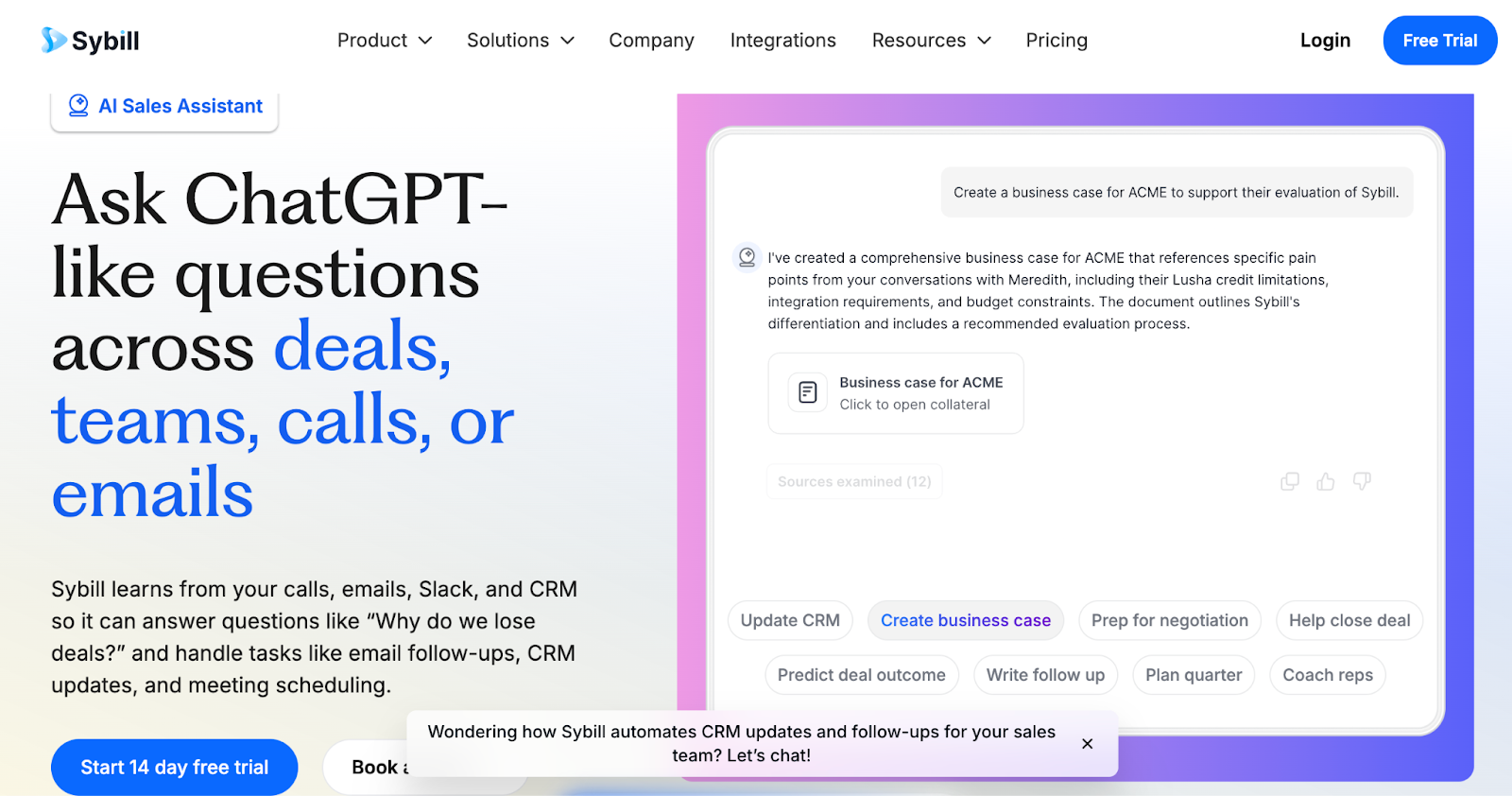
Sybill.ai (4.8/5) is an AI-powered sales assistant that records meetings invisibly (no bot) and automatically updates HubSpot with 99% accuracy, saving your reps 14 hours per week on CRM work, follow-up emails, and meeting prep. Unlike traditional tools that just record and transcribe, Sybill acts as your personal AI trained on all sales conversations and HubSpot CRM data, handling your entire meeting workflow from pre-call briefs to post-call updates.
Key Features
99% Accurate CRM Autofill: Automatically updates HubSpot deal stages and custom fields (e.g., BANT, MEDDIC, Next Steps) after every call, ensuring 100% data hygiene without manual entry.
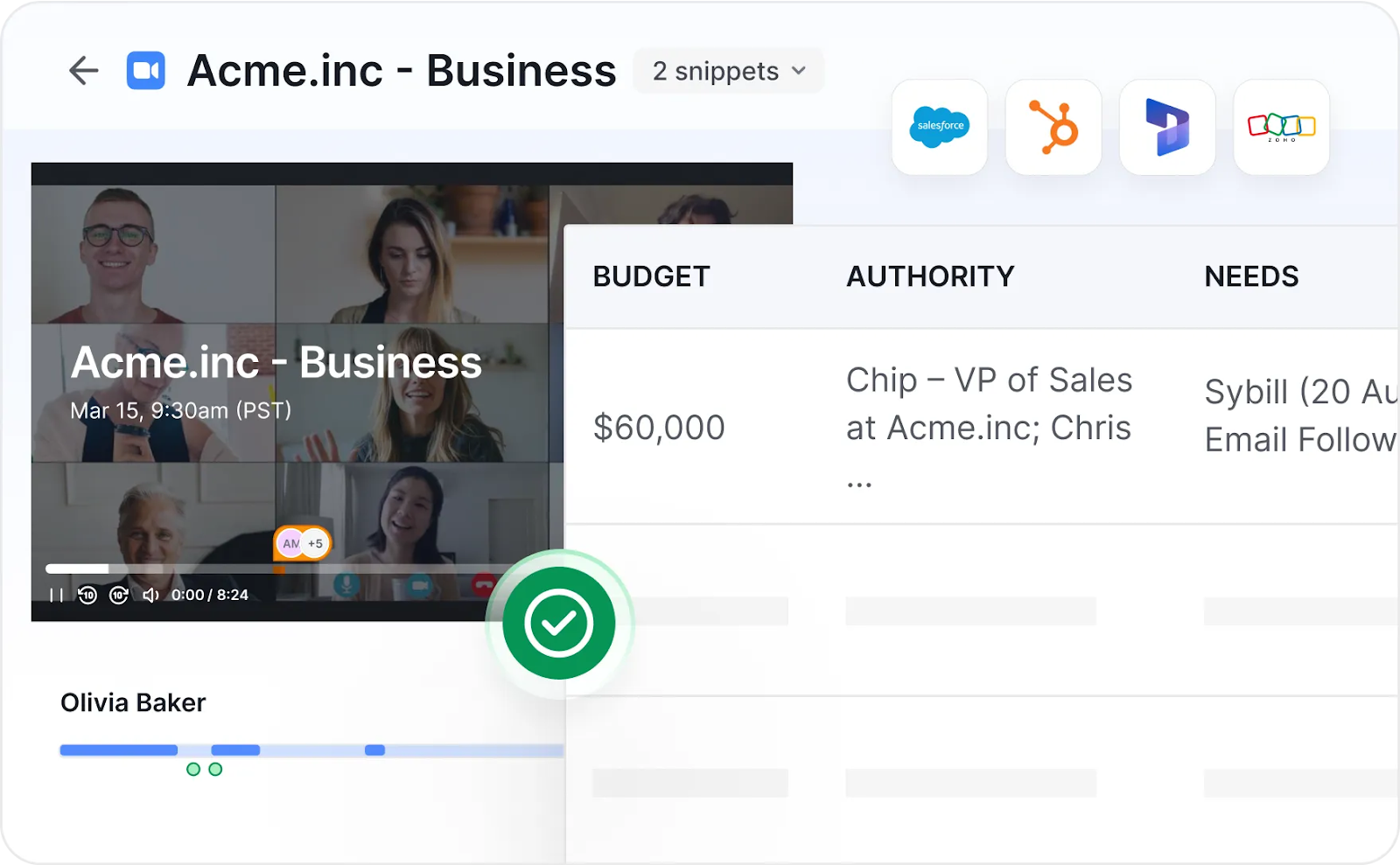
"The AI in Sybill has made it so easy to get what I need. I won a deal by asking Sybill to give me quotes from 100+ calls about the cons of using a competitor tool. My CRM notes went from terrible to perfect. I've always had great ideas but with Sybill I'm a top performer by 30 deals."
Darren Gooding, Account Executive @ Sopro
Invisible Notetaker (Bot-Free Recording): A discreet desktop app that records Zoom, Teams, and Google Meet in the background, allowing for a more natural human connection without an intrusive bot in the meeting.
"It is seamless. When I am taking a call it is in the background and I feel confident paying attention without having to take notes. Not only has it freed a lot of my time, but helped me stay more focused on listening, instead of taking notes."
Jose F., CEO (G2)
Multimodal Magic Summaries: Analyzes both verbal content and non-verbal cues (nods, smiles, engagement levels) to identify true buyer intent, "Aha!" moments, and hidden objections.
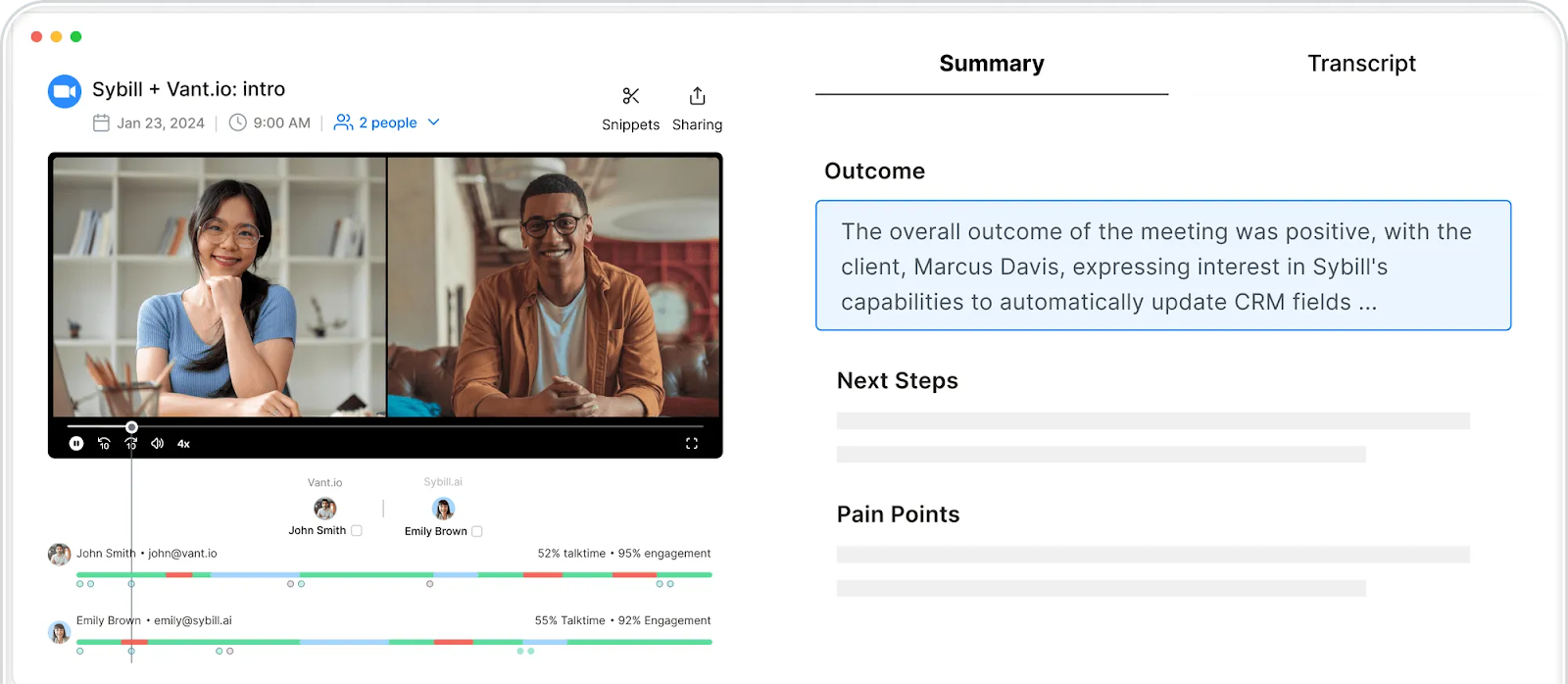
"No more worrying about taking notes during a call and tediously entering the details of the call into your CRM system. The AI summary is synched automatically to the account and you are ready to move on to the next meeting."
Mike B., Director of Strategic Accounts (G2)
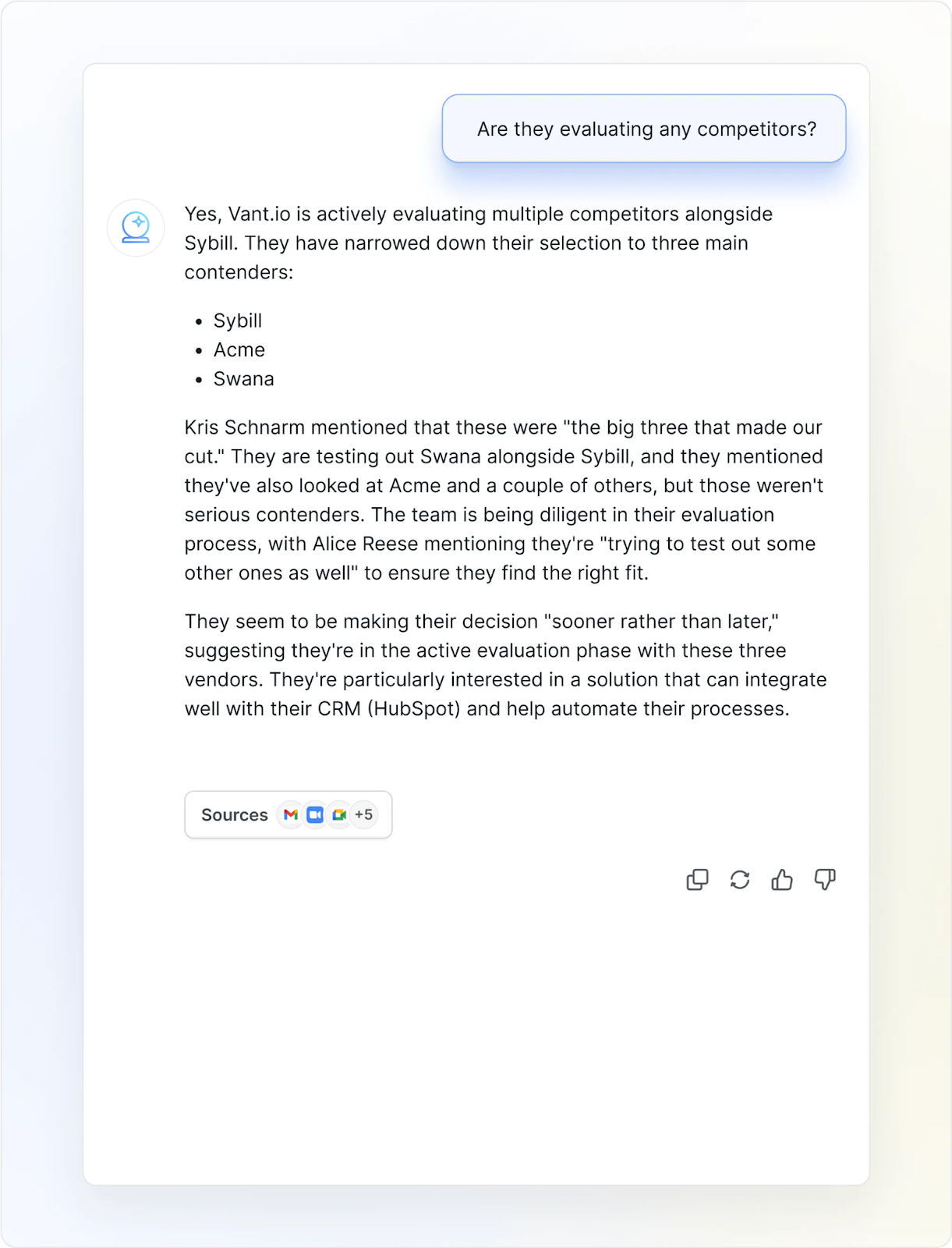
"Ask Sybill" AI Assistant: A ChatGPT-like interface trained on your entire history of meetings, emails, and CRM notes to provide instant answers to complex deal questions.
AI-Generated Follow-Up Emails: Automatically drafts personalized, context-rich follow-up emails in the rep's unique writing style immediately after a meeting ends.
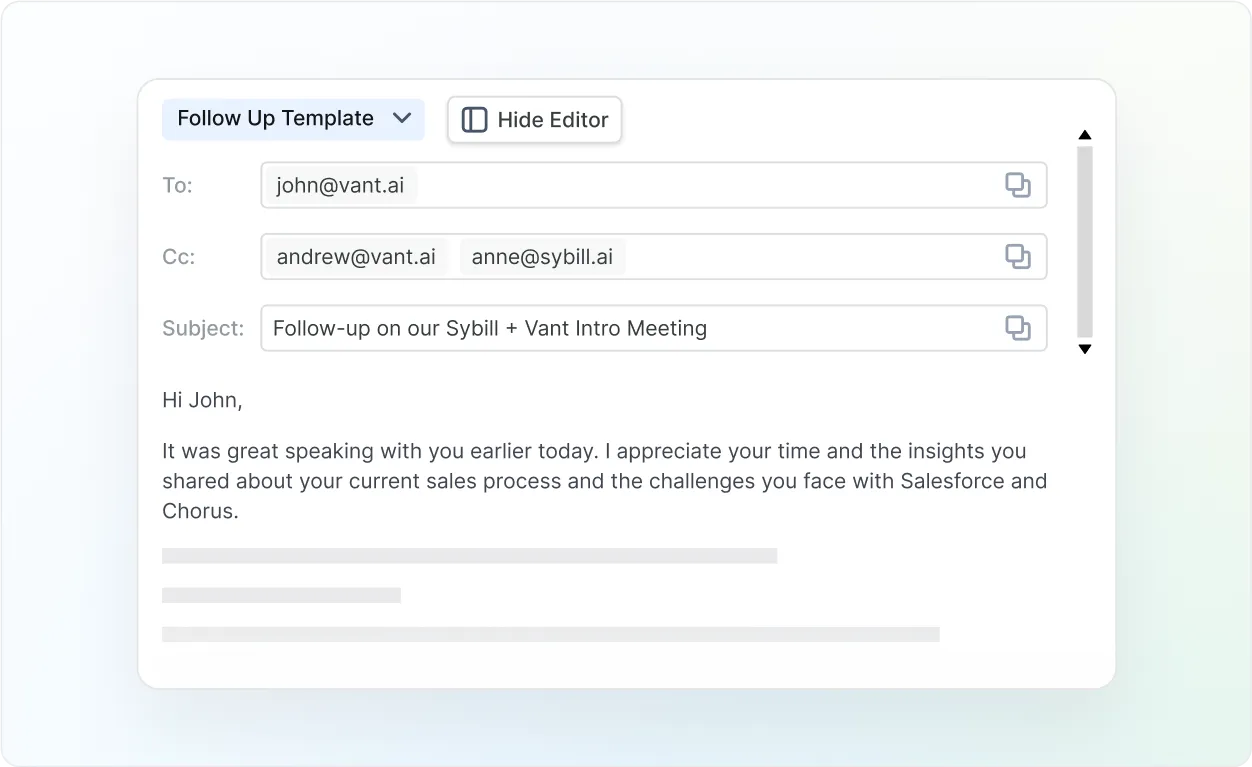
Pre-Meeting Briefs: Aggregates participant bios, company news, and past HubSpot interaction history into a concise one-pager for instant rep preparation.
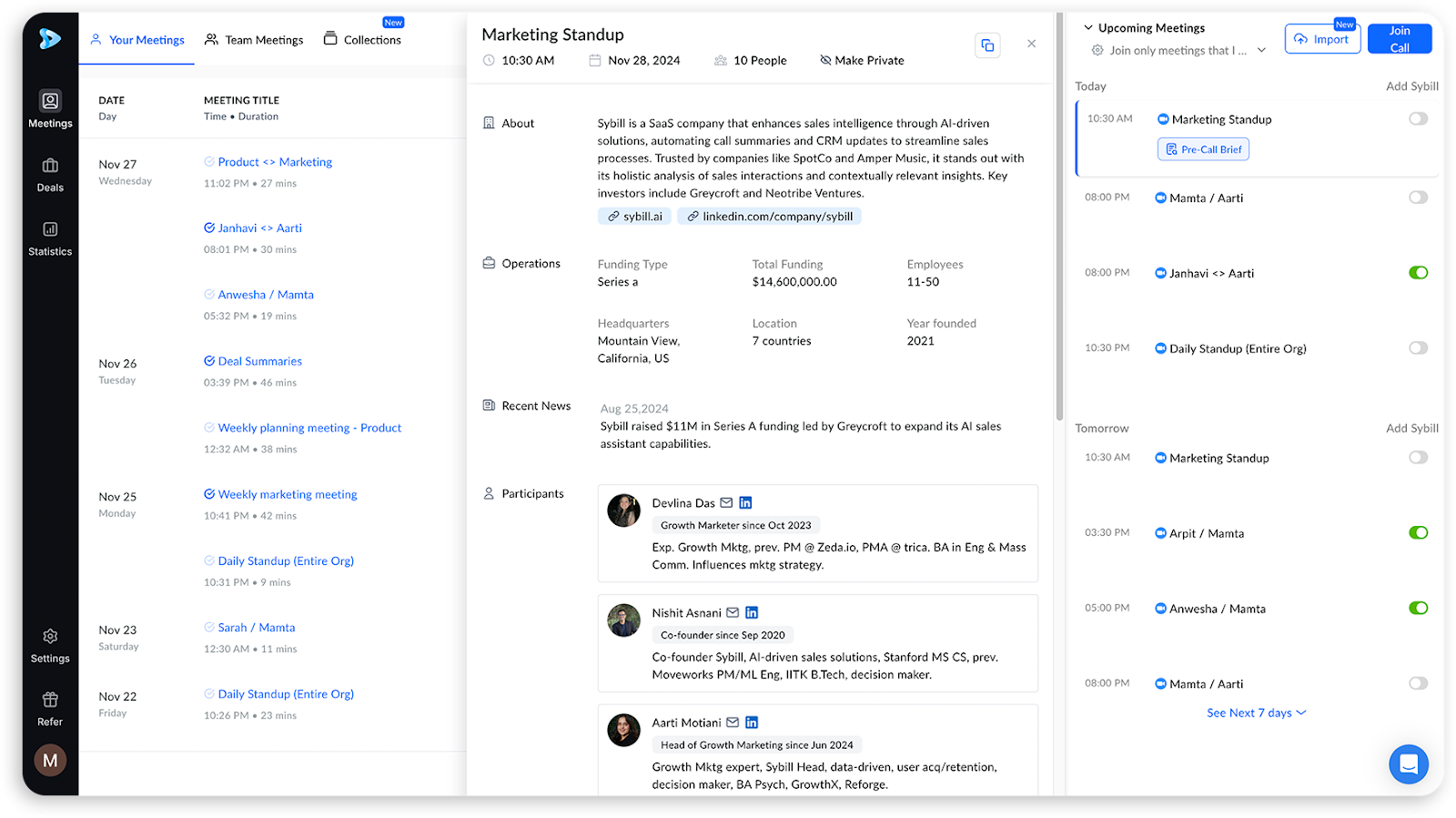
Pricing
Essentials: $19/user/month Unlimited recordings, pre-meeting briefs, Magic Summaries, AI follow-ups (basic template), Ask Sybill (meetings and email only), task extraction.
Business: $79/user/month Everything in Essentials PLUS automatic HubSpot CRM updates (99% fill rate), Ask Sybill with CRM data, custom Slack channels, custom email templates, Behavioral AI, Deal Workspace, SOC 2 compliance.
Enterprise: Custom Everything in Business PLUS data backfilling, custom integrations, dedicated account manager, quarterly reviews, advanced security (SSO, audit logs).
All plans include a 14-day free trial with no credit card required.
Ready to get started? See how Sybill transforms your workflow. Start your free 14-day trial.
Video calls are where deals happen, but without proper integration, those conversations vanish the moment you hang up. These tools automatically log attendees, discussions, and next steps to HubSpot.
Zoom is the leading video conferencing platform with native HubSpot integration that automatically logs meeting details, recordings, and attendee data to your CRM. While it handles scheduling and basic activity tracking well, it doesn't analyze conversation content or update HubSpot fields based on what was discussed.
Key Features
Pros:
Cons:
💡 Pro Tip: Pair Zoom with Sybill's invisible notetaker to automatically capture meetings without bots, analyze discussions, and sync insights to HubSpot.
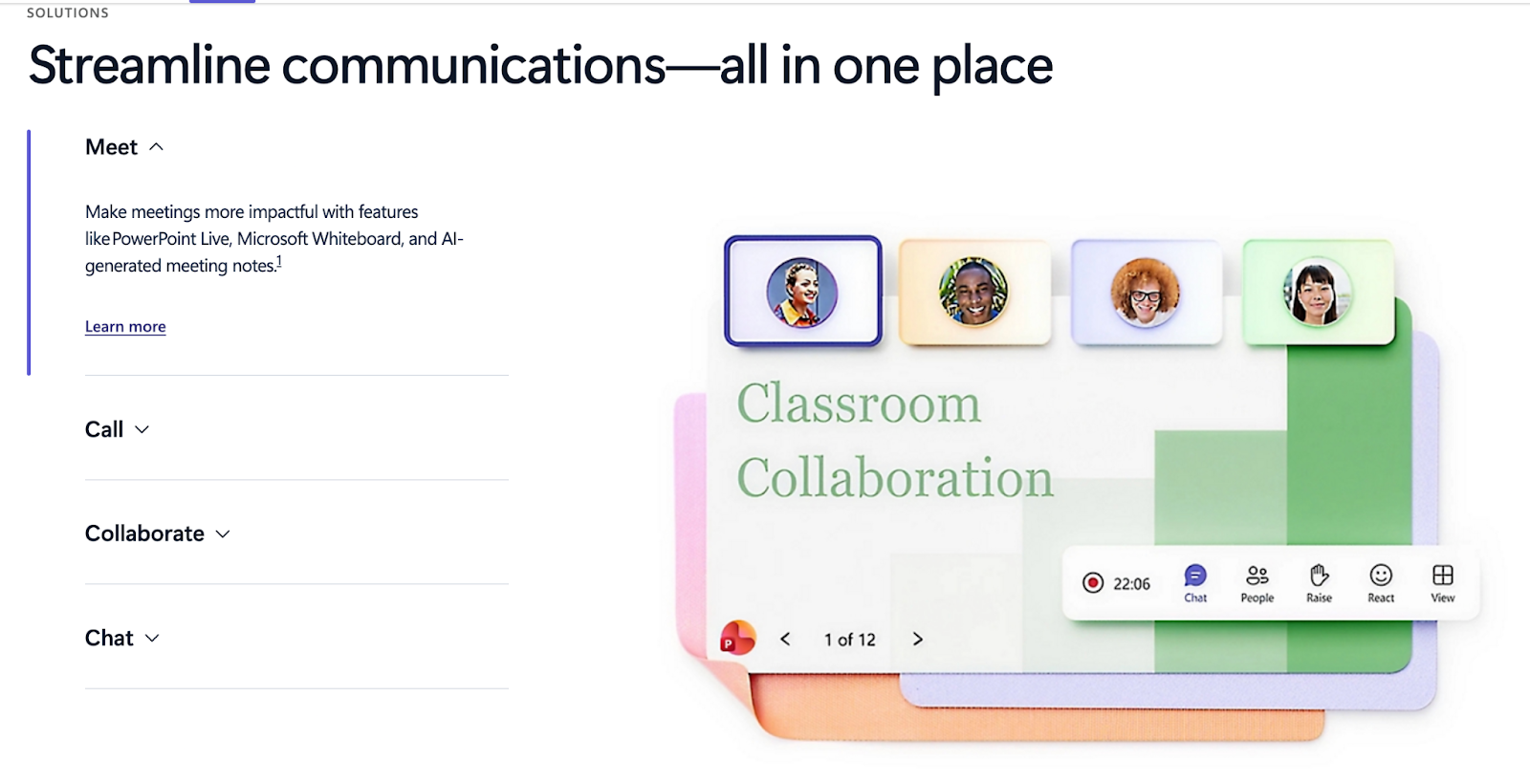
Once installed as a HubSpot app, Microsoft Teams connects with HubSpot to push notifications, chats, and meeting links directly into your CRM timeline for seamless internal coordination. The integration excels at keeping Microsoft 365 organizations aligned on deal progress without switching between apps.
Key Features
Pros:
Cons:
Wondering which tool to choose between Zoom vs Teams? Check out our exclusive blog post!
.png)
The right collaboration tools eliminate friction in your sales process. They keep teams aligned, automate repetitive tasks, and ensure deals move forward without manual intervention.
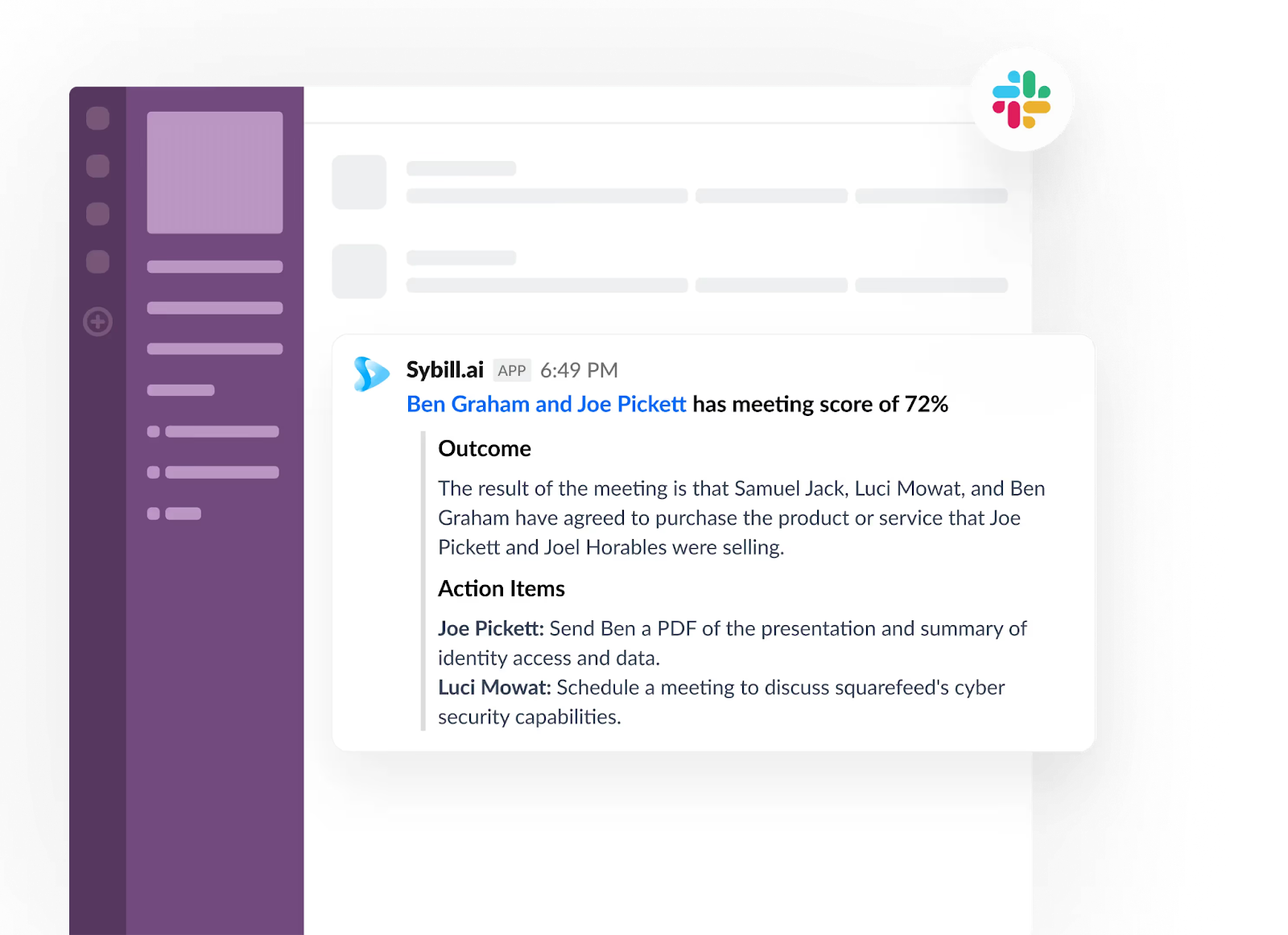
Slack bridges your HubSpot CRM with team chat, sending real-time notifications about deals, form submissions, and lifecycle changes directly to your channels. The platform keeps remote teams coordinated with instant sales pipeline visibility and searchable deal discussions.
Key Features
Pros:
Cons:
💡 Pro Tip: Sybill's Slack integration auto-posts to Slack after every call, keeping your team updated without manual sharing.
Available through the app marketplace, Zapier connects HubSpot to 7,000+ apps through no-code automation, building custom workflows that move data between systems without developer resources. While it can't match native integrations' speed, its massive app ecosystem fills integration gaps for niche tools.
Key Features
Pros:
Cons:
Asana is a leading project management platform that syncs HubSpot deals to projects and tasks, automatically creating onboarding workflows when deals close to bridge sales and operations. The one-way sync ensures Asana always reflects the latest deal information while visual project tracking keeps teams accountable.
Key Features
Pros:
Cons:
Sales teams can't sell to blank contact records. These tools automatically fill in missing information, transforming "[email protected]" into complete profiles with title, company size, tech stack, and buying intent.
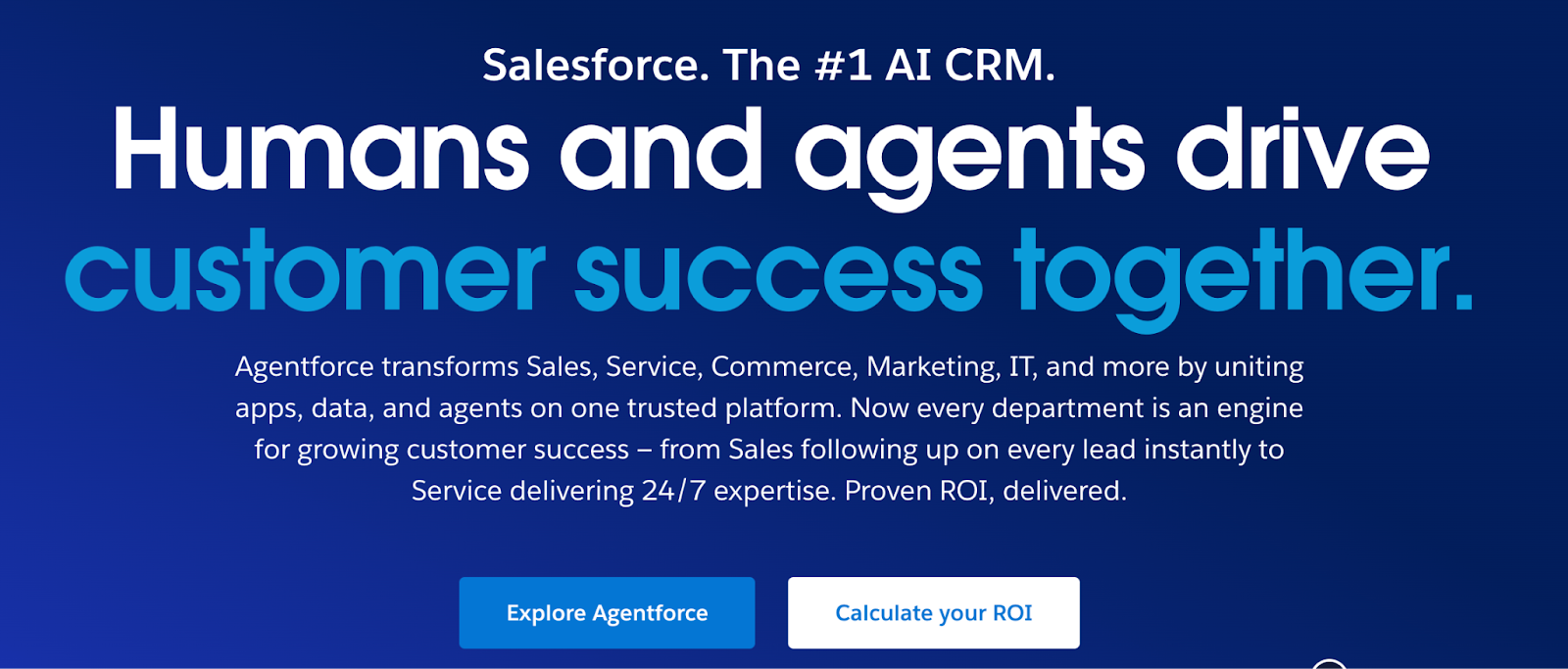
As one of the most sophisticated HubSpot integrations available, Salesforce offers bidirectional sync with HubSpot for companies that run a hybrid CRM strategy, where marketing lives in HubSpot and enterprise sales in Salesforce. The two-way sync keeps contacts, deals, and custom objects aligned across both platforms with sophisticated field mapping.
Key Features
Pros:
Cons:
💡 Pro Tip: Sybill autofills both HubSpot and Salesforce after every call, keeping your hybrid CRM perfectly synced.
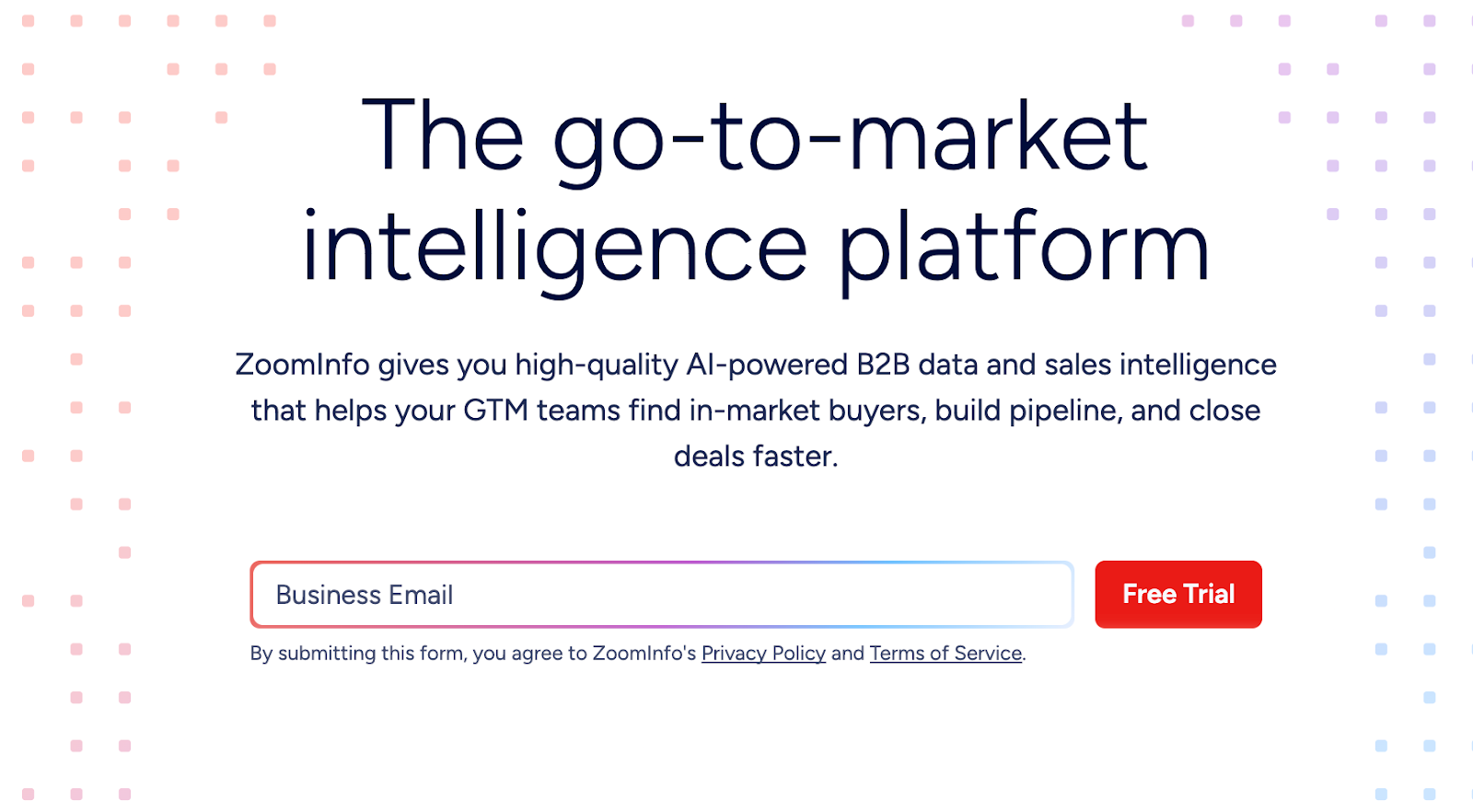
ZoomInfo enriches HubSpot contacts with verified emails, direct dials, org charts, technographics, and buying intent signals the moment contacts enter your system. The platform eliminates manual prospect research by automatically filling in missing CRM data, including company details and decision-maker hierarchies.
Key Features
Pros:
Cons:
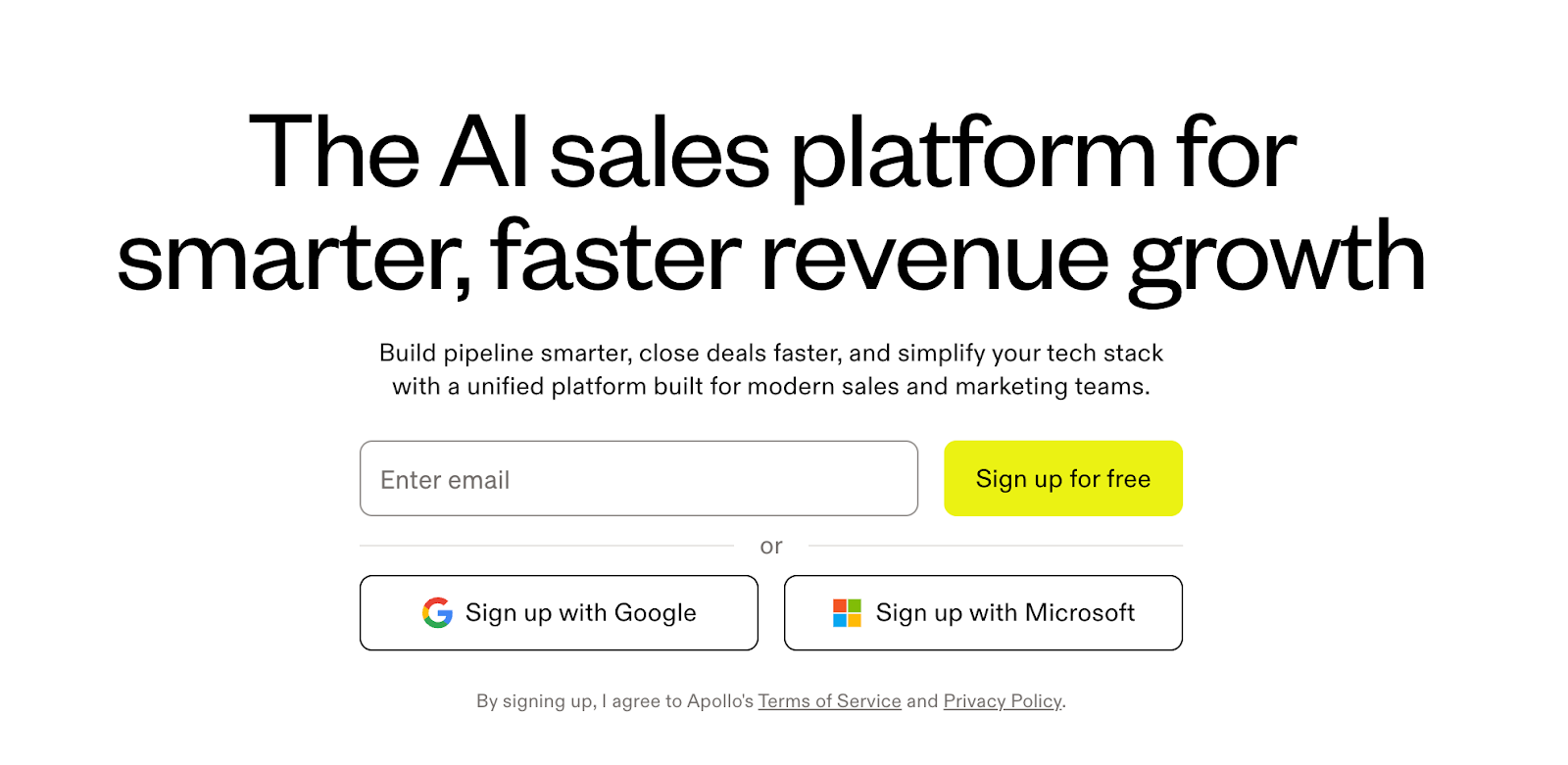
Apollo combines prospecting data, outbound sequences, and a built-in dialer in one platform at a more accessible price than buying separate tools. While data accuracy doesn't match ZoomInfo, it's sufficient for most prospecting needs with the added benefit of engagement features.
Key Features
Pros:
Cons:
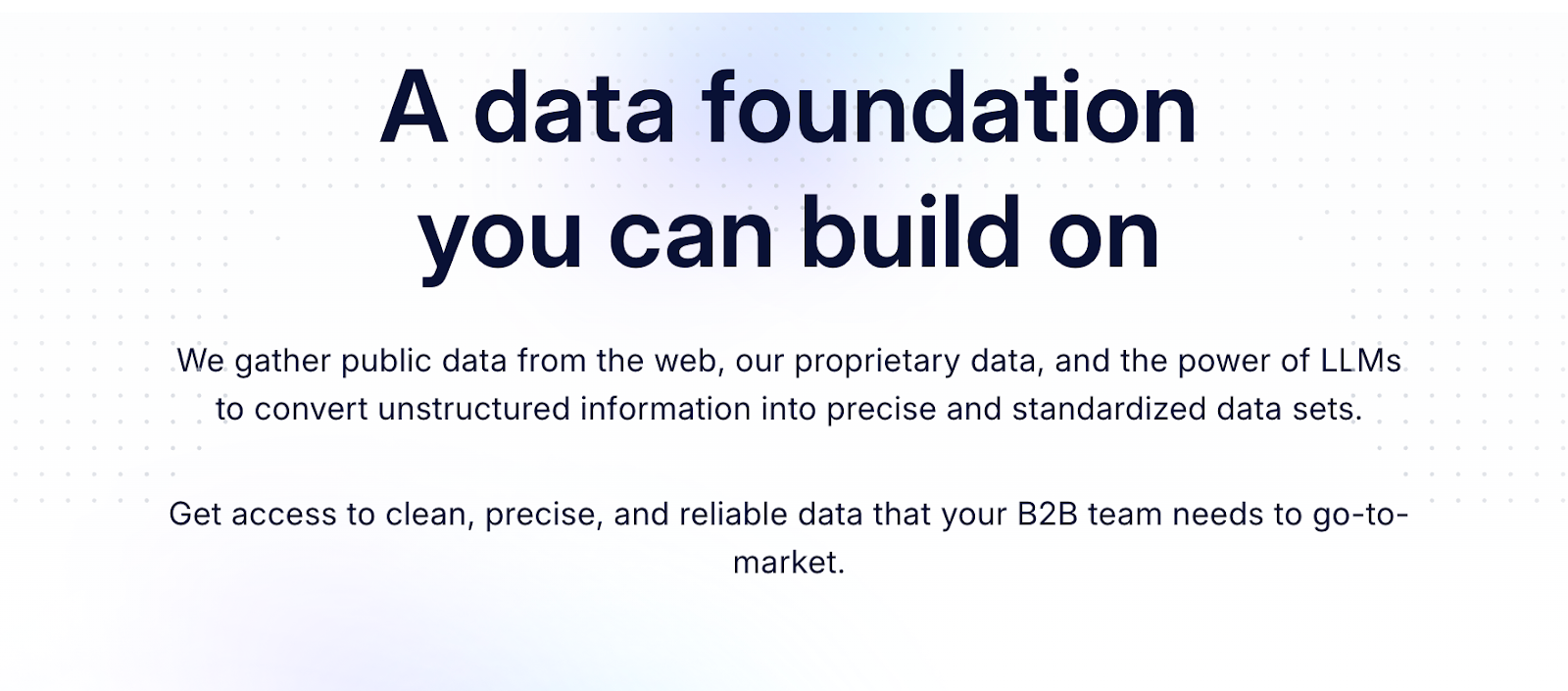
Clearbit reveals website visitor identities and enriches HubSpot profiles in real-time as prospects engage with your site and forms. A single email field transforms into a complete profile with job title, company size, industry, and technologies used.
Key Features
Pros:
Cons:
.png)
Modern B2B sales require coordinated multi-touch sequences across email, phone, and social channels. These platforms orchestrate touches at scale while syncing everything back to HubSpot.
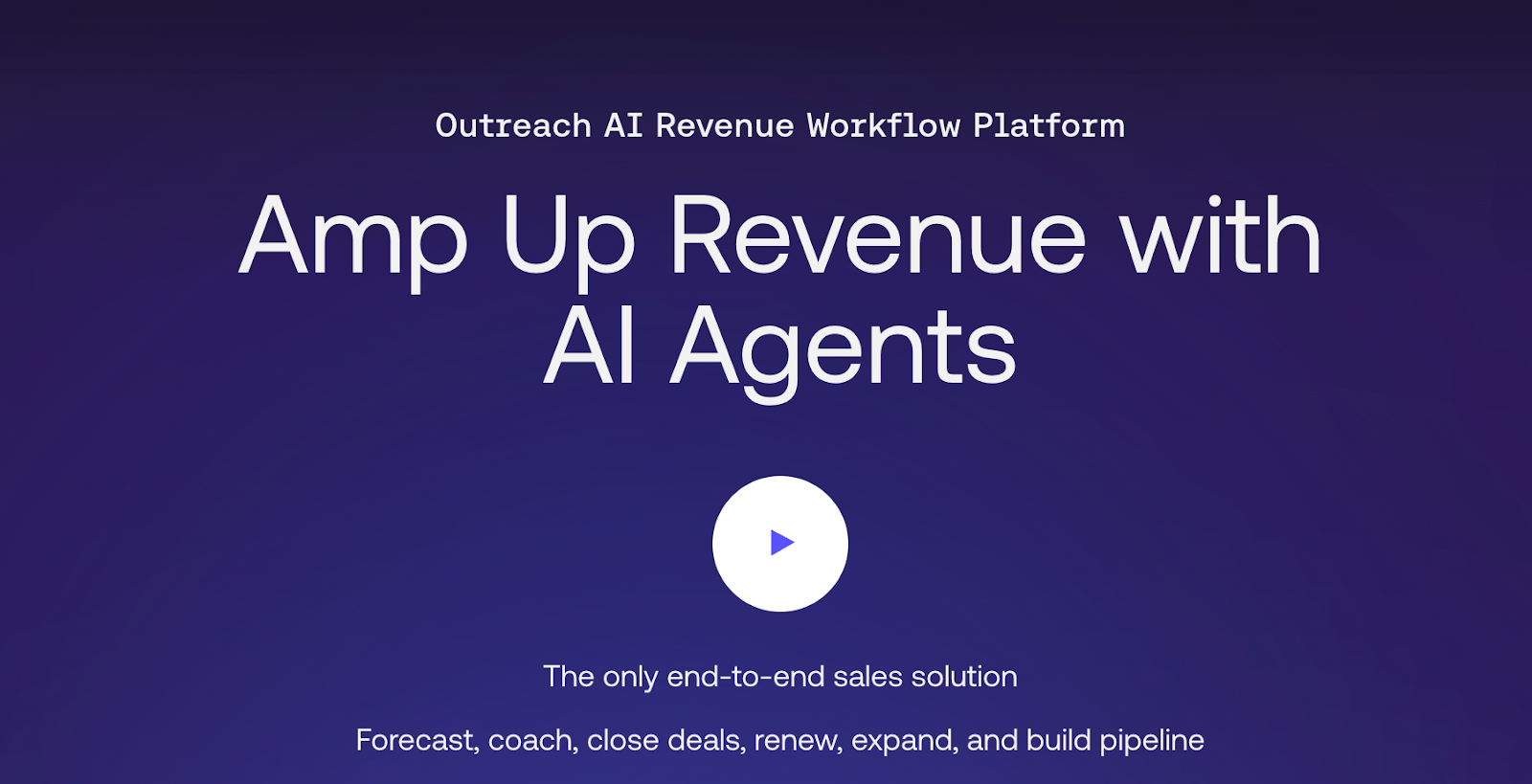
Outreach automates HubSpot-synced sequences for high-volume outreach, running sophisticated multi-channel cadences across email, calls, and LinkedIn without manual tracking. The platform scales outreach across large teams with detailed analytics on sequence performance and A/B testing capabilities.
Key Features
Pros:
Cons:
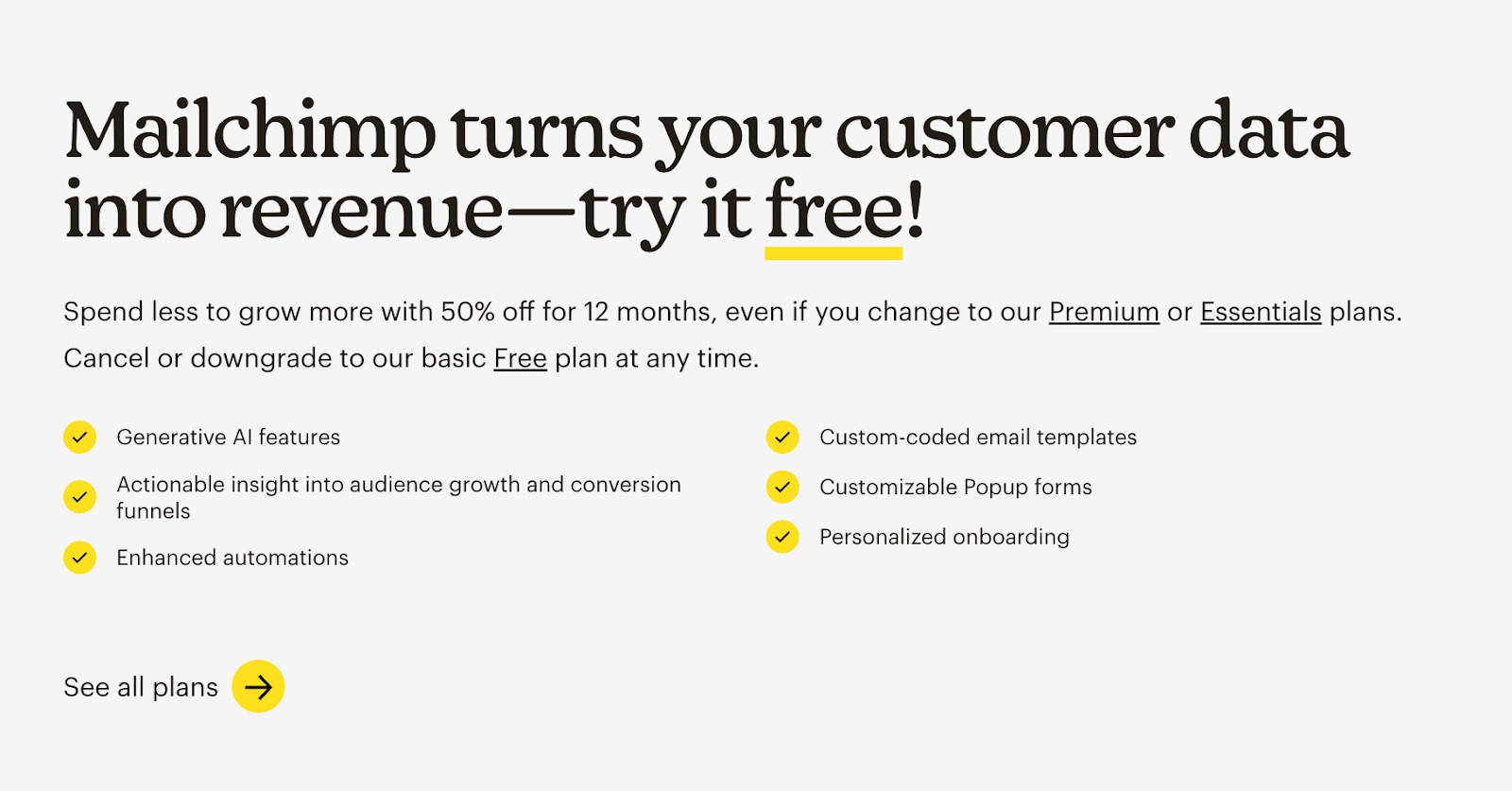
Mailchimp syncs email campaign performance and engagement data to HubSpot for lead nurturing, feeding opens and clicks back to your Customer Relationship Management tool for lead scoring. The platform offers affordable email marketing with pre-built templates and sales and marketing automation workflows that both sales and marketing teams can leverage for broadcast communications.
Key Features
Pros:
Cons:
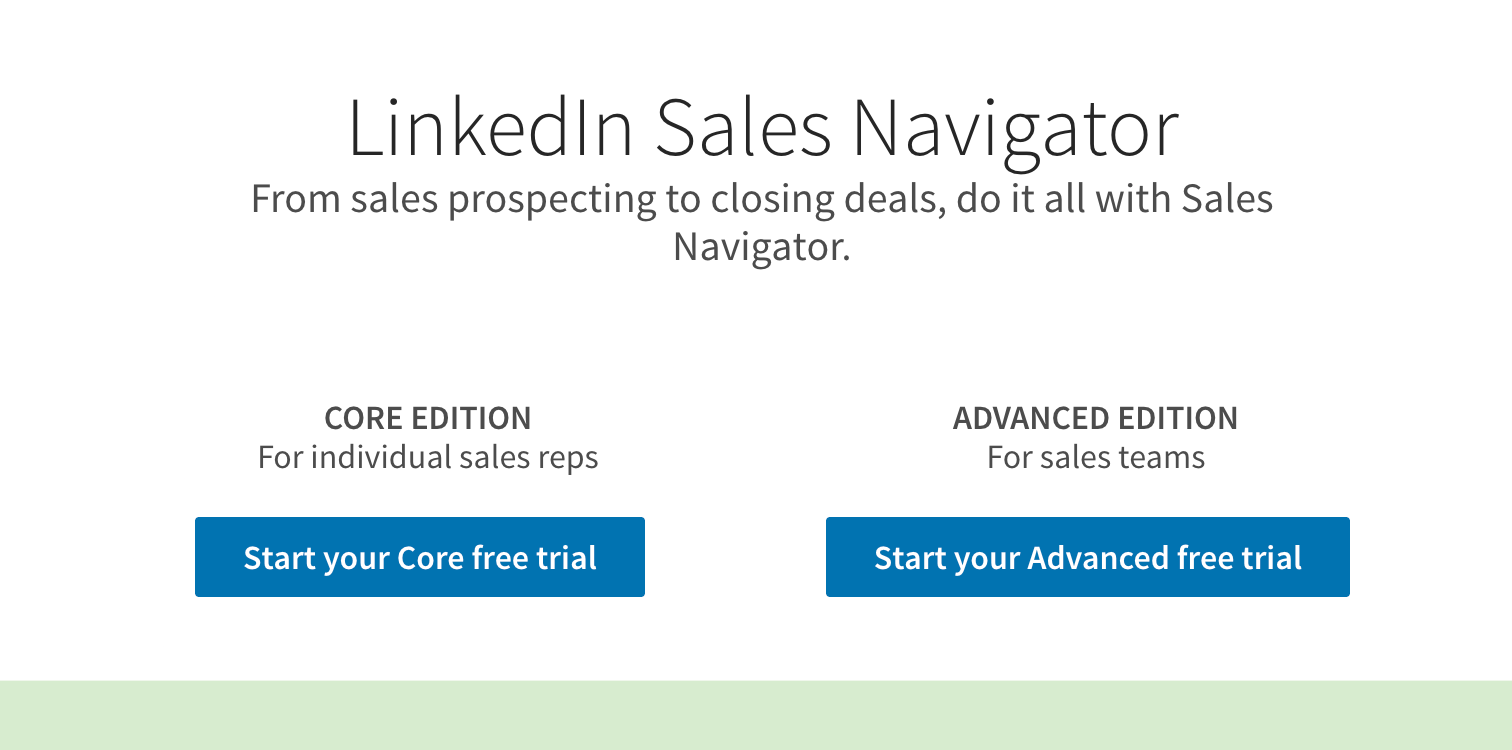
LinkedIn Sales Navigator pushes leads and activity to HubSpot while you prospect on LinkedIn, automatically syncing saved leads, InMails, and engagement signals to your CRM. The platform provides advanced LinkedIn sales filters, real-time job change alerts, and TeamLink for warm introductions through your network.
Key Features
Pros:
Cons:
Deals close when contracts get signed, not when they sit in your CRM. These tools generate proposals from HubSpot data, track engagement, and capture signatures without email back-and-forth.
Alt text: PandaDoc document automation with proposal tracking and e-signature
PandaDoc generates trackable proposals and contracts from HubSpot deal data with real-time analytics showing exactly how prospects engage with each section. Built-in e-signature and payment collection eliminate contract back-and-forth, while interactive pricing tables let prospects customize packages.
Key Features
Pros:
Cons:
DocuSign is the industry-standard e-signature platform that integrates with HubSpot to send contracts, capture legally binding signatures, and auto-update deal stages when completed. The platform provides enterprise-grade security with SOC 2, HIPAA, and GDPR compliance, plus complete audit trails.
Key Features
Pros:
Cons:
Now that you've seen the top HubSpot integrations available, let's explore why they matter. Here are six ways the right integrations transform how your sales team operates.
.png)
Your reps shouldn't spend hours clicking through HubSpot fields after every call. The right integrations eliminate data entry and update CRM properties automatically, allowing your team to focus on selling instead of typing.
When activity lives outside HubSpot, deals show outdated stages and opportunities look active when they've actually gone cold. Integrations create a single source of truth where every interaction flows back to HubSpot automatically. Managers gain a real-time view of pipeline health without having to chase reps for updates.
Deals stall when things fall through the cracks during handoffs. Smart integrations eliminate these delays by automatically triggering the next step, whether that's sending a case study, creating a proposal, or notifying Customer Success. the moment a demo completes.
Sybill drafts personalized follow-up emails in your rep's writing style immediately after a call, so prospects get a response while the conversation is still fresh.
Siloed tools hide the patterns behind your wins. Integrated tools reveal what actually moves the needle, such as identifying which touchpoints lead to faster closes or which specific topics correlate with higher success rates. You can finally coach your team based on what works, rather than gut feelings.
If you need to grow your pipeline without doubling your payroll, you need leverage. When integrations handle repetitive tasks like scheduling and documentation, your existing team can manage significantly more deals without increasing their workload.
Nothing kills a deal faster than appearing disorganized. Integrations create "institutional memory," ensuring that when a deal moves from an AE to a Manager or CSM, the full history is preserved. Your team looks unified, and your prospects never have to repeat themselves.
.png)
With so many integration options available, how do you choose the right ones for your team? Use our checklist to make smart decisions.
Here's a truth most integration listicles won't tell you- more integrations isn't always better.
Every tool you add creates another login, another data sync to monitor, another potential failure point. The companies with the most integrated HubSpot instances aren't always the most productive; they're often the most overwhelmed.
The goal isn't to connect everything. It's to connect the right things to boost productivity and promote efficiency.
We've created a comprehensive HubSpot Integration Selection Checklist that helps you audit your stack, identify real gaps, and evaluate new integrations against actual needs, not what a sales demo promises. Download now!
LINK TO THE CHECKLIST: [External] The Hubspot Integration Checklist by Sybill.ai
.png)
Feeling integration fatigue? Sybill.ai combines the functionality of multiple separate tools into one AI-powered sales assistant that actually reduces your tech stack instead of adding to it. You get conversation intelligence, automatic CRM updates, AI-generated content, and sales insights, all in one integration with HubSpot.
Start your free trial today! Download the blog here.
.png)
A HubSpot integration is a digital bridge that automates data flow between HubSpot and your other software. Rather than manually syncing meeting notes or deal stages, these connections handle the transfer instantly. Most integrations are either native (built by the vendors), third-party (connected via tools like Zapier), or custom-built using HubSpot’s API.
The "best" tool depends on your specific bottleneck, but AI-powered sales assistants like Sybill offer the most immediate impact by saving reps up to 12 hours of manual CRM work per week. With plans starting at $19/month/user, it is a highly accessible way to automate note-taking and data entry. For other needs, Apollo is ideal for outbound prospecting, while PandaDoc streamlines complex contract cycles.
Integration costs vary significantly, starting with free native tools like Slack and Zoom. Entry-level sales AI like Sybill begins at $19/month/user, while more robust outbound platforms or project management tools typically range from $50 to $100 per user. When evaluating cost, prioritize tools that offer free trials to ensure they deliver a high ROI through time savings rather than just adding features.








