
Find us at booth #83, join us for a harbor side happy hour, or catch Gorish’s talk.

Sept, 16-18 > Learn more

%20(1).avif)
Mamta Tainwala

April 17, 2026
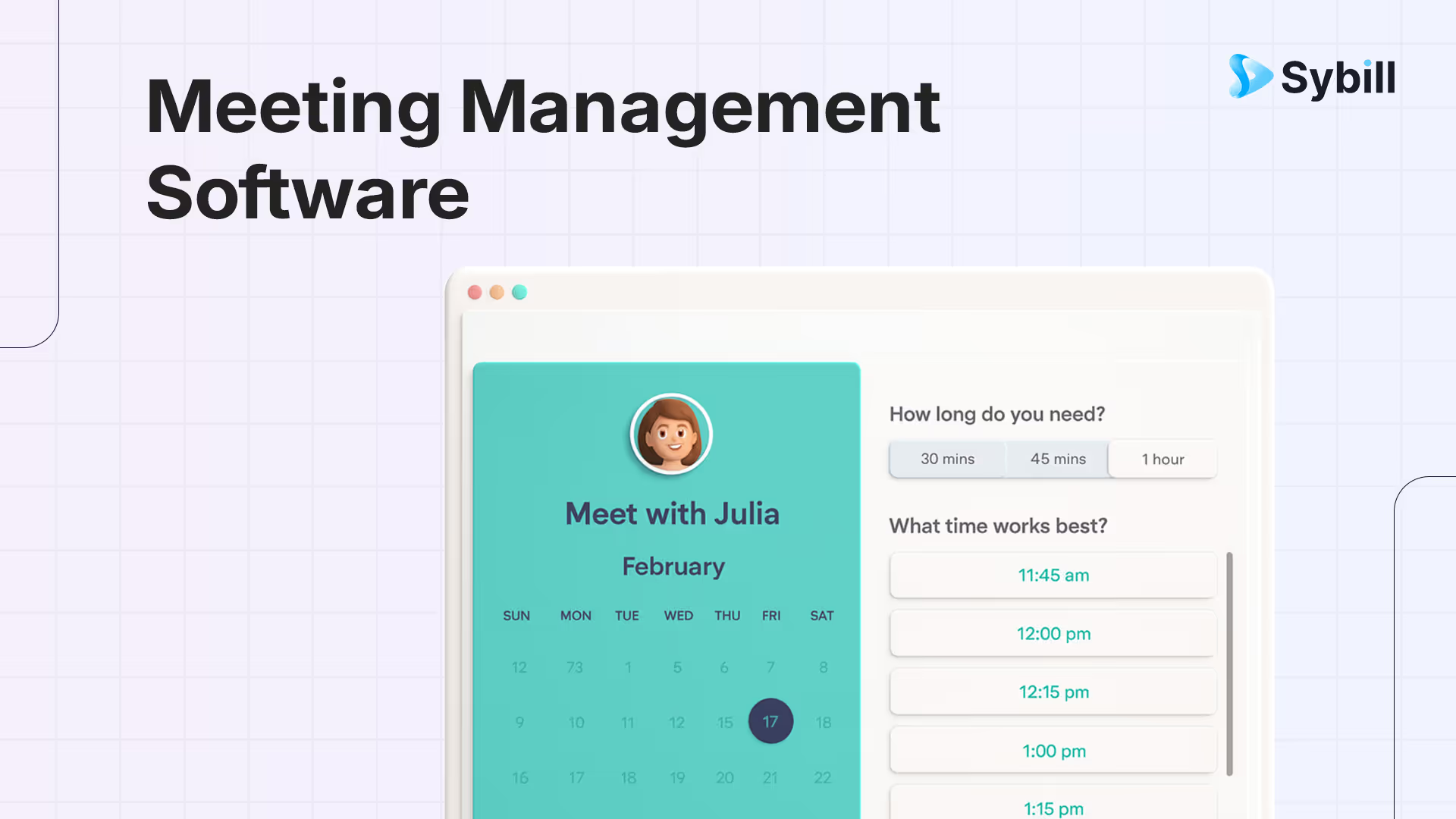
In some alternate universe, every sales rep shows up to meetings fully prepped, writes immaculate follow ups, updates the CRM with poetic accuracy, and remembers exactly what the CFO said on that call six weeks ago.
Sadly, we don’t live in that universe.
We live in the one where:
The best meeting management software for remote teams in 2026 includes Sybill (best for sales teams with AI summaries, automated follow-ups, CRM autofill, and deal intelligence), Fellow (best for collaborative meeting agendas and action item tracking), Hypercontext (best for manager one-on-ones and team meetings), Fireflies (best for searchable meeting transcripts and archives), and Otter AI (best for real-time transcription and collaboration). Effective meeting management software goes beyond recording and transcription to automate the post-meeting workflow — generating summaries, assigning action items, updating project tools, and drafting follow-up communications — which is where AI-powered tools like Sybill deliver the largest time savings for revenue teams.
But meeting management software? That is the portal between universes. It takes the messy calls, scattered notes, and forgotten next steps and transforms them into actual pipeline movement.
In this guide, we are going to unpack what “meeting management software” actually means for remote teams, how it is different from generic productivity tools, and what to look for so your meetings translate into pipeline, not just pixels on a calendar.
We will also look at how tools like Sybill’s AI sales assistant centralize meeting notes, follow ups, and CRM updates so your reps can spend more time selling and less time playing “Where did I put that Zoom recording again.”
If you are skimming this on your phone between calls, here is the short version.
Meeting management software is a set of tools that helps you plan, run, and follow up on meetings in a structured way. For sales teams, that usually means:
Because meetings are where revenue actually happens.
Unproductive meetings are not just annoying; estimates suggest companies lose tens of billions of dollars each year to wasted meeting time in the United States alone. (Cross River Therapy)
When your sales meetings are unstructured or poorly documented, you get:
If you are in sales, the most useful meeting management setup is usually a combo of:
Tools like Sybill’s AI meeting note taker and Magic Summary sit in that last category. They join your Zoom, Meet, or Teams calls, create structured summaries, surface deal risks, and update your CRM so reps do not have to.
Let us strip away the buzzwords.
Meeting management software is any software that helps you handle the full lifecycle of a meeting:
In generic productivity land, this can be something as simple as:
For sales teams, that is rarely enough.
Sales calls are not just “meetings.” They are data events that inform your pipeline, forecast, and strategy. You care about:
And you care about those things across dozens or hundreds of deals.
That is where meeting management becomes revenue management.
Most meeting advice is written for “knowledge workers,” which apparently do not include sellers who close six figure deals while juggling five live objections and a product demo.
Sales teams have a few unique realities.
Every discovery call, demo, and negotiation is a step on a revenue journey. If you skip proper prep or follow up, it is not just a “bad meeting.” It is a delayed or lost deal.
AEs, SDRs, and sales managers often sit in:
That is a lot of information to capture and remember, especially when each call is a high stakes conversation with real human nuance.
If a customer shares their budget, timeline, or a red flag, it should not die in a notebook. It has to flow into:
Which is why sales teams burn so much time on what feels like “meeting admin.”
This is exactly the problem sales focused AI meeting assistants like Sybill are built to fix. They join calls, capture all that nuance, and autofill CRM fields so your data is accurate without reps staying late to “catch up on admin.”
There are thousands of tools that could technically be described as “meeting management software.” The trick is ignoring the noise and focusing on the jobs that matter for sales teams.
Here is what your stack should actually handle.
Sales teams live in the “When are you free?” Olympics.
Your meeting management setup should let you:
Whether you are using tools like Calendly or native scheduling inside your CRM, the goal is simple. Zero back and forth, zero confusion.
If you want step by step help on setting up Google Meet for this, Sybill has a detailed guide on how to schedule a Google Meet meeting from Calendar, Gmail, and the Meet app.
For sales, that means:
Your “meeting software” here might be:
Sybill, for example, offers a pre call brief that pulls together context about participants and accounts so reps can walk into meetings prepared.
This is where generic note taking breaks.
You need more than “They liked the product” in your notes.
Modern sales teams use:
If you are still typing frantically while demoing, your brain is trying to do three jobs at once, and one of them is going to lose.
Sales focused tools like Sybill’s AI meeting note taker capture calls, generate human like summaries, and highlight key outcomes, next steps, and pain points so reps can stay present and review later.
This is where the magic happens.
A meeting is only “managed” if it turns into:
Sybill’s AI sales assistant and AI sales agent specialize in exactly this. They write follow up emails in your tone, fill CRM fields based on call insights, and sync data back to your workspace so nothing is lost.
Your meeting management stack should not only help with individual calls. It should help you answer questions like:
Sybill’s sales workspace gives AEs and managers a centralized view of deals, meetings, and tasks, and its analytics surface patterns that would be painful to find manually.
If you search for “meeting management software,” you get everything from board governance tools to generic project management platforms.
To make this less chaotic, let us split the universe into categories and see what sales teams actually need from each.
Examples: Calendly, Chili Piper, HubSpot meetings, CRM native schedulers.
Good for:
Sales team focus:
Pick something that integrates tightly with your CRM and routing logic. For inbound demo requests, walk in customers should hit the right AE automatically, not get bounced around in “Let me introduce you to the right person” emails.
Examples: Zoom, Google Meet, Microsoft Teams.
Good for:
Sales team focus:
You want something stable that prospects are comfortable with and that plays nicely with your AI meeting assistant. If the tool crashes mid pricing conversation, no one is happy.
If you are living in Google Meet world, Sybill’s meeting recorder guide walks through how to record, transcribe, and summarize meetings across platforms. (Sybill)
Examples: Notion, Confluence, Asana, meeting specific tools like Hypercontext.
Good for:
Sales team focus:
These tools are great for internal meetings like QBRs, pipeline reviews, and strategy sessions. For customer facing calls, you want something lighter weight, like a template or an embedded pre call checklist inside your AI assistant.
Sybill even offers templates like a sales team meeting prep flow so internal team meetings focus on pipeline and performance, not random status updates. (Sybill)
Examples: Sybill, Otter, etc.
Good for:
Sales team focus:
This is the most critical category for revenue teams, and also where the differences matter a lot.
Generic AI note takers are like “one size fits all” sweatshirts. They are fine for all hands meetings and vague brainstorming. They are less helpful when you need:
Sybill is built for this. Its Magic Summary restructures meeting recaps into outcomes, risks, stakeholders, and clear next steps so everyone from reps to RevOps can act on them.
Examples: Sales specific workspaces that unify calls, emails, and CRM.
Good for:
Sybill’s sales workspace is a good example. AEs get a single view that shows:
The result is a lot less “Wait, where did we store that call again?” and a lot more “Here is everything that happened in this deal in one view.” (Sybill)
Now that we know the categories, here is a practical way to choose tools without getting hypnotized by glossy demo decks.
Sit down with your AEs, SDRs, and sales leaders and ask:
Common answers:
You are not just picking “meeting software.” You are choosing where your team gets time back.
Sybill’s blog on AI sales tools suggests starting exactly this way: pick tools that reduce context switching and map directly to how reps already work, instead of adding yet another dashboard they will ignore.
For sales, this is non negotiable.
Ask vendors:
Sybill was designed as an AI sales assistant for exactly this reality. It uses your calendar to detect which meetings to join, then writes summaries and syncs them to your CRM, deals, and Slack so insights are actually where your team lives.
Some AI meeting tools can summarize any conversation. Fewer can handle:
When you test tools, run them on:
Look for:
Tools like Sybill lean on conversation and behavioral intelligence to understand not just what was said, but how engaged participants were, which gives you a clearer picture of deal health. (Source: Geekflare)
Sales calls often include:
You want a vendor that takes security seriously, including:
Many stats around meeting waste get cited from studies that also highlight how much sensitive time is spent in meetings. When you are sending all your calls through an AI service, your security team will definitely have questions. (Discovery ABA)
Sales leaders and managers need more than recaps. They need:
Sybill’s AI tools for sales managers show how AI agents can scan deals and meetings to flag risks, coaching opportunities, and pipeline anomalies proactively.
Let us imagine two versions of the same day for a mid market AE.
Same number of meetings. Very different level of control and revenue impact.
Let us pull this together and talk specifically about how Sybill sits within a modern sales meeting stack.
Sybill is not here to replace your calendar or video tool. It is the brain that sits on top of your sales meetings.
Sybill’s AI meeting assistant for B2B teams focuses on:
So each call you run automatically turns into structured, revenue ready data.
If you want a deeper conceptual breakdown of this category overall, Sybill’s guide on AI meeting assistants explains how these tools work and what to look for.
Classic note takers give you walls of text. Sybill’s Magic Summary rethinks the entire summary experience for sales and RevOps teams:
This matters because deals are rarely one person shows. Product, marketing, RevOps, and leadership all need access to meeting insights without sitting through every call.
On top of meetings, Sybill functions as an AI sales assistant that:
That means:
Finally, Sybill’s sales workspace pulls together meetings, tasks, and deal data into one view so AEs are not bouncing between nine tabs to answer basic questions like “What happened in this deal last week?”
For sales teams buried in recurring calls, this is the difference between surviving your calendar and actually controlling it.
Sales will never be a world without meetings.
You still need discovery calls, demos, renewals, and all the messy conversations where people say “Let me be honest with you” and then drop the real reason they have not bought yet.
What you do not need is:
Meeting management software is not just a productivity play for sales. It is a revenue infrastructure decision.
A stacked setup for a modern sales team usually looks like:
So the next time your VP Slacks you “What happened on that Acme demo?”, you do not stare helplessly at a blinking cursor.
You open your meeting summary, skim the clear outcomes, grab the AI drafted follow up, and answer with confidence.
“That call clarified their pain around reporting. Security review is scheduled, champion is bought in, main risk is budget timing, and next step is a pricing review next Tuesday. Here is the summary if you want to skim.”
That is what real meeting management for sales feels like.
And honestly, it feels a lot better than “I think it went well?”
Generic notetakers record, transcribe, and give you a summary. AI meeting assistants like Sybill, align notes to deals and sales frameworks, extract key details like budget, authority, and timeline. They can also help you write follow ups and update CRM. The really good ones, also provide coaching and forecasting signals.
For sales teams, a good starting default is all customer facing calls. All internal deal reviews and pipeline meetings. High stakes internal strategy sessions. If in doubt, record and summarize. You can always delete later based on policy. You cannot retroactively capture insights you never recorded.
Good practice usually includes: Clear recording disclosures in your meeting invites, verbal disclosure at the start of calls when appropriate, internal policies for access, retention, and handling of recordings. Sybill’s content on meeting recording best practices breaks this down more completely, including tips on state and country level consent rules. Always align with your company’s legal guidance too.








