
Find us at booth #83, join us for a harbor side happy hour, or catch Gorish’s talk.

Sept, 16-18 > Learn more

%20(1).avif)
Mamta Tainwala

September 22, 2026
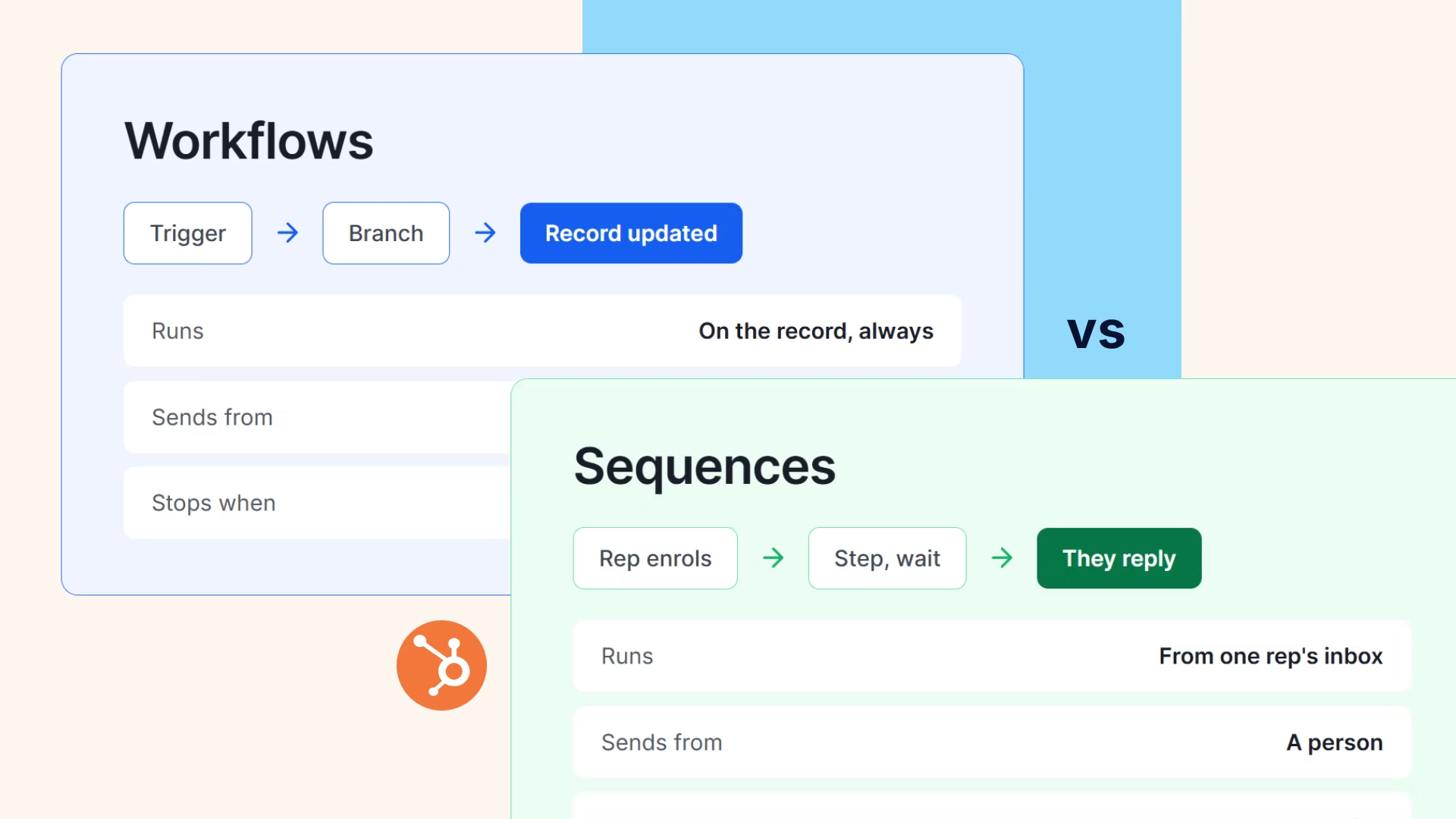
HubSpot ships two email automation engines, and the single most common configuration mistake in the platform is putting a message in the wrong one. Sequences send one-to-one sales outreach from an individual rep's connected inbox and stop when the prospect replies. Workflows send one-to-many email from system addresses on behavioral triggers and keep executing by their own logic. Same platform, opposite machines, and the confusion is understandable because both say "automated email" on the box.
This post settles the split for good: the architectural differences that actually matter, six real scenarios mapped to the right engine, the patterns for running both together, and the dependency underneath both that no tier upgrade fixes. Deep dives on each engine live in their own guides: sequence setup step by step and the broader automation strategy.
Sequences are a Sales Hub tool (Professional and Enterprise, plus the Service Hub equivalents) for rep-led, one-to-one outreach: the emails send from the rep's own connected Gmail or Outlook, read as personal because they technically are, and the contact unenrolls automatically on a genuine reply or a meeting booked through a HubSpot scheduling link. Workflows are HubSpot's general automation engine across Hubs: they trigger on properties, form fills, and behavior, send marketing email from shared or system addresses, and execute branches, delays, and internal actions with no concept of stopping because someone wrote back.
Six differences carry almost all the practical weight:
One more difference that shapes real budgets: the two engines gate differently as you grow. Sequences hit their ceiling per rep (the daily cap, and the send-on-behalf gap at Professional that blocks SDR-enrolls-for-AE motions until Enterprise), so sequence pain scales with headcount and process design. Workflows hit their ceiling per database (email volume tied to the Marketing Hub contact tier, and advanced actions gated up-tier), so workflow pain scales with list size and orchestration ambition. Teams evaluating an upgrade should name which pain they actually have, because the fix for one is not the fix for the other.
And a symmetry worth noticing: each engine's weakness is the other's whole design. Sequences can't branch; Workflows can't converse. Every architecture question in this post reduces to keeping each machine on its own side of that line, then building the handoffs where the sides meet.
The pattern behind all six: Workflows decide and orchestrate; Sequences converse. When a message should survive a reply, it's a workflow email; when a reply should end it, it's a sequence. Teams that internalize that one sentence stop misfiling, and the residual hard cases (a rep-voiced touch that must run at list scale, a nurture that should pause on engagement) are almost always solved by the relay patterns below rather than by forcing either engine out of character. If a scenario seems to need both engines' natures at once, it is two steps wearing one brief: split it, and each half files cleanly.
Yes, and the handoff is where mature HubSpot motions live. The two patterns that work, and the two failure modes to configure against:
Here is the part the comparison pages skip, and the reason picking the right engine is necessary but not sufficient: both machines run on properties. The workflow triggers on a property. The sequence's enrollment guardrails filter on properties. The unenrollment that saves a prospect from a tone-deaf cold touch fires on a property. The personalization tokens pull from properties. And properties update at the speed of rep discipline, which is the polite way of saying they drift exactly as fast as your team is busy, the failure our data hygiene deep dive measures in detail.
So the real architecture has three layers, not two: Workflows orchestrate, Sequences converse, and underneath both, something has to turn what buyers actually say into the fields both engines watch.
Sybill has analyzed around 33 million sales conversations, and that third layer is its job in a HubSpot stack: every call and meeting becomes a summary and HubSpot fields that fill themselves through the native integration, so the workflow fires on a real signal, the sequence stops before the embarrassing step, the tokens have something true to pull, and the follow-up drafts itself in the rep's voice from what the conversation actually covered, with deal inspection reading the signals across all of it.
Configure the engines right, and then feed them the truth. Both halves are the job.
Workflows decide. Sequences converse. Sybill keeps both honest. Every call and meeting becomes the HubSpot fields your automation runs on, automatically. Get started for free with Sybill.
The decision itself is one sentence: messages that should stop when a human replies belong in Sequences, messages and actions that should run on system logic belong in Workflows, and anything violating that sentence is either annoying a prospect or breaking a compliance rule. The mature version is the relay: Workflows detect and orchestrate, hand named humans to rep-led Sequences, catch the non-responders back into nurture, and suppress the double-touch. And the honest version admits the third layer, because the smartest routing in the world fires on whatever the properties claim, and properties lie whenever updating them competes with selling.
Pick the engine in a minute, wire the relay in an afternoon, and solve the truth problem once, with the automation tooling landscape and integration directory covering the rest of the stack.
One sentence for the split, one relay for the handoffs, one truth layer under both, and a quarterly audit to keep all three honest. That's the whole comparison, and it fits on an index card.
Get started for free with Sybill or book a demo and make both engines run on what buyers actually said.
Sequences send one-to-one sales outreach from an individual rep's connected inbox and automatically stop on a genuine reply or a booked meeting; they live in Sales and Service Hub Professional and Enterprise. Workflows are HubSpot's cross-Hub automation engine, sending one-to-many marketing email from system addresses and executing actions (property updates, routing, deal creation) on behavioral triggers, with no reply-based stopping.
Use a Sequence whenever a reply should end the outreach: cold prospecting to named contacts, post-demo follow-up, and any conversation-seeking email that must come from a human's inbox. Use a Workflow when the logic should keep running regardless of replies: nurture at scale, internal alerts, stage hygiene, handoffs, and orchestration.
Yes, with a tier gate: Professional supports auto-enrollment scoped to a single sequence through that sequence's Automate tab, while enrolling any workflow into any sequence, sent from the contact owner's inbox, is Enterprise functionality. The relay pattern (workflow detects the signal, sequence carries the human conversation) is the standard combined architecture.
Yes, and different kinds: Sequences cap per rep per day (500 on Professional, 1,000 on Enterprise, on a rolling 24-hour window), while Workflow email volume scales with your Marketing Hub contact tier. Sequence email is one-to-one business correspondence; workflow email is marketing email carrying subscription-type and consent obligations.
Misfiling the message: prospecting blasted through Workflows (compliance exposure and system-address tells) or nurture crammed into Sequences (volume caps and no branching). Close behind: the double-touch, where a contact sits in a nurture workflow and a rep's sequence simultaneously, and the circular loop, where a sequence step updates the property that enrolls it.
Both engines trigger, filter, unenroll, and personalize off CRM properties, and Sybill fills those properties automatically from every call and meeting through its HubSpot integration. Workflows fire on real signals instead of stale fields, sequences stop before the tone-deaf step, tokens pull true data, and follow-ups draft themselves in the rep's voice from what was actually discussed.
Sequences send one-to-one sales outreach from an individual rep's connected inbox and automatically stop on a genuine reply or a booked meeting; they live in Sales and Service Hub Professional and Enterprise. Workflows are HubSpot's cross-Hub automation engine, sending one-to-many marketing email from system addresses and executing actions (property updates, routing, deal creation) on behavioral triggers, with no reply-based stopping.
Use a Sequence whenever a reply should end the outreach: cold prospecting to named contacts, post-demo follow-up, and any conversation-seeking email that must come from a human's inbox. Use a Workflow when the logic should keep running regardless of replies: nurture at scale, internal alerts, stage hygiene, handoffs, and orchestration.
Yes, with a tier gate: Professional supports auto-enrollment scoped to a single sequence through that sequence's Automate tab, while enrolling any workflow into any sequence, sent from the contact owner's inbox, is Enterprise functionality. The relay pattern (workflow detects the signal, sequence carries the human conversation) is the standard combined architecture.








