
Find us at booth #83, join us for a harbor side happy hour, or catch Gorish’s talk.

Sept, 16-18 > Learn more

%20(1).avif)
Mamta Tainwala

September 11, 2026
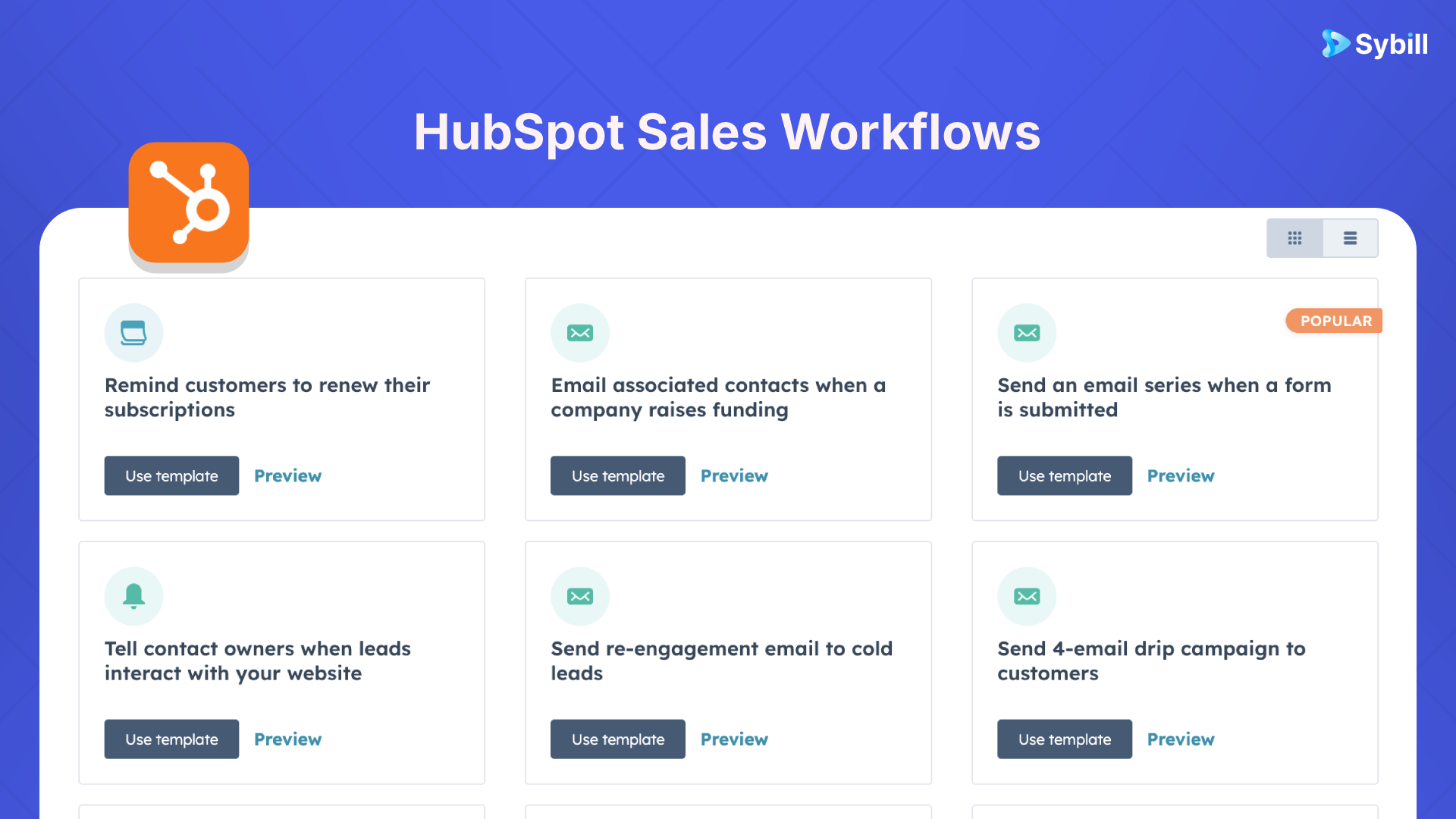
TL;DR: HubSpot workflows can automate lead routing, stage progression, follow-up, forecast hygiene, and the sales-to-CS handoff. Every one of them depends on a property holding a value. When a rep skips the field, the workflow does not error, it just sits there doing nothing. The 15 examples below are worth building. The fix that makes them fire is automating the field, not nagging the rep.
Here is the thing nobody puts in a HubSpot automation guide: the workflow is the easy part.
You can build a beautiful piece of logic that moves a deal to Proposal the moment "Economic Buyer Identified" flips to true. It will work perfectly. It will also never run, because your AE finished discovery at 4:55 pm, had another call at 5:00, and that checkbox is still empty three weeks later.
Workflows do not fail loudly. They fail quietly, which is worse. Nothing breaks, no alert fires, and you find out at the end of the quarter when your forecast turns out to have been built on records where half the qualification fields were blank.
So this guide does both halves. Fifteen workflows worth building across the full revenue lifecycle, then an honest look at what has to be true for them to fire at all.
HubSpot workflows are automated sequences triggered by record data: when a property meets a condition, the workflow fires actions like assigning owners, updating fields, creating tasks, or sending notifications. The full workflow builder requires a Professional or Enterprise subscription. Starter plans include only simple, single-trigger automations.
A few specifics worth having straight before you build, verified against HubSpot's own documentation as of September 2026:
Think of the revenue lifecycle in five phases: lead routing, stage progression, follow-up execution, forecast hygiene, and post-sale handoff. Fifteen workflows, three per phase.
.png)
You cannot route what you have not classified. Every routing workflow depends on firmographic and behavioral properties being populated before the assignment logic evaluates.
Trigger on contact creation, evaluate "Number of Employees" or "Annual Revenue" against your segment thresholds, then assign the contact owner accordingly and post an internal notification. Simple, and it removes the daily Slack thread where three reps argue about who owns an inbound.
Trigger: contact property. Action: owner assignment plus notification. Depends on: enrichment data being present at creation, which is where most implementations quietly break.
When a demo request form submits, branch on lead score, and for high scorers create an immediate task for the assigned AE with a due date of today. Include the contact's company, role, and content history as personalization tokens in the internal notification so the rep opens the task already knowing something.
Speed matters more than polish here. A rep who calls back in an hour with partial context beats a rep who calls back tomorrow with a full dossier.
Set an event trigger on pricing page views or high-value asset downloads by known contacts. The workflow sets a "High Intent" property to true, creates a rep task, and pushes a Slack notification. If your team lives in Slack, this is one of the highest-return workflows on the list, and there are more Slack automations worth wiring up once this one is running.
This is where automation gets valuable and where the empty-field problem gets expensive. Stage data drives your entire forecast, and stage data is exactly what reps update last.
The workflow every sales leader asks for. Trigger on a qualification property ("Discovery Complete = True"), move the deal from Discovery to Proposal, and create a follow-up task due in two business days.
The logic is trivial. The dependency is not. This workflow fires only if something populates that property, and "the rep checks a box after every call" is not a system, it is a hope. Hold that thought, because it is the whole second half of this post.
If "Last Activity Date" is more than 14 days old and the deal is in an active stage, notify the owner in Slack and create a task. Escalate to the manager above a value threshold.
Fourteen days is a starting point, not a rule. Tune it to your actual cycle. The point is catching slippage in week two rather than discovering it during the forecast call, when your only remaining option is an uncomfortable explanation.
When deal amount exceeds your threshold and the stage moves to Negotiation, notify the VP of Sales or CRO with tokens surfacing deal name, owner, close date, and named stakeholders, plus a task to review the record before the next customer touch.
Your biggest deals should not depend on a rep remembering to raise a hand.
Follow-up quality is downstream of note quality. A rep with a documented next step writes a useful email. A rep working from memory writes "just circling back."
Hold the agreed next step in a custom property ("Next Step = Send Pricing Breakdown"), and trigger sequence enrollment when the value matches. Clean pattern, widely used, and it converts a decision made on the call into an action taken automatically.
Same catch as workflow 4: the property has to hold a value, and populating it means logging the next step in the ninety seconds between calls. See how to actually get a team to update the CRM for why willpower is not the answer.
Put a "Primary Objection" property on the deal with controlled values (Price, Timing, Feature Gap, Incumbent), then use a branch node to enroll the contact in the matching nurture track. Price objections get ROI proof, timing objections get a compelling-event narrative.
The failure mode here is subtle: objections written into a free-text notes field cannot trigger anything. Structured values trigger logic. Paragraphs do not. That distinction is why automated email workflows work for some teams and sit dormant for others.
When a deal moves to Contract Sent, start a delay-based workflow. At day three, if "Contract Signed" is still empty, send a follow-up from the rep and create a task. At day seven, escalate with a manager notification.
The rep's only job is sending the contract. Everything from there runs itself until someone signs.
Forecast accuracy is a data-completeness problem wearing a math costume. These three workflows exist to make incompleteness visible before it becomes a miss.
When a deal enters stage 3 or later, evaluate whether your methodology fields are populated. If "Economic Buyer" or "Decision Criteria" is blank, create a task, tag the deal "Incomplete Qualification," and notify the rep and manager. Filter on that tag during pipeline review.
This does not slow good deals down. It surfaces the ones that look further along than they are, which is the single most common cause of a quarter-end surprise. If you are still deciding which fields to enforce, our BANT vs MEDDIC breakdown covers what each framework actually requires.
When a deal has no activity past your inactivity threshold and remains in an active stage, move it to Closed-Lost with a loss reason of "Inactivity" and notify the owner and manager so nobody is surprised.
Painful and necessary. A pipeline showing 4x coverage that includes a pile of zombie deals is not 4x coverage, and everyone in the forecast meeting knows it except the dashboard.
Flag deals sitting in a stage longer than 1.5x your historical average for that stage, set an "At Risk: Velocity" property, and notify the rep and manager. Filter on the property in your pipeline review view.
This converts historical data from a quarterly retrospective into a live monitoring system. Pair it with a real read on which deals are actually at risk, because time-in-stage is a symptom, not a diagnosis.
The handoff is where revenue teams drop the baton. The deal closes, the AE moves to next quarter's number, and CS inherits a record with three populated fields and a customer who expects continuity.
When a deal is marked Closed-Won, create a ticket or onboarding project and assign a CSM. Standard workflow steps, and they run regardless of what else is in your stack.
What determines whether the handoff is good is what the CSM finds attached: stakeholder names, documented commitments, stated success criteria, and known risks. Without that, they schedule a discovery call with someone who already had discovery, which is a bad first impression to make on a new customer. Our sales-to-CS handoff guide covers the content side, and the handoff brief template gives you the structure.
When "Contract Signed" flips to true, email the economic buyer and champion with onboarding next steps, a CSM introduction, and a scheduling link, populating names dynamically from properties.
Customers hear from you within minutes of signing instead of whenever someone gets to it the next morning. Small thing, disproportionate impact on how the relationship starts.
If a customer's health score falls below threshold inside the first 90 days, alert the original AE alongside the CSM.
The AE built the relationship and made the promises that set expectations. Bringing them back while it is still a recoverable conversation beats bringing them in for the cancellation call. The same principle applies upstream, which is why SDR-to-AE handoffs deserve the same treatment.
HubSpot workflows fail because trigger properties are empty, not because the logic is wrong. A workflow evaluates a field value and fires only on a match. A blank field produces no match, no error, and no notification, so broken automation looks identical to automation that had nothing to do.
Read back through those fifteen. Now count how many depend on a property a human being has to type in after a call. Workflow 4 needs a qualification field. Workflow 7 needs a next step. Workflow 8 needs a structured objection. Workflow 10 needs your whole methodology populated. Workflow 13 needs stakeholders, commitments, and success criteria.
That is a third of your automation strategy resting on the least reliable moment in a seller's day: the ninety seconds between one call ending and the next one starting.
And the standard responses do not work. Making fields required just teaches reps to type "n/a" to escape the form. Nagging in pipeline review buys you compliance for a week. Dashboards showing low CRM completion tell you the problem exists without touching the cause. The cause is that manual data entry competes with selling, and selling wins, correctly.
The only durable fix is removing the human from the input step. That is a CRM data hygiene problem, not a discipline problem, and it gets solved at the input layer or not at all.
Sybill captures every sales call and writes structured values into HubSpot properties automatically after the conversation ends, including qualification, discovery, and next-step fields. Because the fields populate without rep input, the workflows that depend on them trigger on their own.
Credit where it is due: HubSpot's native automation is genuinely strong, and its AI features have gotten better at suggesting record updates from calls. Suggestions still need someone to review and accept them, which reintroduces the exact step that was failing. Sybill sits upstream of your workflows instead, filling the fields they read.
Working from around 33 million sales calls analyzed, here is what that looks like in practice:
The division of labor is clean: HubSpot decides what happens when a field changes. Sybill makes sure the field changes. Setup runs through the HubSpot integration, and the help center has the configuration steps. If you are auditing your wider stack, we also keep a roundup of the best HubSpot integrations for revenue teams.
Get started for free with Sybill
Roll out workflows with one or two reps for 30 days before team-wide deployment. Pilots surface two failure modes early: triggers that fire incorrectly because a field is formatted differently than expected, and notification volume that trains the team to ignore alerts.
Three principles that hold up regardless of stack:
Map your properties before you build anything. Generic workflow templates fail because they assume a generic pipeline. Audit your real stages, then name the exact property that has to change for each transition. A MEDDPICC team needs "Metrics Confirmed" and "Economic Buyer Identified" as actual properties with controlled values, not as a shared understanding.
Pilot with your best rep, not your worst. Your top performer will tell you the workflow is annoying before twenty people experience it simultaneously.
Budget for alert fatigue. Every notification competes with every other notification. A workflow that fires too often becomes a workflow nobody reads, which is worse than no workflow, because now you think you have coverage. That discipline is what separates working sales workflow automation from an impressive-looking automation graveyard.
Two adjacent workflows worth stealing once these are live: routing product feedback from HubSpot into Slack so PMs hear customers directly, and running deal reviews off pipeline data instead of rep recollection. And if you are the RevOps person for whom all of this is Tuesday, that is the job Sybill was built to shrink.
The full workflow builder requires a Professional or Enterprise subscription across Marketing, Sales, Service, Data, Smart CRM, or Commerce Hub. Starter plans include simple workflows only, with capped actions, a single trigger, and no branching. Free plans have no workflow builder.
Professional subscriptions allow up to 300 workflows, and Enterprise raises that to roughly 1,000. Most revenue teams never approach either ceiling, so workflow count is rarely a reason to upgrade tiers. Advanced logic, permissions, and governance usually are.
Sequences are rep-led outreach cadences that send from a rep's inbox and stop when a prospect replies. Workflows are system-level automations for routing, field updates, stage changes, and internal notifications. Audience decides: prospect means sequence, record or internal team means workflow.
The most common cause is an empty trigger property. Workflows evaluate a field value and fire only on a match, so a blank field produces no match and no error message. Check whether the property your enrollment trigger reads is actually populated on the records you expect to enroll.
Yes. A workflow can move a deal to a new stage when a property meets a condition, such as a qualification field flipping to true. The constraint is upstream: something has to set that property. Tools that write CRM fields from call data remove the manual step that usually blocks it.
Automate the input rather than enforcing the behavior. Required fields produce placeholder values, and reminders produce short-lived compliance. Capturing structured data from calls and writing it to properties automatically removes the competition between selling and data entry, which is what actually causes the gaps.
Indirectly. Workflows can flag missing qualification data, stale deals, and velocity outliers, which improves the inputs your forecast relies on. They cannot assess whether a deal is real. That needs conversation-level signal, covered in our guide to AI sales forecasting.
Trigger on Closed-Won to create the CS project and assign a CSM, then make sure the record carries stakeholder names, commitments, and success criteria before the first onboarding call. The workflow is the easy half; the context is what determines whether the handoff lands.
The full workflow builder requires a Professional or Enterprise subscription across Marketing, Sales, Service, Data, Smart CRM, or Commerce Hub. Starter plans include simple workflows only, with capped actions, a single trigger, and no branching. Free plans have no workflow builder.
Professional subscriptions allow up to 300 workflows, and Enterprise raises that to roughly 1,000. Most revenue teams never approach either ceiling, so workflow count is rarely a reason to upgrade tiers. Advanced logic, permissions, and governance usually are.
Sequences are rep-led outreach cadences that send from a rep's inbox and stop when a prospect replies. Workflows are system-level automations for routing, field updates, stage changes, and internal notifications. Audience decides: prospect means sequence, record or internal team means workflow.








