
Find us at booth #83, join us for a harbor side happy hour, or catch Gorish’s talk.

Sept, 16-18 > Learn more


Tamanna Mishra

May 19, 2026
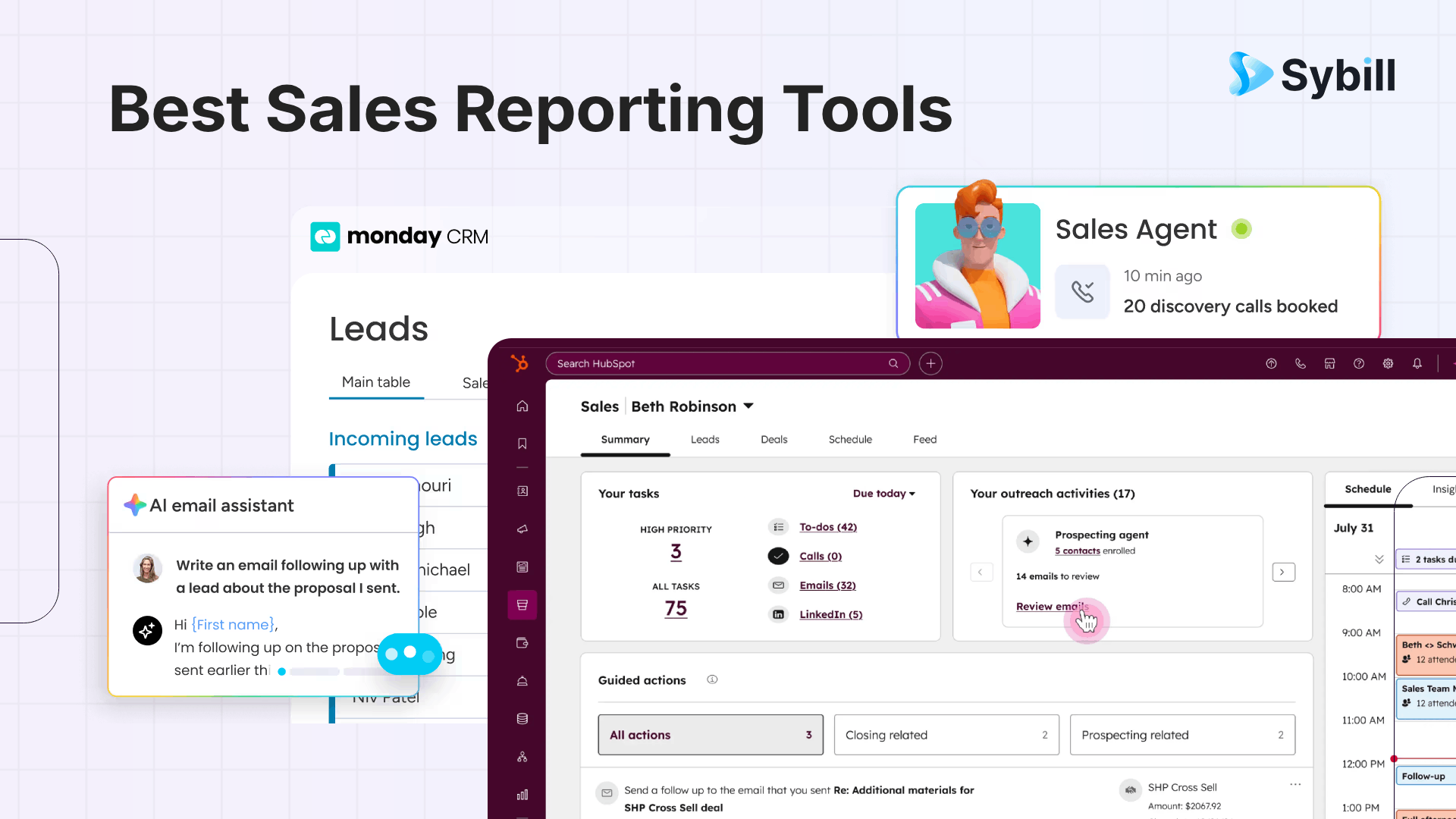
Most sales reporting tools give you visibility but not control. They show pipeline health, forecasts, and performance but fail to help reps act in the moments that actually close deals. Tools like Salesforce, HubSpot, and Pipedrive each solve parts of the reporting problem, but none bridge the gap between insight and execution. The real advantage comes from turning data into action. That’s where an execution layer like Sybill helps teams move faster, respond smarter, and convert insights into revenue outcomes consistently
Monday, 9:02 AM.
You open your pipeline dashboard. Numbers look solid. Coverage is healthy. Forecast feels safe.
By Thursday, things start slipping. By Friday, you’re explaining why.
No one lied. The data wasn’t wrong. It just wasn’t useful.
This is the problem with sales reporting tools. They’ve become very good at describing reality and surprisingly bad at helping you change it.
And in a world where deals stall because someone didn’t follow up, didn’t catch a buying signal, or didn’t handle one objection well, that gap is not theoretical. It’s revenue.
Sales reporting tools are meant to give you a clear view of your business. They pull in data from your CRM, your pipeline, your activities, and turn it into dashboards, charts, and forecasts .
At a surface level, that’s exactly what they do.
But most teams don’t use reporting to make decisions. They use it to validate assumptions.
The dashboard becomes a reassurance tool.
“Pipeline looks fine.”
“Conversion is stable.”
“Forecast is on track.”
Until it isn’t.
The real purpose of sales reporting isn’t visibility. It’s intervention. It’s supposed to tell you where to act before it’s too late.
And most tools stop just short of that.
Let’s zoom in on where things actually break.
.png)
Sales reporting assumes your data is clean. It rarely is.
Deals are outdated. Contacts have changed roles. Activities aren’t logged. Fields are half-filled. And yet, the dashboard still confidently shows you a “pipeline.”
You’re not looking at reality. You’re looking at a filtered version of it.
Also read:
There’s a reason only 35% of sales professionals fully trust their data.
If the system doesn’t reflect what’s actually happening in deals, reps will ignore it. And once that happens, reporting becomes a formality, not a tool.
Most reporting cycles are reactive. Weekly reviews. Monthly forecasts. But deals don’t fail weekly. They fail in moments.
A missed follow-up. A weak response. A delayed reply.
By the time reporting catches it, the deal is already gone.
We’ve over-optimized for visibility. Every tool promises better charts, cleaner dashboards, more filters.
But what sales teams actually need is simpler:
“What should I do next?”
And very few tools answer that.
Salesforce research shows reps spend a massive chunk of their time on non-selling work .
Now we expect them to interpret dashboards, analyze trends, and act on insights?
That’s not how behavior works. If it’s not obvious, it won’t get used.
Let’s focus on what actually moves the needle.
Not “updated daily.” Not “refreshed hourly.”
If your data lags, your decisions lag. And in sales, lag kills momentum.
A rep needs deal-level clarity.
A manager needs trend visibility.
A CRO needs forecast accuracy.
If your tool forces everyone into the same view, it’s not helping anyone.
Good tools tell you what happened. Better tools tell you what’s likely to happen next.
Great tools tell you what’s at risk right now.
That’s the bar.
Sales data is fragmented by default. CRM, email, calls, marketing touchpoints.
Your reporting tool needs to pull all of that together seamlessly . If it relies on manual inputs, it’s already broken.
If reps are still logging notes, updating fields, and manually maintaining pipeline hygiene, your reporting is built on effort, not truth.
This is where everything converges.
A tool that shows you a problem is useful. A tool that helps you fix it is valuable.
Let’s get into the tools that actually matter.Not from a feature checklist perspective, but from how they behave in real sales environments.
.png)
Salesforce is what happens when reporting meets scale. It can track everything. Customize everything. Forecast everything.
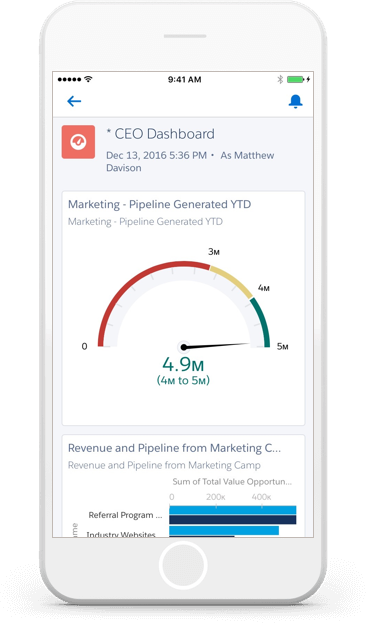
And that’s both its strength and its problem.
Pros
Cons
Salesforce doesn’t fail because of features. It fails when teams underestimate the operational discipline required to make it work.
If you have RevOps maturity, it’s unmatched. If you don’t, it becomes a very expensive mirror.
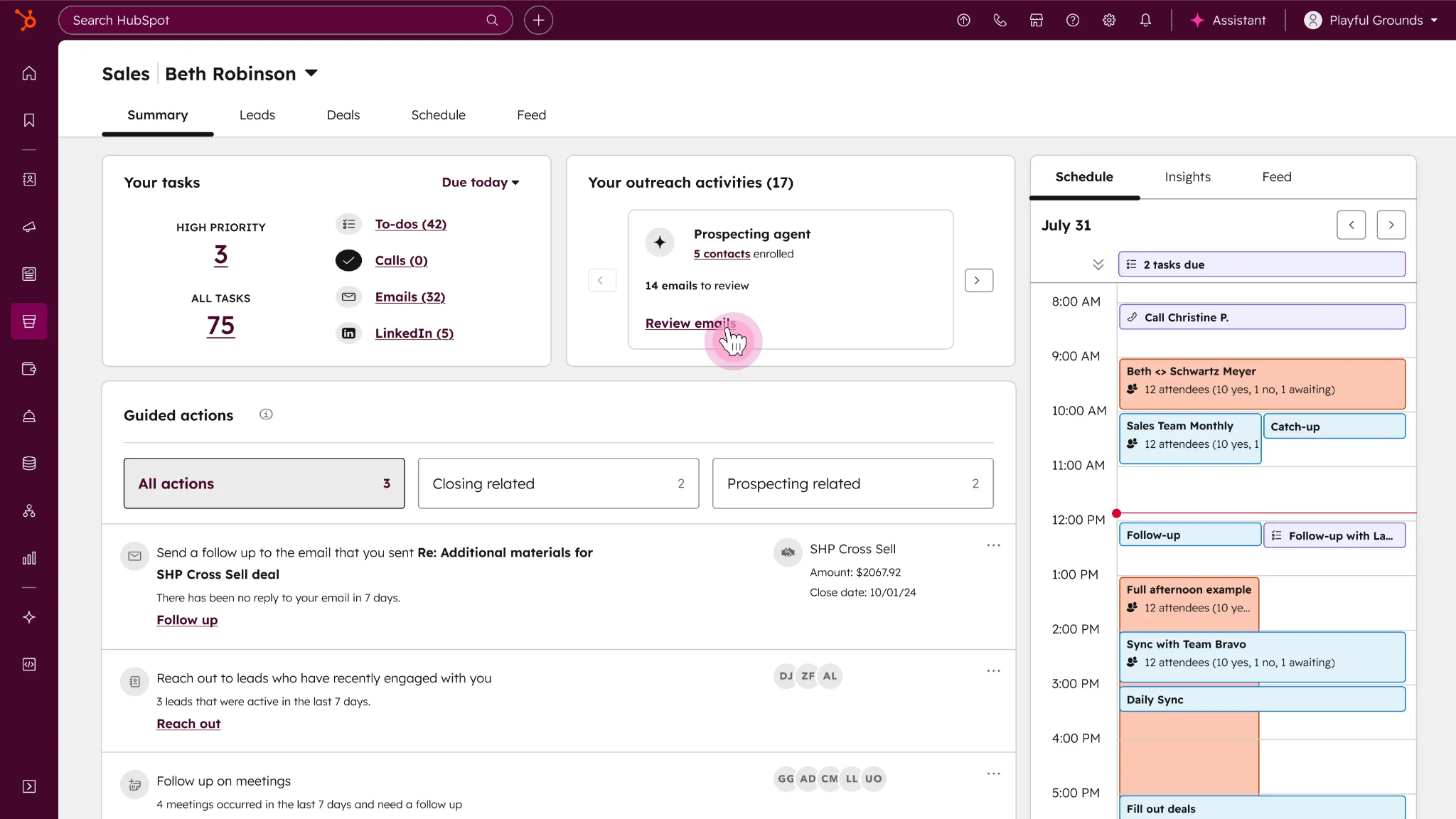
HubSpot feels easy. And that’s its biggest advantage.
You don’t need a manual to get started. You don’t need a consultant to build reports. You just log in and things make sense.
Pros
Cons
HubSpot is perfect for teams that want to move fast without overthinking their stack.
But once your reporting needs get nuanced, you’ll start feeling the ceiling.
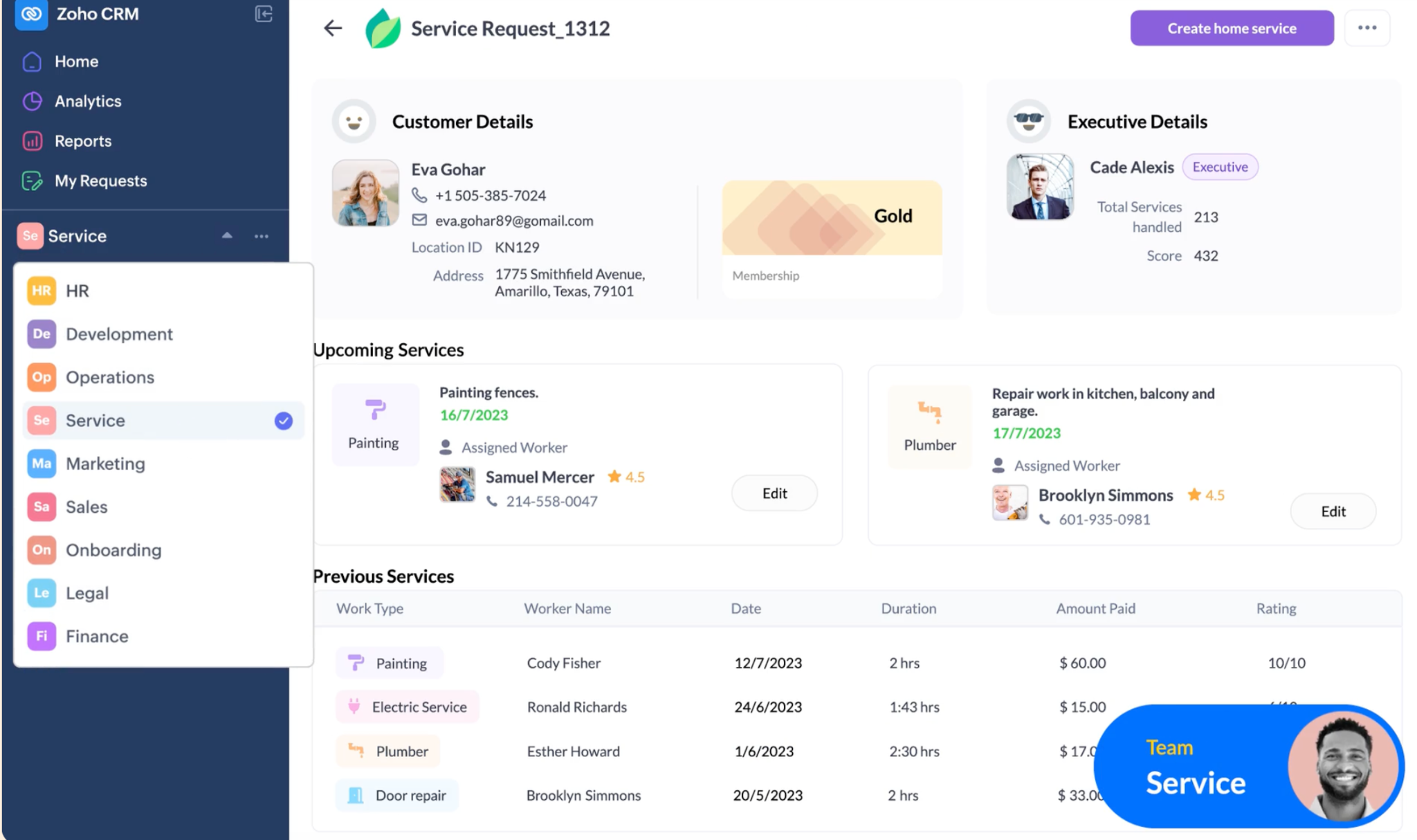
Zoho is interesting. It gives you a lot for what you pay. But it asks for something in return: effort.
Pros
Cons
Zoho rewards teams that are willing to invest in configuring it properly.
If you want plug-and-play simplicity, it’s not that. If you want value, it’s hard to beat.
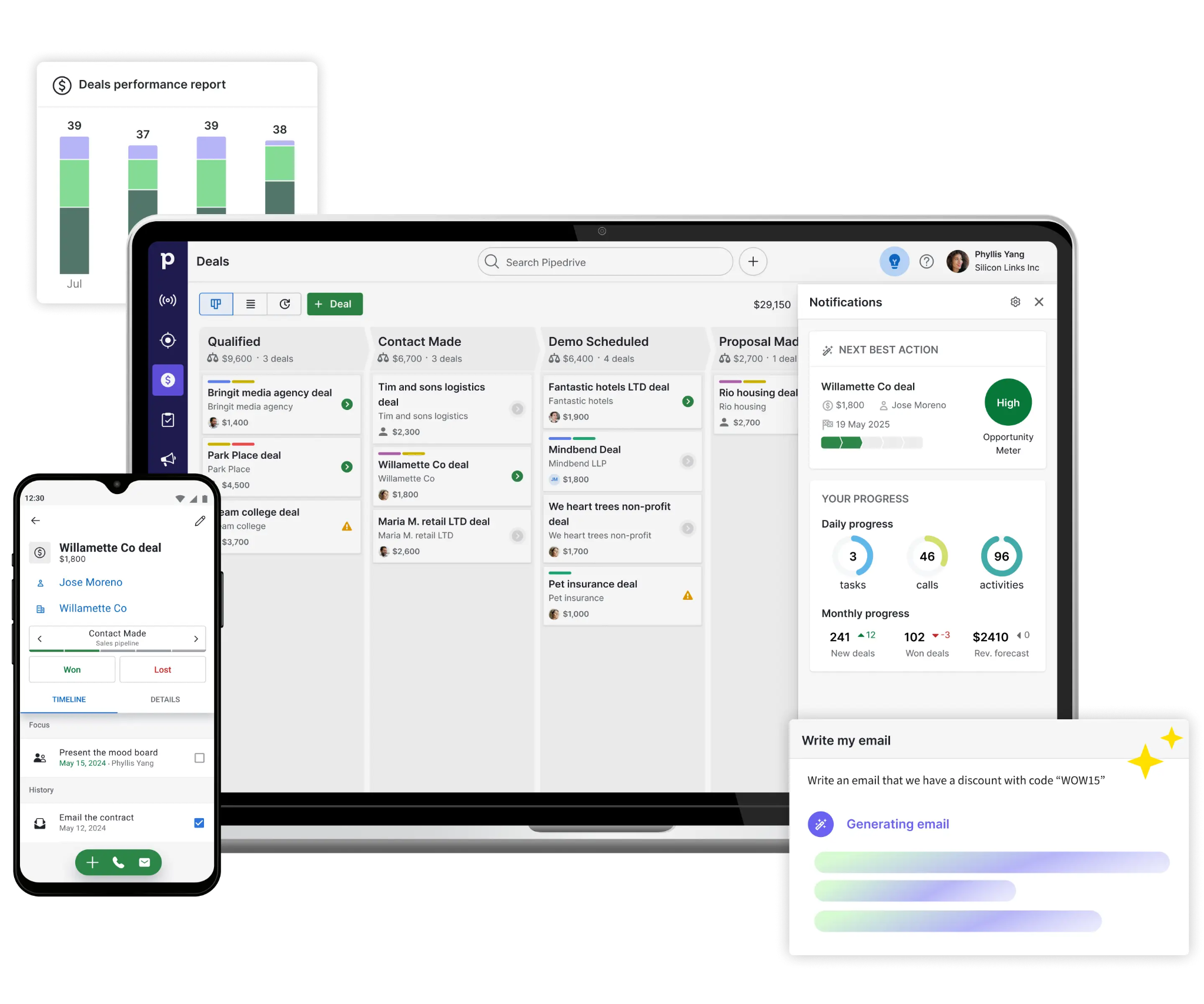
Pipedrive is opinionated. It believes sales should be simple. And for many teams, that’s exactly what works.
Pros
Cons
Pipedrive shines when your biggest problem is execution, not analysis.
It helps reps focus. But it won’t give leadership deep insight.
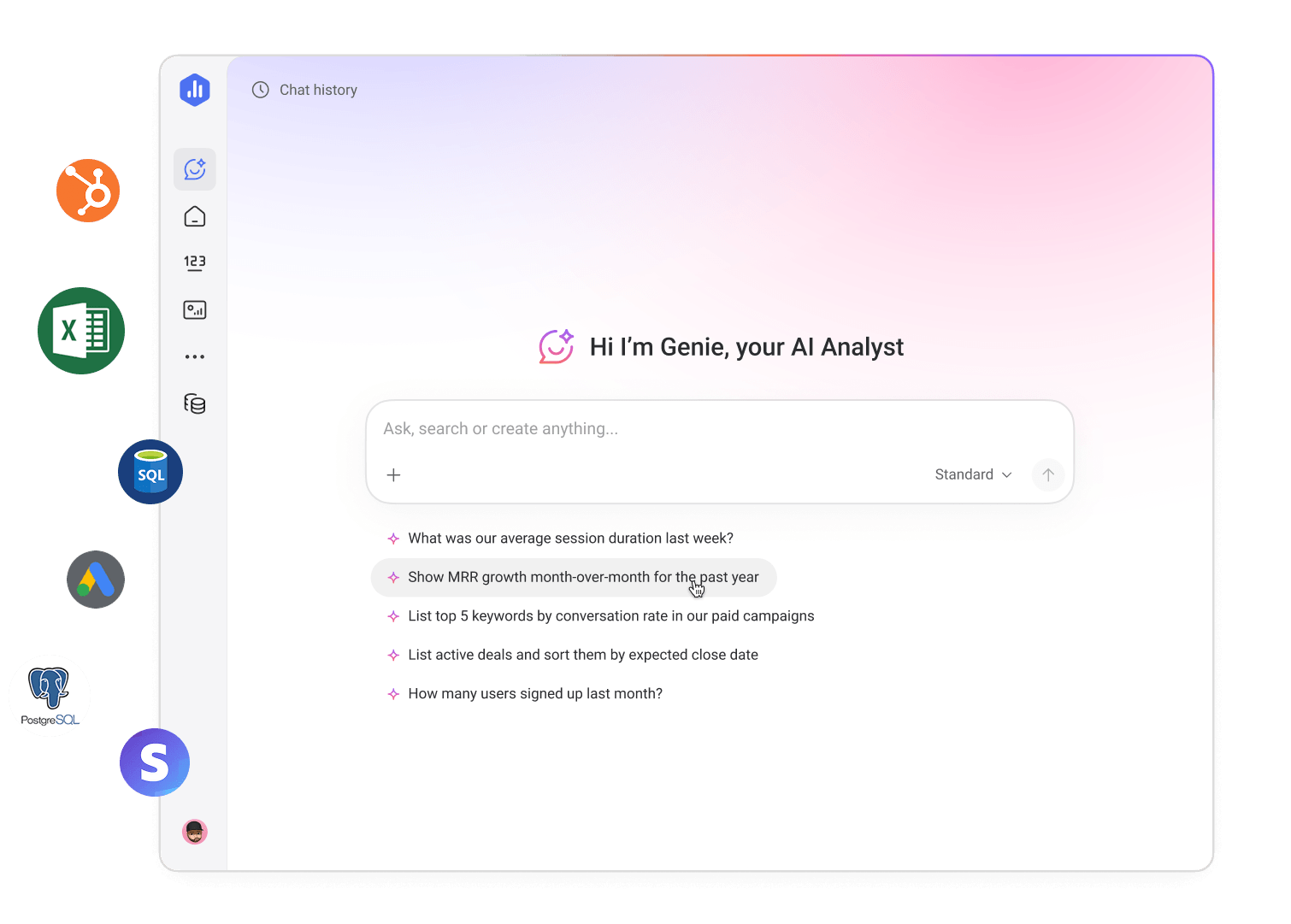
Databox sits on top of your CRM. Think of it as your “single pane of glass.”
Pros
Cons
Databox is great when your problem is fragmentation.
But it doesn’t solve actionability. It just centralizes visibility.
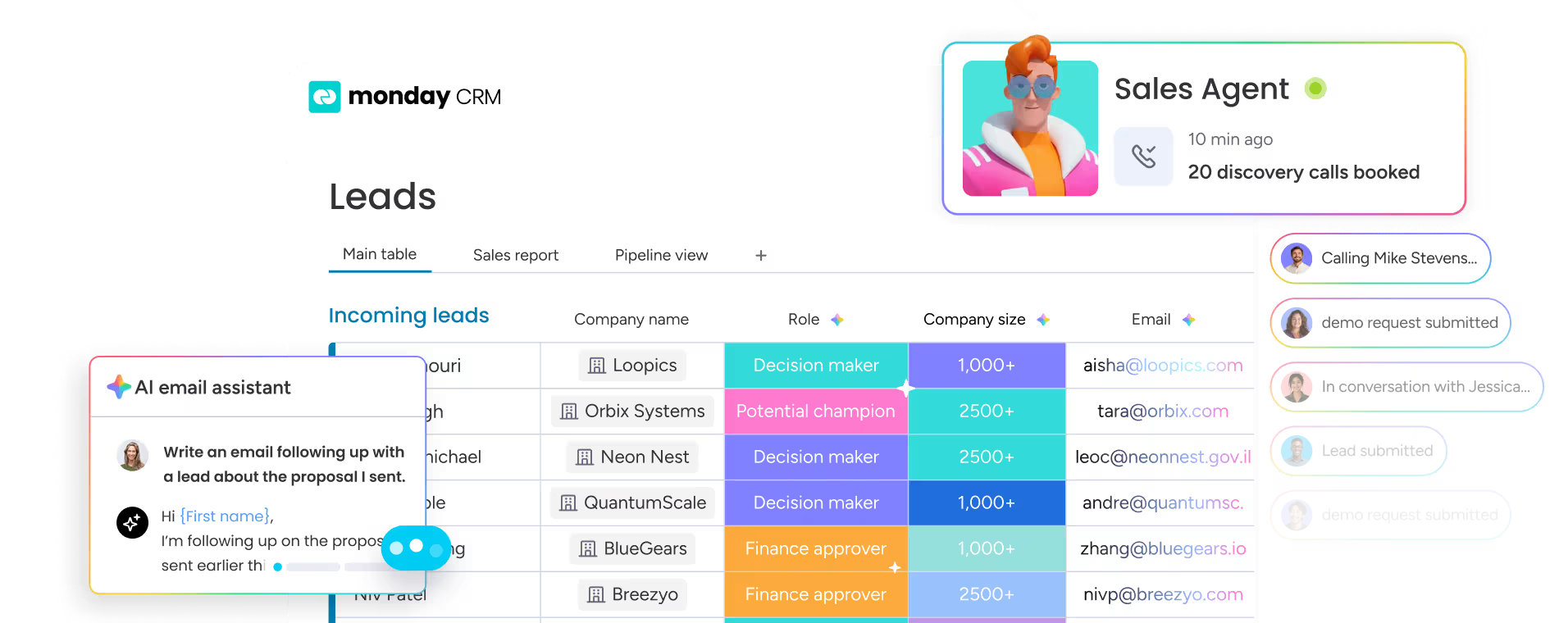
Monday CRM leans heavily into visual clarity. It’s designed for teams that want to see what’s happening without digging.
Pros
Cons
Monday CRM is great for alignment and visibility. Less so for deep analytics or predictive insight.
Also read:
Every tool we just covered does one thing well. It shows you what’s happening. But here’s what it doesn’t do.
It doesn’t help your rep respond to a hesitant buyer.
It doesn’t tell you which objection actually matters.
It doesn’t guide the next conversation.
And that’s where deals are decided. Sales is not won in dashboards. It’s won in moments.
A well-timed follow-up. A sharp response. A better question.
Reporting gives you context. Execution creates outcomes.
Once reporting is in place, the real question becomes: what now? Sybill operates in that gap between insight and action.
Instead of asking reps to interpret dashboards, it brings clarity directly into their workflow.
So instead of dashboards driving behavior, conversations do. And that’s a fundamentally different - and might we say, fundamentally better - way to operate.

Choosing a tool is less about “best” and more about “fit.” Start with where you are.
If you’re early-stage, you don’t need enterprise complexity. If you’re scaling, you can’t rely on basic reporting.
Then look at your data. If your CRM is messy, fix that first. No tool can compensate for bad inputs .
Next, map your stack.
Where does your data live? How does it flow? Your reporting tool should align with that, not fight it.
And finally, be honest about what you need.
Visibility is not enough anymore. The real advantage comes from how quickly your team can act on what they see.
Sales reporting tools are essential. But they are not the advantage. The advantage comes from what you do with the insight.
The teams that win are not the ones with the best dashboards. They’re the ones who act before the dashboard tells them to.
And increasingly, they’re the ones that don’t stop at reporting. They act, with Sybill as their intelligence and execution partner.
The best tool depends on your team size, complexity, and reporting needs. HubSpot and Pipedrive work well for smaller teams that prioritize simplicity. Zoho and monday CRM offer a balance of affordability and functionality for growing teams. Salesforce is best suited for enterprise organizations that need deep customization and advanced forecasting. The key is choosing a tool your team will actually use consistently.
Focus on real-time data, customizable dashboards, predictive forecasting, and strong integrations with your existing stack. Automation is critical to reduce manual data entry, and usability is often more important than feature depth. If your team struggles to adopt the tool, even the most advanced features won’t matter.
They improve performance by providing visibility into pipeline health, identifying bottlenecks, and enabling better forecasting. Managers can use reporting data to coach reps more effectively, while teams can track progress against targets in real time. This allows for faster course correction and more informed decision-making across the sales process .
A CRM stores and manages customer and deal data. Sales reporting tools analyze that data to generate insights and trends. While many CRMs include built-in reporting, dedicated reporting tools often provide deeper analytics, better visualization, and more advanced forecasting capabilities.
Sales reports usually feel inaccurate because the underlying data is incomplete or outdated. Common issues include missing updates, incorrect deal stages, and outdated contact information. Without clean and consistent data inputs, reporting tools cannot produce reliable insights, regardless of how advanced they are.
The best tool depends on your team size, complexity, and reporting needs. HubSpot and Pipedrive work well for smaller teams that prioritize simplicity. Zoho and monday CRM offer a balance of affordability and functionality for growing teams. Salesforce is best suited for enterprise organizations that need deep customization and advanced forecasting. The key is choosing a tool your team will actually use consistently.
Focus on real-time data, customizable dashboards, predictive forecasting, and strong integrations with your existing stack. Automation is critical to reduce manual data entry, and usability is often more important than feature depth. If your team struggles to adopt the tool, even the most advanced features won’t matter.
They improve performance by providing visibility into pipeline health, identifying bottlenecks, and enabling better forecasting. Managers can use reporting data to coach reps more effectively, while teams can track progress against targets in real time. This allows for faster course correction and more informed decision-making across the sales process.








